The Mixos suite
Your apps. Pick where to start.
Model, paint, texture, sculpt or build a logo. Choose a tool to begin; one account connects your work across the suite.
Your libraryApps
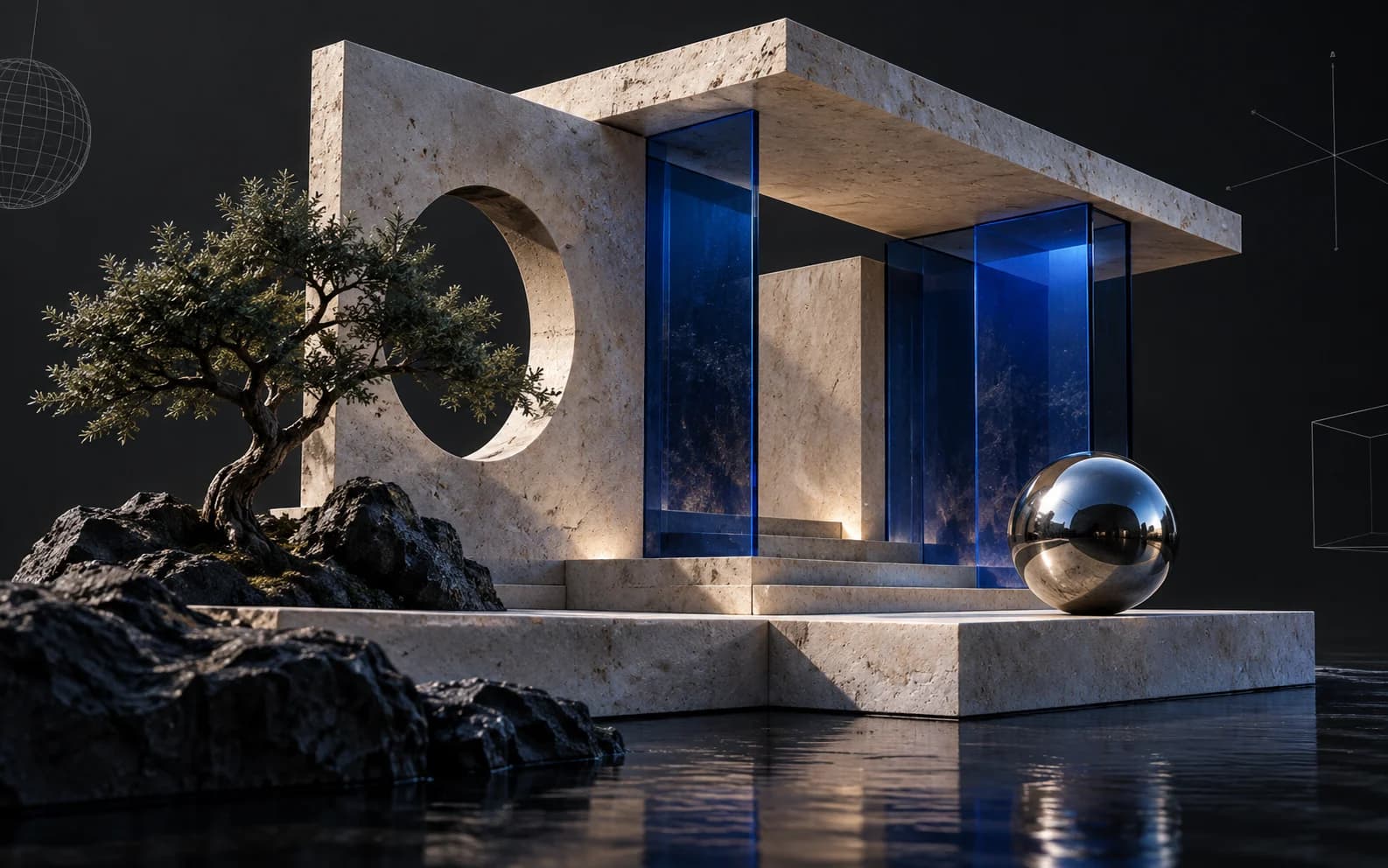

Scene assembly, modeling & animation
Assemble a shot: a real scene graph with parenting and transforms, polygon modeling on a half-edge core, and keyframe animation on a timeline — with an assistant that can drive all of it.
Open Studio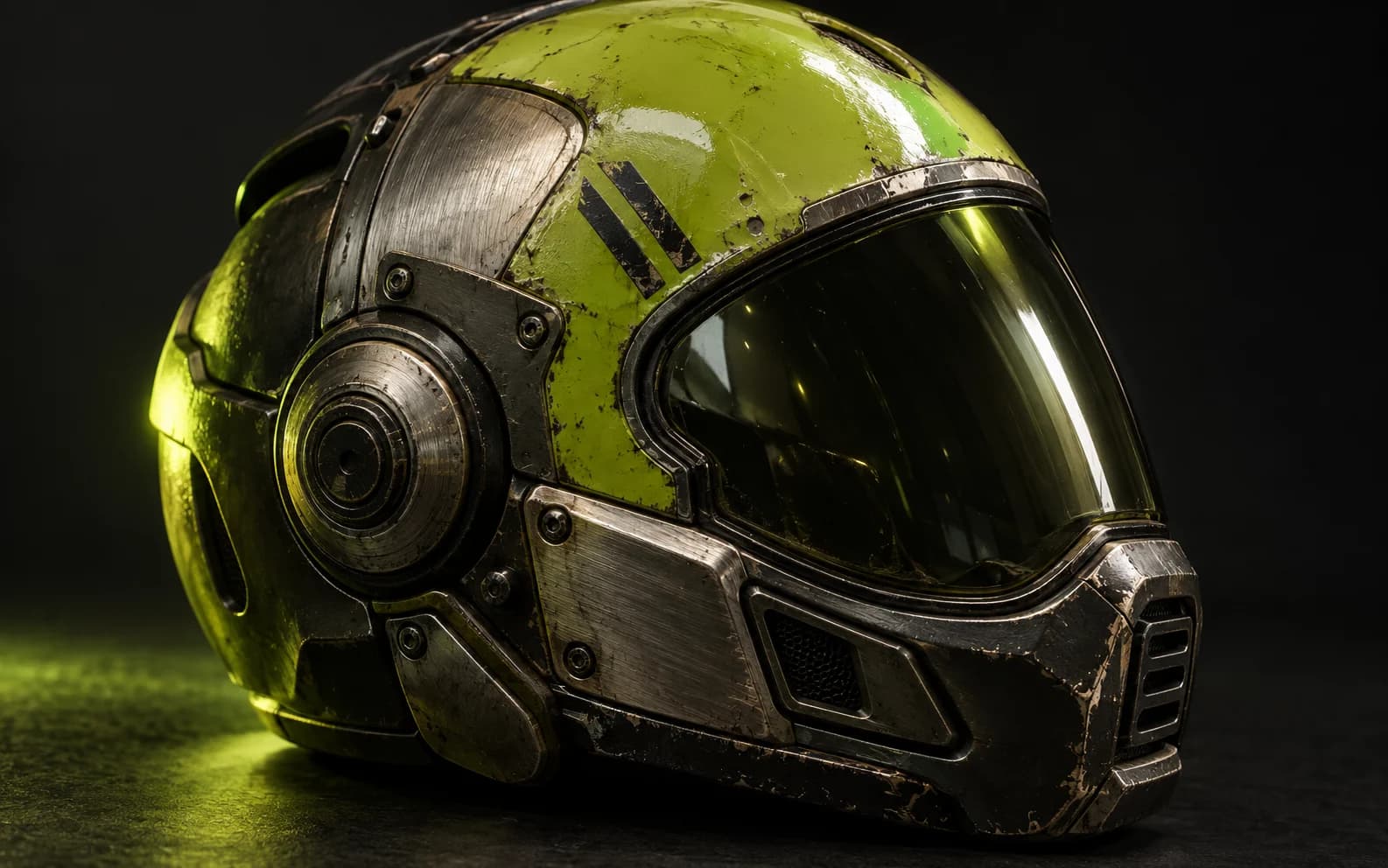

3D texture painting
Import a mesh and paint, layer, and mask production PBR materials right on it — then export clean map sets for any engine.
Open Paint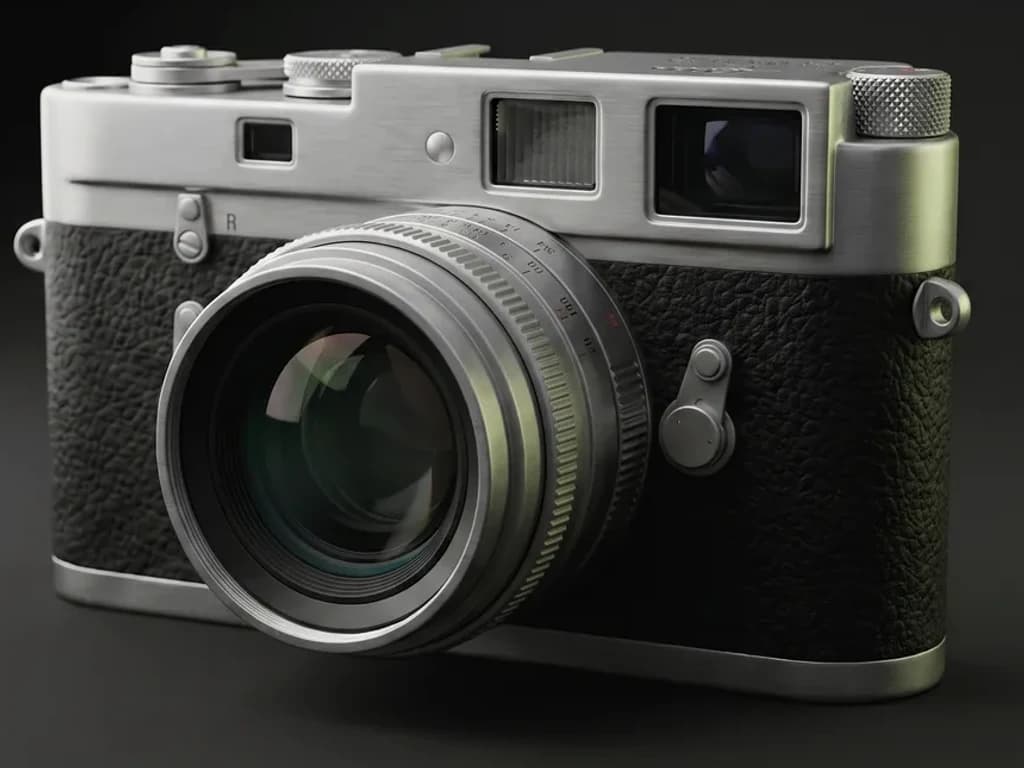

AI auto-texture
Describe a look in one prompt and Auto textures your whole model — editable PBR maps and a textured GLB, projected onto the real geometry.
Open Auto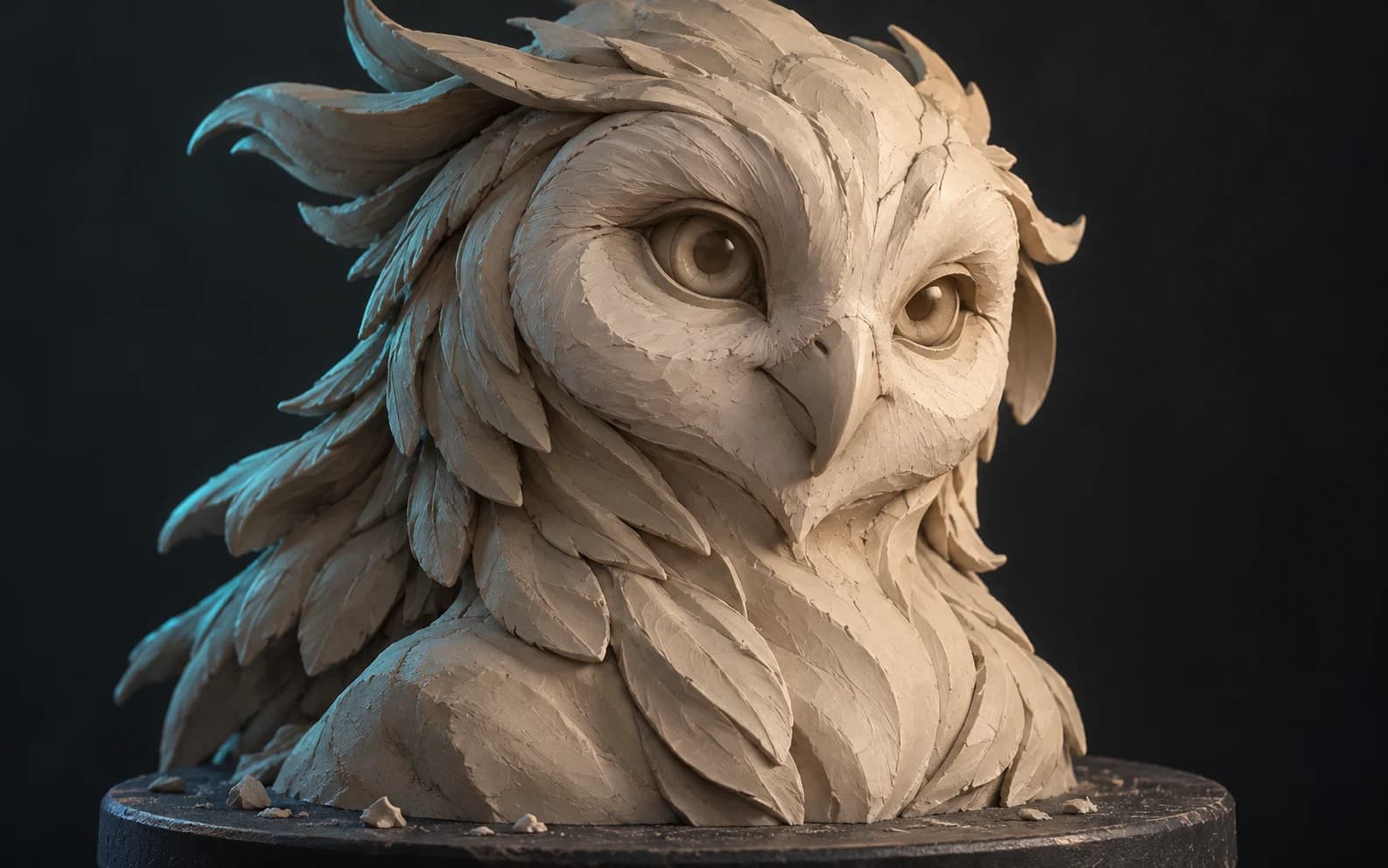

3D sculpting
Sculpt organic form directly on the GPU — subdivide, push, pull, and smooth clay with pressure brushes, then hand the mesh to Paint to texture.
Open Mold

AI 3D logo design
Turn a flat mark — yours or one described to an AI — into a stack of real extruded 3D layers, then give it metal, glass or neon, light it, and render a still or a turntable.
Open Logo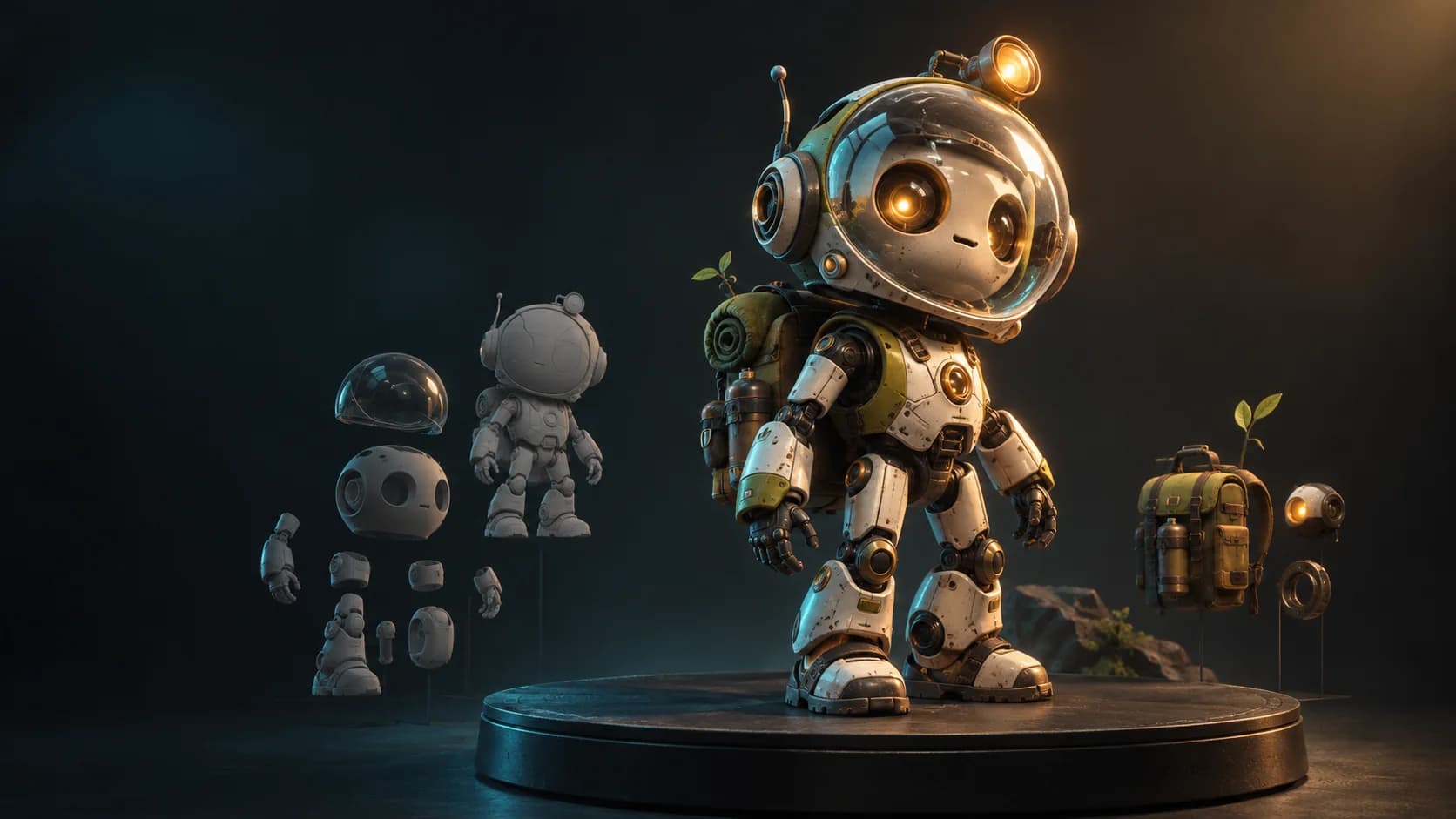

Chat-first creative agent
Describe a scene, a product shot or a textured model in plain words and Mixos AI builds it in the real apps — then open any result in its app to tweak it by hand.
Open Mixos AI