


Studio
Build your world.
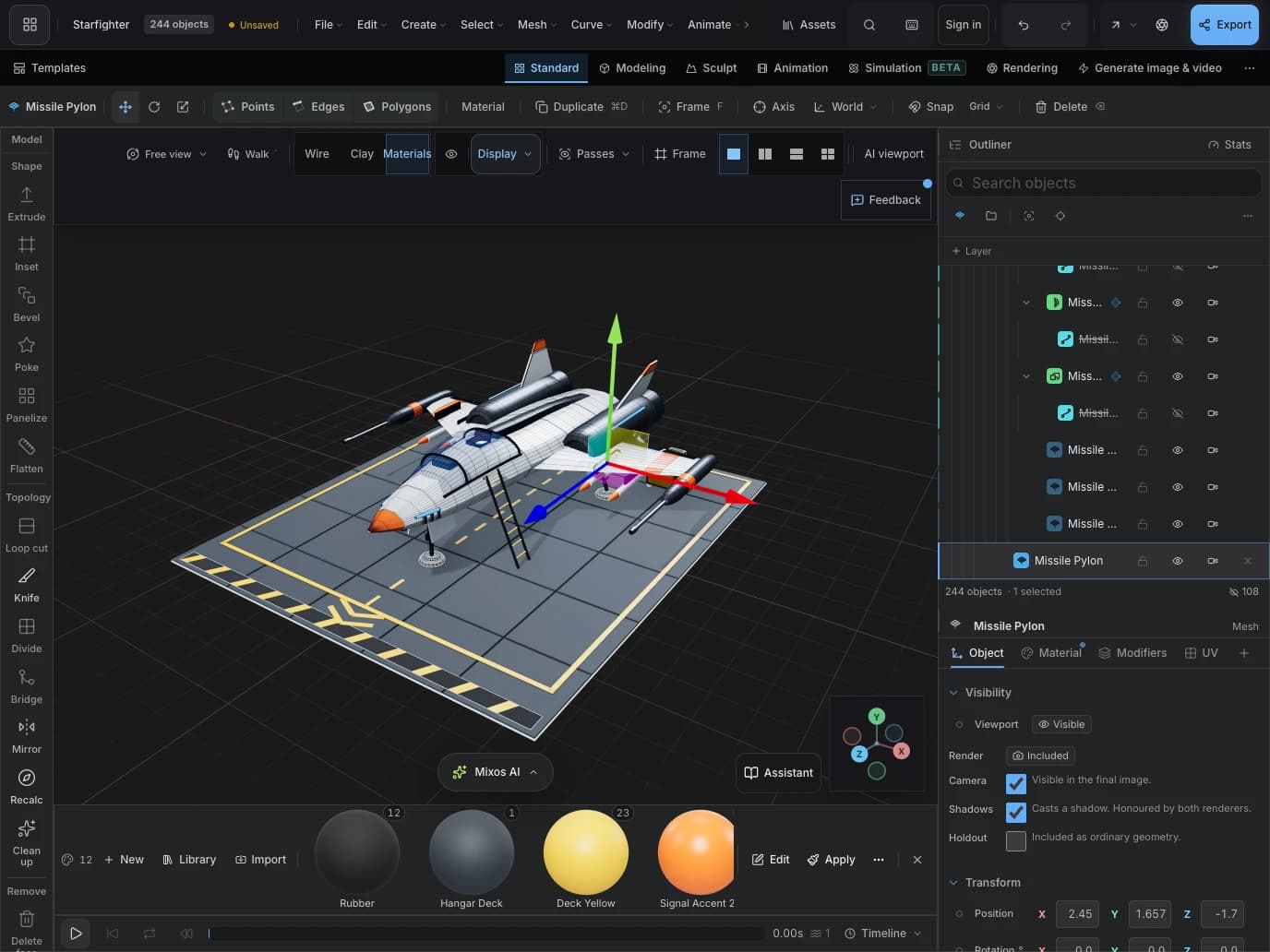
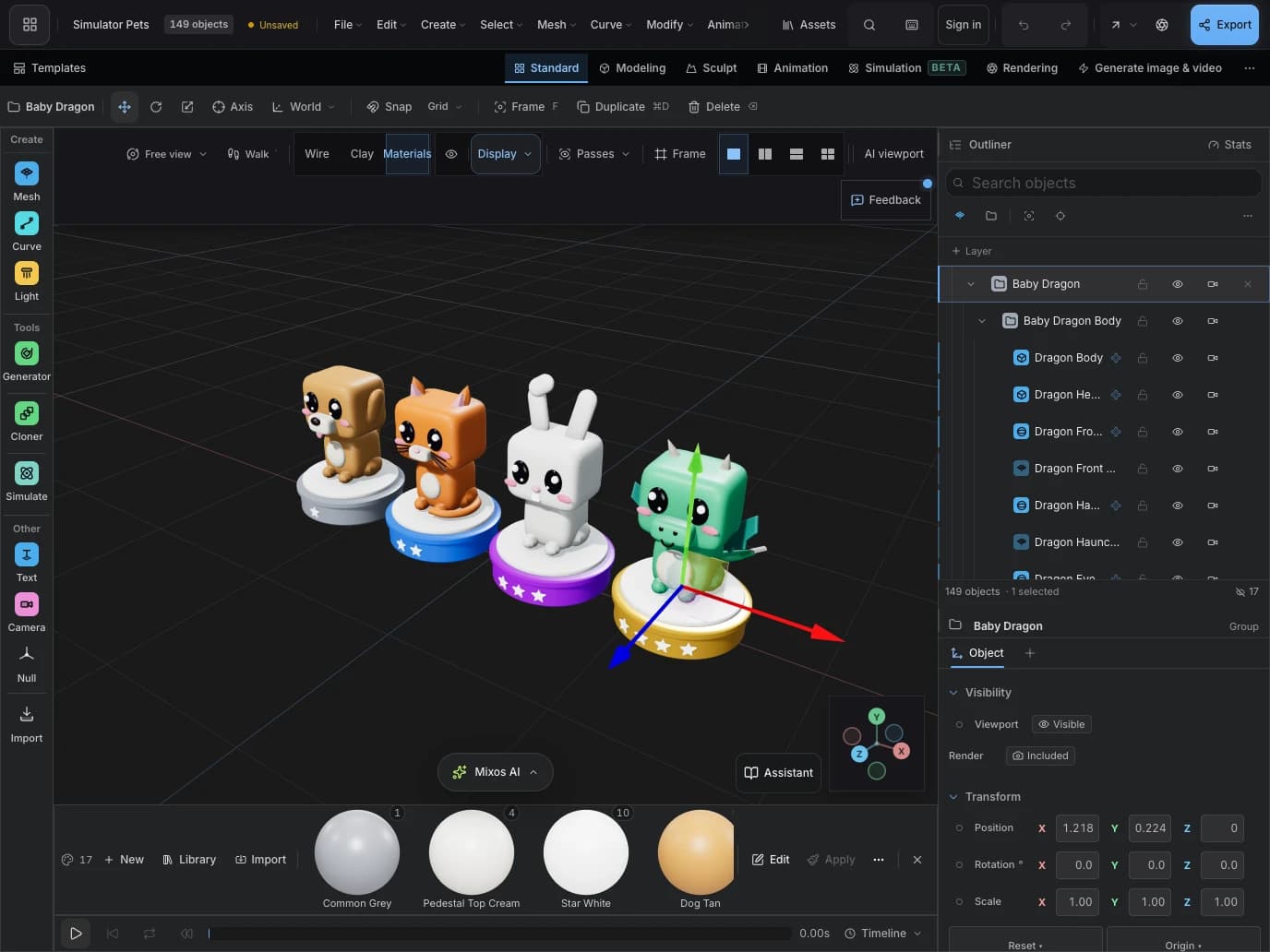
Model on the mesh. Arrange a scene. Light the shot and bring it to life with keyframe animation.
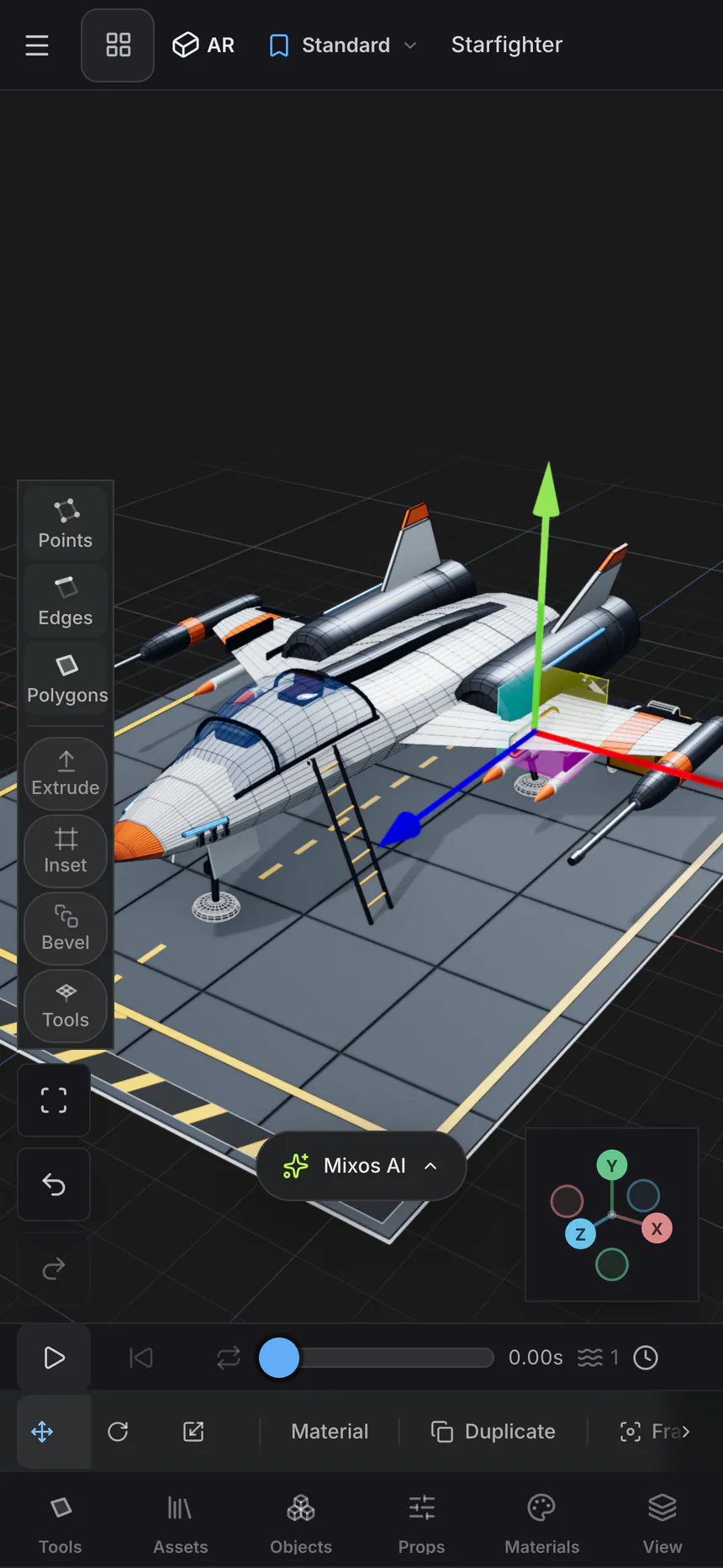
Mixos for iPhone & iPad
A whole 3D studio, wherever inspiration finds you. Model, sculpt, paint and create with the device already in your hands.
Free download · In-app purchases · iOS 26 or later
Small screen. Serious creative tools.
From the first shape to the final surface, four creative apps give every part of your idea a place to grow.
Studio
Model on the mesh. Arrange a scene. Light the shot and bring it to life with keyframe animation.
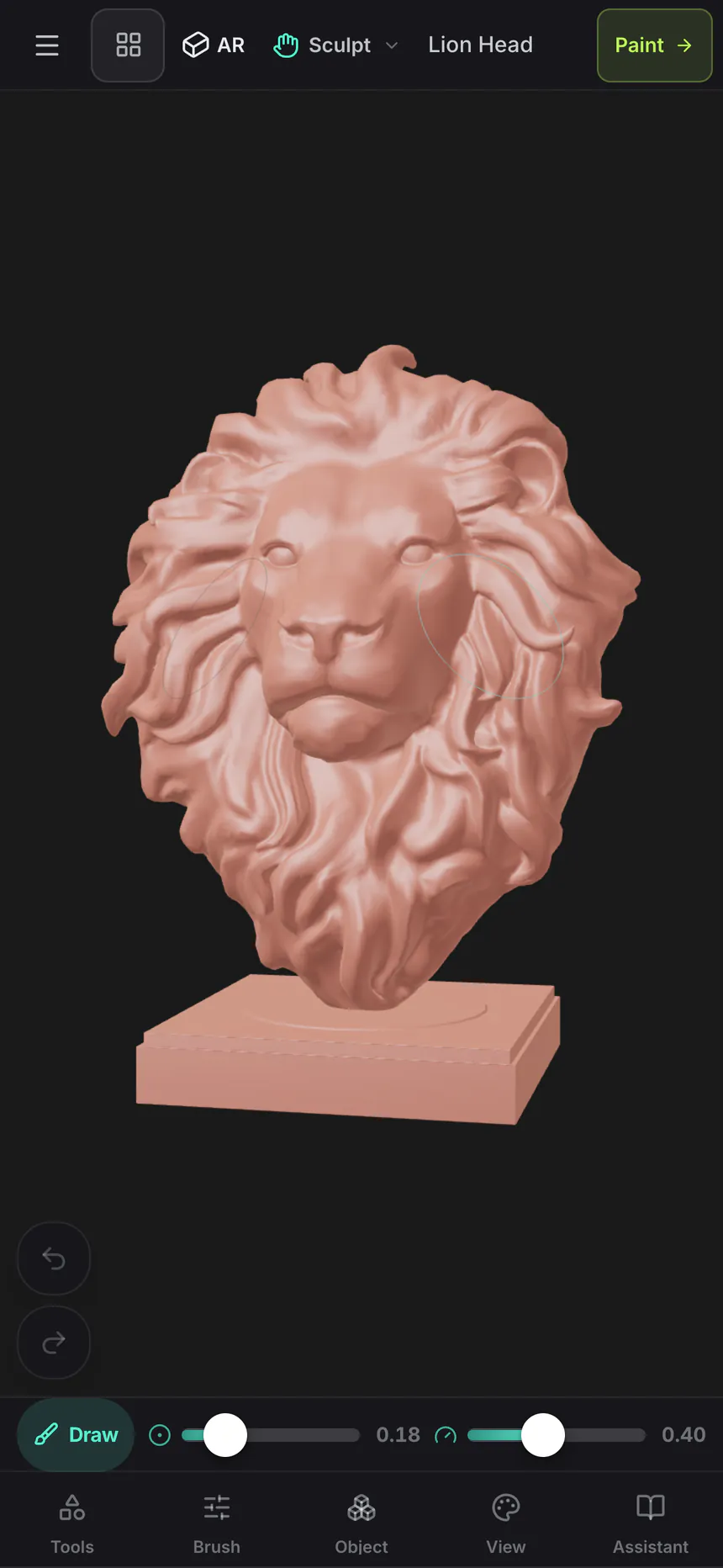
Mold
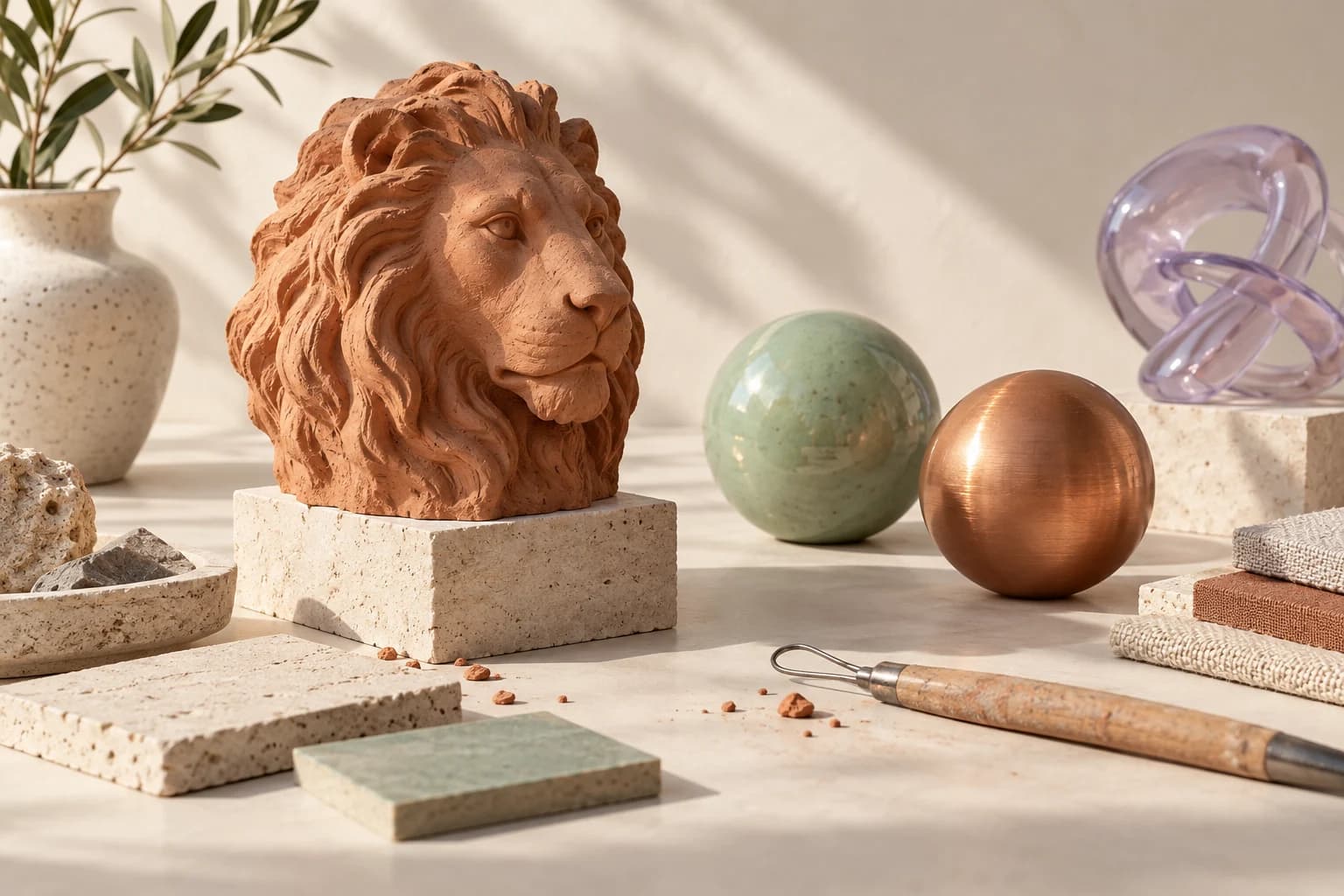
Push, pull and smooth your sculpt. Shape the silhouette, then work your way into the details.
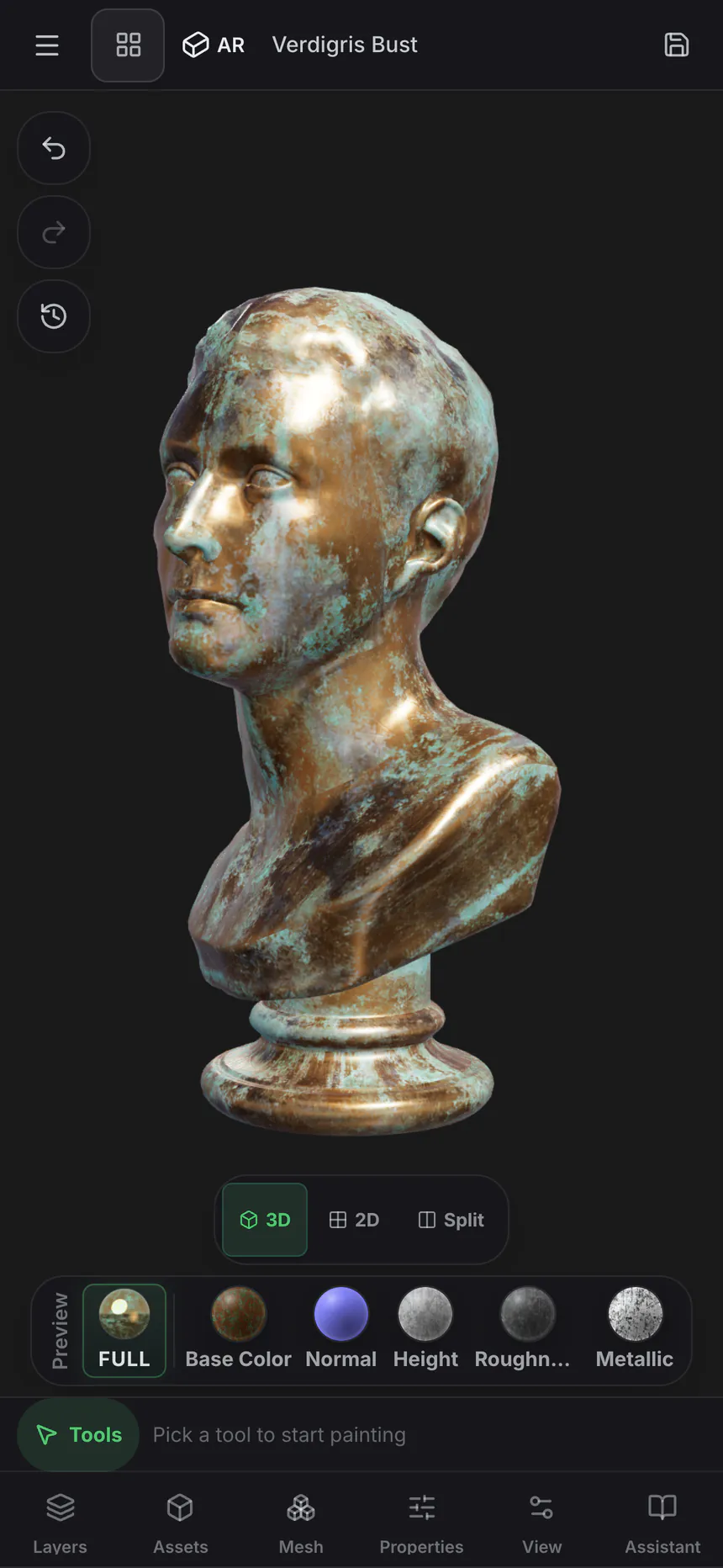
Paint
Paint directly onto your model. Build rich PBR surfaces with layers, materials and masks.
Logo
Take a flat mark into three dimensions. Add depth, bevel the edges and make every layer your own.
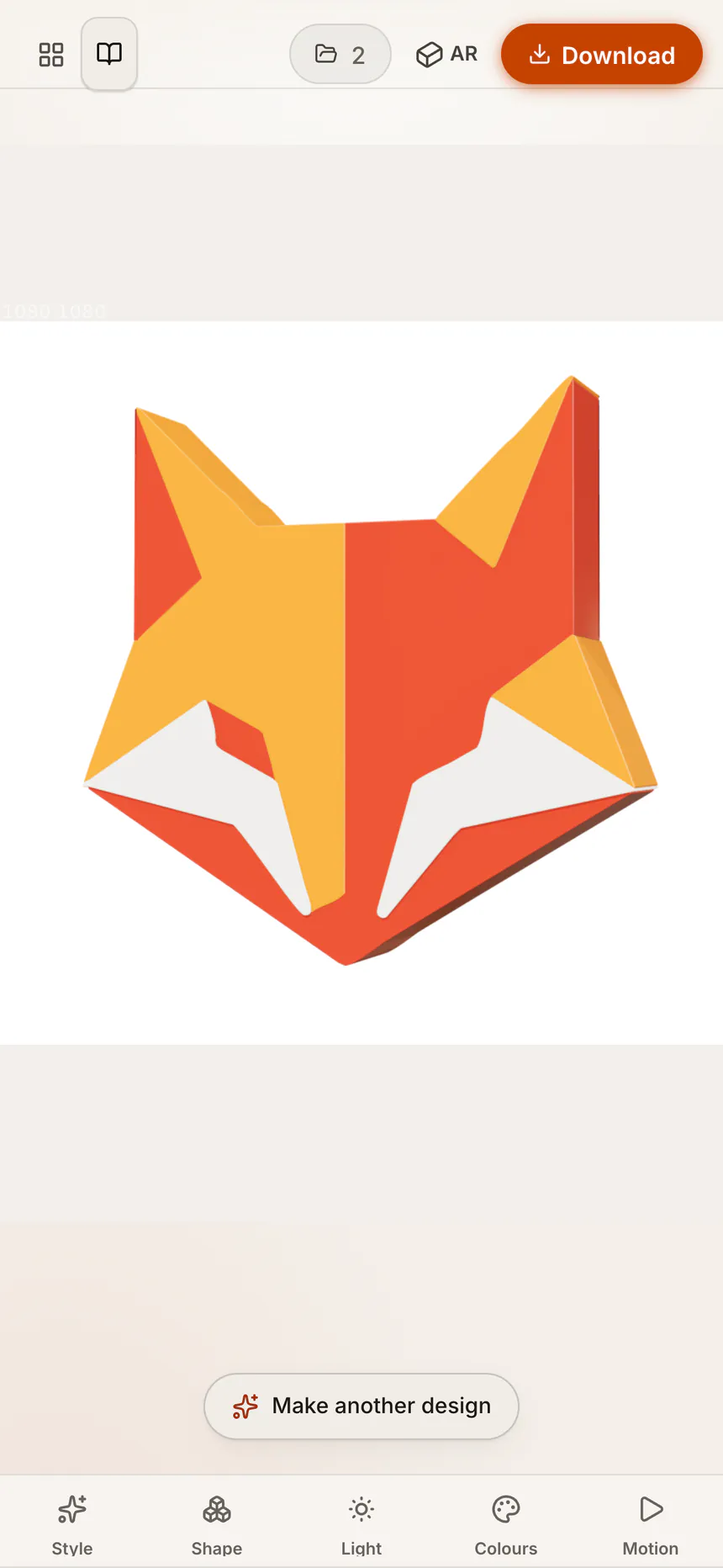
Screenshots from Mixos on iPhone.
Room to go deeper
Spread out on iPad. Keep your scene, materials and tools in view, and get hands-on with touch or Apple Pencil.
Keep the idea moving
Start with a sculpt in Mold. Send it to Paint to find the perfect finish. Build a scene in Studio. Your creative process doesn’t have to stop at the edge of one tool.
Creative artwork generated with ChatGPT.
Beyond the canvas
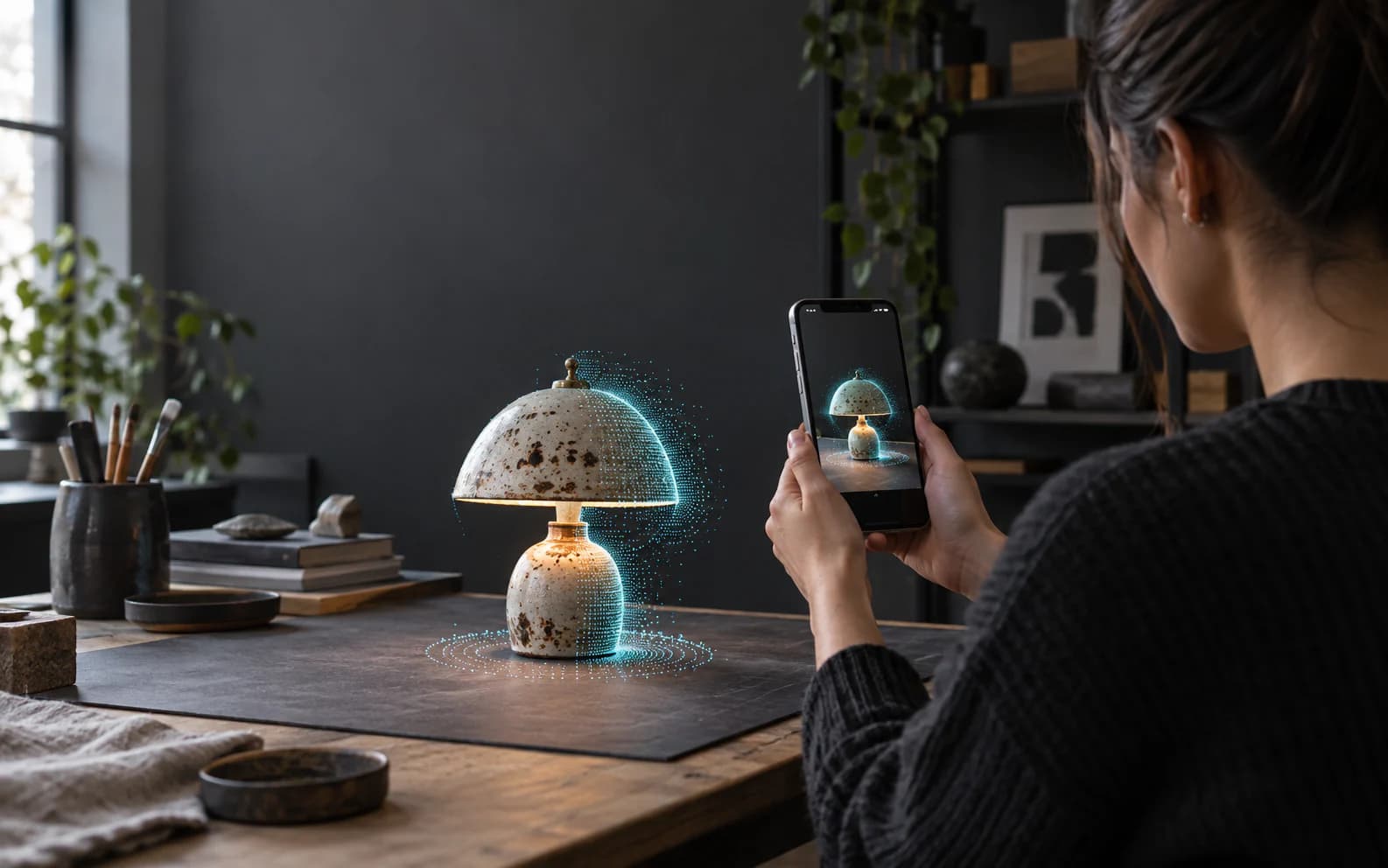
Mixos Scan
Capture objects and spaces on a compatible iPhone, then take your scan into Studio or Paint.
Explore ScanSave to your Mixos account. Continue on your phone, your iPad or a supported desktop browser.
Open Mixos in your browserImport your models. Build on what you already have, and export finished work with Pro or Max.
Explore plansFind your creative workflow
Mixos requires iOS 26 or iPadOS 26 or later. Check the App Store listing for compatibility with your device. Scan features have additional camera and hardware requirements, explained on the Scan pages.
Yes. Mixos is free to download and offers in-app purchases. You need a Mixos account to save your work. Exporting finished files requires Pro or Max, and AI generation uses credits. See the App Store listing for current plans and terms.
Yes. Projects saved to your Mixos account are available when you sign in on another device. Open Mixos in a supported desktop browser and pick up your saved work.
Yes. Import models into the creative apps, work on them with the touch interface, and save your projects. Supported formats include GLB, glTF, FBX, OBJ and STL.

Your next idea starts here
iPhone & iPad · iOS 26 or later
Free download. In-app purchases available.