


Real-time PBR texturing, in your browser

Your texturing studio lives in a browser tab.

Import a mesh, paint and layer production-ready PBR materials in real time, then export clean map sets for Cinema 4D, Blender, Unreal, and Unity. No download, no drivers, no license — open a URL and you are texturing.

Brand-new community — join early and we're happy to comp free membership for a while for genuinely great feedback.

60fps
WebGPU viewport
4K
PBR export
2,600+
materials
mixos.io/editor
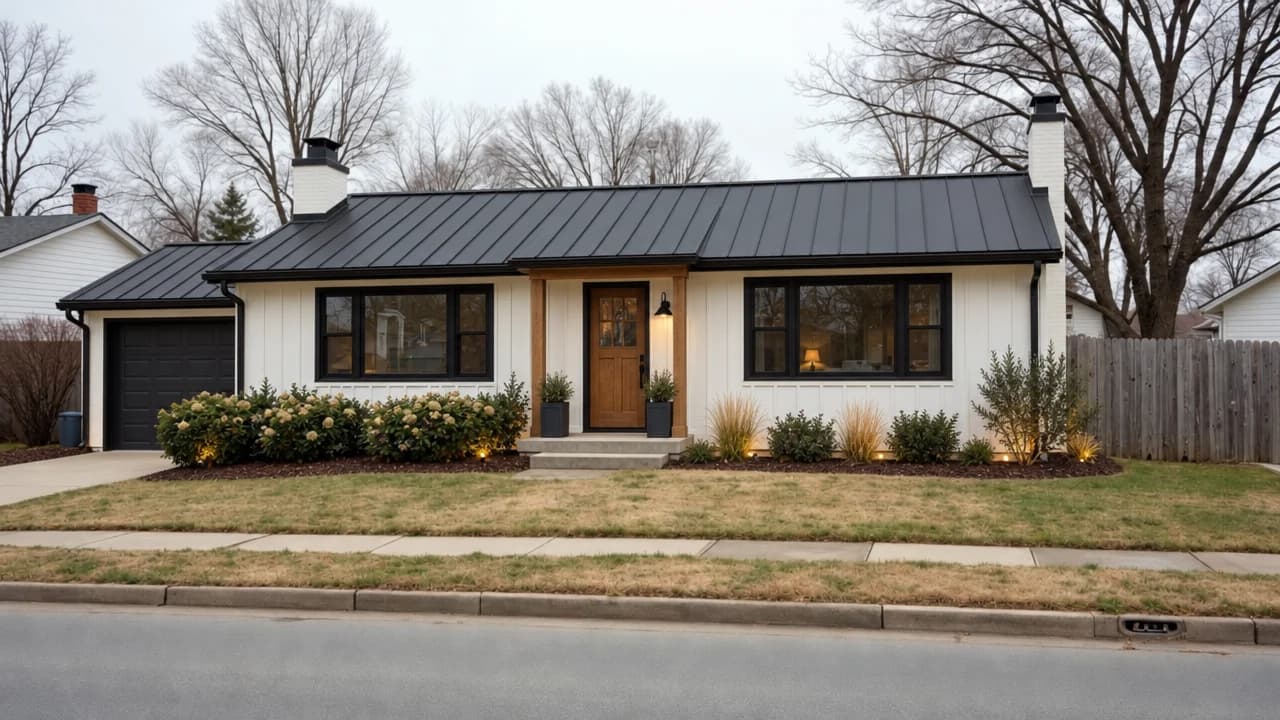
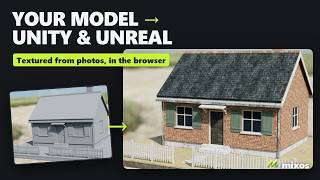
The Mixos editor running in a browser tab: a cottage fully textured with rich PBR materials — stone, timber, mossy shingles, brick and glowing windows — in the viewport, with the layer stack on the left and channel properties on the right.
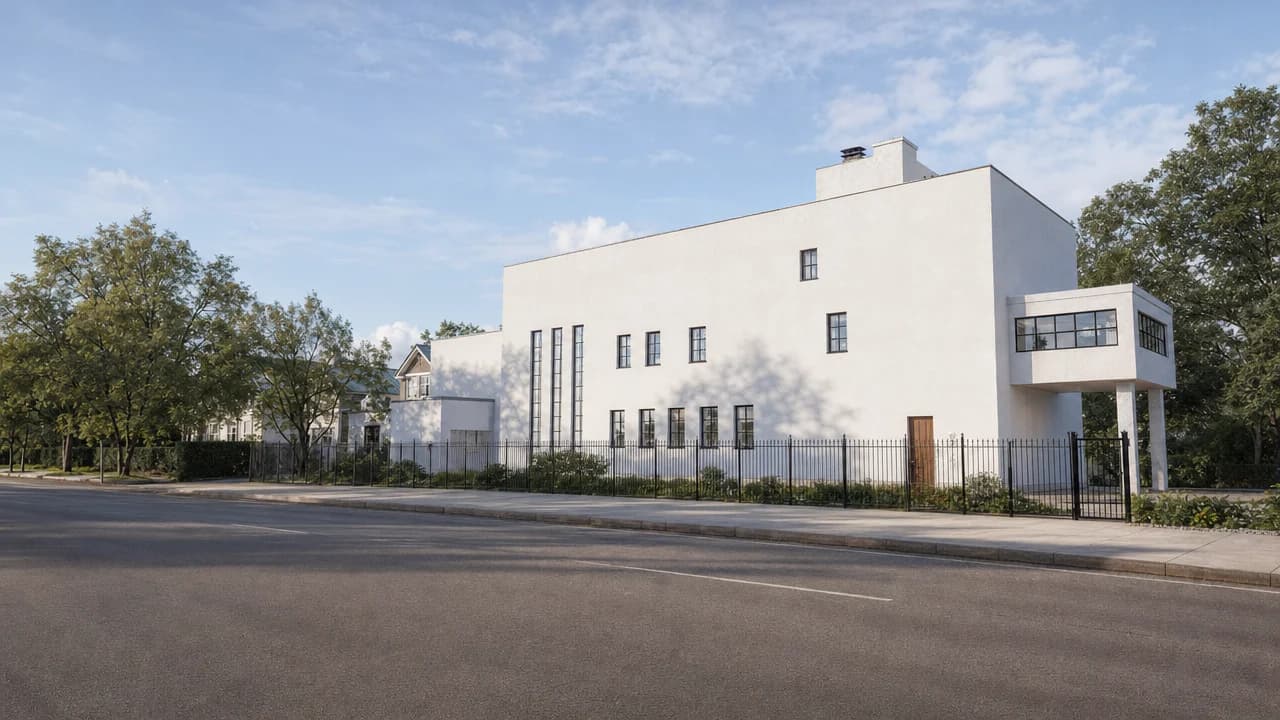
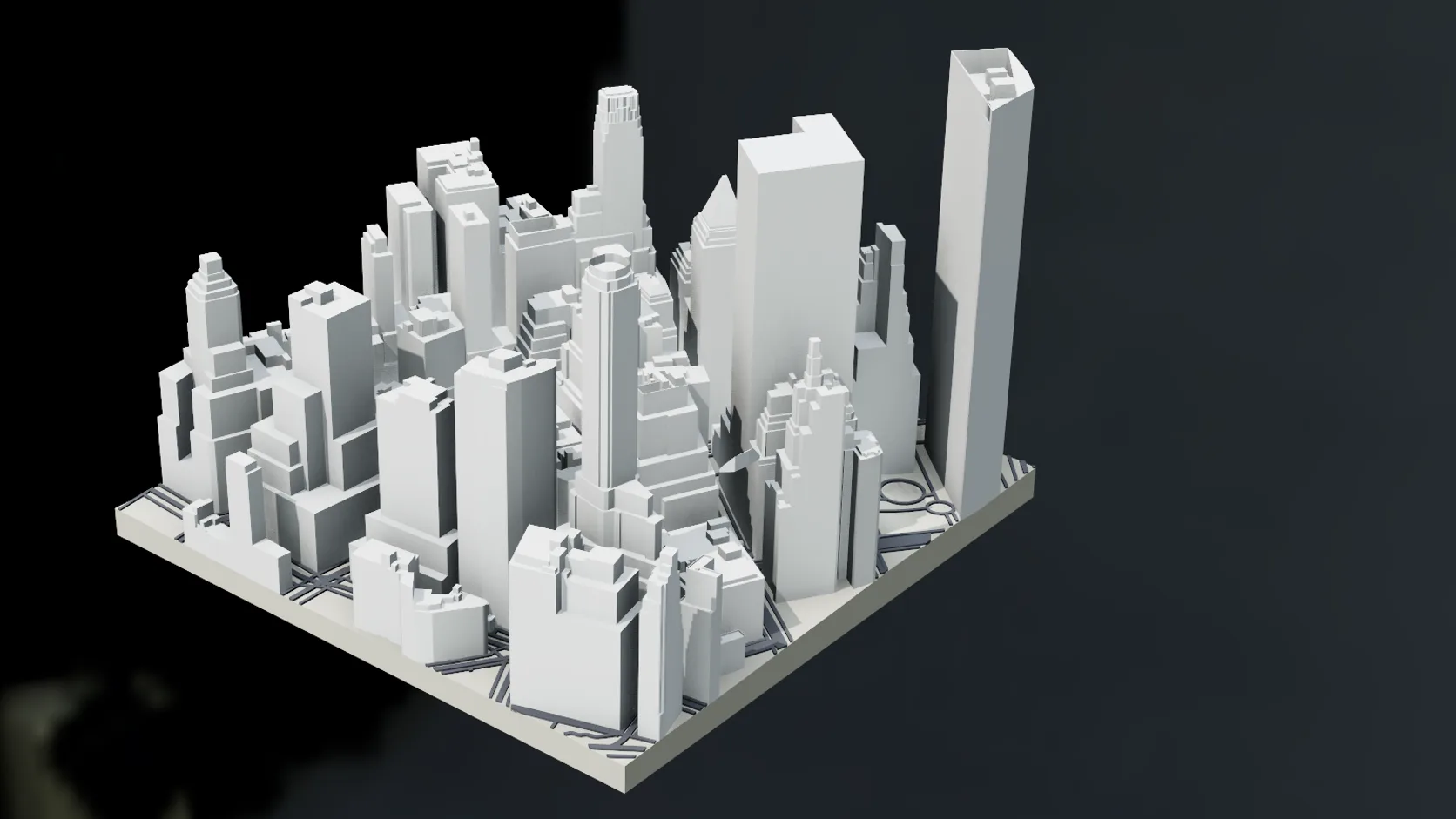
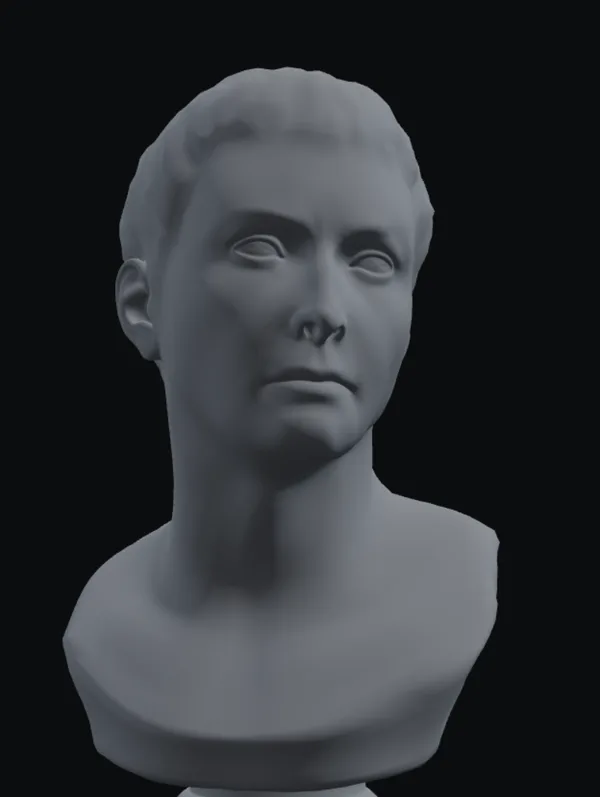
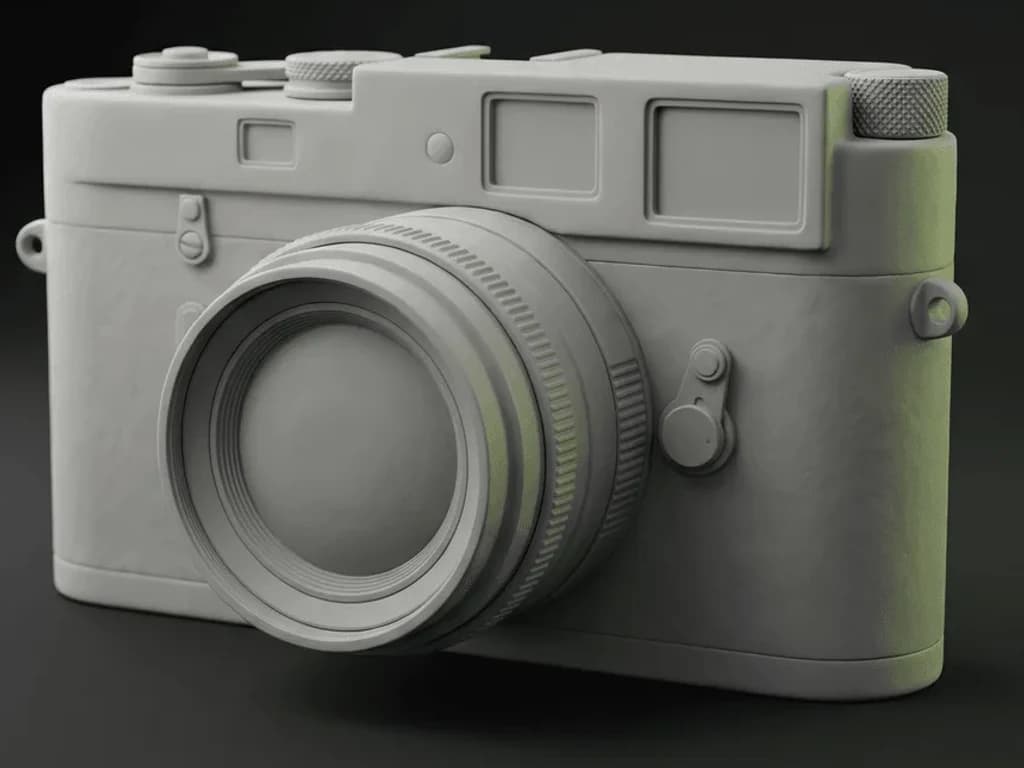
The same cottage shown as a raw untextured grey default-material mesh, before any painting.
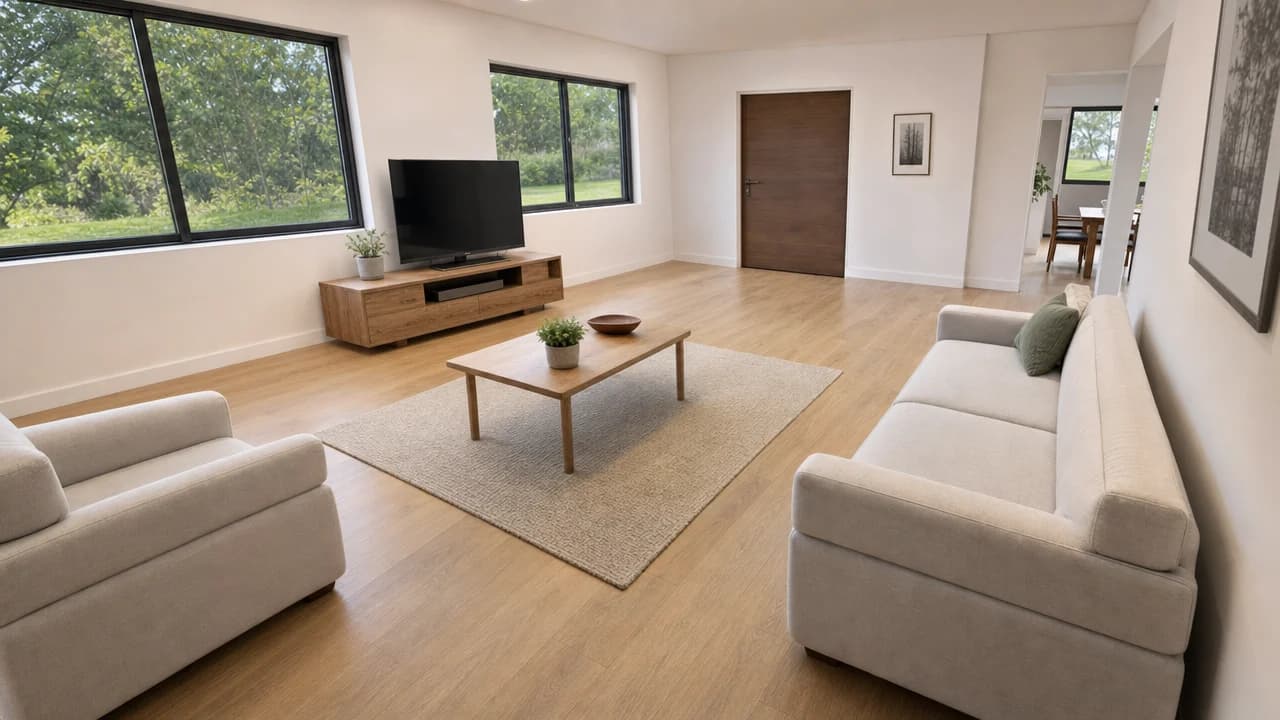
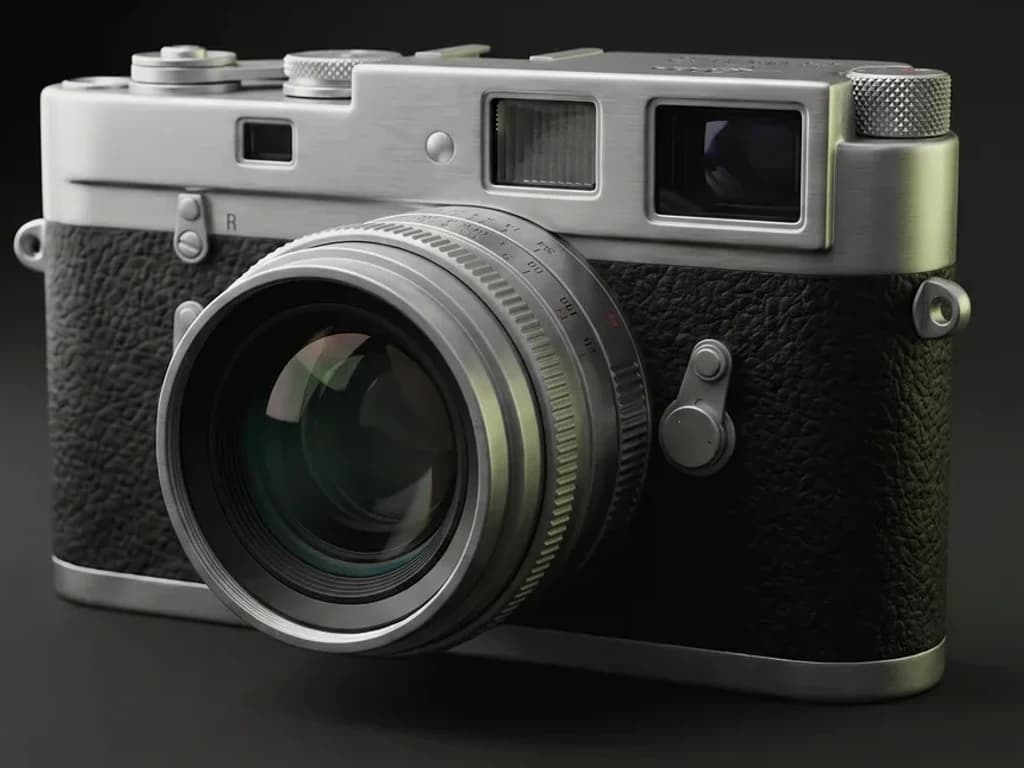
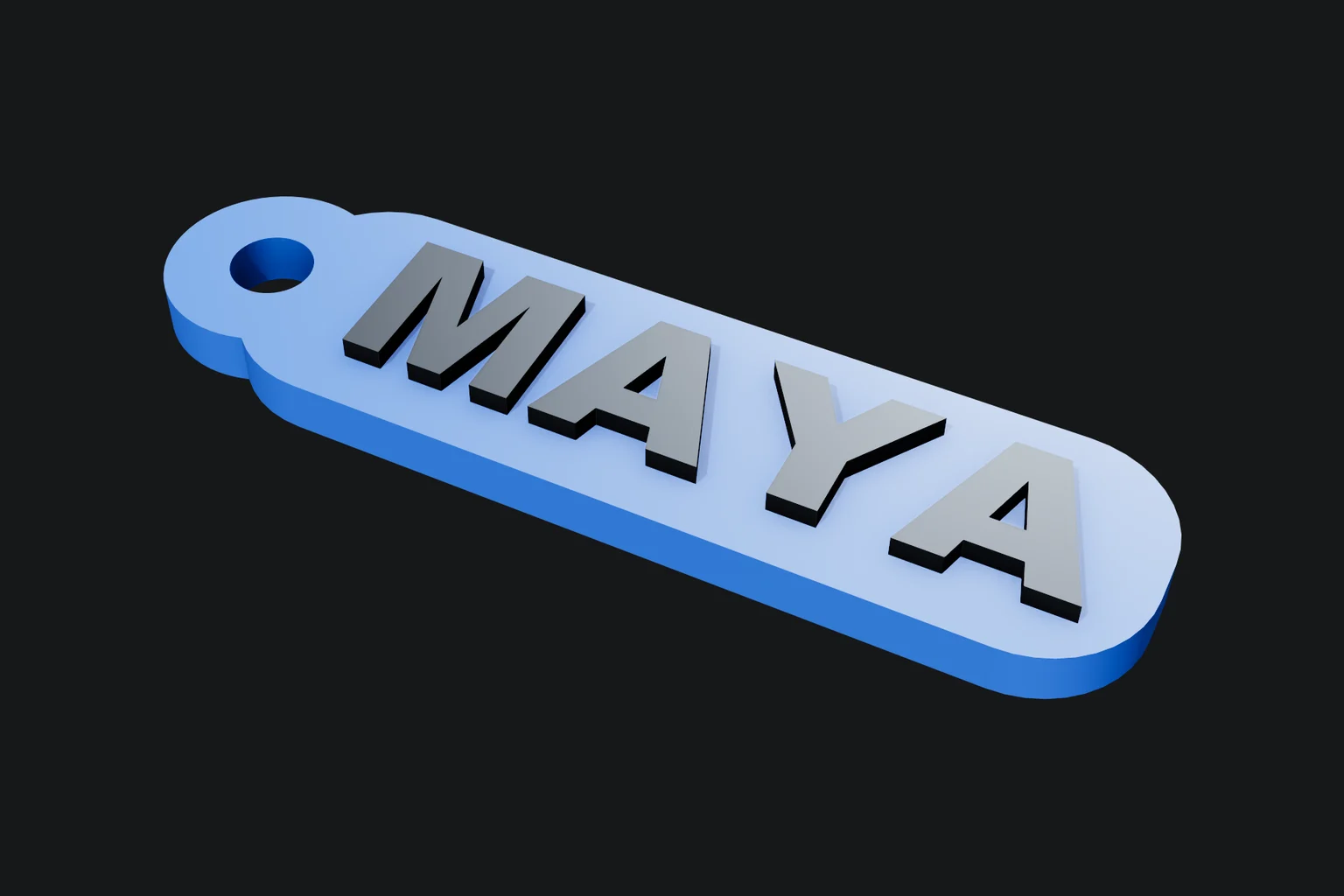
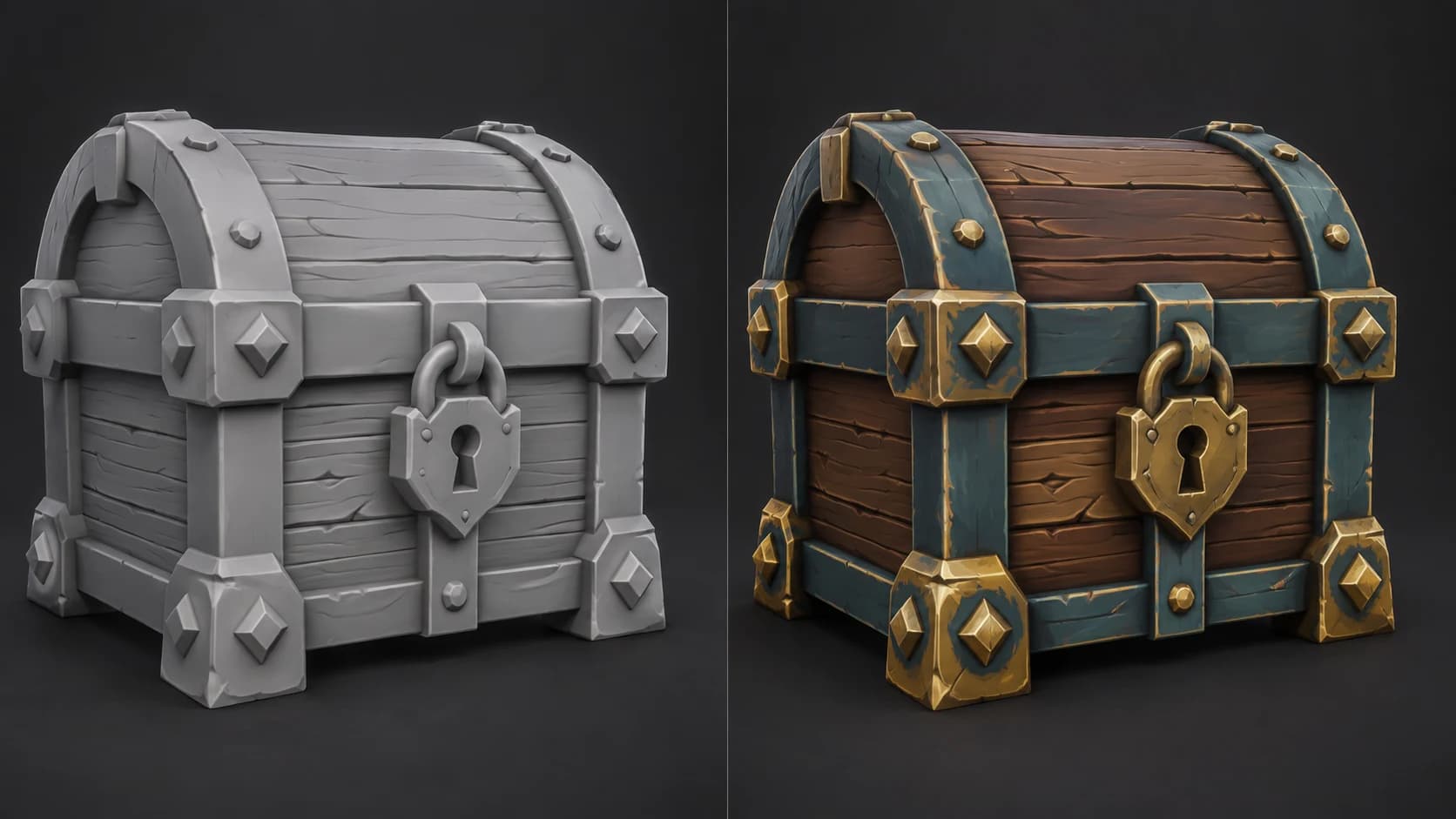
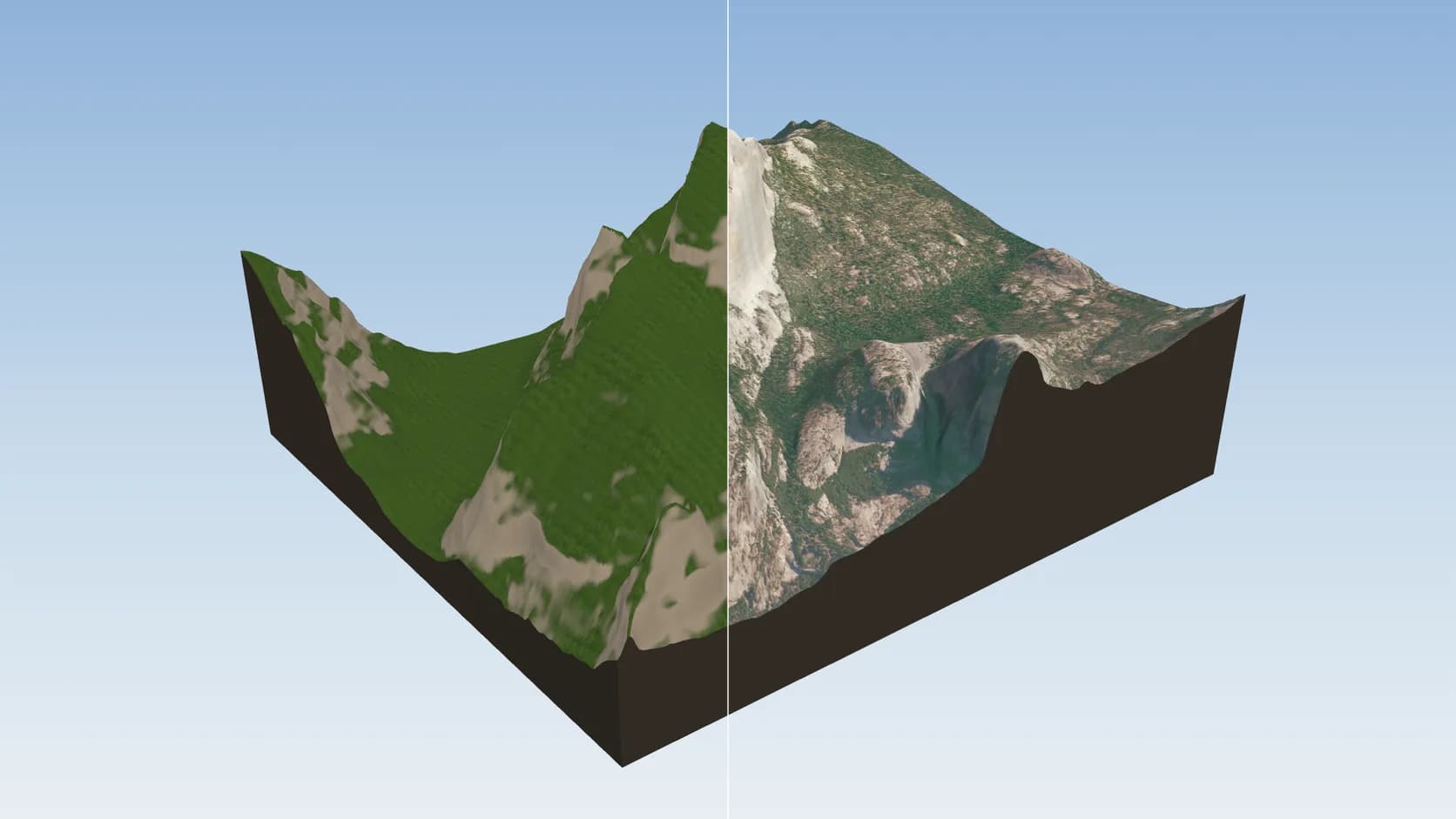
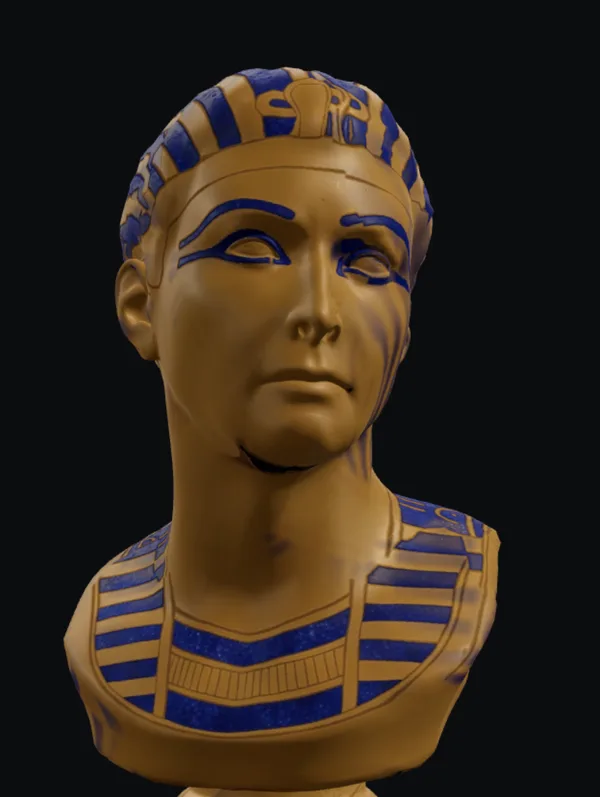
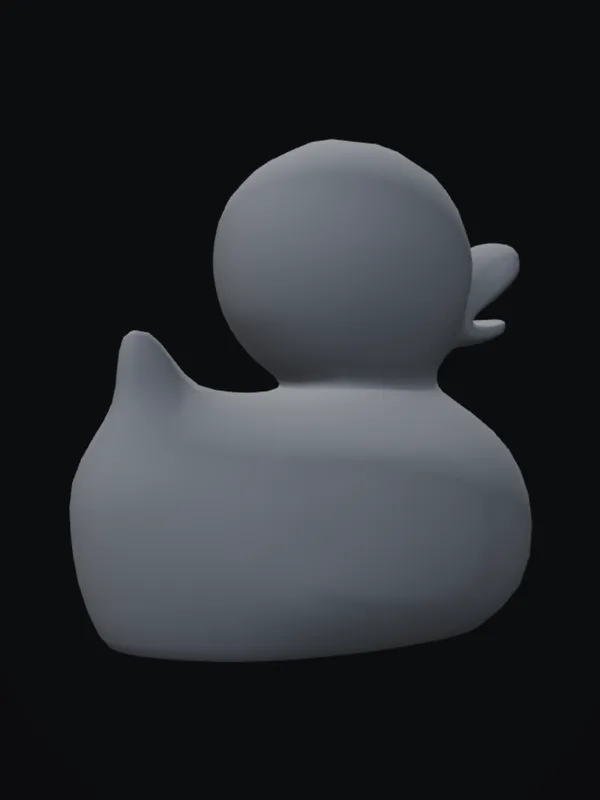
ShadedTextured
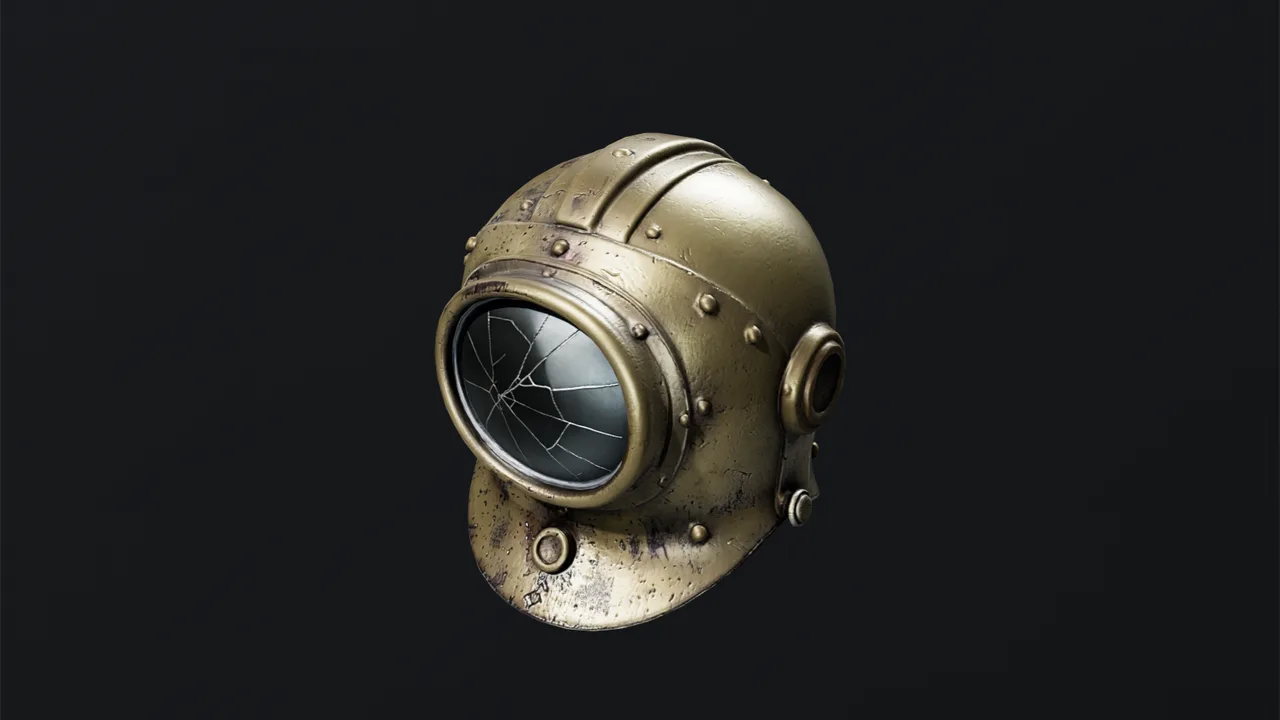
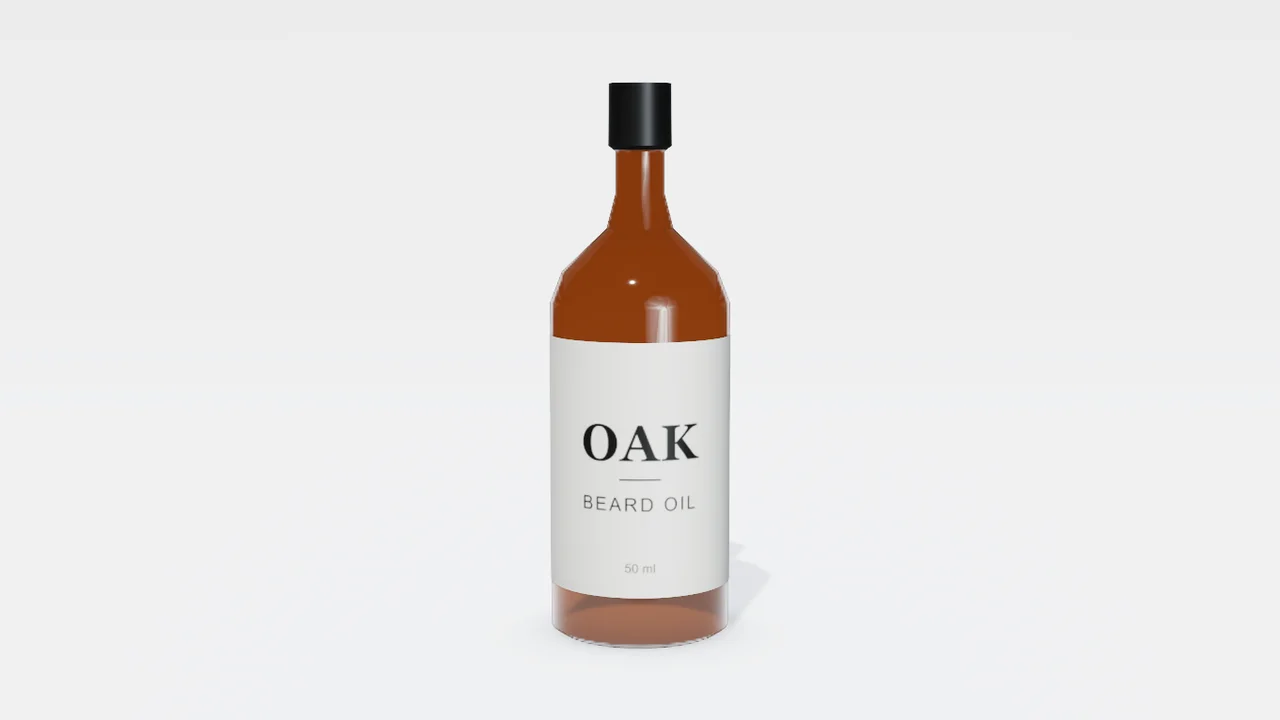
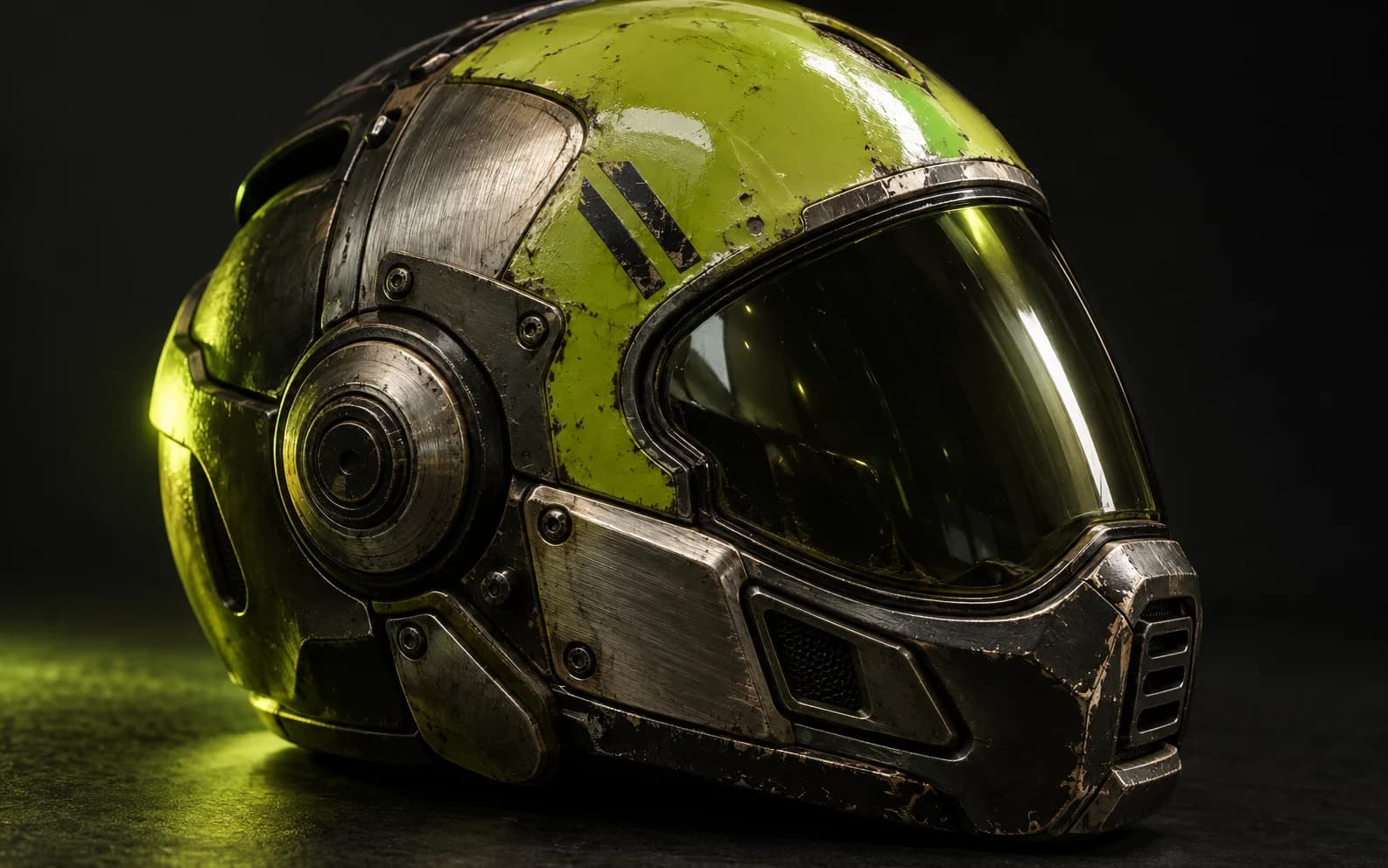
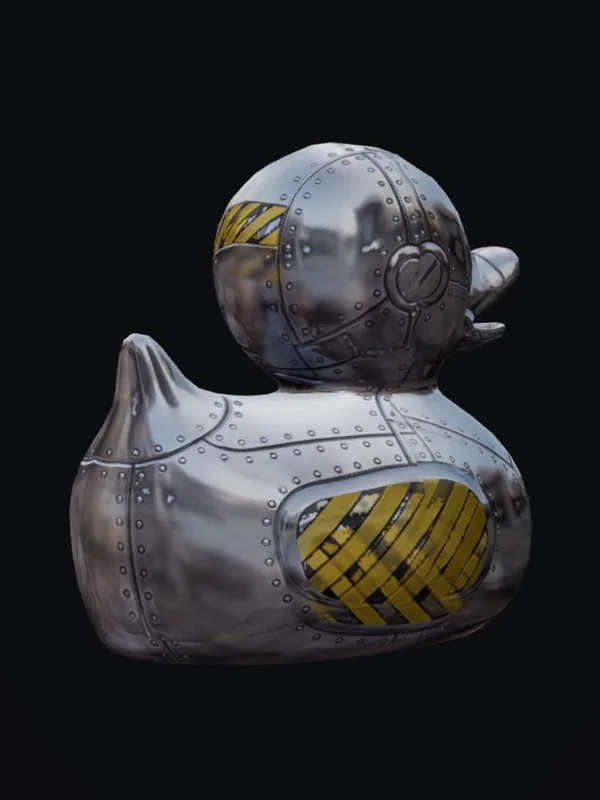
scratched gunmetal with lime decals Texture

Featured on

  • BlenderNation
  • CG Channel
  • Three.js Resources
  • modelinghappy
  • askNK

The Mixos suite

Three apps. One studio.

Every surface job gets its own focused app — painting a model, mixing a tileable material, or auto-texturing with AI. They share one document, so work moves between them in a click.

Studio

3D texture painting

The full editor. Import a mesh and paint, layer, and mask production PBR materials directly on it — then export clean map sets for any engine.

Blend

Material mixer

Stack and height-blend PBR materials into a seamless, tileable surface — no mesh, no UVs, no setup. One click hands the stack to Studio.

Auto

AI auto-texture

Describe a look in one prompt and Auto textures your whole model — editable PBR maps and a textured GLB, projected over the real geometry.

Maps that drop into

  • Cinema 4D
  • Blender
  • Unreal
  • Unity
  • Godot
  • Houdini
  • Maya
  • glTF

See it in action

A walkthrough, from someone who tried it.

Creator askNK took Mixos for a spin and walked through it start to finish.

Video by askNK — go subscribe for more.

Auto · One-click Auto-Texture

Describe a look. Texture the whole model in one click.

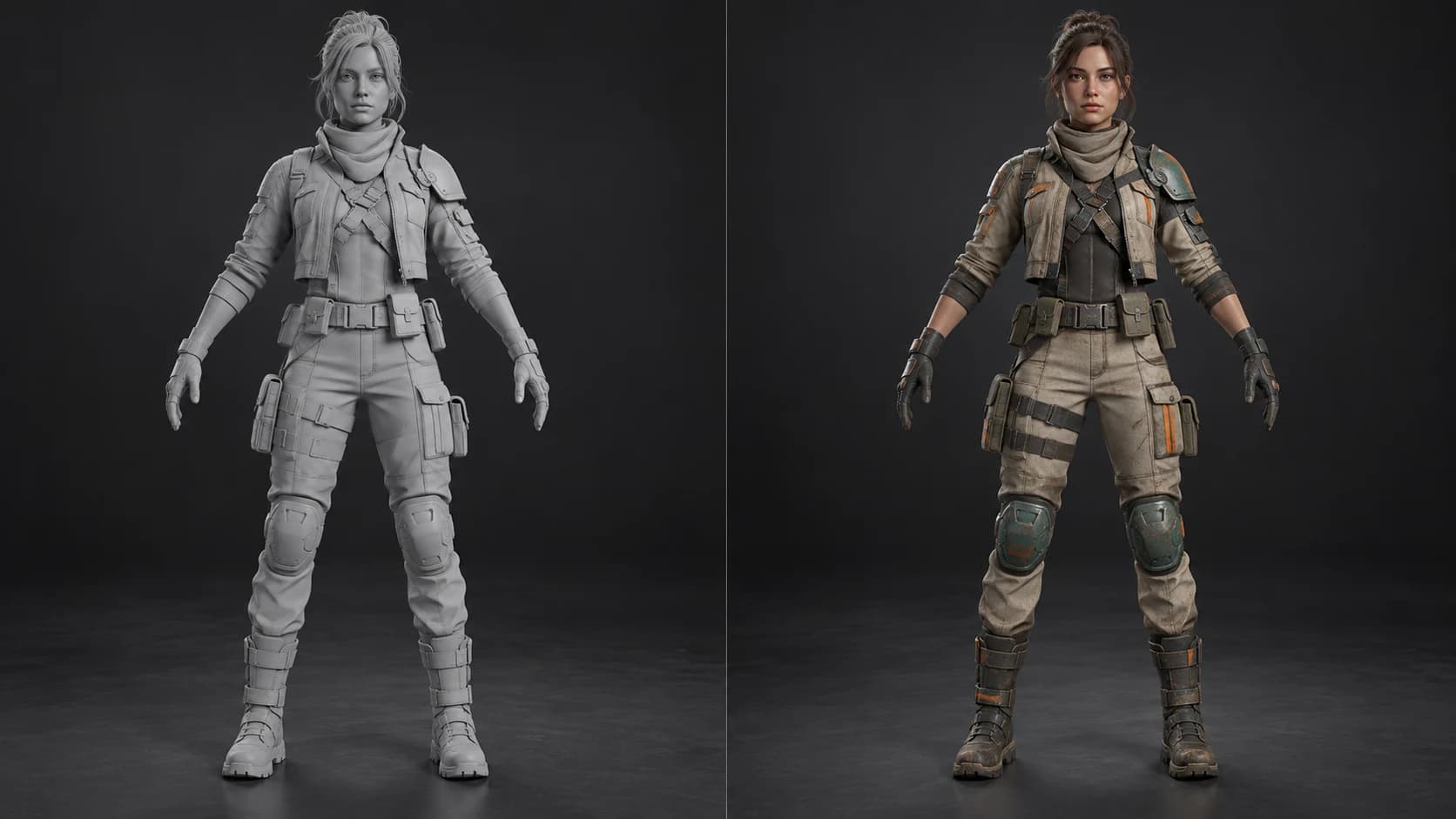
Auto imports your mesh, renders it from every angle, generates consistent materials from a few words, and projects them back onto your UVs — then hands you fully editable PBR layers to refine.

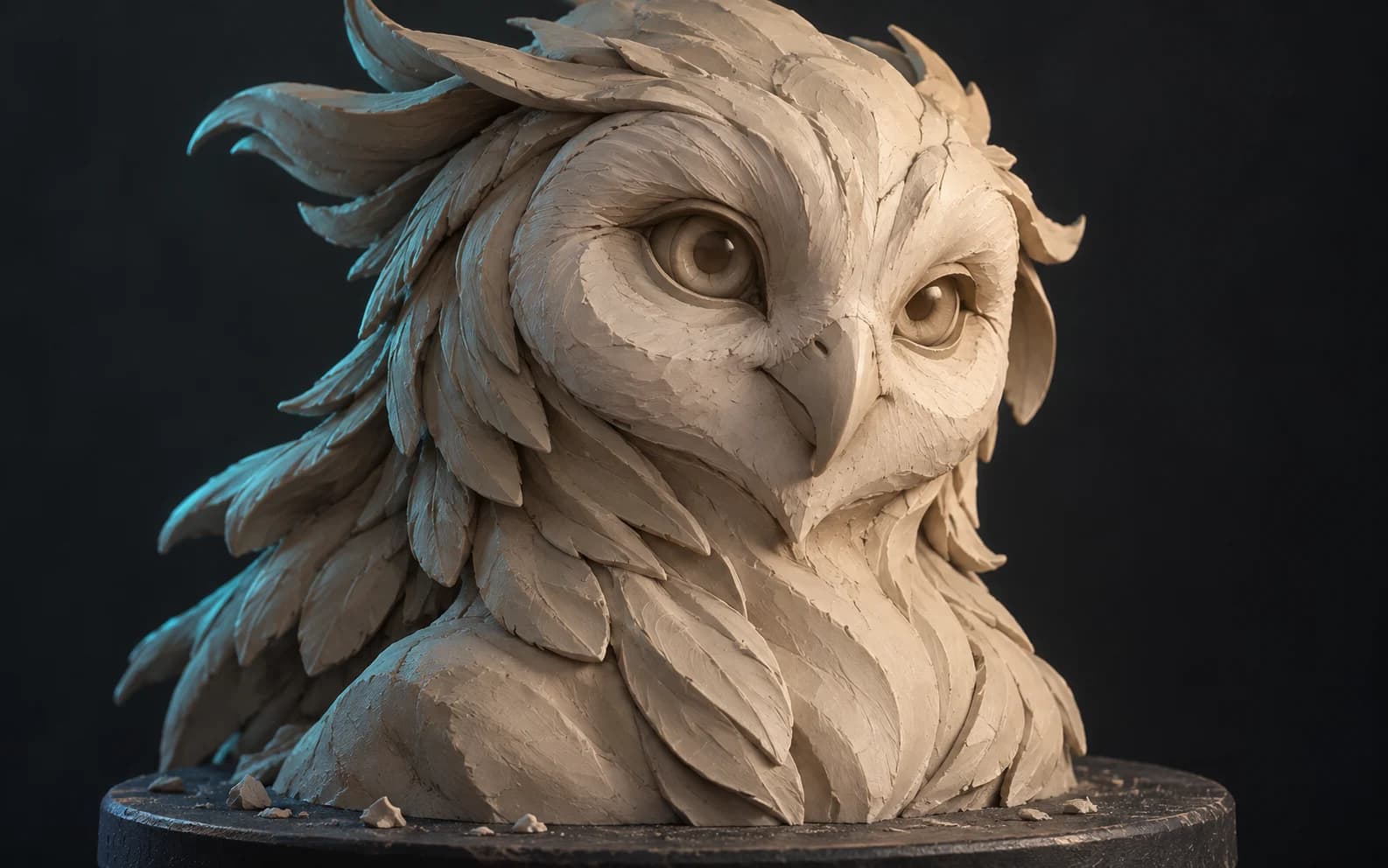
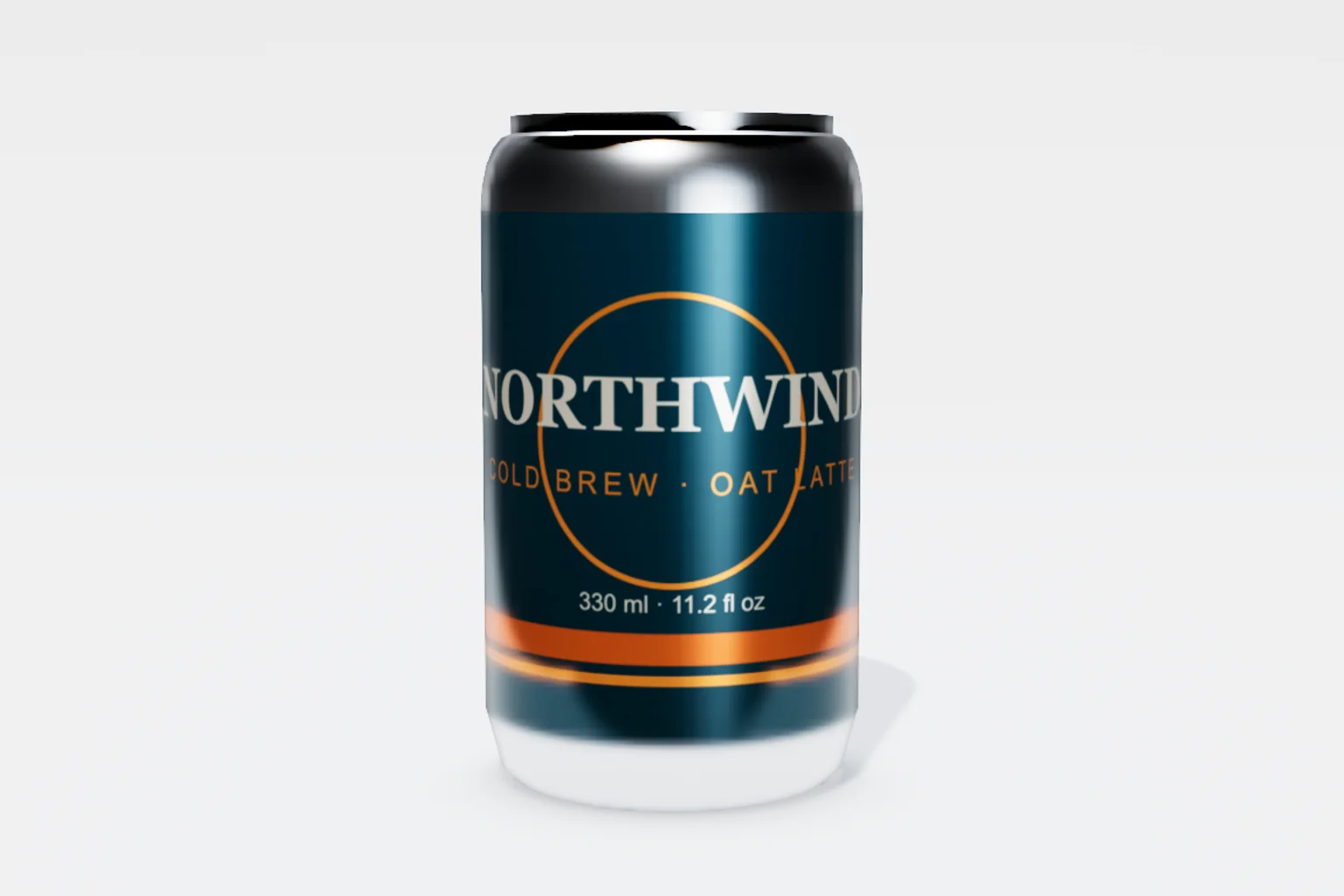
  • weathered bronze statue
  • worn black leather + brushed steel
  • mossy granite
  • matte ceramic, celadon glaze
  • carbon fiber, clear coat
  • oxidized copper, green patina

How it works

From bare mesh to render-ready in four steps.

No setup, no pipeline wrangling. Import, texture, refine, export — all in the same browser tab, in minutes.

  1. 01

    Import your mesh

    Drop in a GLB, glTF, FBX, or OBJ — or start from a library shape. It loads straight into the WebGPU viewport.

  2. 02

    Auto-texture or paint

    Describe a look for one-click Auto-Texture, or brush materials and masks on by hand. Mix in any of 2,600+ presets.

  3. 03

    Layer & refine

    Stack blendable layers, isolate with masks, add edge wear and grime, and tune every PBR channel live.

  4. 04

    Export PBR maps

    Bake and export organized map sets up to 4K — base color, normal, roughness, metallic, height, AO — plus a .glb.

The toolkit

Paint, layer, and mask — the way you texture.

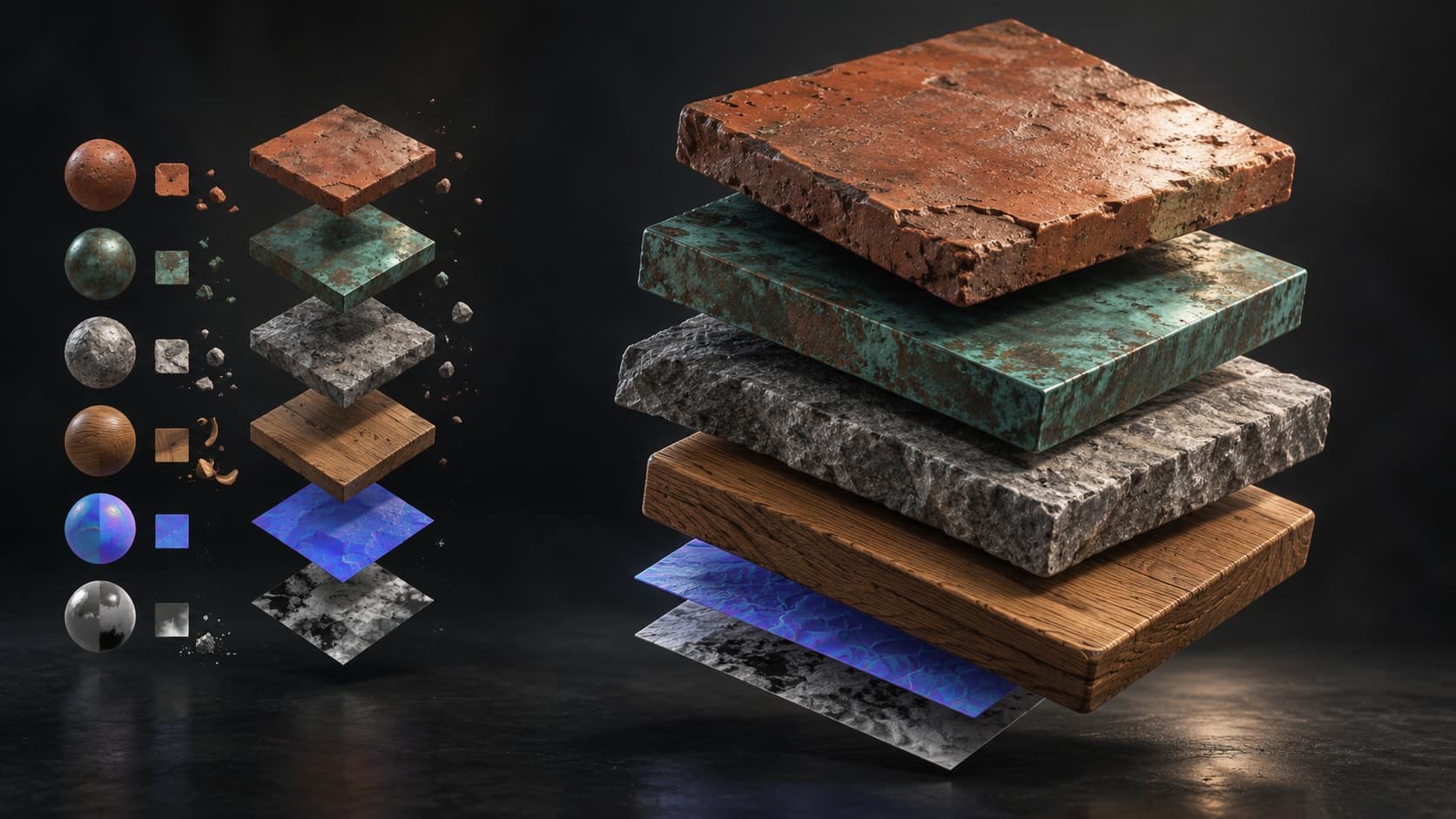
Brush detail right onto the mesh, stack blendable layers, and isolate them with masks. Pull in generated or library materials when you want a starting point.

Texture & mask painting

Paint on the model

Brush detail straight onto the mesh: brush modes, alpha stamps, stencils, and projection painting — for both the texture and the masks that place it.

  • Brush & stamp modes
  • Color-ID masks
  • Cross-seam projection

Stack / blend / isolate

Mix layers & masks

Stack blendable layers and isolate them with masks. Mix in materials — metals, paint, stone, leather, wood, fabric — by dragging them onto the stack.

  • Blendable layers
  • Mask compositing
  • Drag-in materials

Prompt to material, mask & brush

Generate with AI

Generate complete tiling PBR materials, seamless textures, weathering masks, brush tips, and decals from a prompt — every channel editable — or import a photo or scan. Then paint and weather over the top.

  • PBR material generator
  • Mask & brush generators
  • Decals & textures

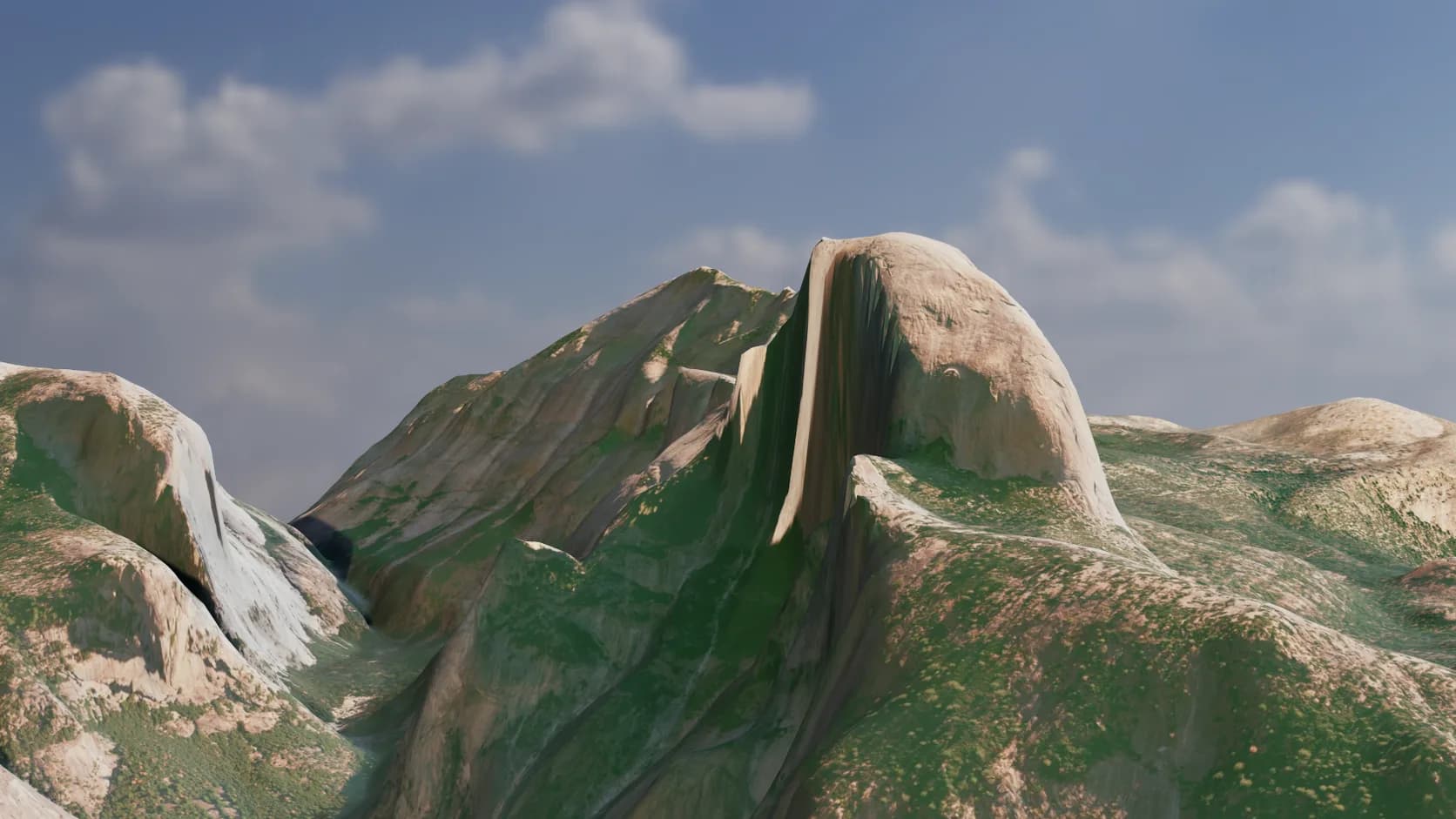
Triplanar & tiling

Seamless projection on any mesh — no clean UVs required.

Smart Materials

One click lays down a full layered, pre-masked material.

Height Blend

Materials interlock by height — gravel beds into sand.

Edge wear & weathering

Procedural scratches, grime, and exposed-edge wear.

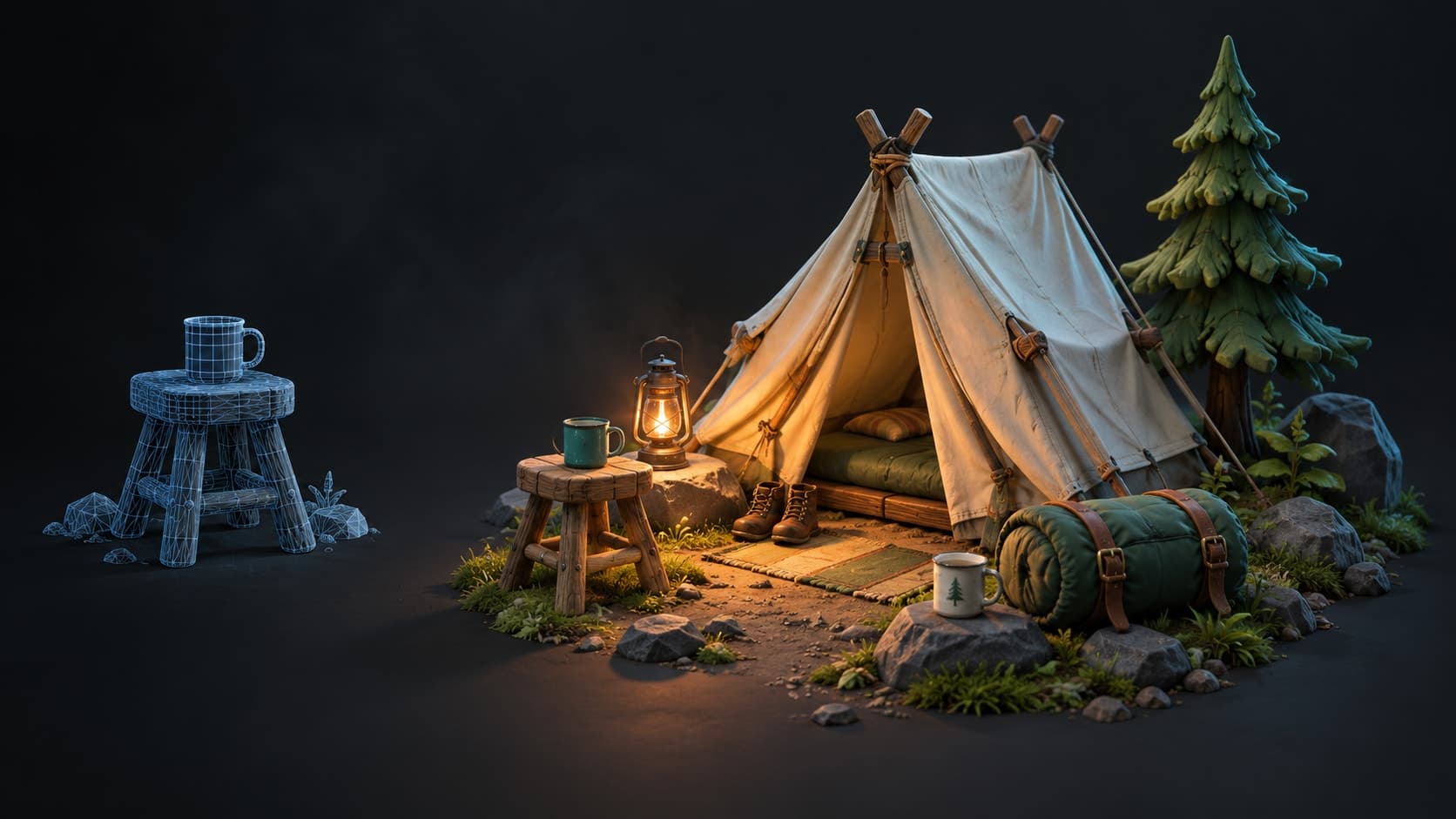
Mesh map baking

AO, curvature, thickness, and edge maps from your mesh.

Up to 4K export

Organized PBR map sets at production resolution.

Material library

Start from 2,600+ ready-made PBR materials.

Bricks, concrete, metal, wood, stone, fabric, leather and more — each a full PBR set. Drag one onto the stack, dial in tiling and roughness, or use it as a base to paint and weather over.

  • Bricks290
  • Wood461
  • Stone354
  • Metal252
  • Tiles283
  • Concrete207
  • Paving255
  • Ground284
  • Fabric164
  • Leather58
  • Asphalt110
  • +8 more
The Mixos material library browser: a searchable grid of PBR material spheres across collections like bricks, concrete, metal and wood, with a live preview and its base color, normal, height, roughness and metallic maps.
2,600+ materials · 19 collections
The Mixos material editor: a brick material applied to a sphere in the viewport with its layer in the stack, and a properties panel exposing tiling, roughness, metallic, color and per-channel PBR maps.
Tune tiling, roughness & every channel

New · Blend

Beta

Mix materials into a seamless surface.

Blend is the streamlined version of the studio — its material-mixing core on its own. Stack PBR materials on a plane or sphere, interlock them by height, mask the blend procedurally, and tune every channel. No mesh, no UVs, no setup — one click opens your stack in the full editor.

  • Height Blend
  • Procedural masks
  • 2,600+ materials
  • Per-channel tweaks
  • Tileable PBR export
The Blend material mixer interface — a layered rock-and-grass material on a sphere, with the material library, the layer stack, height blend, per-channel tweaks, and procedural mask tools
The full mixerLibrary · layer stack · height blend · procedural masks · per-channel tweaks

Why browser-native

Everything a desktop texturing app does — minus the desktop app.

Same production-grade texturing, delivered through a URL: nothing to install, always the latest version, and it runs on any machine — without the license seat or the workstation it's chained to.

MixosMixos
  • Open a URL — texturing in seconds
  • Runs on Mac, Windows, Linux, any machine
  • Always the latest version, nothing to update
  • Free to author in your browser — no install, no seat fees
  • Hand off a link or a portable project file
  • Real-time WebGPU 2D + 3D viewport
Desktop suites
  • Multi-gigabyte install, drivers, GPU setup
  • Tied to one workstation, per seat
  • Manual version updates and migrations
  • Paid license or seat up front
  • Ship project files plus every dependency
  • A native app you have to keep installed

Coming soon

Desktop app

Prefer a native app? The desktop build is on the way.

The same Mixos studio, wrapped as a native app for Windows & macOS — launch straight to the editor, keep it in your dock, and work with local project files. The browser stays home base; the desktop app is just another door in.

  • Windows & macOS
  • Local project files
  • Full WebGPU editor
  • Launch to a shortcut

We'll email you the day it's ready. No spam — and you can start texturing in your browser right now.

Mixos.app
A preview of the Mixos editor as it will appear in the native desktop app
Native build · in the works

Pricing

Free to create. Pay when you ship.

The whole editor is free — you upgrade only to export production maps, keep a full project library, and generate with AI at volume. One account, one plan — every tier includes all three apps: Studio, Blend & Auto.

Free

$0forever
  • All 3 apps — Studio, Blend & Auto
  • The full editor — paint, mask, bake
  • Real-time WebGPU 2D + 3D preview
  • AI material, texture, mask & brush generators
  • 10 trial AI credits
  • 512px watermarked preview export
Start creating
Most popular

Pro

$9/ mo · billed monthly
  • Everything in Free, across all 3 apps
  • Export up to 4K, watermark-free
  • 100 AI credits / month
  • 2K AI PBR material generation
  • Full PBR map sets
  • 10 GB cloud storage

Max

$19/ mo · billed monthly
  • Everything in Pro, across all 3 apps
  • 400 AI credits / month
  • 100 GB cloud storage
  • Priority AI generation

Credits are only for AI generation — about one per texture, weathering mask, brush, or decal, and a couple for a full PBR material or an Auto-Texture pass. Painting, layering, baking, and export never touch them.

For teams & studios

One bill, a shared library, pooled AI.

Per-seat plans with a shared team library, 150pooled AI credits per seat, and a single admin for seats & invoicing.

$15 / seat

billed monthly

See team pricing

What you need

If you can open this page, you can almost certainly run it.

  • Browser

    Chrome, Edge, Arc, or Safari 18+

  • OS

    Windows · macOS · Linux · ChromeOS

  • Graphics

    Any GPU from the last ~6 years

  • Memory

    8 GB RAM (16 GB for 4K)

The 3D editor renders with WebGPU— on a browser that doesn't support it the viewport won't start, so use a current Chrome, Edge, Arc, or Safari 18+. A connection is needed to load, sync, and generate.

Questions

Everything you might be wondering.

The honest answers to what artists ask before they switch.

Do I need to install anything?

No. Mixos runs entirely in your browser — open the editor and you are texturing. No download, no drivers, no license server.

Which 3D apps and engines does it work with?

Any of them. You export standard PBR map sets — base color, normal, roughness, metallic, height, and opacity — plus a glTF (.glb) and baked maps like AO and curvature, so they drop straight into Cinema 4D, Blender, Unreal, Unity, Godot, Houdini, Maya, and any renderer.

How does a full 3D editor run in a tab?

WebGPU, the modern browser graphics API, gives Mixos desktop-class PBR rendering and GPU compositing — no native app, no compromise on the preview.

What is one-click Auto-Texture?

Describe a look in plain language and Mixos textures your whole imported mesh at once — rendering it from several angles, generating consistent materials, and projecting them back onto your UVs. Then you paint and refine on top.

What can I generate with AI?

From a text prompt: complete tiling PBR materials (real base color, normal, roughness, metallic, and height maps), seamless textures, grayscale weathering masks, alpha brush tips, and decals — plus full-mesh Auto-Texture. Every plan can use the generators; Pro and Max also unlock 2K material generation.

What are AI credits used for?

Only AI generation spends credits. A texture, weathering mask, brush, or decal is 1 credit; a full PBR material or an Auto-Texture pass costs a couple, and native 2K materials a little more. Everything else in the editor — painting, layering, masking, baking, and live preview — is always free and never touches your credits. A free account gets a one-time trial pool; Pro and Max refresh a larger pool every month.

Can I bring my own meshes and images?

Yes. Import your mesh (GLB, glTF, FBX, OBJ) to paint and bake on it, and bring photos or scans as material sources.

Is it free?

Yes — open the editor and texture for free, and a free account includes trial credits for the AI generators. Paid plans unlock high-resolution export, the project library, 2K material generation, and a refreshing monthly pool of AI credits.

Mixos

Get started

Open a tab. Start texturing.

No download, no setup, nothing to license. Auto-texture your first model and build real PBR materials in minutes.