Buildings and roads
City mode extrudes OpenStreetMap buildings to their mapped heights and raises the roads, all closed on one watertight base.
TouchTerrain alternative
TouchTerrain and Terrain2STL are free, well-loved ways to turn elevation into a printable STL. If you want the buildings and roads on the terrain, or to see and edit the model before it reaches the slicer, Studio builds both from a box on a map.
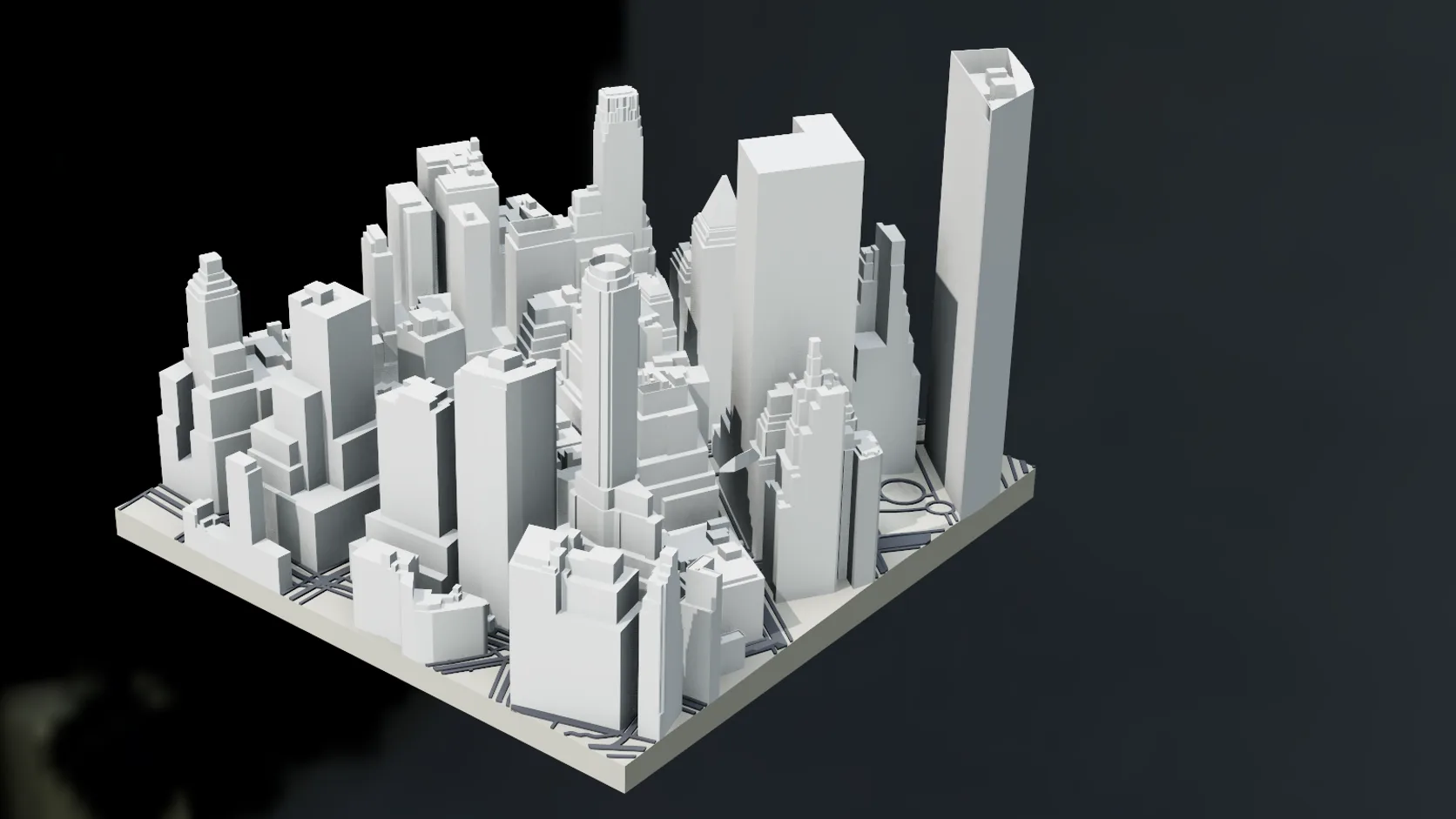
City mode extrudes OpenStreetMap buildings to their mapped heights and raises the roads, all closed on one watertight base.
The place is a full 3D scene first: orbit it, change the exaggeration and check thin features before you export.
Set the print width in millimetres, the base thickness and the road relief; Make printable scales the whole model.
Export 3MF or STL on a paid plan. The 3MF carries the OpenStreetMap credit and licence in its metadata.
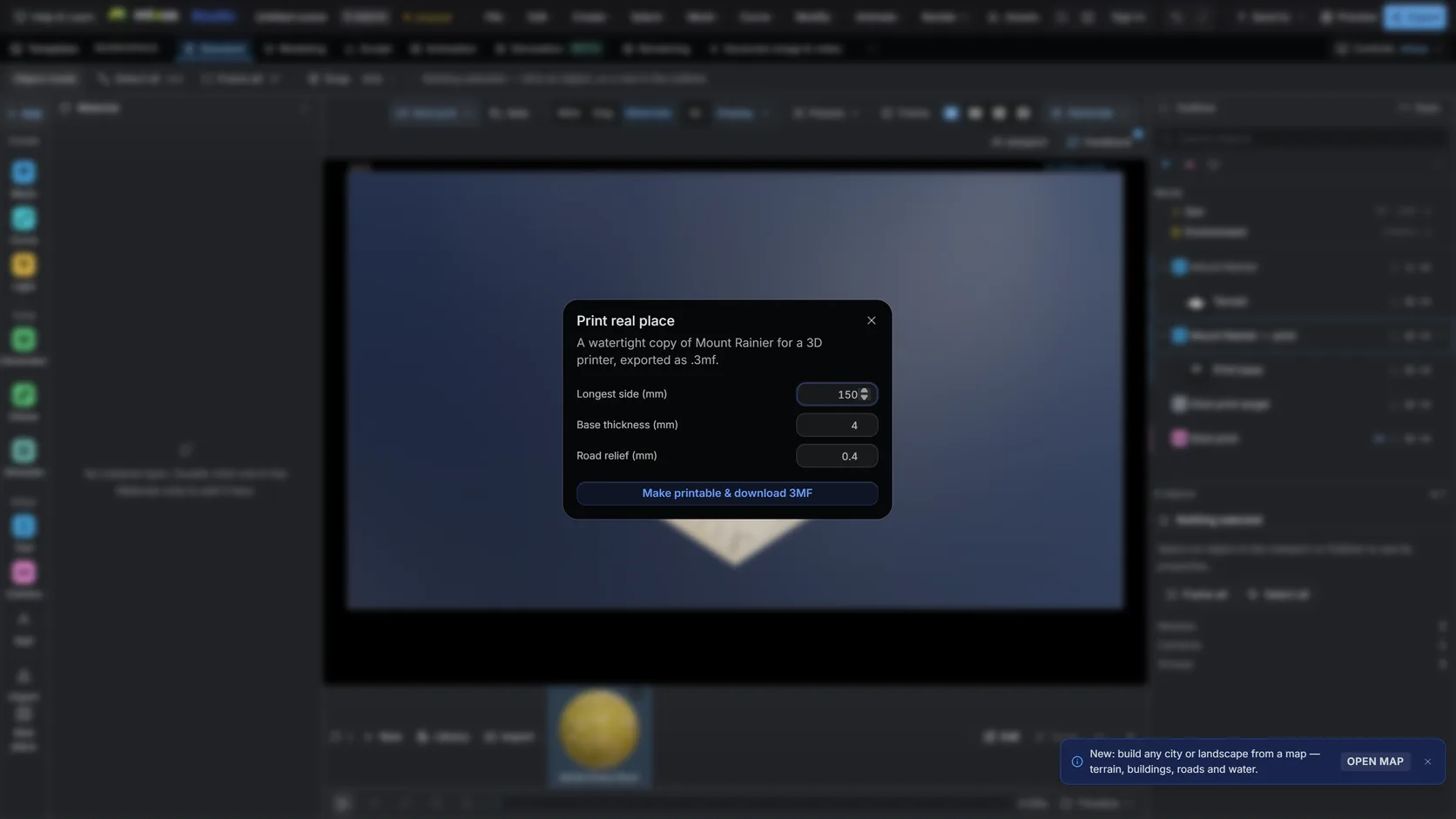
Set the print width, the base thickness and the exaggeration; every part comes out watertight.
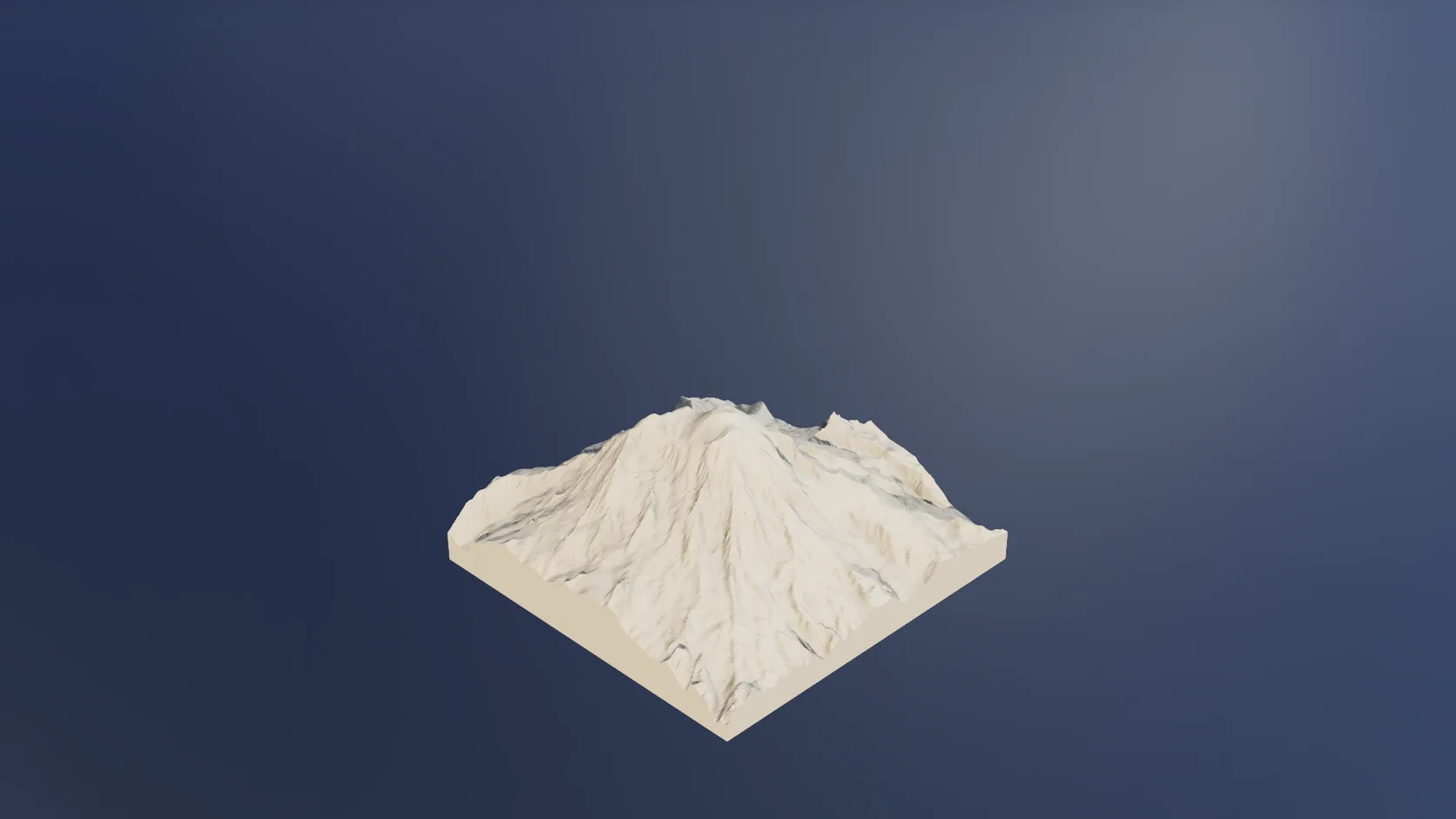
Terrain mode prints a mountain or a range on the same solid base, with no buildings.
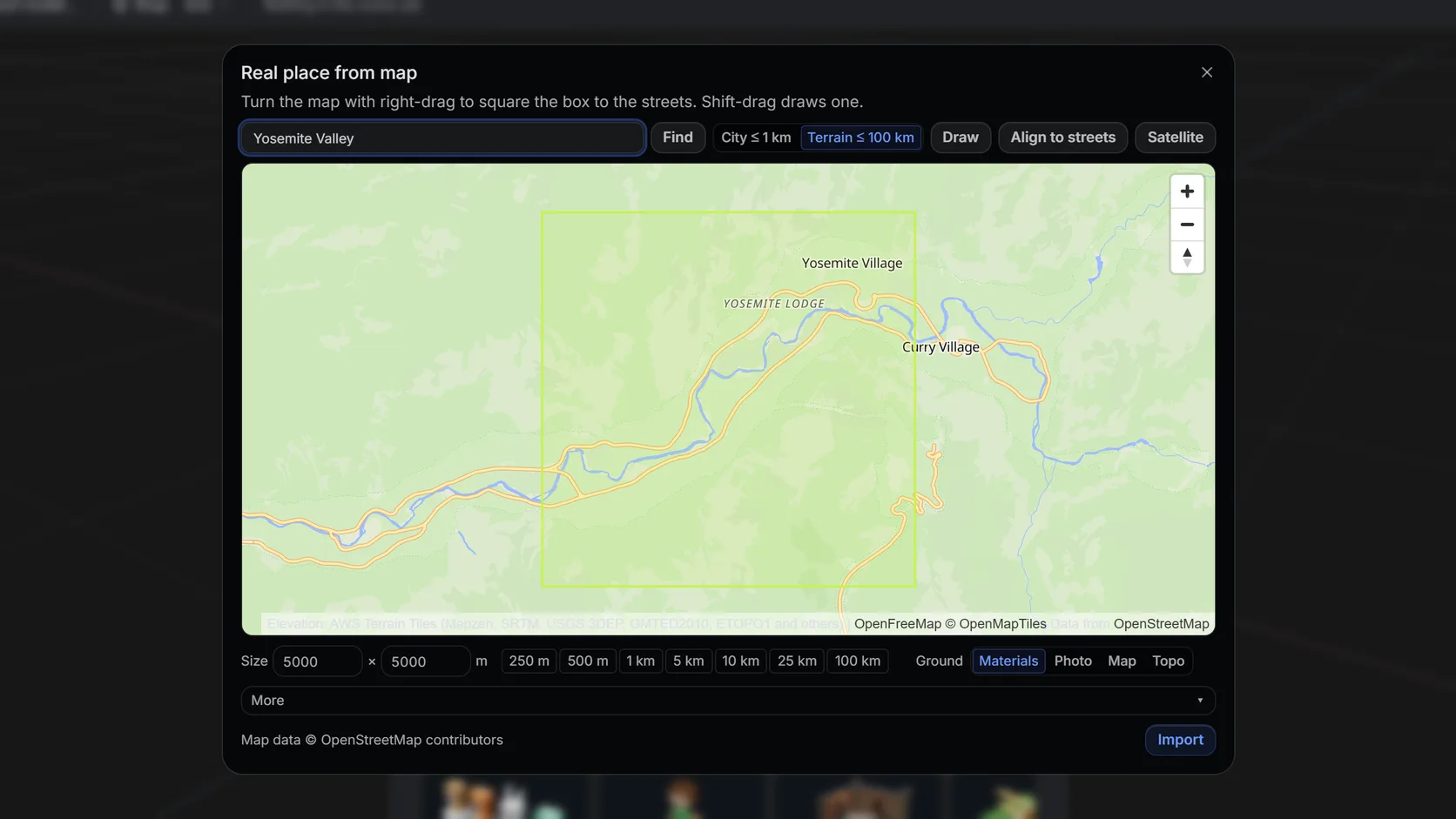
Search a name or an address and drag a box: city mode up to about 1 km with buildings and roads, terrain mode up to 100 km.
Feature by feature
All three make printable terrain. TouchTerrain and Terrain2STL are free, terrain-only tools; Studio adds the city and a 3D editor, and charges for export.
| Feature | Mixos | TouchTerrain |
|---|---|---|
| Cost | Free to import and prepare; export is paid | Free (Terrain2STL also free) |
| Elevation data | Open global tiles: about 30 m in most places, finer in much of the US | Choice of datasets via Earth Engine, including 10 m USGS 3DEP in the US and 30 m worldwide (Terrain2STL: SRTM, about 90 m) |
| Buildings and roads | OpenStreetMap buildings at mapped heights, raised roads, up to about 1 km | Terrain only (no buildings or roads listed) |
| Large prints | One model, terrain up to 100 km a side | Splits a model into tiles that fit together |
| GPX tracks | Draped on the on-screen terrain; not part of the printed solid | Plotted on the model (standalone version) |
| Output | 3MF or STL, plus GLB, OBJ and FBX | STL (binary or ASCII), OBJ or GeoTIFF |
| Edit before printing | Full 3D editor and preview | Settings, then download |
TouchTerrain details are from its web app and GitHub README; Terrain2STL from jthatch.com — both checked 2026-10-17.
Why Mixos
TouchTerrain, developed at Iowa State University, and Terrain2STL are the two names most people find first when they want to 3D print a mountain. Both are free, both run in a browser, and both do the core job well: pick an area, set the scale, base and exaggeration, download an STL. TouchTerrain in particular offers a choice of elevation datasets — including 10 m USGS data across the continental US — and can split a big model into tiles that print separately and fit together.
What neither builds is the town. If the place you want to print is a city centre, a campus or your own neighbourhood, a terrain-only model is a smooth hill where the buildings should be. Studio's city mode adds OpenStreetMap buildings at their mapped heights and raises the roads slightly, then Make printable closes everything — terrain slab with walls and a floor, buildings, roads — into watertight parts on one base.
Studio also shows you the model before the slicer does. Because the import is a full 3D scene, you can orbit it, adjust the exaggeration and check thin features before export. The trade is that export, including 3MF and STL, is on a paid plan, and Studio does not split prints into tiles.
Pick by the subject. For a free terrain print, especially large or tiled ones or with 10 m US data, TouchTerrain is excellent. For a print with buildings and streets, or one you want to look at and edit first, use Studio.
Its README and web app describe terrain from elevation data only, with no buildings or roads. Studio's city mode adds OpenStreetMap buildings and raised roads on the same printable base.
Importing a place, preparing it and previewing the printable model are free. Exporting 3MF or STL is on a paid plan. TouchTerrain and Terrain2STL are free to download from.
Yes. Make printable builds every part watertight — terrain slab, buildings and raised roads — so slicers accept it without repair.
Not in Studio: it builds one model, scaled to the width you set. TouchTerrain can split a model into tiles that fit together.
Read next
Which format keeps materials and which throws them away.
Open the file in the browser — meshes, materials, triangle count.
Watertight remesh, thickened walls, and the checks that stop a bad print.
Key, retime and ease a move, step by step.
Keep exploring
3D printed topographic map
3D terrain generator
3D city model generator
Heightmap to 3D
GPX to 3D map