From the prompt to a game prop
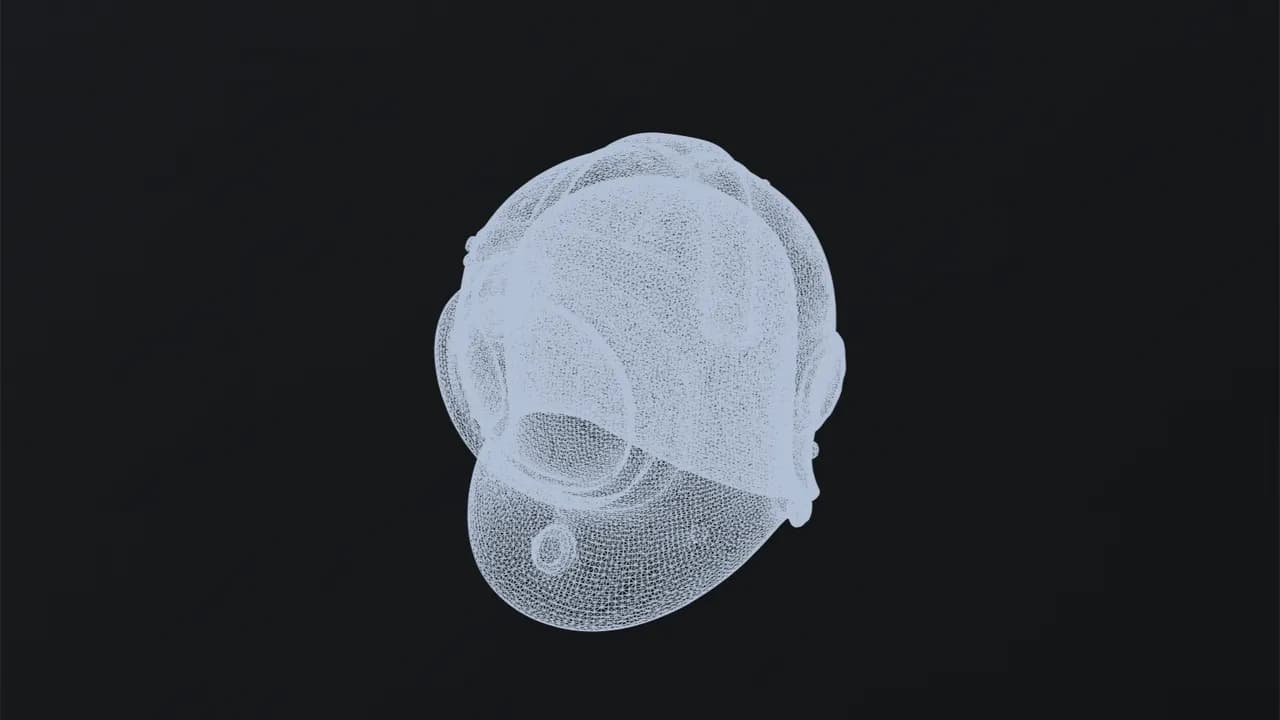
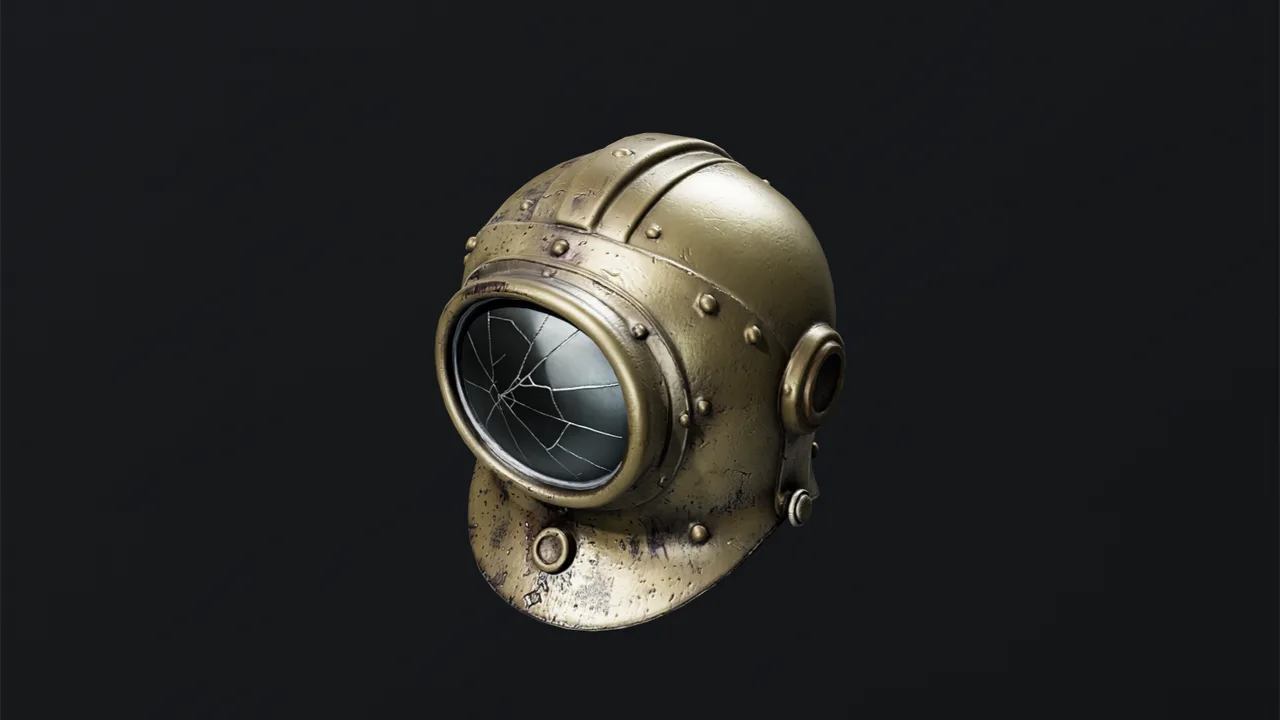
Generated from the words “a weathered brass diving helmet with rivets and a cracked glass porthole”, then reduced to 10,000 triangles with fresh UVs and baked maps.
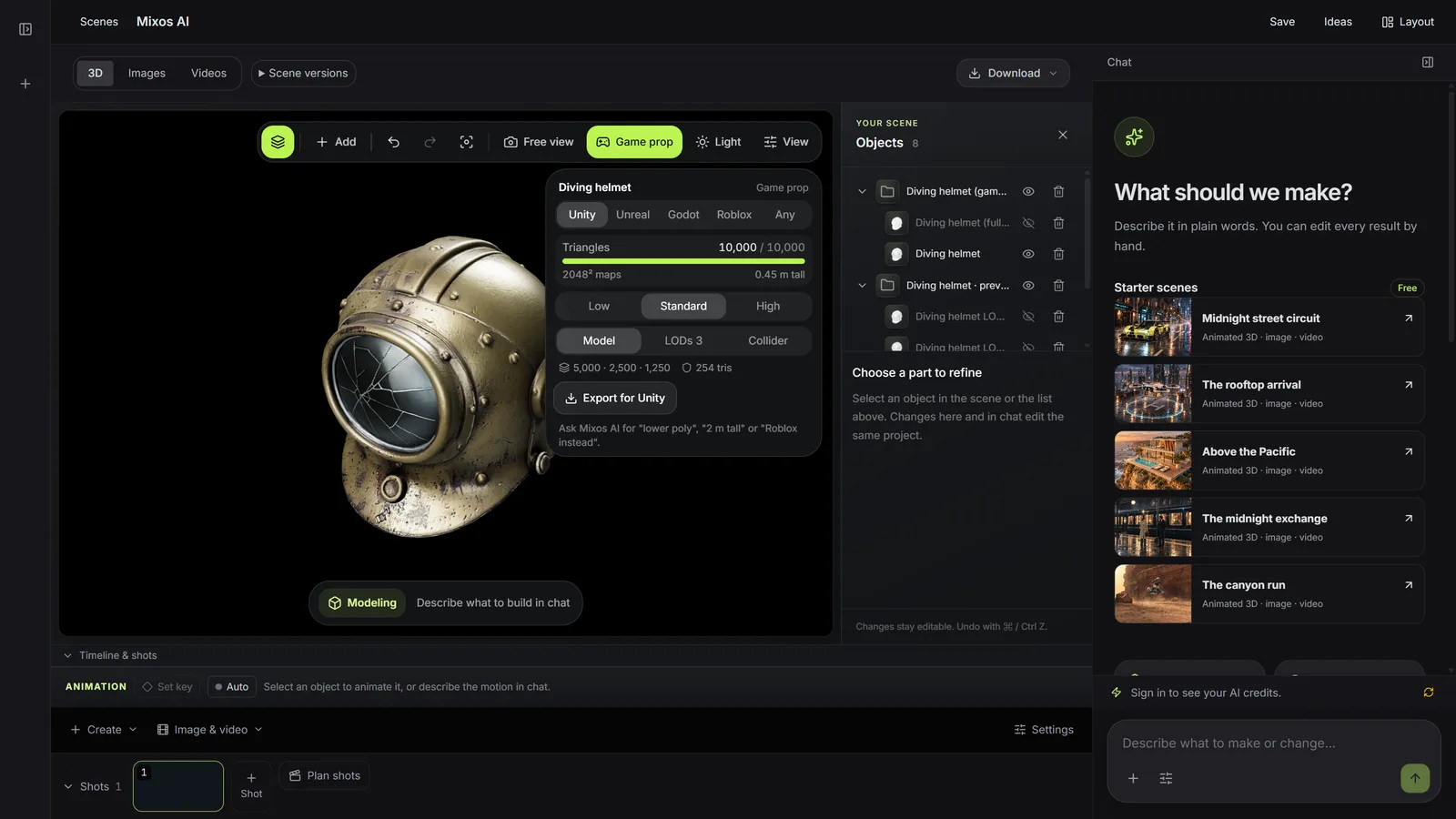
Write a sentence about the prop you need. Mixos AI generates the model, makes it game-ready for your engine and tells you exactly what you got: triangles, texture size, levels of detail and collider.
Mixos AI is available in this build. Conversational tools require paid access or purchased credits.
 MADE IN MIXOS
A good prompt names the object, its material and its wear. Mixos AI adds the game-prop framing and any style you share across a set.
Describe one object: what it is, what it is made of and how worn it is. Add the engine and a rough size, or let mixos AI suggest one.
The result reports the triangles, the texture size, the levels of detail and the collider. Ask for lower poly, another height or another engine and it changes in place, for free.
Ask for a pack: several props with one style and colour palette, optionally sharing one texture atlas so they draw as one material.
Every result below is unedited Mixos output. Inputs are public-domain or openly licensed drawings, drawings made for these examples, or AI-generated example photos.
Generated from the words “a weathered brass diving helmet with rivets and a cracked glass porthole”, then reduced to 10,000 triangles with fresh UVs and baked maps.
The viewport makes the result visible. Inspect the shape, placement and materials before moving on to the next change.
The generator makes one object per prompt. For a scene, ask for a pack: each prop gets its own prompt, and the style and palette are shared.
Say what it is made of and how used it looks: brushed steel, chipped paint, mossy stone. Lighting belongs to your engine, so it is not baked into the textures.
Generated models come out at an arbitrary scale. Give a height, or let mixos AI pick a believable one and tell you, so the prop matches the scale of your level.
“A weathered brass diving helmet with a cracked glass porthole, for Unreal, about 0.45 m tall, high detail.”Open Mixos AI
“Make a sci-fi cargo kit for Unity: a crate, a fuel barrel, a terminal and a door panel. Clean white plastic with orange markings, one shared texture.”Open Mixos AI
Example briefs to adapt to your project. Concept images show a creative direction; live results depend on your prompt and the tools used.
Build, finish and animate real 3D scenes. Choose an example, play the walkthrough or jump to any step.
“Build a compact studio speaker with an olive enclosure, a copper driver and a fine metal-mesh grille. Keep the components separate.”
The chat explains the change. The viewport shows the result. Play all steps, or use the numbered controls to explore.
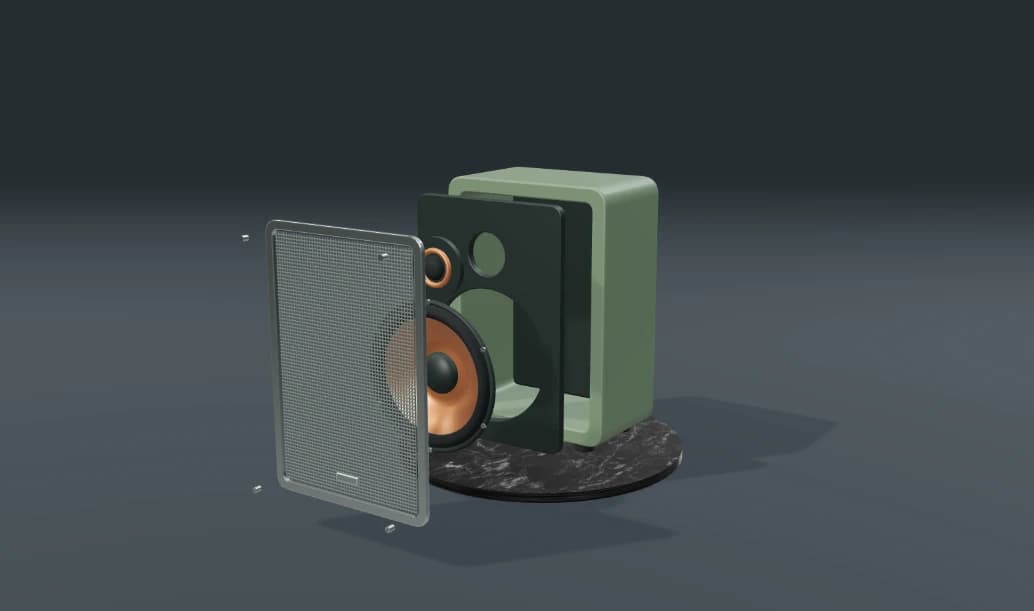
Prepared walkthroughs with editable 3D, animation and illustrative AI images. Prompts and replies are scripted; playback uses no credits. AI video generation is a separate paid step, illustrated above.
Mixos AI is available in this build. Open the workspace with your Mixos account; conversational tools require paid access or unspent purchased credits. The expanded creation workspace is rolling out in preview builds.
Name one object, its material and its condition, for example a rusty iron lantern with a cracked glass pane. Leave out the lighting and the background. Add the engine and the size if you know them.
Raw generator output is usually far too heavy, often 100,000 triangles or more. Mixos AI bakes it down to your engine's budget with fresh UVs, baked textures, LODs and a collider, and reports what it measured.
Yes. Change the engine, the triangle budget or the size and it re-bakes from the full-detail original. To change the shape itself, generate again with a new prompt or edit the mesh in Studio.
Generating a prop costs 4 to 16 credits depending on quality, 7 for the default. Making it game-ready, changing its budget and resizing it use no credits. Exporting files needs a paid plan. The cost is shown before anything runs.
Editing in the released Mixos apps is free with a Mixos account. AI generation consumes credits. Production exports require a paid plan or licence; the free plan includes a 512px watermarked render preview. See Pricing for current allowances. Watching the demonstrations on this page does not spend AI credits.
See Pricing for current AI credits and export allowances. Studio is available now for manual 3D creation.