Open data, open licences
OpenStreetMap, open elevation and imagery sources that allow commercial use with credit, with the credits kept in the scene for you.
Google Earth Studio alternative
Google Earth Studio animates Google Earth's imagery beautifully, under Google's attribution and licence terms. Studio builds real terrain and cities from open data you may use commercially with credit, as editable 3D you can restyle, animate, render and export.
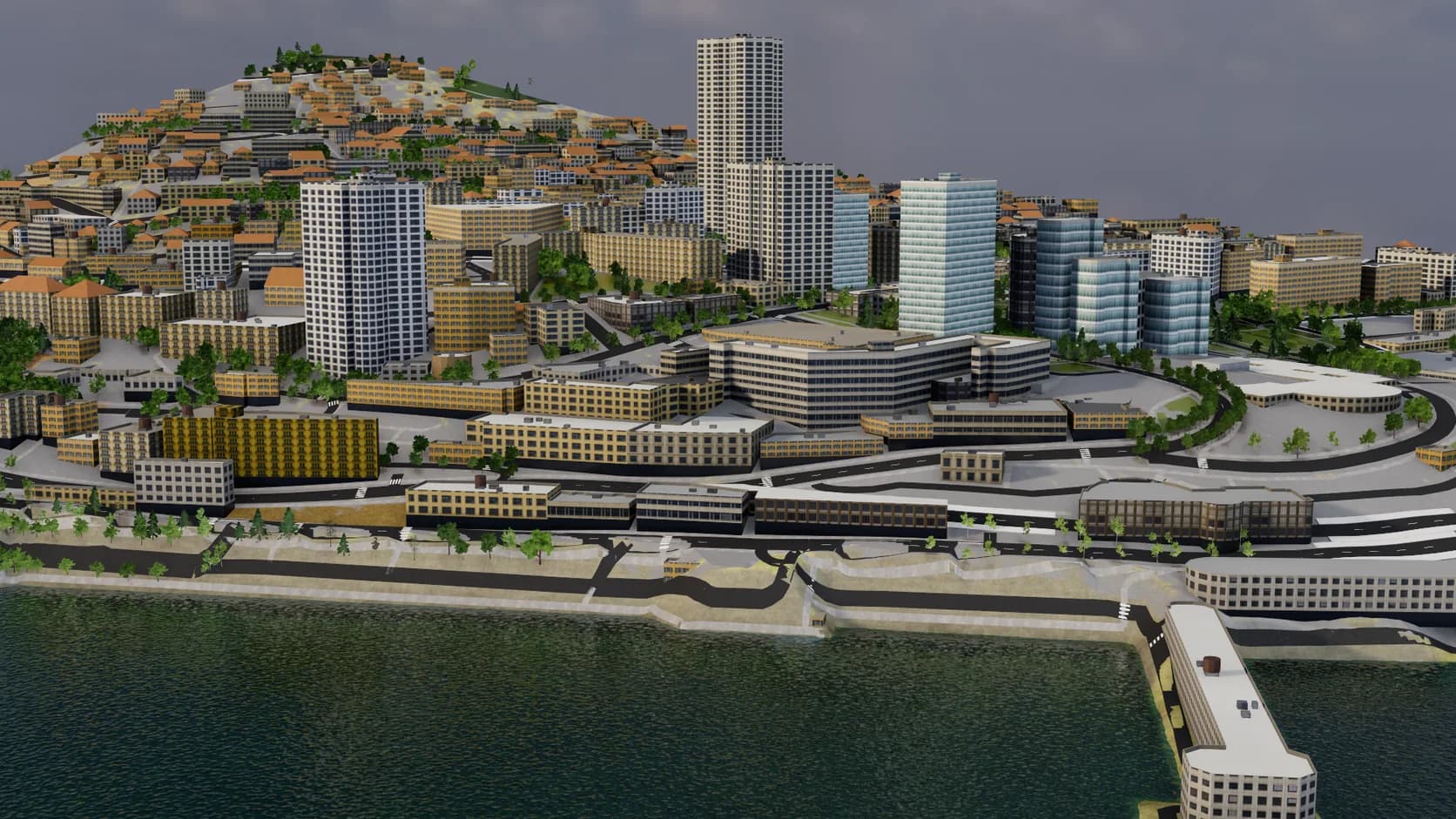
OpenStreetMap, open elevation and imagery sources that allow commercial use with credit, with the credits kept in the scene for you.
Every building, road and surface is an object: restyle it, hide it, or put your own model on the plot.
Keyframe a camera or put it on a path, then render stills or record video from the Realtime engine.
Open Studio in a WebGPU browser and start. There is no access form to wait on.
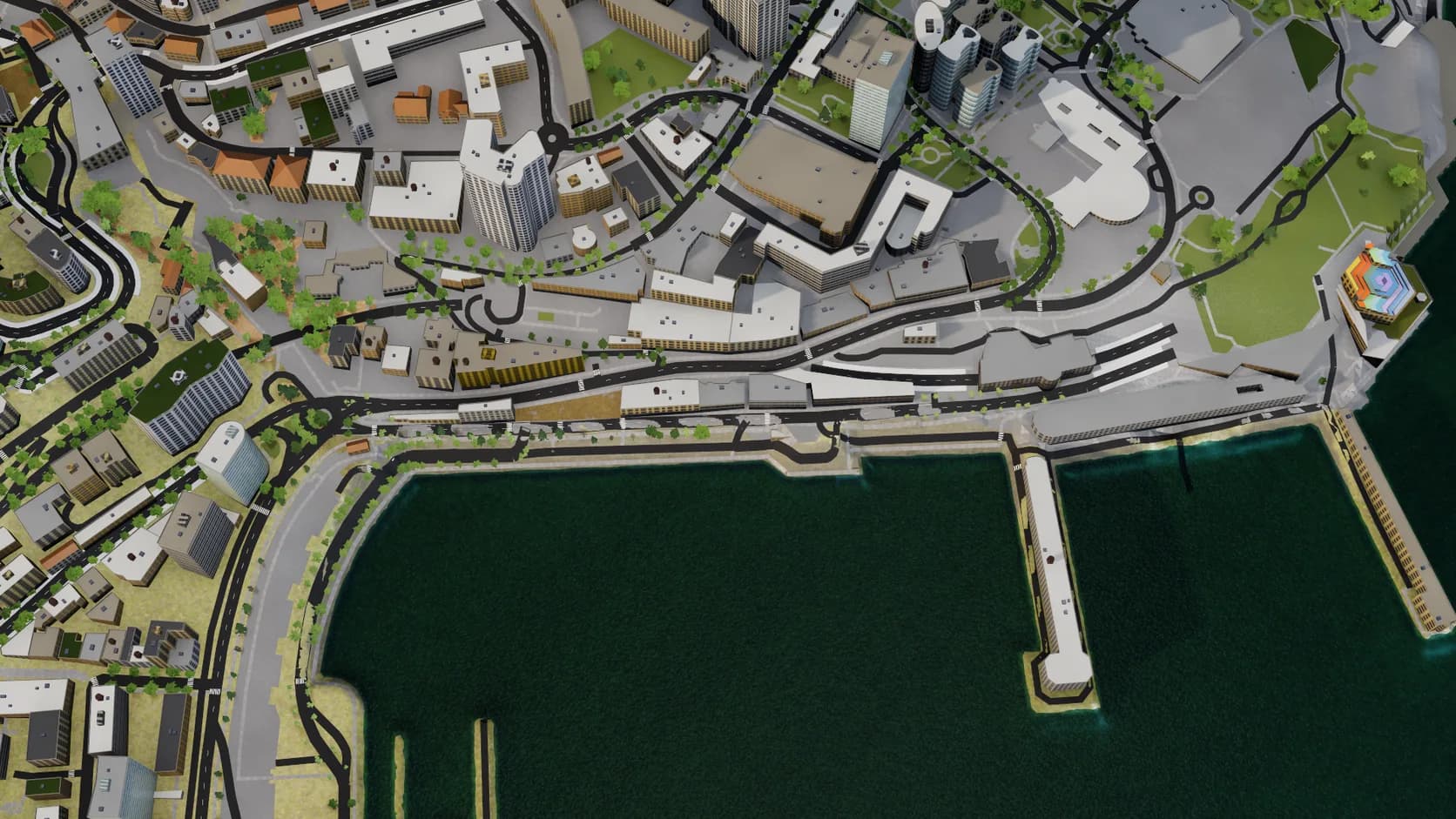
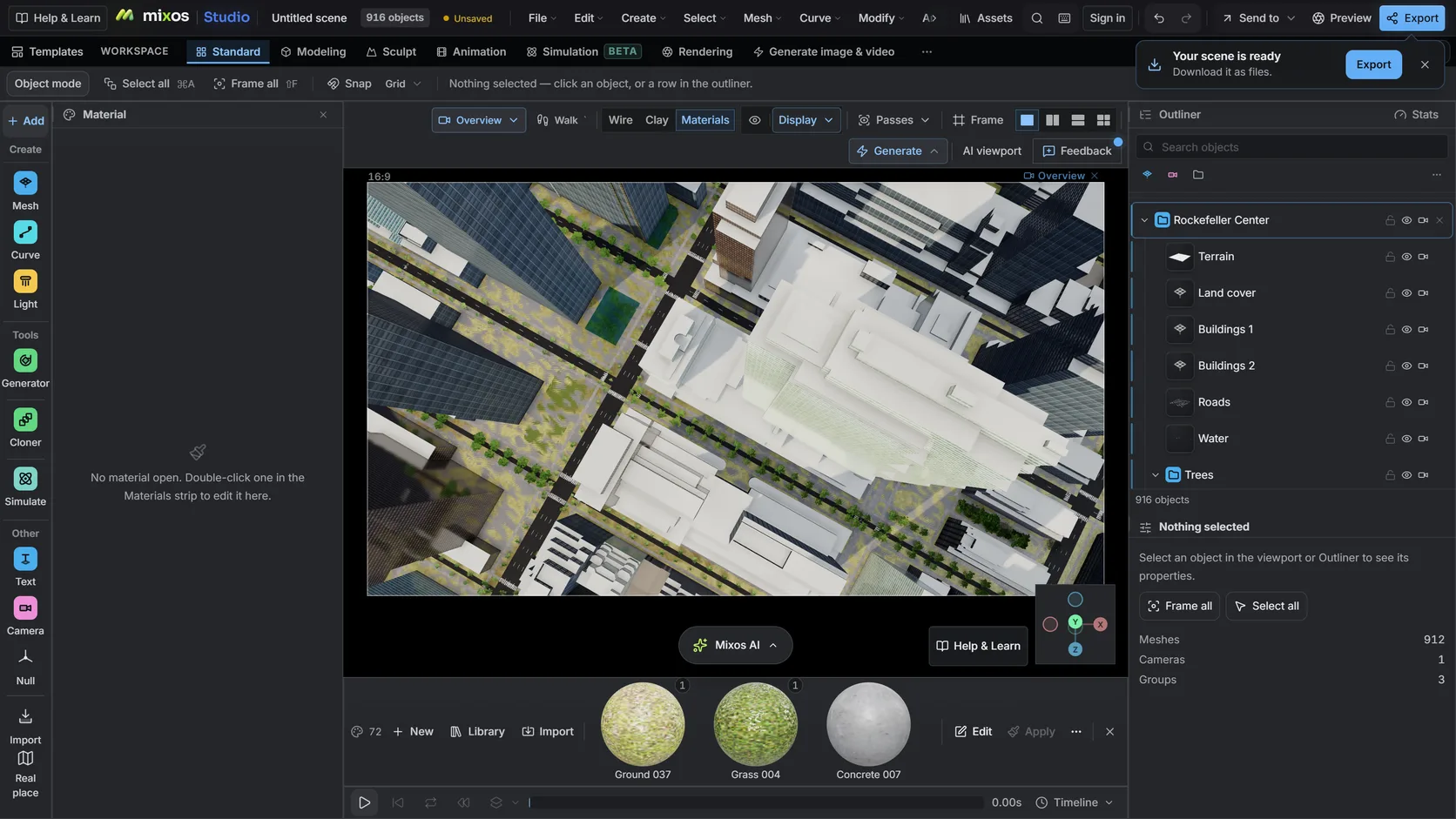
Buildings, roads and water come from OpenStreetMap, and the sea is closed from its coastlines, so harbours fill up to the quays.
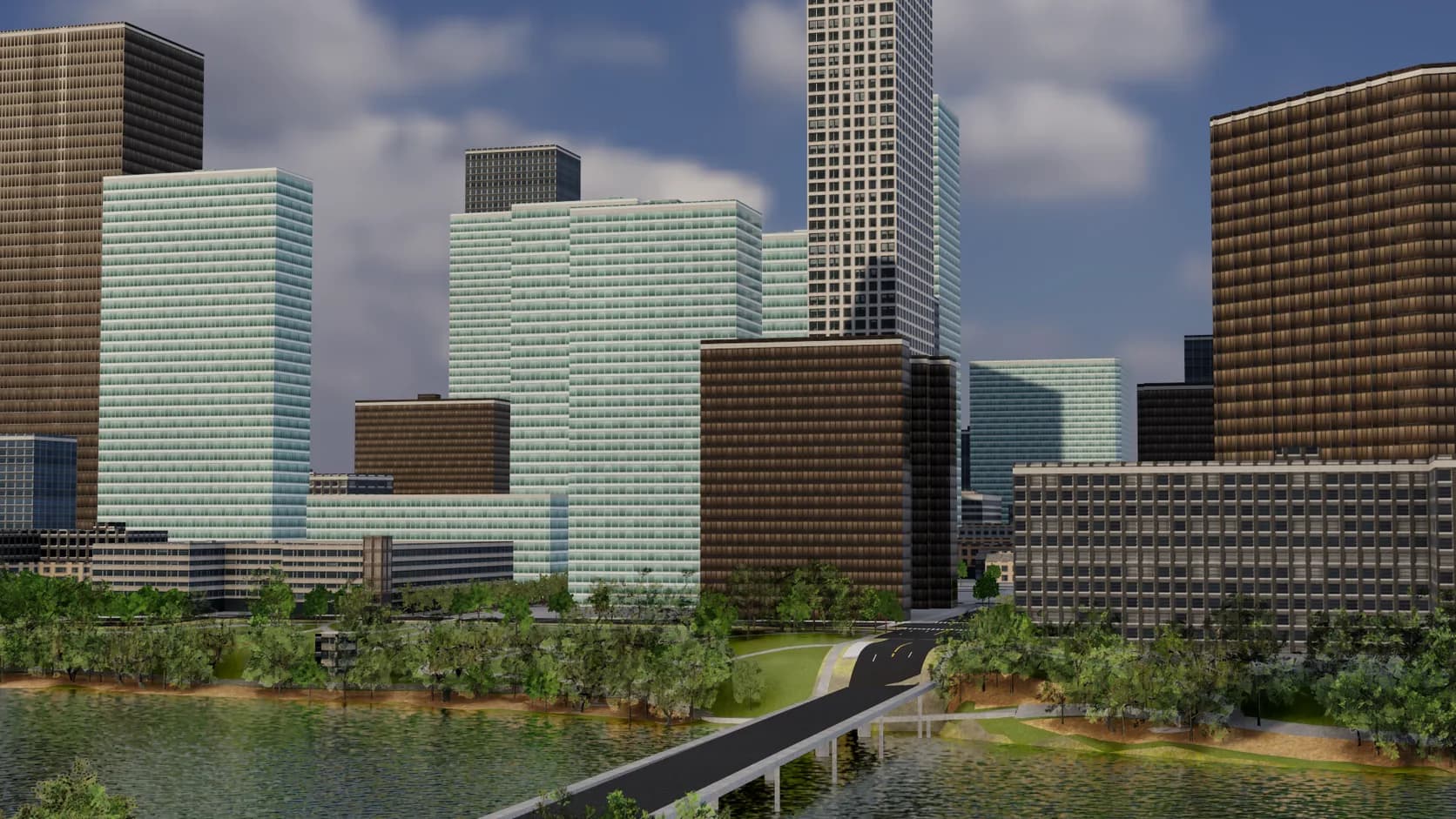
Roads are sized by class with sidewalks, lane markings and crossings, bridges span the water instead of dipping into it, and parks, paving and street trees fill in the rest.
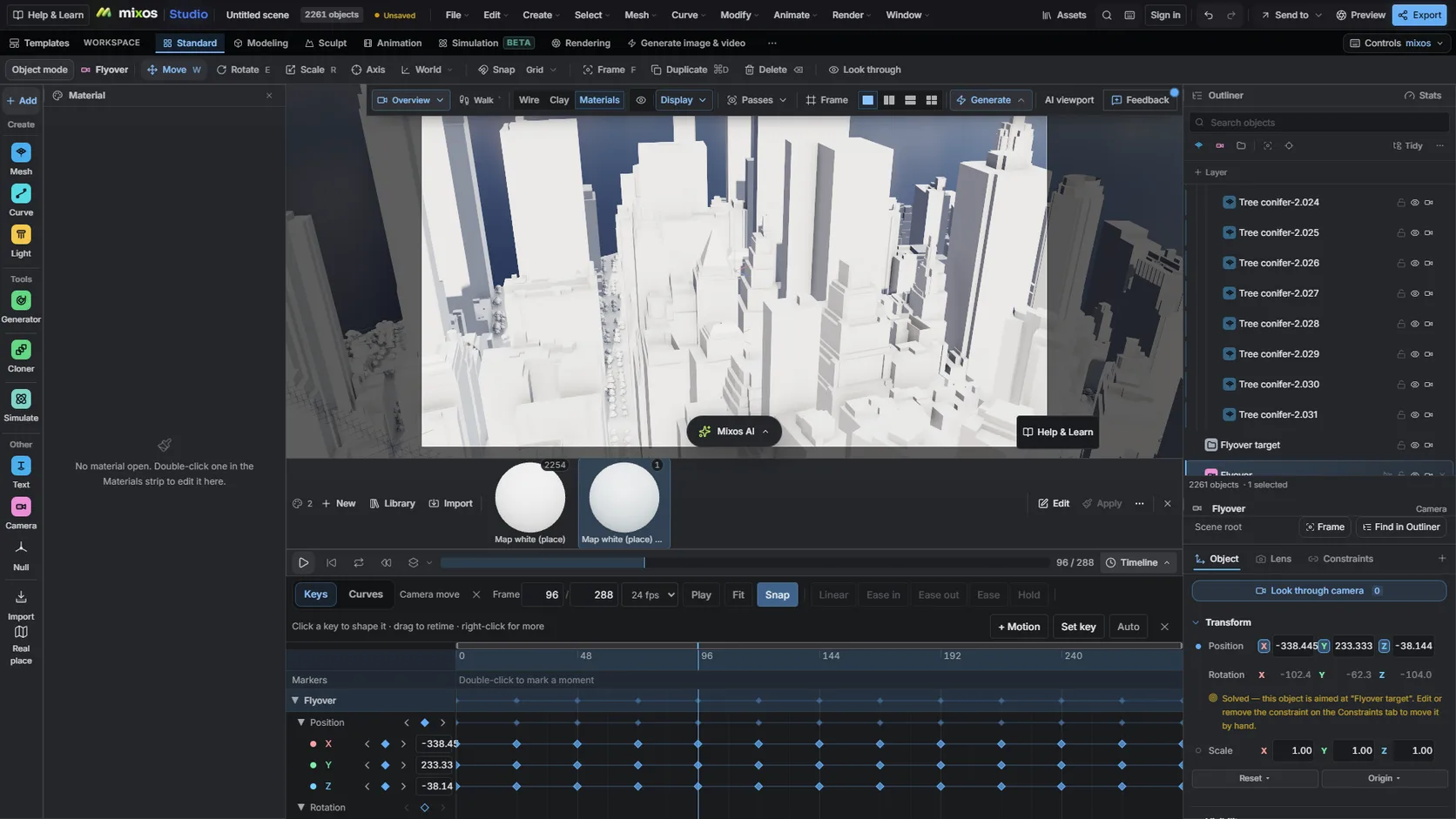
Key a camera or put it on a path, retime it on the timeline and render stills or video.
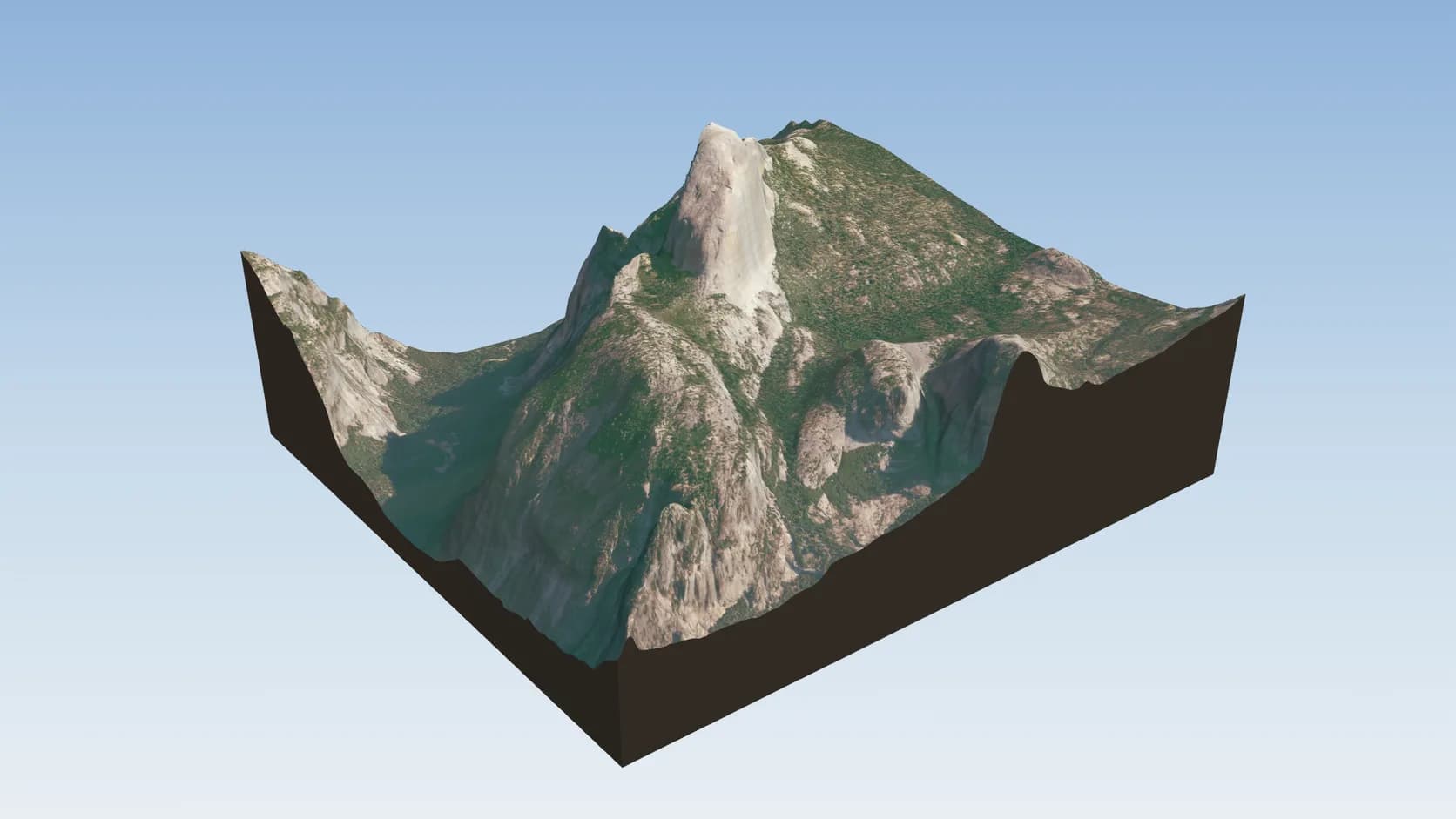
Drape NAIP in the US, national orthophotos in several European countries, or Sentinel-2 2016 elsewhere — all allow commercial use with credit.
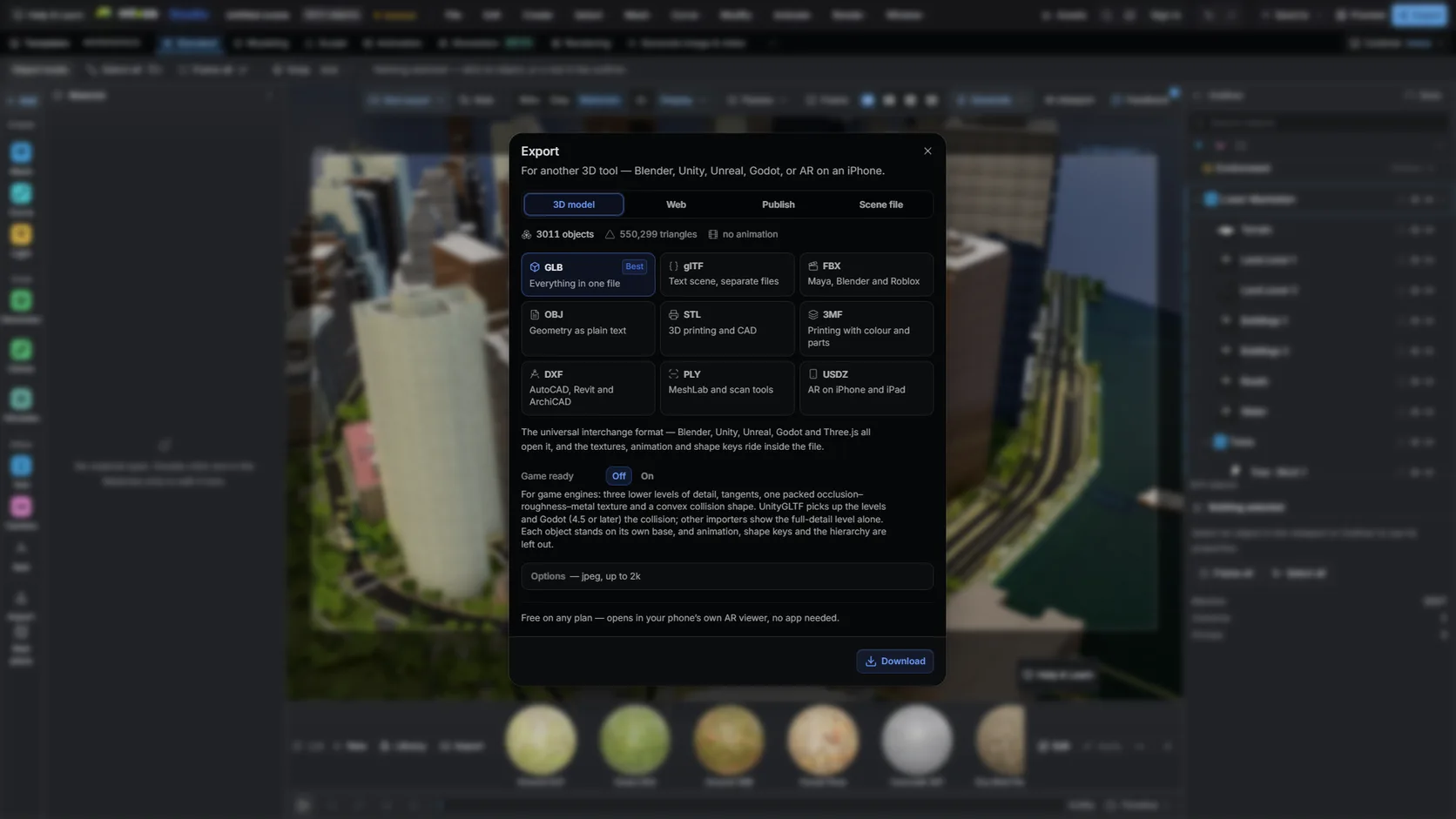
Export GLB or FBX on a paid plan and import it into Blender: metres at true scale, objects already separated.
Feature by feature
Both animate cameras over real places in a browser. They differ in what the place is made of and what you may do with the result.
| Feature | Mixos | Google Earth Studio |
|---|---|---|
| What you animate | 3D built from open data: terrain, OpenStreetMap buildings, roads and water | Google Earth's imagery and 3D |
| Realism | Modelled buildings with library facades; imagery on the ground | Google Earth's photographic 3D where it exists |
| Licence | Open data; commercial use allowed with credit (ODbL, CC BY and public-domain sources) | Attributed use such as research, education, film and non-profit; Google says it does not offer a commercial licence for Google Earth's imagery |
| Access | Open it in a WebGPU browser | Google account and an access request; Chrome only |
| Edit the place | Restyle, delete or add objects; drop in your own models | Camera, overlays and KML features |
| Output | Stills, MP4 video, and GLB, OBJ, FBX or STL models (paid plan) | JPG stills and image sequences; 3D camera export to After Effects |
| Coverage | Terrain anywhere; buildings where OpenStreetMap maps them, up to about 1 km a scene | Global, with Google Earth's coverage |
| Cloud rendering | Renders in your browser | Local or cloud rendering |
Google Earth Studio details are from its FAQ and documentation, checked 2026-10-17. Its terms may change; check them before you rely on either tool.
Why Mixos
Google Earth Studio is a remarkable tool. It animates cameras over Google Earth's photographic 3D, renders in the browser or in Google's cloud, and exports camera data to After Effects so you can composite on top. For a documentary, a classroom video or a non-profit explainer, with the required Google Earth attribution on screen throughout, it is hard to match for realism.
The limits are about terms and editing. Google's Earth Studio FAQ says properly attributed content can be used for applications such as research, education, film and non-profit use, with Google Earth and any imagery providers credited on screen for the whole piece, and that Google does not currently offer a licence to use Google Earth's imagery for commercial applications. Access is by request, it runs in Chrome only, and the place itself is a photograph of the world: you can move through it, but not restyle a building or remove one.
Studio takes the other approach. The Real place import builds terrain from open elevation data and the city from OpenStreetMap, both licensed for commercial use with credit, and drapes imagery only from sources that allow it — NAIP in the US, national orthophotos in several European countries, Sentinel-2 2016 elsewhere. Every building, road and surface is an editable object, so a brand-coloured route, a white clay city or your own product on the plot are ordinary edits. Animate a camera, render stills or record video, or export the scene as a model.
Pick by the job. For photographic realism in a piece that fits Google's attribution terms, Google Earth Studio is excellent. For work you need to restyle, export as a model or use under an open licence, a model built from open data is the simpler foundation.
Google's Earth Studio FAQ, checked 2026-10-17, says attributed content can be used for applications such as research, education, film and non-profit use, and that Google does not currently offer a licence to use Google Earth's imagery for commercial applications. Read the current FAQ for your case.
Studio opens in any WebGPU browser with no access form. Importing a place, animating and rendering previews are free; clean full-resolution renders, video and model export are on a paid plan.
No. It uses OpenStreetMap, open elevation data and imagery sources whose licences allow commercial use with credit: NAIP in the US, national orthophotos in several European countries and Sentinel-2 2016 elsewhere.
No. Buildings are modelled from map data with library facades, so a landmark will not show its real detail. In exchange, you can restyle, remove or replace anything in the scene.
Studio renders the animation itself, as stills or video, and can export the scene as GLB or FBX for another 3D tool. It does not write an After Effects camera script.
Read next
Which format keeps materials and which throws them away.
Open the file in the browser — meshes, materials, triangle count.
Watertight remesh, thickened walls, and the checks that stop a bad print.
Key, retime and ease a move, step by step.
Keep exploring
3D map maker
3D city model generator
Satellite imagery on terrain
3D city at night
DEM Earth alternative