Mixos vs 3D-Coat
Mixos vs 3D-Coat, scoped honestly.
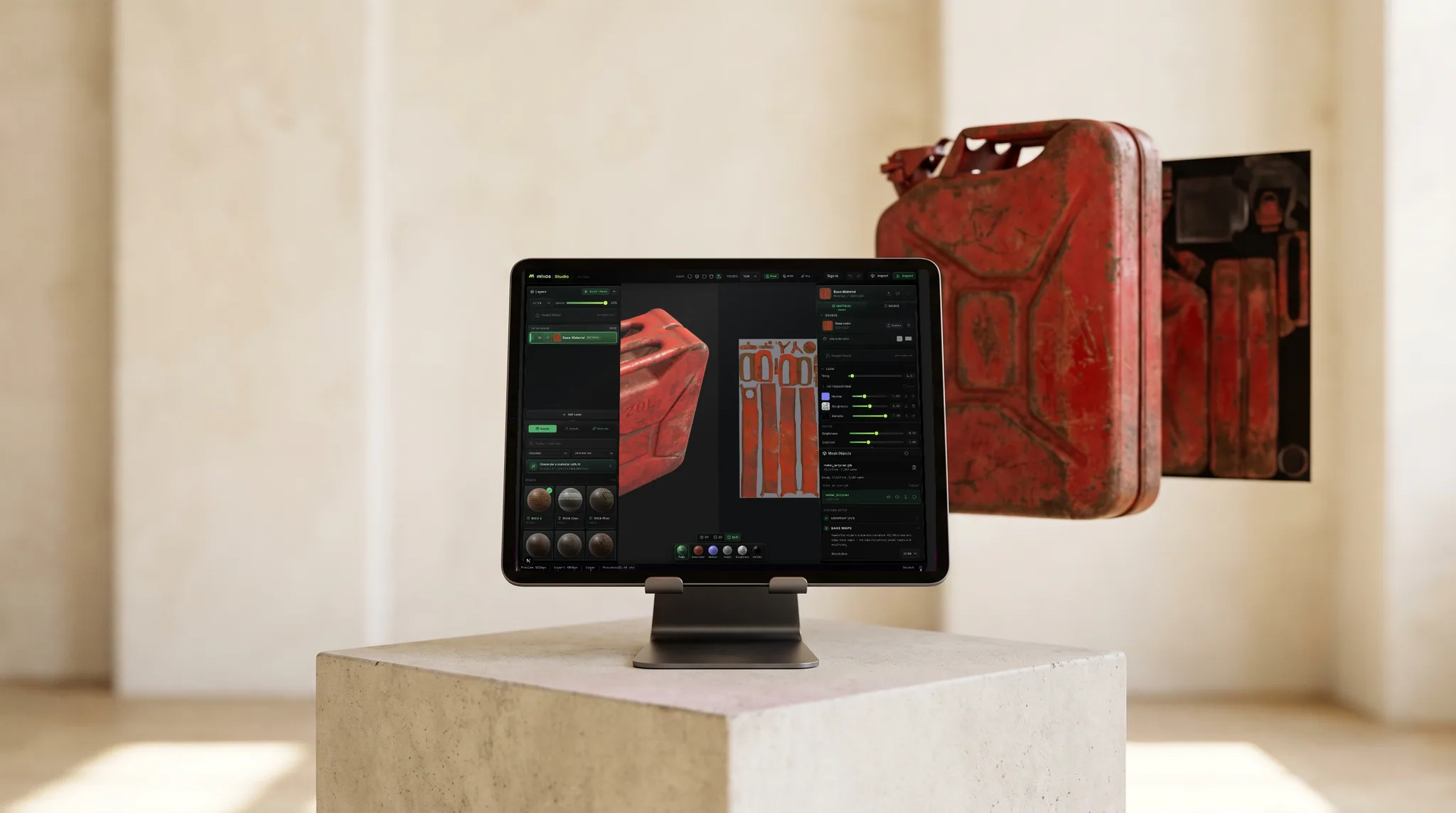
These aren't the same kind of tool, and the table says so. 3D-Coat is a full desktop suite — sculpting, retopo, UVs, and painting. Mixos is a focused, browser-based PBR texture painter. If texturing is the part you're comparing, here's how they line up.
Feature by feature
Mixos vs 3D-Coat, line by line.
A lime check marks the tool with the edge on each row. Where it's a wash, neither gets one — including the rows 3D-Coat wins.
| Feature | Mixos | 3D-Coat |
|---|---|---|
| Scope | Focused PBR texture painting | Sculpt + retopo + UV + paint suite |
| Runs in | Any browser — Mac, Windows, Linux, Chromebook, iPad | Desktop app (Windows, macOS, Linux) |
| Install & setup | None — open a URL | Desktop install |
| Pricing | Free to author; Pro from $8.99/mo | Paid perpetual license (plus a 'Textura' texturing edition) |
| PBR paint layers + masks | Yes — blendable layers, masks, height blend | Yes |
| Smart materials | 2,600+ built in | Smart materials library |
| Sculpting | Yes — Mold, free browser sculpting | Yes — voxel + poly sculpting |
| Retopo / manual UV editing | Auto-unwrap only | Yes — full retopo + UV rooms |
| AI generation | Built in — materials, textures, masks, decals | Limited |
| Mesh map baking | Yes — AO, curvature, thickness, normal | Yes |
| Export PBR maps | Up to 4K map sets + .glb | Yes |
| Works offline | In the desktop app; the browser needs a connection | Yes |
So which should you use?
3D-Coat is a paid desktop application spanning voxel/poly sculpting, retopology, UV mapping, and PBR painting — a broad pipeline-in-one suite (with a texturing-focused 'Textura' edition).
Choose Mixos if…
- Texturing is the job — you already have models and just want to paint PBR materials fast.
- You want zero install and the freedom to work from any machine or a Chromebook.
- Built-in AI generation and a 2,600+ material library get you to a look quickly.
Choose 3D-Coat if…
- You need sculpting, retopology, or UV mapping in the same tool — not just texturing.
- You want one offline desktop app that covers the whole asset pipeline.
- A one-time perpetual license fits your budget better than a subscription model.
The bottom line
A focused painter, not a whole pipeline
3D-Coat is genuinely broad — it sculpts, retopologizes, lays out UVs, and paints, all in one desktop application. If you want a single tool that takes a model from blockout to textured asset, that breadth is the whole point. Mixos covers two of those steps in the browser — Mold for sculpting and Paint for texturing, both free to use — but doesn't try to match the full retopo-and-UV suite.
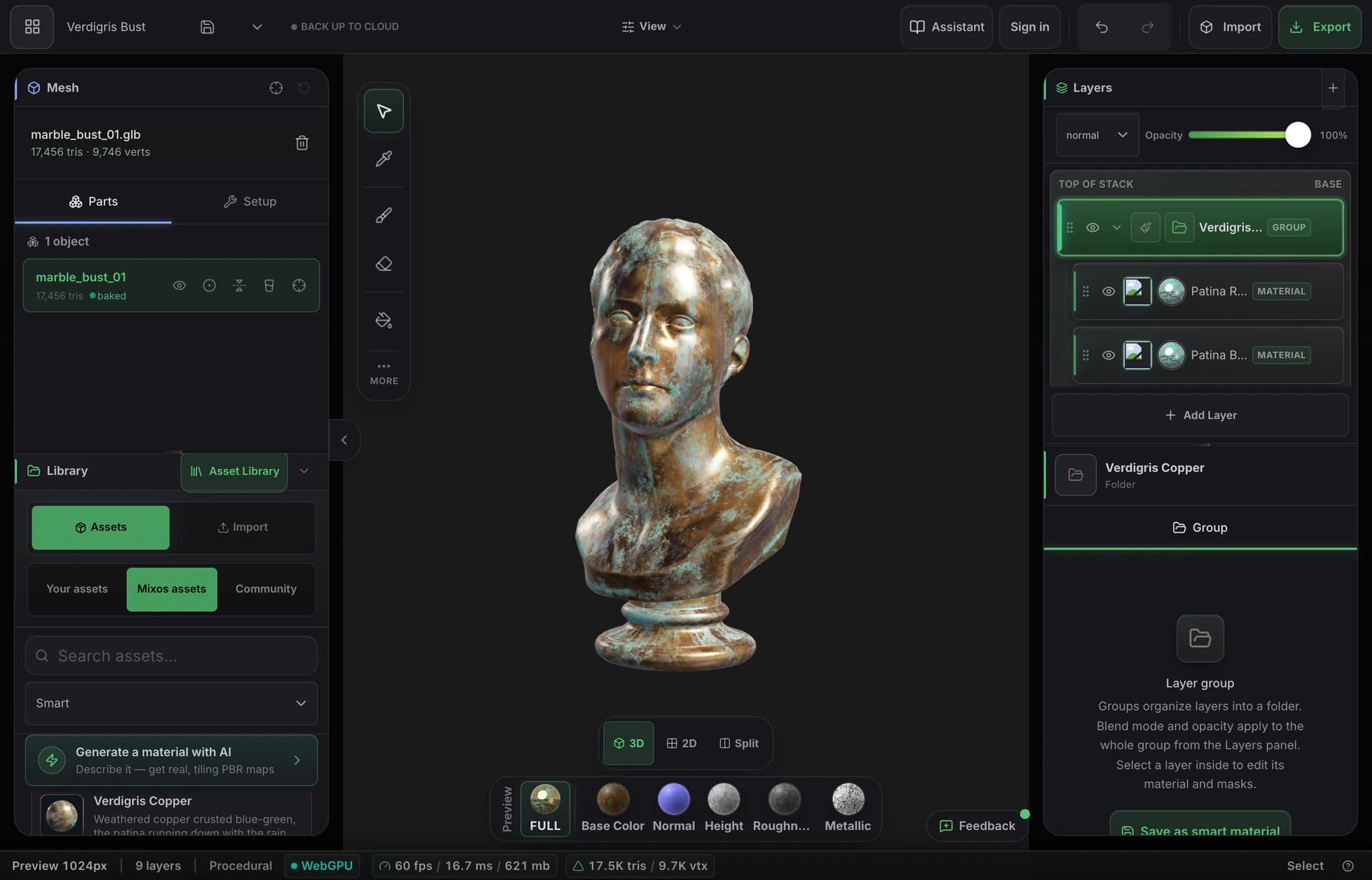
Mixos deliberately does one slice of that pipeline and does it without friction: PBR texture painting in the browser, with layers, masks, smart materials, baking, AI generation, and standard map export. There's nothing to install, it runs on any OS, and authoring is free — you bring a finished model (GLB, glTF, FBX, OBJ) and paint.
So the comparison really comes down to whether you need a suite or a step. For sculpting and UVs, 3D-Coat or its Textura edition is the tool. For fast, accessible texturing on models you already have — especially if you'd rather not install or license a heavy desktop app — a focused browser painter is the lighter, cheaper way in.
Frequently asked questions
Can Mixos sculpt or do retopology like 3D-Coat?
Partly. Mold — Mixos's free browser sculpting app — covers digital sculpting with brushes, dynamic topology, and multiresolution subdivision, and hands the sculpt to Paint for texturing. Mixos doesn't do manual retopology or hand-edited UV layouts, though; 3D-Coat still owns those steps.
Is Mixos cheaper than 3D-Coat?
For texturing, yes for most people — Mixos is free to author in, with Pro at $8.99/mo for 4K export and more. 3D-Coat is a paid perpetual license; its 'Textura' edition narrows the scope to texturing but is still a paid desktop purchase.
Do I need clean UVs to texture in Mixos?
Not necessarily — triplanar projection tiles materials seamlessly on any mesh, so you can paint without perfect UVs. You can still use your UVs for precise control and for baking when you want them, just like in 3D-Coat.
Which exports better to game engines?
Both export standard PBR map sets that import cleanly into Unreal, Unity, Godot and Blender. Mixos exports base color, normal, roughness, metallic, height and AO plus a .glb; the difference is workflow and scope, not the final maps.

Try it yourself. No install.
Open a tab and texture a model in minutes — free to author, nothing to download, and you can decide for yourself how it compares.