Topo map on the ground
A pale street map with relief shading and labelled contour lines computed from the same elevation as the terrain, so every line sits on its height.
3D relief map maker
Pick an area up to 100 km across and Studio builds the real terrain, then dresses it as a topographic map with relief shading and labelled contours, a painted natural landscape or aerial imagery. Name a park, county or country and its border is drawn across the relief.
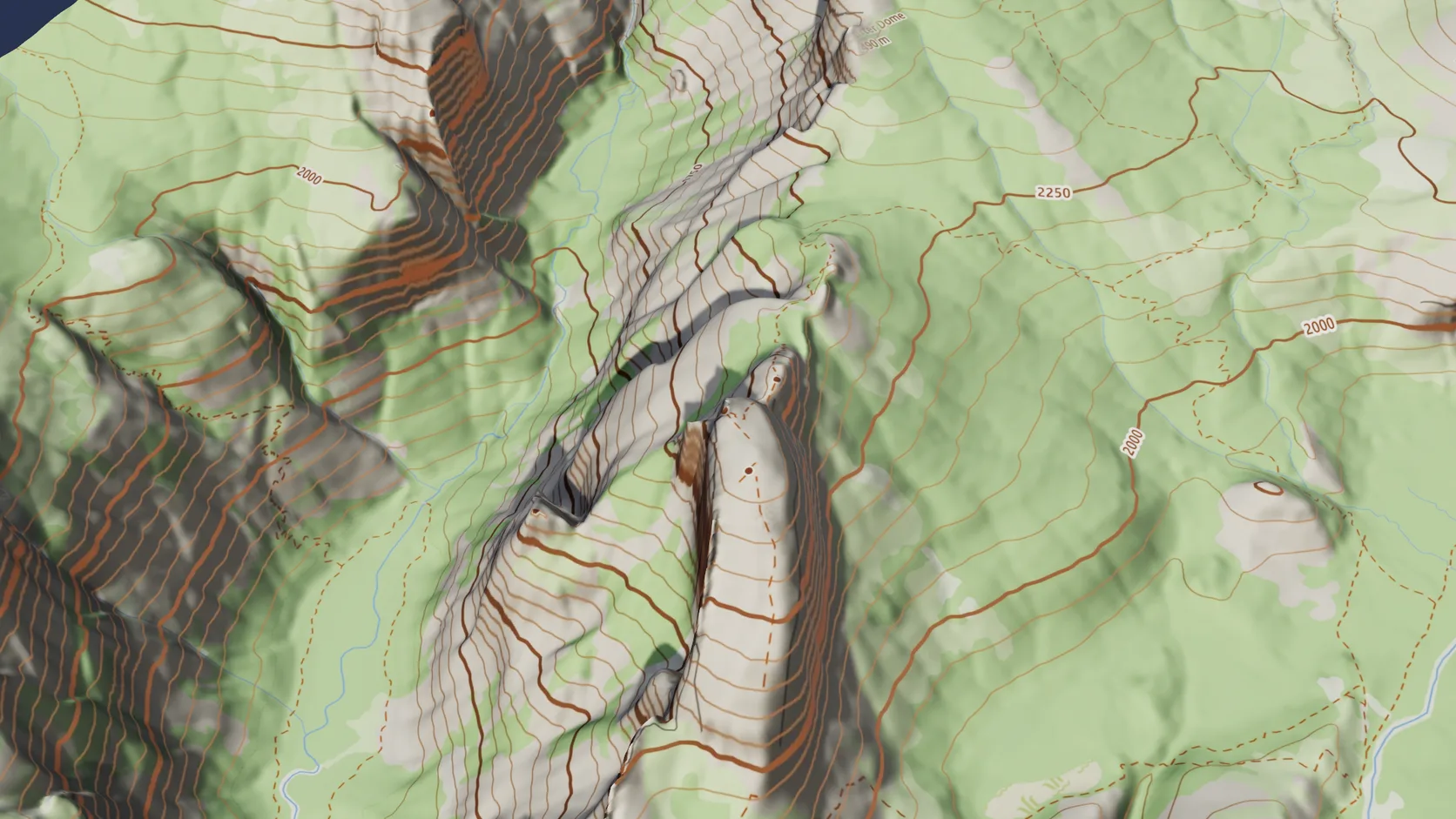
A pale street map with relief shading and labelled contour lines computed from the same elevation as the terrain, so every line sits on its height.
Terrain-only imports reach 100 km a side on a computer. The grid coarsens to match, so a mountain range opens as fast as a valley.
Name a country, state, county, city or park and its OpenStreetMap boundary is draped on the terrain as a ribbon, cut to your area.
Topo, street map, aerial photo or painted natural ground: change it from the Real place panel without importing again.
Drape the OpenFreeMap street map, or a topographic version with relief shading and labelled contours from the terrain's own elevation, and switch grounds later without re-importing.
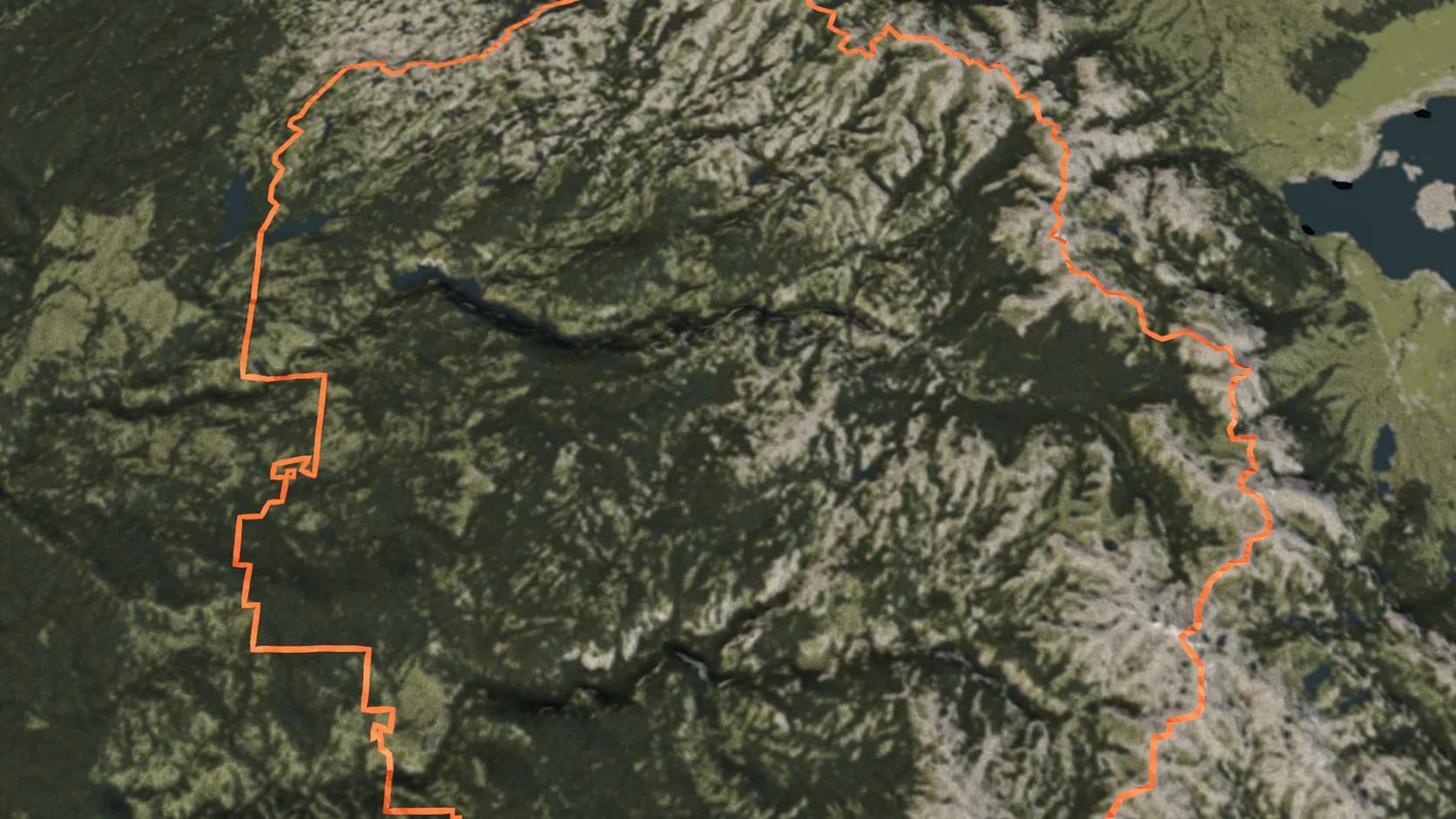
Name a country, state, county, city or park and its outline from OpenStreetMap is draped on the terrain as a ribbon.
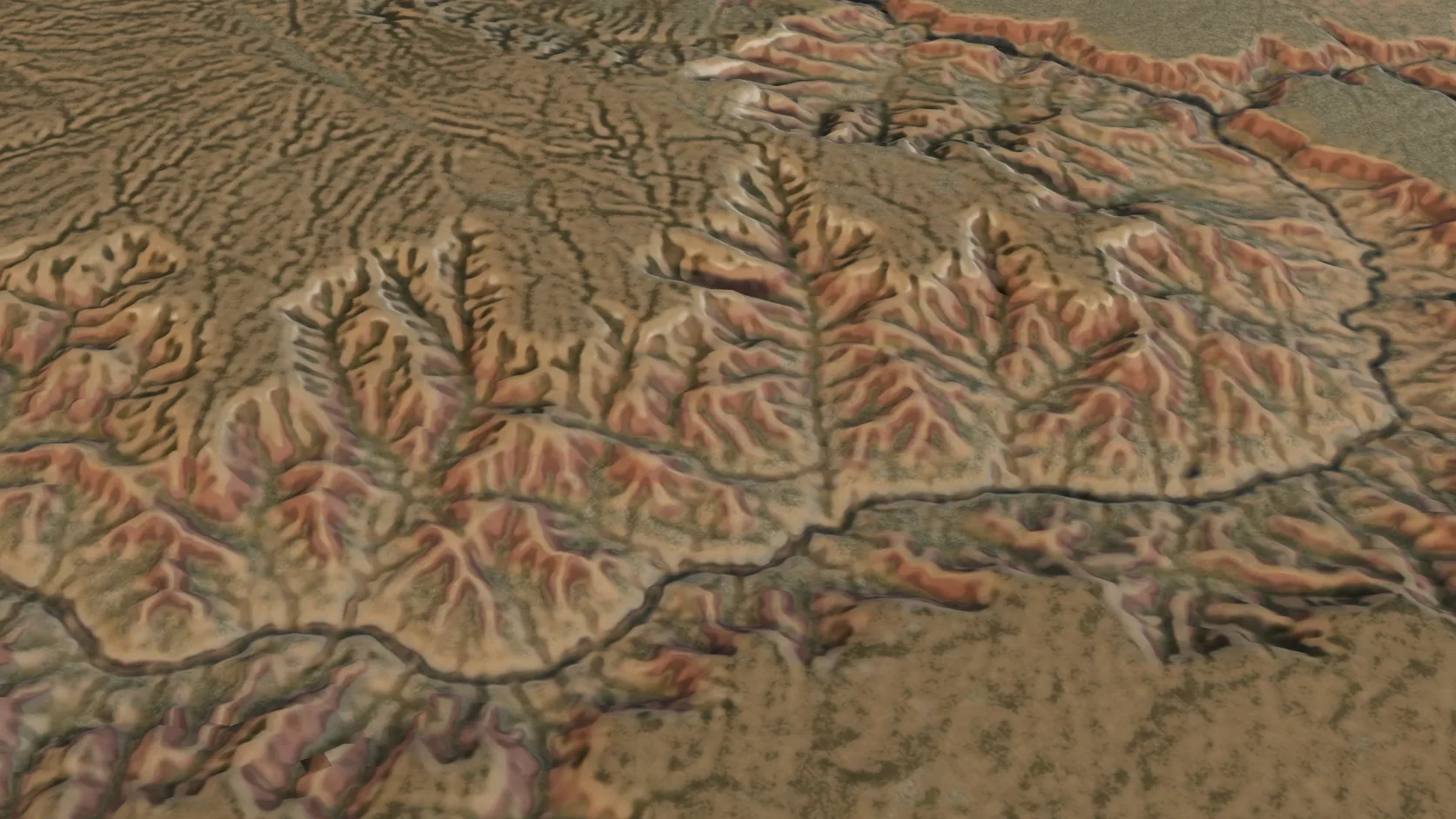
Terrain-only imports reach 100 km a side on a computer — a mountain range or a whole canyon system — with the grid coarsening to match.
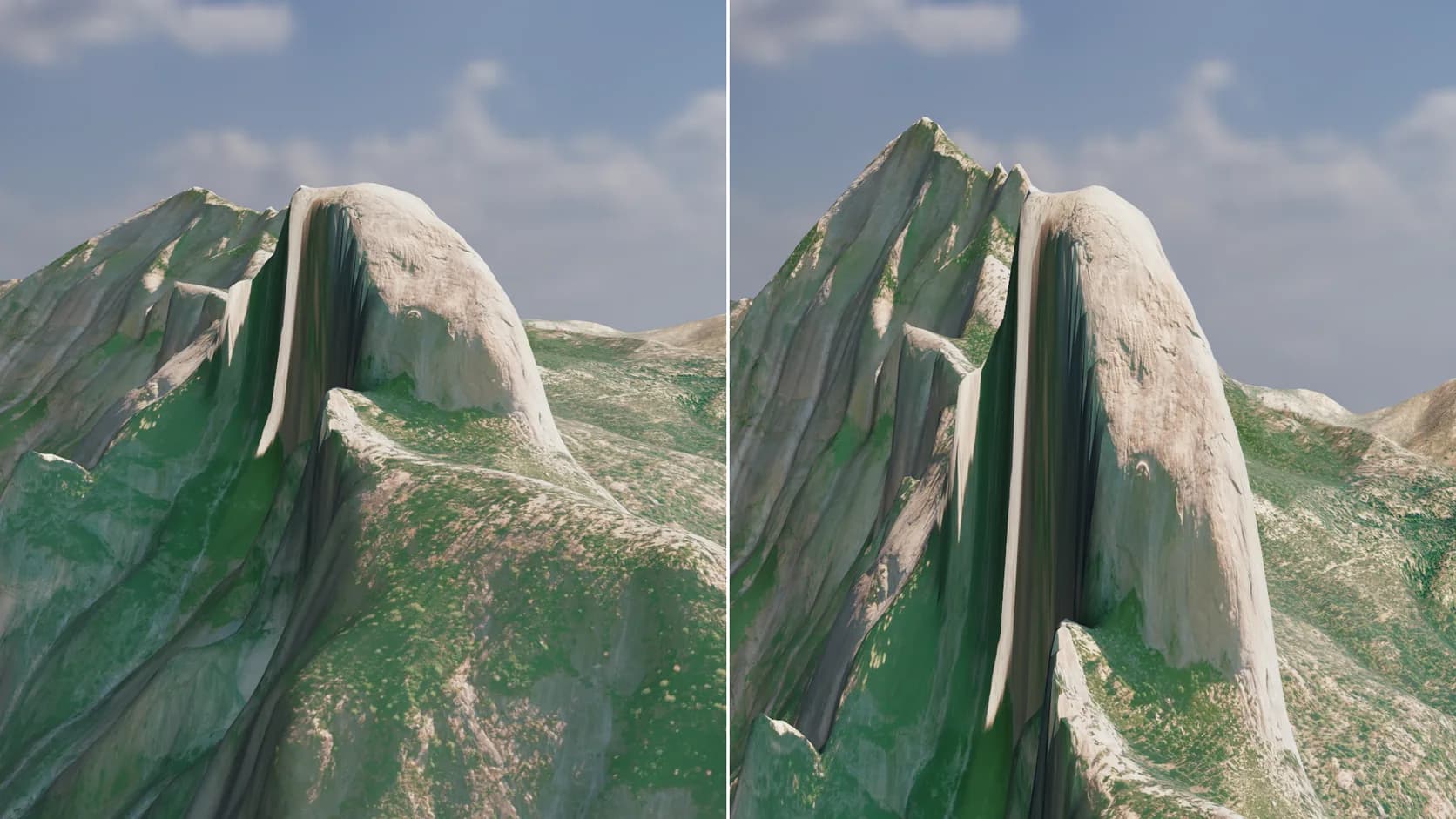
One slider lifts gentle country into readable relief. Leave it at 1 for true scale, and say so on the map when it isn't.
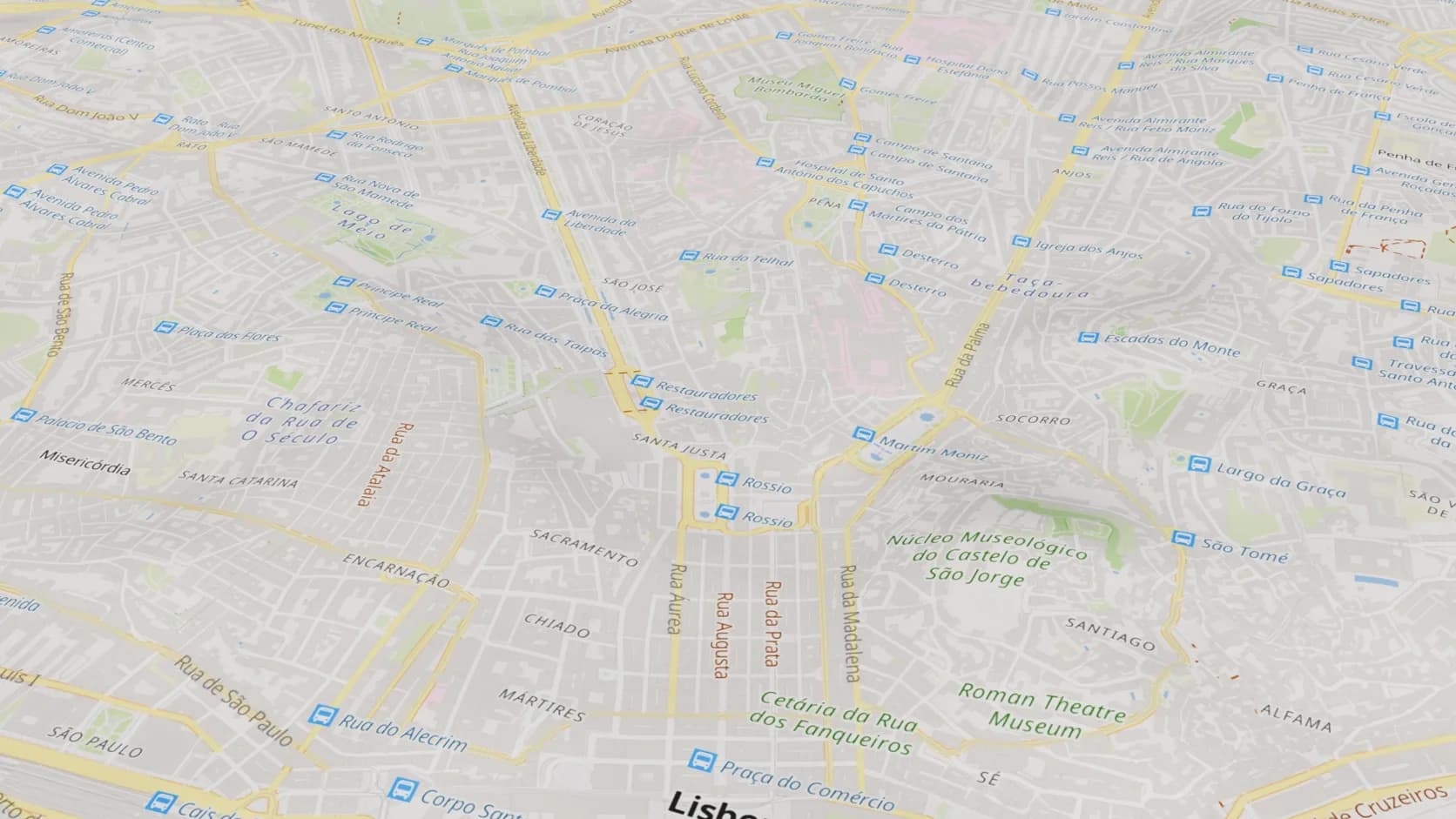
The Map ground lays the street map's own streets, names and water on the relief, in full colour.
Why Mixos
A good relief map does two things at once: it shows the shape of the land, and it tells you where you are on it. Traditionally that meant a hillshade from GIS software, contours generated separately, a basemap aligned on top and a border layer clipped to the frame — and the result was still flat.
Studio does it in three dimensions in one place. The Real place import builds the terrain from open elevation data, then lays a ground over it. The Topo ground is the OpenFreeMap street map lightened, with relief shading and contour lines computed from the same elevation the mesh uses, labelled with their heights. The Map ground keeps the street map's full colours. Natural ground paints the landscape from ESA WorldCover land cover — forest, grass, scrub, bare rock, snow and water — and Photo drapes aerial imagery whose licence allows commercial use.
Borders come from OpenStreetMap too. Type a region in the Real place panel and its outline is draped on the terrain as a ribbon. A region larger than your box is cut to it, so a state shows as the part of its border inside your 100 km, not the whole outline.
From there the relief is a normal Studio scene. Raise the vertical exaggeration so gentle country reads, set a low sun for long shadows, put a camera on a slow orbit and render. If you want it in your hands rather than on a screen, the same import becomes a printable model.
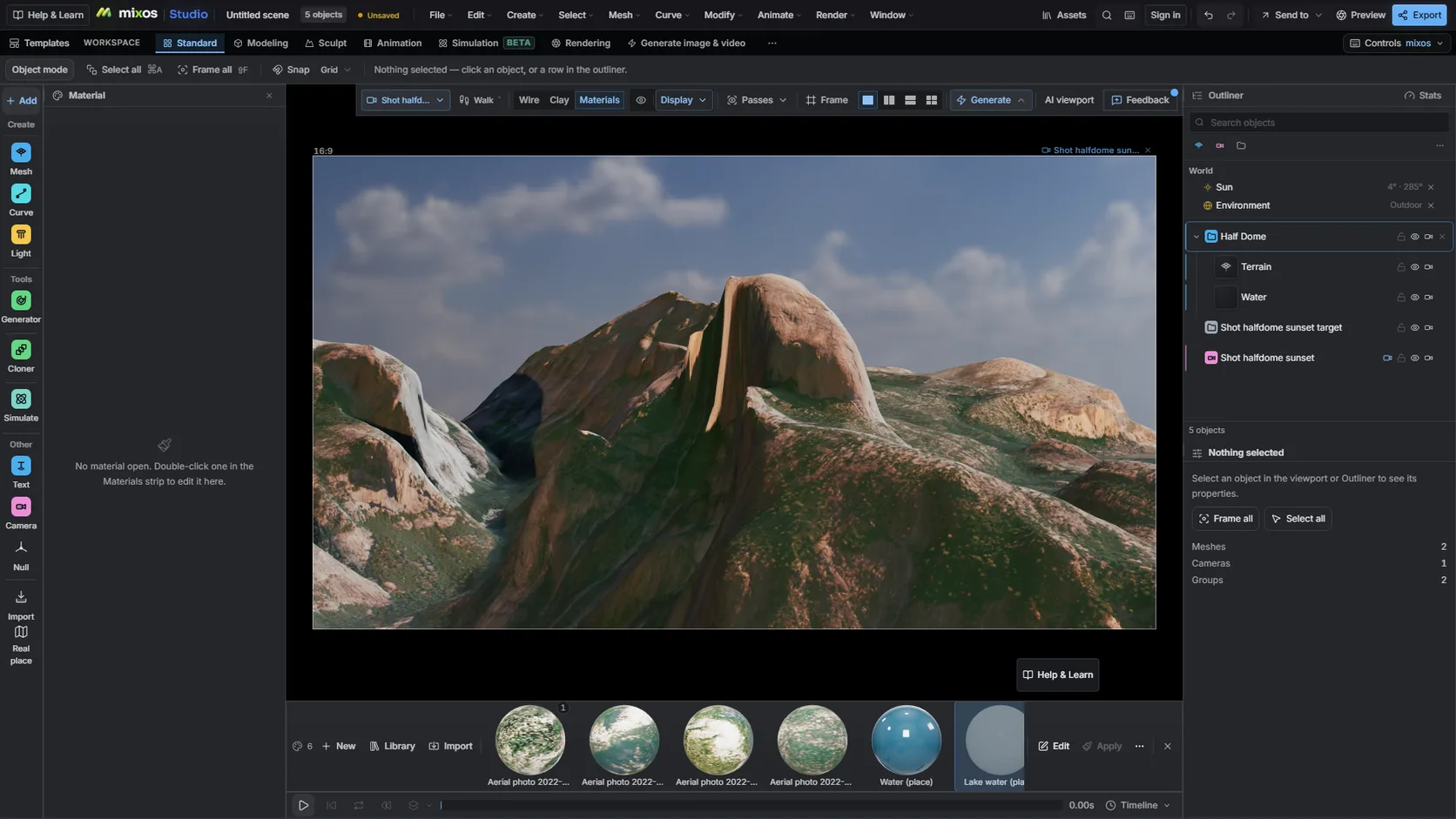
Open the Real place picker in terrain mode, search the place and drag a box — up to 100 km across on a computer.
Choose Topo for contours and relief shading, Map for the street map, Photo for imagery, or leave the painted natural ground.
In the Real place panel, type the park, county, state or country whose outline you want on the relief.
Lift the relief until it reads, set a low sun and render a still or a slow orbit.
Make a 3D relief map of Yosemite National Park: 80 km of terrain with the topo ground, the park border in orange, 1.5x exaggeration and a low afternoon sun.
Import the area in Studio's Real place picker in terrain mode, choose the Topo ground for contours and relief shading, add a border if you want one, and render. Importing, styling and rendering previews are free.
They are computed from the same open elevation data as the terrain, so they match the mesh exactly. They are as accurate as that data — about 30 m in most of the world — not a surveyed topographic sheet.
Only part of a large one. Terrain imports are capped at 100 km a side on a computer (50 km on a tablet, 25 km on a phone), and a border is cut to the area you imported.
Yes, with credit. The map data is © OpenStreetMap contributors under the ODbL, the map style is OpenFreeMap © OpenMapTiles, and WorldCover is CC BY 4.0. Mixos keeps those credits with the scene.
Yes. Make printable closes the terrain into a watertight model for your slicer. The map drawn on the ground is a texture, so a single-colour print shows the relief, not the contour lines.
Read next
Which format keeps materials and which throws them away.
Open the file in the browser — meshes, materials, triangle count.
Watertight remesh, thickened walls, and the checks that stop a bad print.
Key, retime and ease a move, step by step.
Keep exploring
3D map maker
3D terrain generator
3D printed topographic map
GPX to 3D map
Satellite imagery on terrain