Measured, not sculpted
The shape comes from open global elevation data, so the ridges, cirques and faces are where they are on the real mountain.
3D mountain model
Search a peak by name — the Matterhorn, Mount Rainier, Half Dome — and Studio builds it from real elevation data, painted from land cover or draped with imagery. Light it, render it, print it, or export the mesh for your own project.
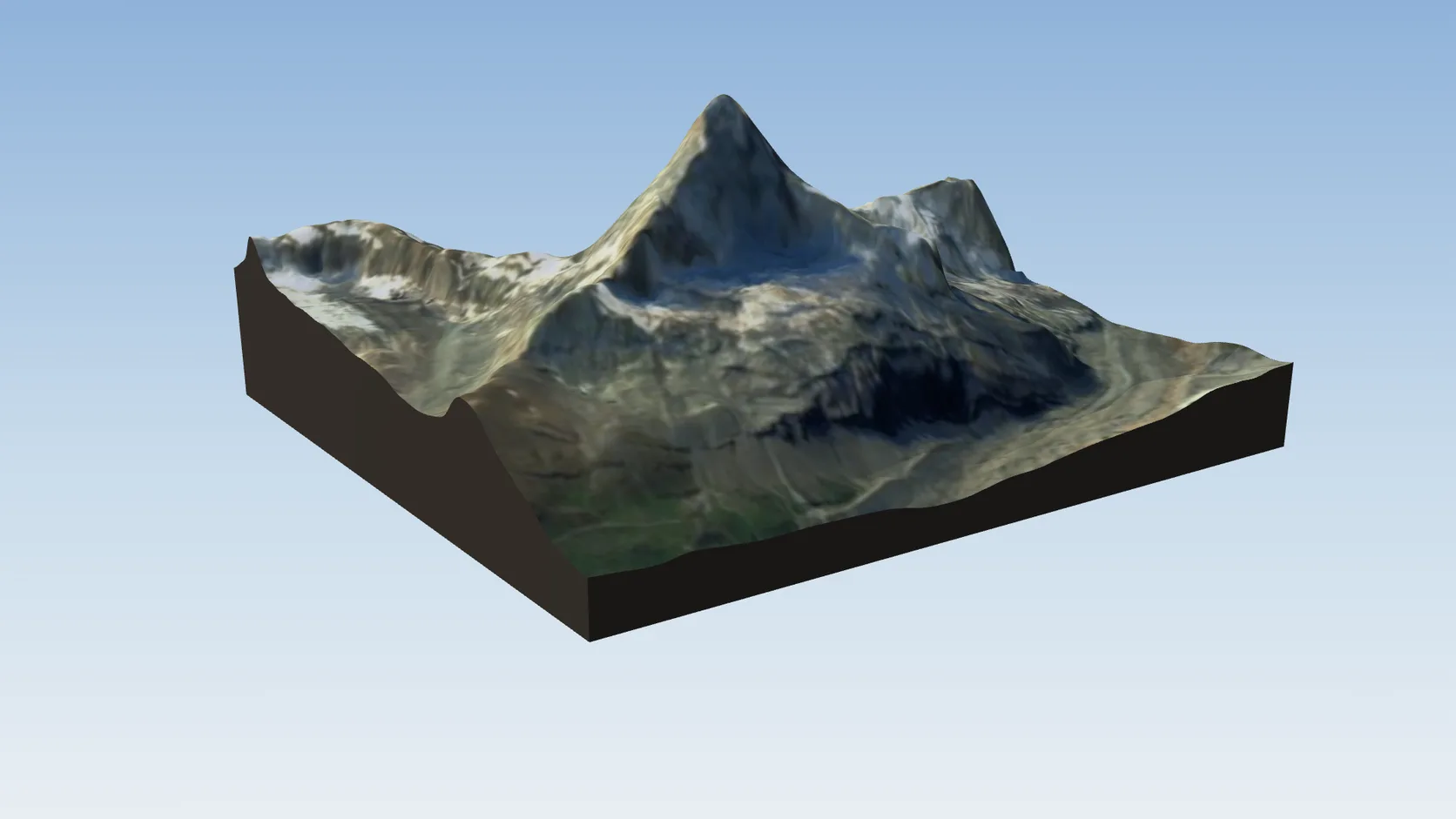
The shape comes from open global elevation data, so the ridges, cirques and faces are where they are on the real mountain.
Natural ground is painted from land cover — snow, bare rock, forest, meadow — and cliffs stay rock. Aerial imagery is one switch away.
The scene knows the mountain's coordinates, so the sun study puts dawn on the face that really catches it.
Keep working in Studio, make a watertight print, or export GLB, OBJ, FBX or STL on a paid plan.
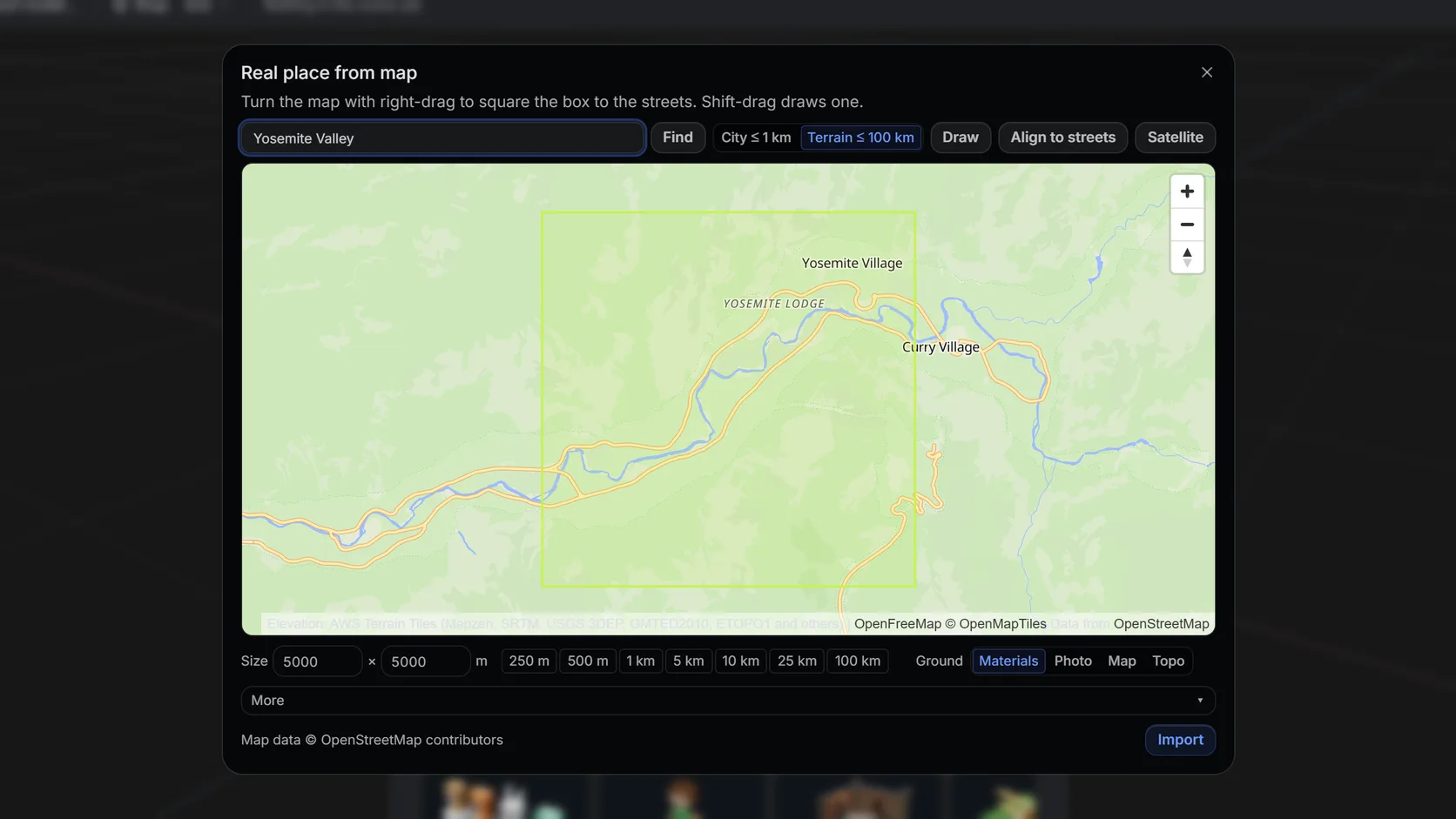
Search the peak by name or type its latitude and longitude, then drag the box around the summit, the massif or the whole range.
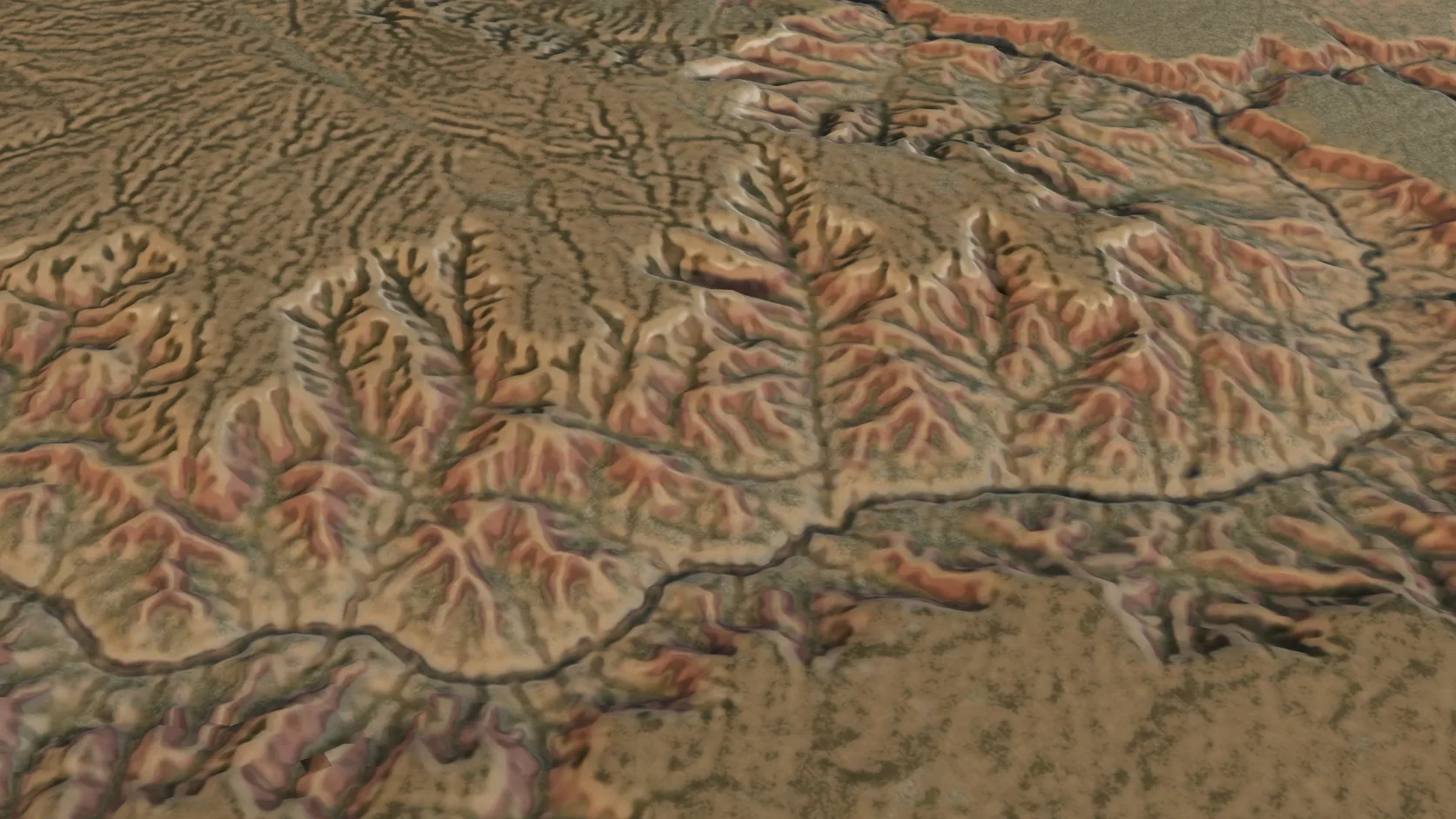
Terrain-only imports reach 100 km a side on a computer — a mountain range or a whole canyon system — with the grid coarsening to match.
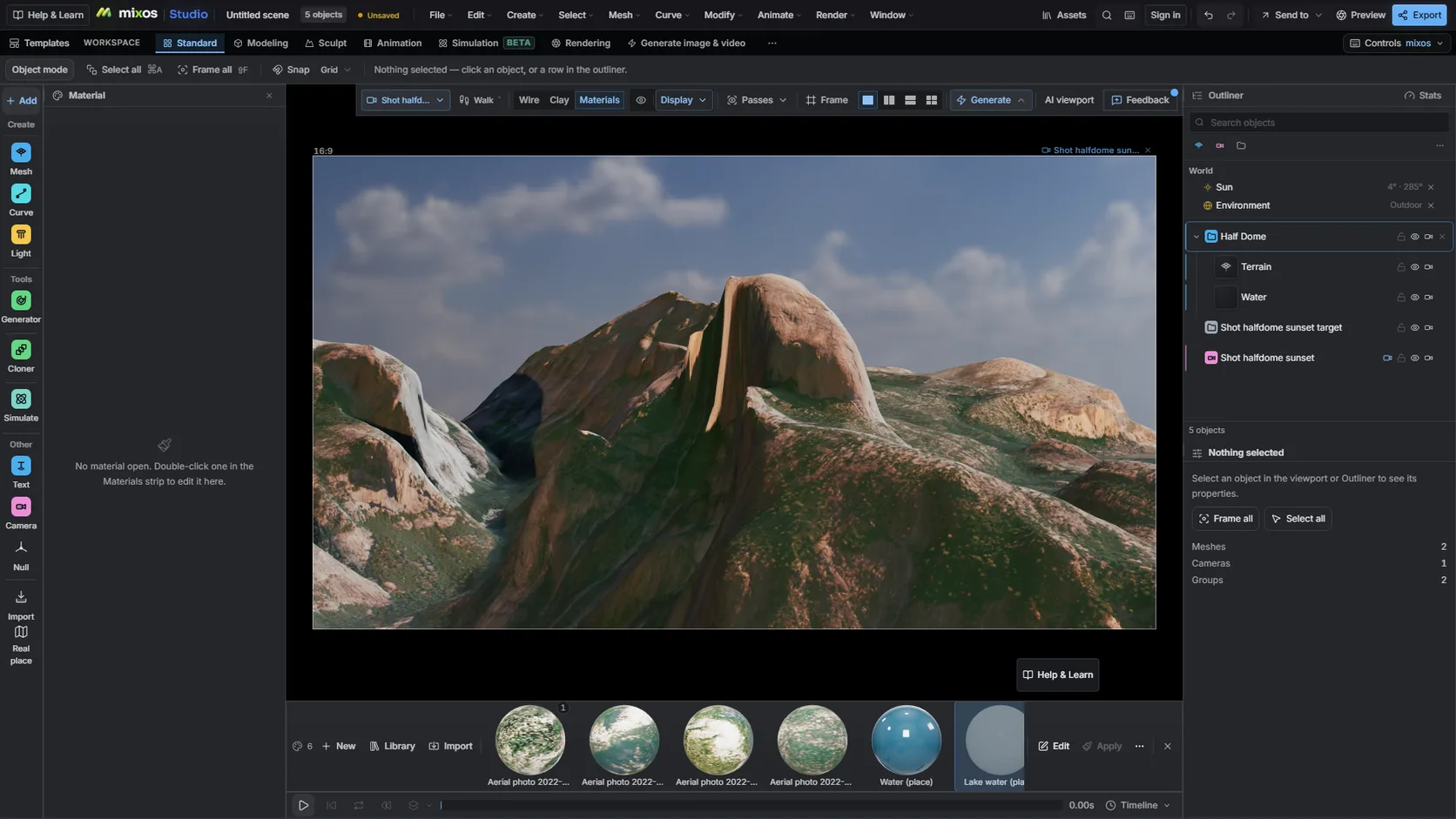
The scene keeps the mountain's coordinates, so a sun study lights each face from the right direction for any date and hour.
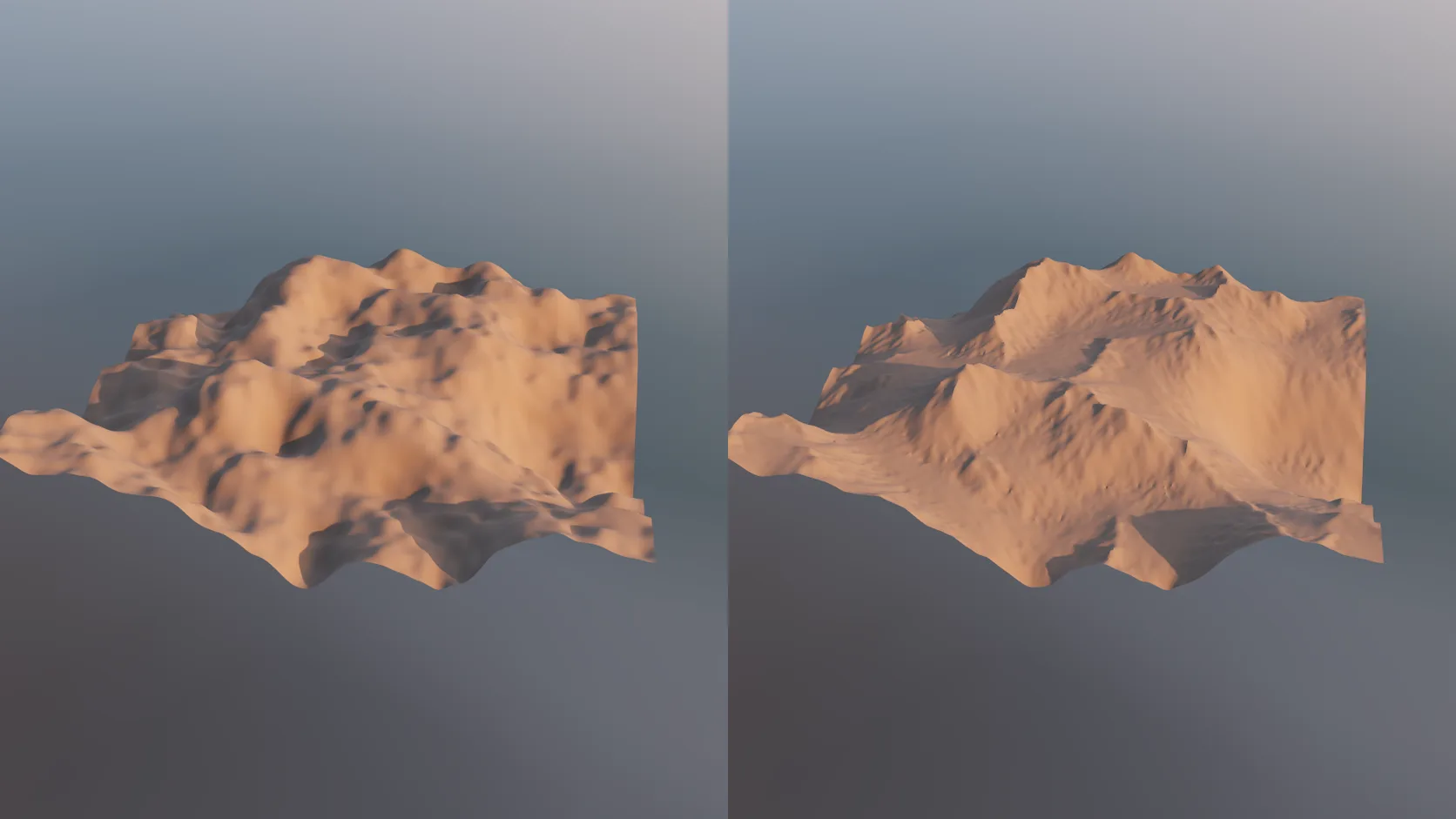
Real elevation is smooth at 30 m, and noise looks invented. An erode stage carves gullies, ridges and sediment fans into any terrain mesh — non-destructively, on the GPU, so you can dial it back.
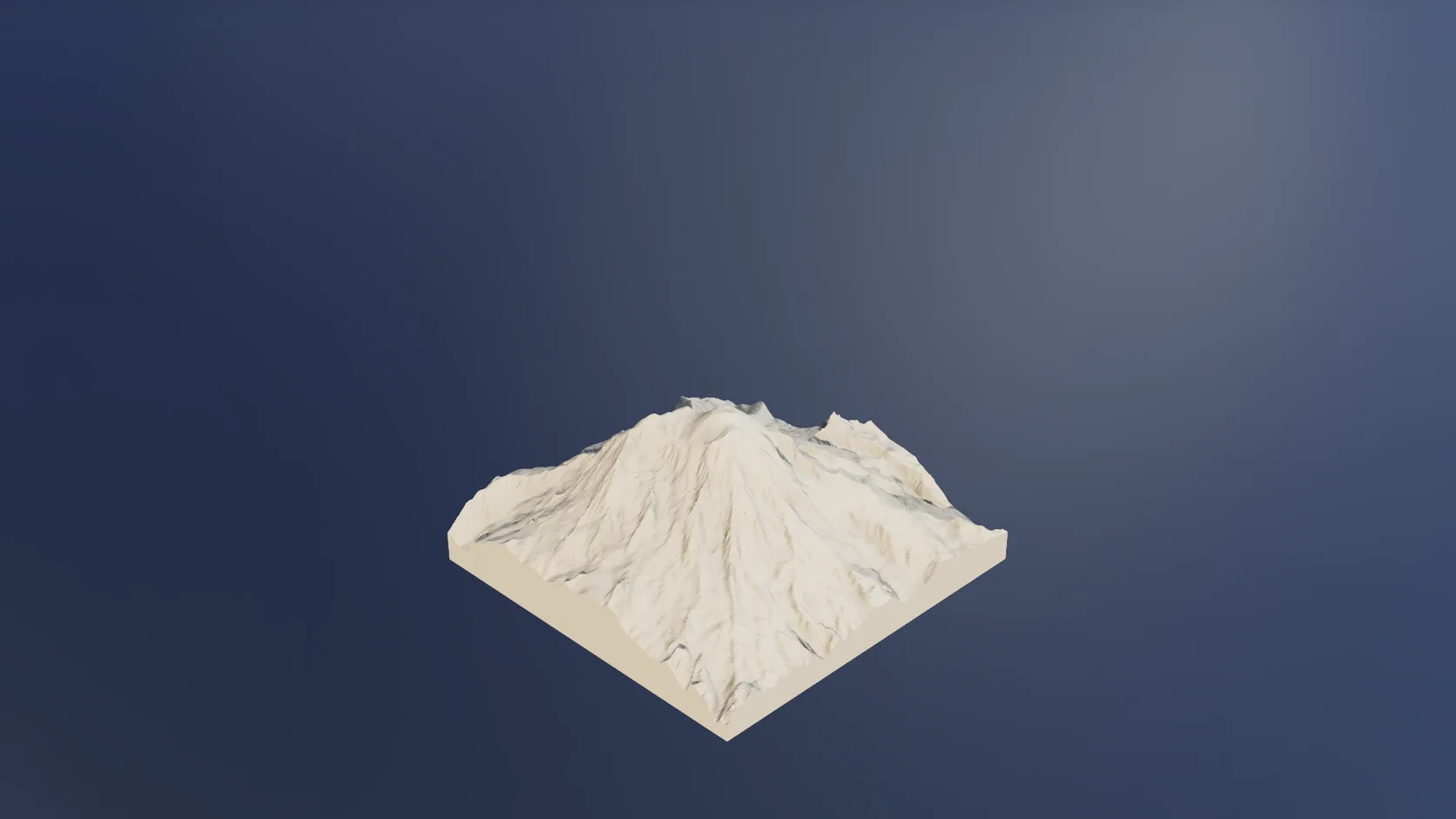
Make printable closes the mountain into a watertight model on a solid base, sized in millimetres for your slicer.
Why Mixos
Search for a 3D model of a famous mountain and you find a handful of files of the very best-known peaks, at whatever size, detail and licence their makers chose. For anything less famous, or for the area around a peak rather than the summit alone, there is usually nothing.
Building it from elevation data gets you any mountain, framed the way you want. In Studio's Real place picker, search the peak's name, choose terrain mode and drag a box: 5 km for a single summit, 20 km for a massif, up to 100 km for a whole range or canyon system. The terrain is built as a grid mesh in metres, and painted from ESA WorldCover land cover with rock on the cliffs and snow where the land cover records it.
Know the resolution before you plan a close-up. The source data is about 30 m in most of the world and finer across much of the US, and the mesh is 200 cells a side by default and up to 350 at high detail — about 15–25 m per cell for a 5 km summit, 30–50 m for 10 km and about 290 m for a 100 km range. A big face reads well; a single gully or boulder is not in the data. For close-ups, an erode stage carves believable gullies and fans into the surface, and a displace stage adds texture, both non-destructive.
The model is yours to use with credit. The elevation is open data; land cover and imagery carry their own credits, which mixos keeps with the scene and writes into GLB and 3MF exports.
Open the Real place picker in terrain mode and search the peak by name, or type its latitude and longitude.
Drag the box around the summit, the massif or the whole range, and set the vertical exaggeration — 1 is true scale.
Render it with the sun at the real location, make it printable, or export the mesh on a paid plan.
Build the Matterhorn and 8 km around it, with snow and rock as they really are, lit for sunrise on 1 August, and frame it from the Zermatt side.
Yes. Elevation data covers nearly all land on Earth, so any peak you can search by name or coordinates can be built in Studio's Real place picker.
Building, editing and rendering previews of the mountain are free. Exporting the mesh as GLB, OBJ, FBX or STL, or a 3MF for printing, is on a paid plan.
Yes. Terrain imports reach 100 km a side on a computer (50 km on a tablet, 25 km on a phone), which covers a canyon system or a mountain range at about 290 m per cell.
About 30 m source data in most places, and a mesh of 200 cells a side by default or up to 350 at high detail. A 5 km box gives roughly 15–25 m per cell — right for a whole mountain, not for one climbing route's holds.
Yes, on a paid plan: export GLB, glTF, OBJ or FBX. The mesh is in metres around the centre of your area, so it arrives at true scale.
Read next
Which format keeps materials and which throws them away.
Open the file in the browser — meshes, materials, triangle count.
Watertight remesh, thickened walls, and the checks that stop a bad print.
Key, retime and ease a move, step by step.
Keep exploring
3D terrain generator
3D printed topographic map
3D relief map maker
Heightmap to 3D
Aerialod alternative