Mixos vs Procreate
Mixos vs Procreate for 3D texturing.
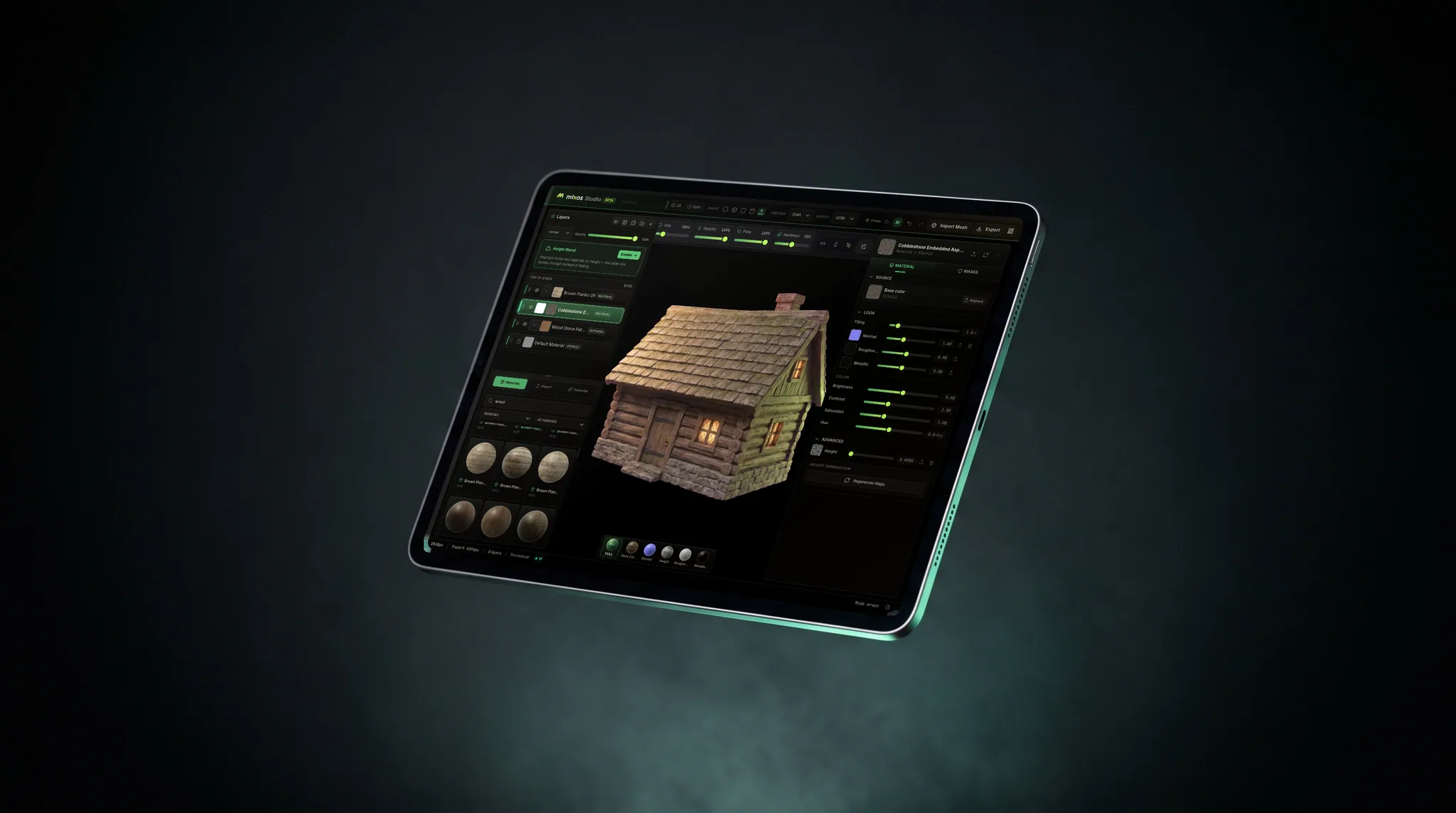
Procreate can import a 3D model and let you hand-paint it on iPad — a lovely way to work if AR or the Apple ecosystem is where it's headed. Mixos is a full PBR texture pipeline that also runs on iPad, but exports engine-ready map sets and runs on your laptop and desktop too. Here's where each one wins.
Feature by feature
Mixos vs Procreate, line by line.
A lime check marks the tool with the edge on each row. Where it's a wash, neither gets one — including the rows Procreate wins.
| Feature | Mixos | Procreate |
|---|---|---|
| Runs on | Any WebGPU browser — desktop, laptop, Chromebook, iPad | iPad only (native app) |
| Install & setup | App Store, or open a URL with no install | App Store install |
| Pricing | Free to author; Pro from $8.99/mo | One-time purchase (~$13) |
| Paint on the model (touch + Pencil) | Yes — touch-first layout on iPad | Yes — the reference Pencil experience |
| PBR channels | Color, roughness, metallic, normal, height | Color, roughness, metallic |
| Non-destructive layers + masks | Blendable layers, color-ID + procedural masks | Paint layers; no smart/procedural masks |
| Smart materials library | 2,600+ PBR materials + AI generation | Brush-based — no material library |
| Mesh-map baking (AO, curvature) | Yes — in the browser | No |
| AI generation | Prompt → material, texture, mask, decal | None (by design) |
| Export | Standard PBR map sets + .glb for any engine | Textured USDZ (great for AR/Apple) |
| Illustration & 2D brushwork | Texturing-focused | World-class brush engine |
| Works offline | In the desktop app; the browser needs a connection | Yes — fully offline |
So which should you use?
Procreate is the beloved one-time-purchase illustration app for iPad. Since 5.2 it also imports USDZ/OBJ models and lets you hand-paint their color, roughness, and metallic maps with the Apple Pencil, then export a textured USDZ — a natural fit for AR and hand-painted styles.
Choose Mixos if…
- You need real, engine-ready PBR maps — base color, normal, roughness, metallic, height — that drop into Blender, Unreal, Unity, or Godot, not just a USDZ for AR.
- You want to texture on more than an iPad: the same tool runs in a browser on your laptop, desktop, or Chromebook, with cloud projects across all of them.
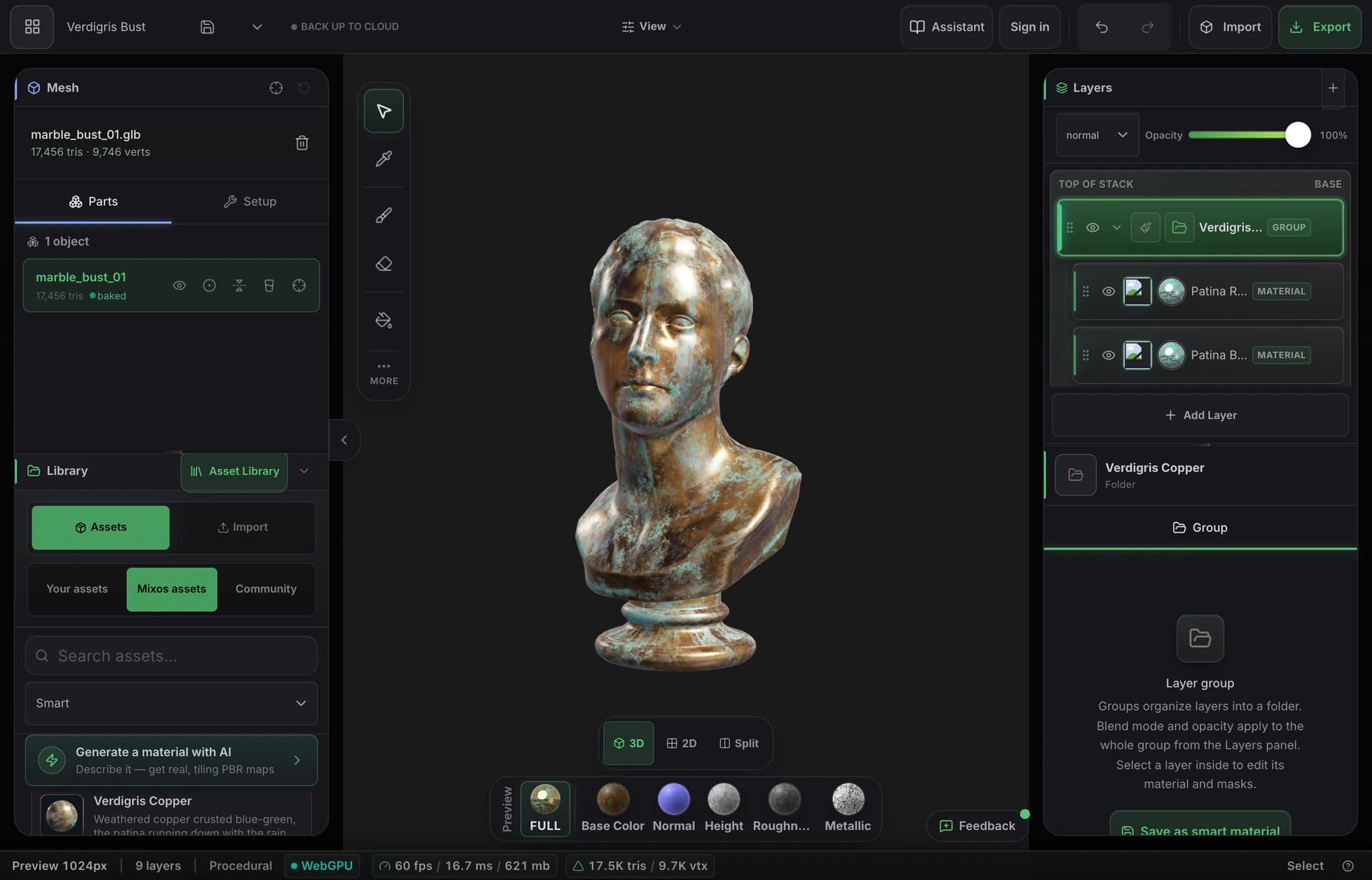
- You want layers, smart materials, procedural masks, edge wear, mesh-map baking, and AI generation — a full pipeline, not hand-brushing alone.
- Free to author matters: build complete materials and pay only to export at production resolution.
Choose Procreate if…
- You work entirely on iPad and want the most polished, native Apple Pencil painting experience there is.
- You already own Procreate and love its brush engine for illustration and hand-painted color.
- Your target is AR, USDZ, or the Apple ecosystem rather than a game engine, and a one-time purchase beats a subscription.
- You need to work fully offline — Procreate never needs a connection.
The bottom line
Hand-painting a model versus a full PBR pipeline
Procreate earned its reputation honestly: it's the most-loved painting app on the iPad, and its 3D mode brings that same beautiful brush engine to a model's surface. You import a USDZ or OBJ, paint its color, roughness, and metallic maps with the Apple Pencil, relight it, and export a textured USDZ. For hand-painted styles, AR pieces, and anyone already living in Procreate, it's a genuinely delightful way to texture.
Mixos is a different kind of tool aimed at a different finish line. It's a full PBR texturing pipeline — non-destructive layers, color-ID and procedural masks, 2,600+ smart materials, edge-wear and grime generators, mesh-map baking, and prompt-based AI generation — and it runs in the browser, including in Safari on iPad with the same touch and Pencil input. The point of difference isn't the painting; it's everything around it and what comes out the other end.
That shows up most in export and reach. Procreate hands you a USDZ, which is perfect for AR and Apple's ecosystem but isn't how game and film engines want their textures. Mixos exports organized, standard map sets plus a .glb, so the asset drops straight into Blender, Unreal, Unity, Godot, Cinema 4D, Houdini, or Maya. And because it's a browser tab rather than an iPad-only app, the same project follows you from the couch to the desk. If you want a hand-painted look for AR on iPad, Procreate is lovely; if you want production PBR textures for an engine — on iPad and everywhere else — that's what Mixos is built for.
Frequently asked questions
Can Procreate texture 3D models?
Yes — since version 5.2 Procreate imports USDZ and OBJ models and lets you hand-paint their color, roughness, and metallic maps on iPad, then export a textured USDZ. It's brush-based painting on the model's existing texture maps rather than a layered, procedural PBR pipeline.
What does Mixos do that Procreate's 3D mode doesn't?
Non-destructive blendable layers, color-ID and procedural masks, a 2,600+ smart-material library, edge-wear and weathering generators, mesh-map baking (AO, curvature), normal and height channels, AI generation, and export as standard engine-ready PBR map sets plus a .glb — versus Procreate's brush painting and USDZ export.
Does Mixos run on iPad like Procreate?
Yes — there is a free Mixos app on the App Store, and the same editor runs in Safari 26+ (or Chrome) on iPad with a touch-first layout and Apple Pencil support, with nothing to install. Unlike Procreate, that exact editor also runs on your laptop and desktop, and your projects sync across all of them.
Which should I use?
For hand-painted color, illustration-style looks, AR pieces, or if you already live in Procreate on iPad, Procreate is a joy. For production PBR textures that go into a game or film engine — with layers, smart materials, baking, and clean map-set export, on iPad and desktop alike — Mixos is the right tool.

Try it yourself. No install.
Open a tab and texture a model in minutes — free to author, nothing to download, and you can decide for yourself how it compares.