No official browser version
Blender's own downloads are for Windows, macOS and Linux. The project does not publish a build that runs inside a web page, so a site offering Blender in a tab is streaming it from somewhere else.
Blender online
Blender is a free desktop download; there is no official version that runs inside a web browser. You can reach a real Blender running on another computer, or make 3D directly in the browser tab with Mixos, a separate editor built for it. Here is how the options differ.
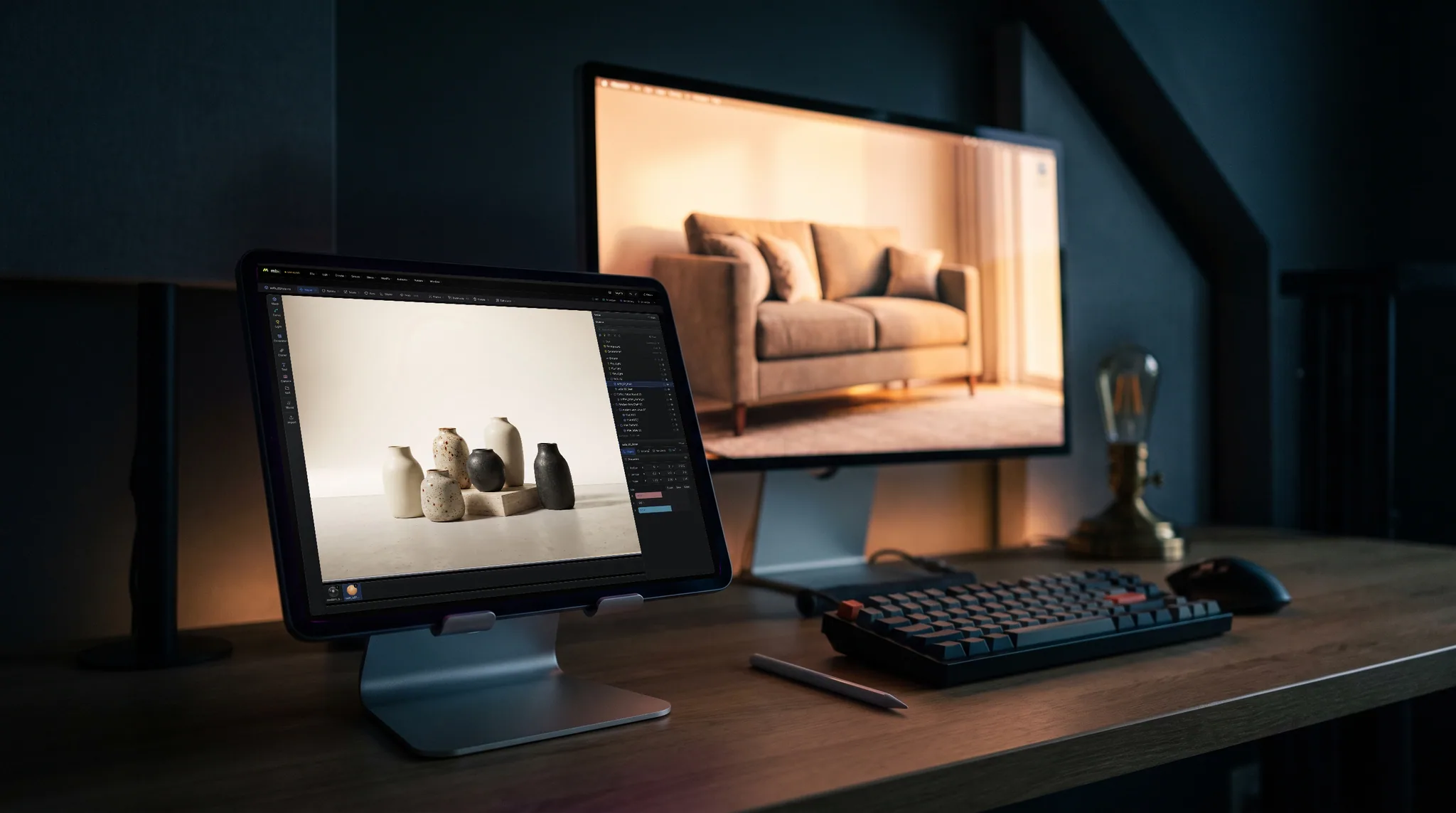
Blender's own downloads are for Windows, macOS and Linux. The project does not publish a build that runs inside a web page, so a site offering Blender in a tab is streaming it from somewhere else.
A cloud desktop or remote-desktop app runs Blender on another machine and shows it in your browser. You keep .blend files and add-ons; that machine and a steady connection do the work.
Mixos Studio is built for the browser on WebGPU: polygon modeling, modifiers, scene layout, keyframe animation and path-traced renders, with nothing to install.
Mixos does not open or save .blend files. Bring meshes in as GLB, glTF, OBJ or FBX, and export finished meshes on a paid plan to take them into Blender.
Why Mixos
If you mean the official Blender app running in a browser, it does not exist. Blender is free and open source, but it is a desktop program: you download it from blender.org and install it on Windows, macOS or Linux. Pages that promise Blender online either link to that download or stream Blender from a computer somewhere else.
If you mean using the real Blender without installing it on the machine in front of you, a cloud desktop or remote-desktop session does that. Blender runs on a remote computer, and your browser shows its screen and sends your mouse and keyboard. You get every Blender feature and your .blend files, but you also get the latency of the connection, and someone has to provide and pay for the remote machine.
If you mean making 3D in a browser tab with no download at all, Mixos is a different editor that runs there natively. Studio opens on a WebGPU browser: start from a cube, extrude, inset and bevel, stack modifiers, assemble a scene, key an animation and render it. Mold handles sculpting and Paint handles layered texturing. Starting and editing are free; exporting finished meshes is paid.
Pick by the file you need at the end. A production .blend scene with Geometry Nodes or custom add-ons belongs in Blender itself, installed or streamed. A model, scene or animation you want to start now, on any computer or a Chromebook, can begin in Mixos and travel to Blender later through a standard format such as GLB or OBJ.
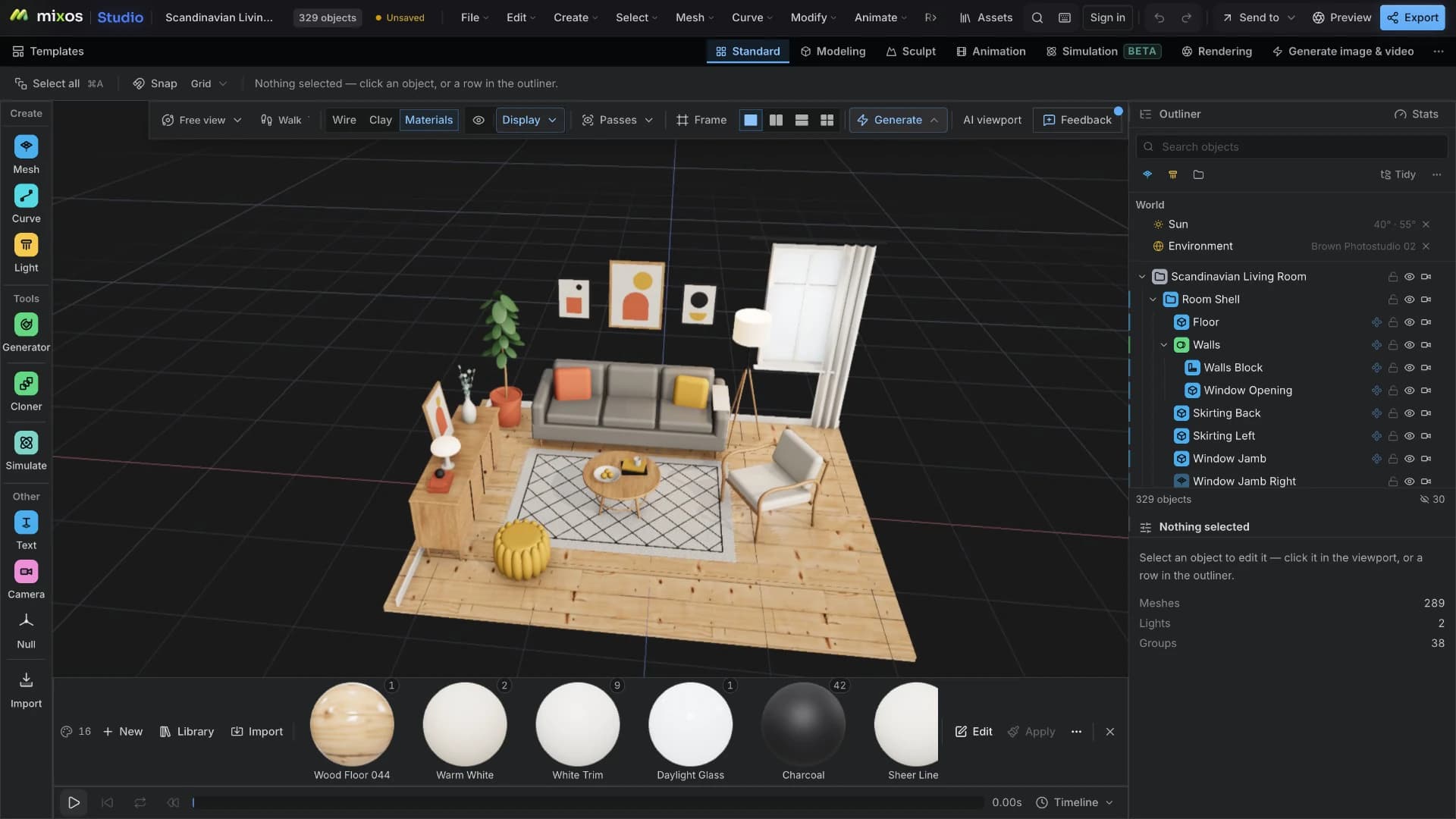
Launch Mixos Studio in Chrome, Edge, Firefox or Safari 26+. There is nothing to download; a browser with WebGPU is the only requirement.
Add a primitive, then extrude, inset and bevel it. Stack modifiers, assign materials and add lights to build the scene around it.
Key a camera move or object animation and render it, or save the scene to your account. If Blender is the destination, export a GLB or OBJ on a paid plan.
Build a small wooden stool: a cylinder seat with a bevelled edge, three tapered legs, a warm key light and a slow turntable animation.
No. Blender is a free desktop application for Windows, macOS and Linux. The Blender project does not publish a version that runs inside a web browser, so any Blender you see in a tab is running on another computer and being streamed to you.
Only by using it on someone else's computer: a cloud desktop or remote-desktop service runs Blender remotely and streams it to your browser. To run Blender on your own machine, you download and install it from blender.org.
No. Mixos is a separate 3D editor built to run in the browser. It covers much of the same ground — polygon modeling, modifiers, animation, rendering, sculpting and texturing — with its own interface, and it does not open .blend files.
Yes, through standard formats. Export from Blender as GLB, glTF, OBJ or FBX and import into Mixos; going the other way, export a finished mesh from Mixos on a paid plan. Blender-only data such as Geometry Nodes and add-on settings does not transfer.
Opening Studio, modeling, animating and saving scenes to your account are free. Exporting finished meshes, and larger volumes of AI generation, are on paid plans.
A browser with WebGPU: current Chrome, Edge or Firefox, or Safari 26 and later. It runs on most laptops and desktops from the last several years, Chromebooks and iPads included; complex scenes benefit from a faster GPU.
Read next
The whole pass, from import to exported maps.
The maps a modern material is made of, and what each one does.
Why the same texture reads bigger on one model than another.
Drop the files in and see the material lit, in the browser.
Keep exploring
Blender alternative
Online 3D modeling
Online 3D animation
Blender on iPad
Blender on phone
3D on ChromeOS