Desktop app · Mac & Windows
The whole studio, out of the browser.
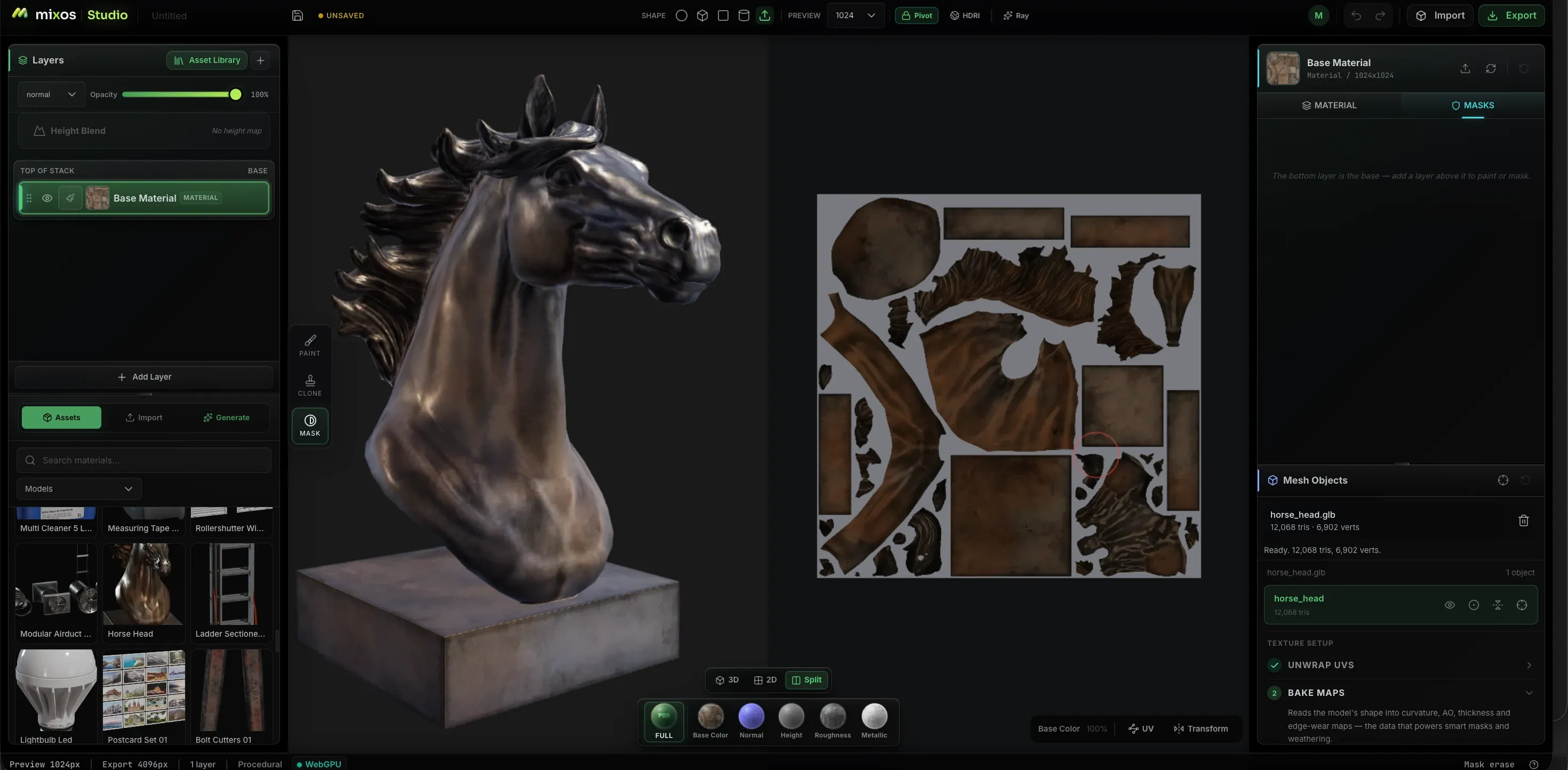
Mixos for desktop is the same live editor you use in the browser, wrapped in a native shell that lifts the browser's limits — more cores for bakes, bigger caches, native ML, full offline support, and a live link that streams textures straight into Blender, Cinema 4D, and Unreal. Your account, projects, and credits carry over automatically.
macOS 12 or later · Windows 10 or later · free download, free account — no credit card, and your cloud projects come with you.
On Windows, SmartScreen may warn that the publisher is unknown — choose More info → Run anyway. We're getting the app code-signed shortly.
On iPhone and iPad: iOS 26 or later · iPhone 11 or later · iPad (2020) or later · free download.
Also on iPhone & iPad
Model, paint and sculpt on the device in your pocket.
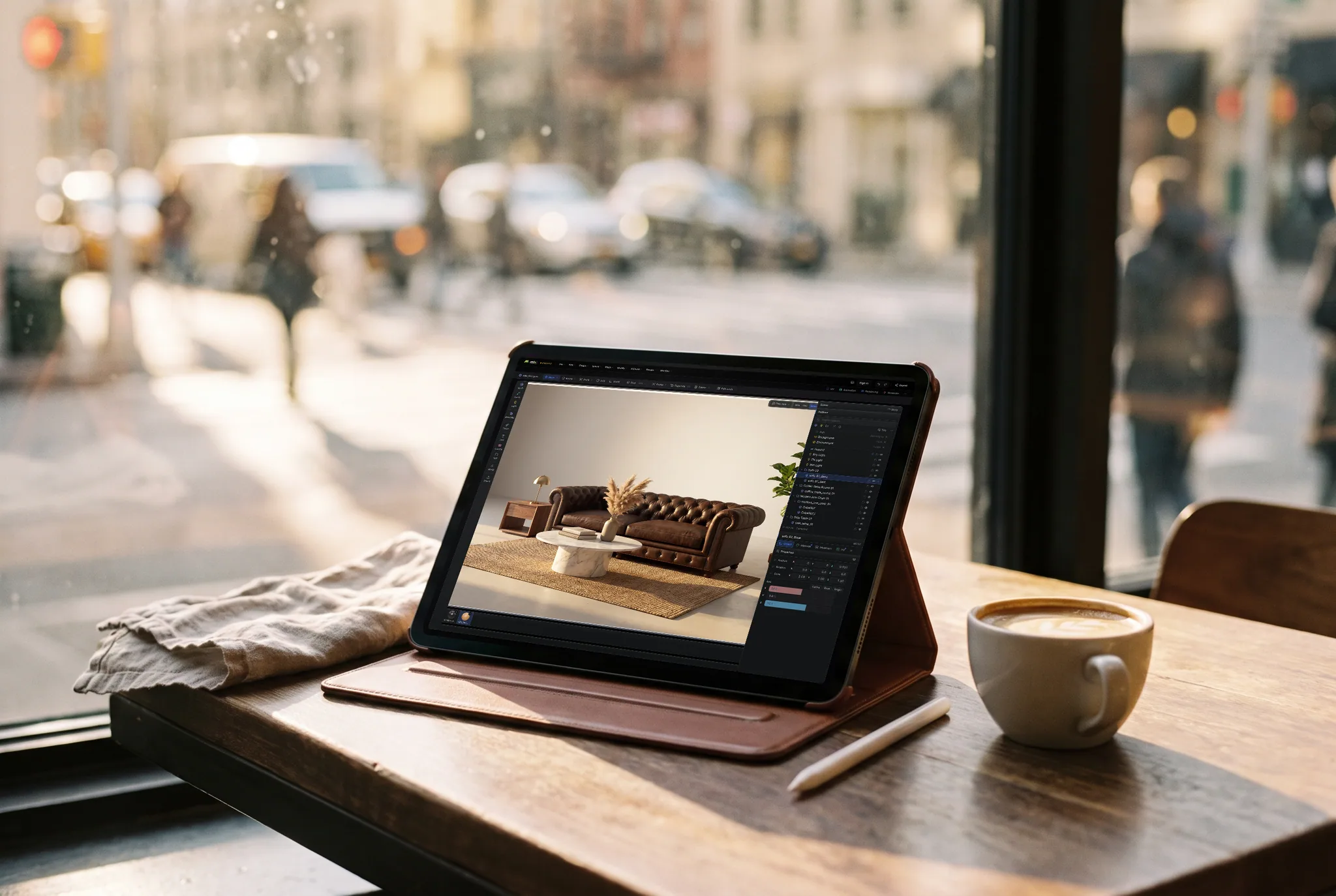
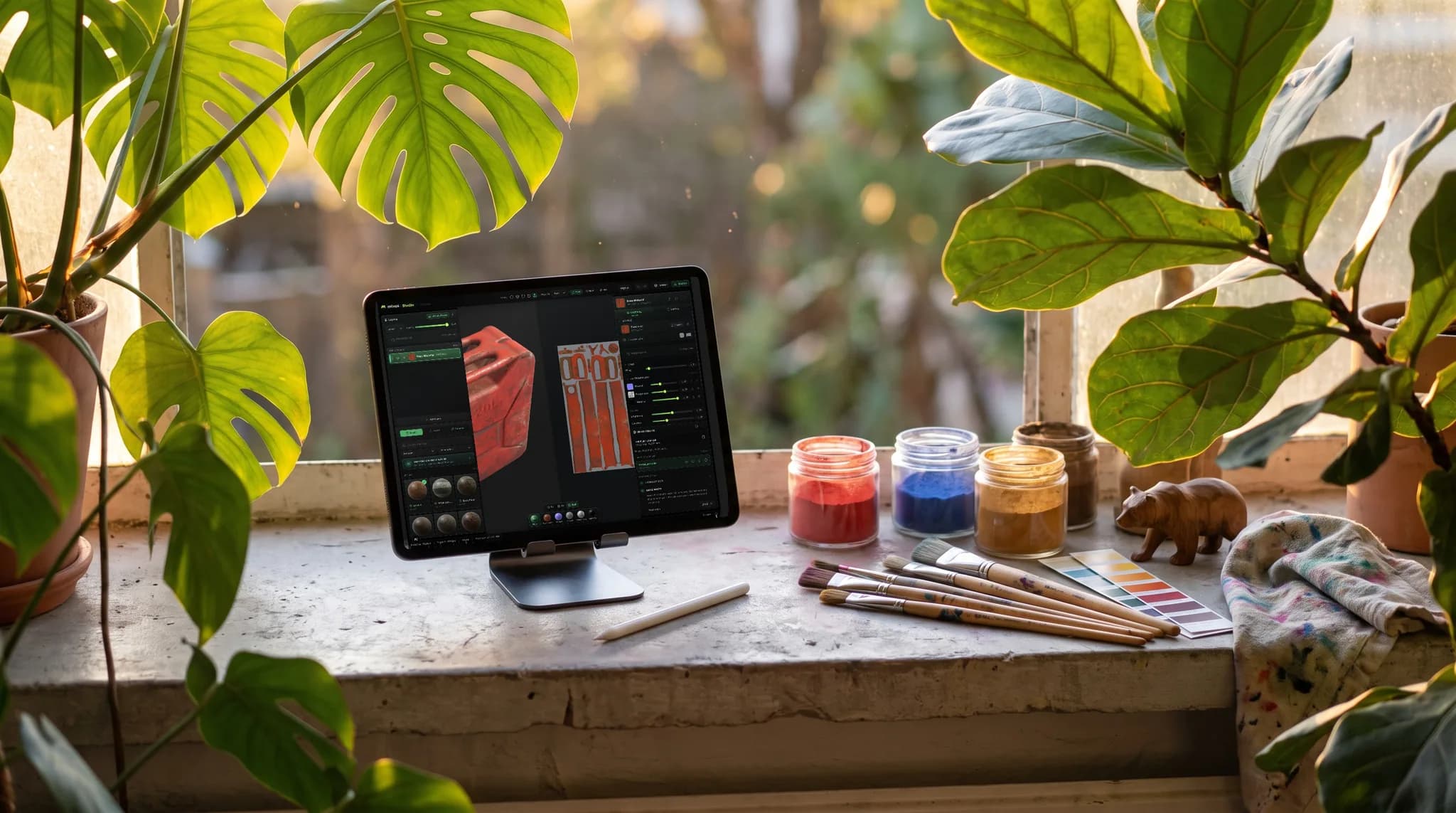
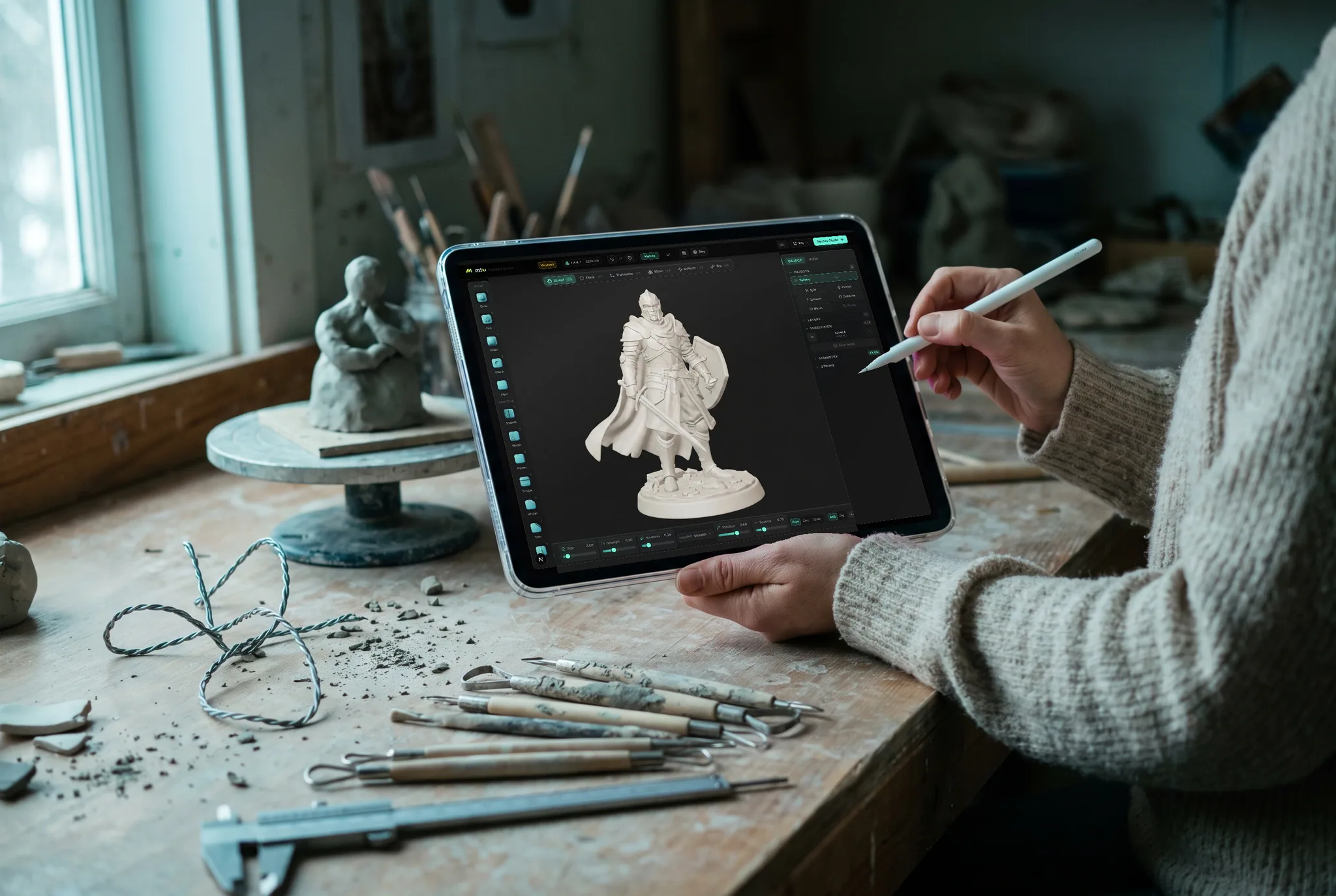
The iOS app carries Studio, Paint and Mold, with a layout built for touch and Apple Pencil. Projects sync through the same cloud library, so a model started on your phone opens on your desktop exactly where you left it.
No install needed
Or run Mixos in a browser that supports WebGPU.
Mixos draws in real time with WebGPU, so the editor needs a browser that has it. Every current desktop browser does — if yours doesn't open the editor, it is almost always a version or two behind. The editor needs WebGPU. These browsers have it:
Nothing to configure once you're on one of these — open the editor and it starts. The desktop app above ships its own GPU engine, so it also works on machines whose browser doesn't.
What the desktop app adds
Live Link to Blender, C4D & Unreal
Stream your material into Blender, Cinema 4D, or Unreal as you paint — one click installs the plugin, Auto Sync re-sends on every change, and Blender can send meshes back.
Faster bakes
Bake worker pools use every core and multi-gigabyte caches the browser tab won't allow.
Native ML
Height-map inference runs on real hardware — the Neural Engine on Apple Silicon, DirectML on Windows — several times the in-browser speed.
Works offline
Keep painting without a connection; projects sync back to your cloud library when you're online again.
Offline asset library
Optionally download the full material and model catalog so browsing assets never waits on the network.
Always current, everywhere
The app updates itself in the background, and one sign-in keeps your projects, credits, and libraries identical in the app and any browser.