Imports your C4D meshes
Export from Cinema 4D as glTF/GLB, FBX, or OBJ and paint on it in a real-time WebGPU viewport.
Materials for Cinema 4D
Export your model from Cinema 4D, paint production-ready PBR materials in Mixos, and bring clean maps back into a Redshift or Standard material. Real-time PBR preview in the browser, render-ready maps on export.
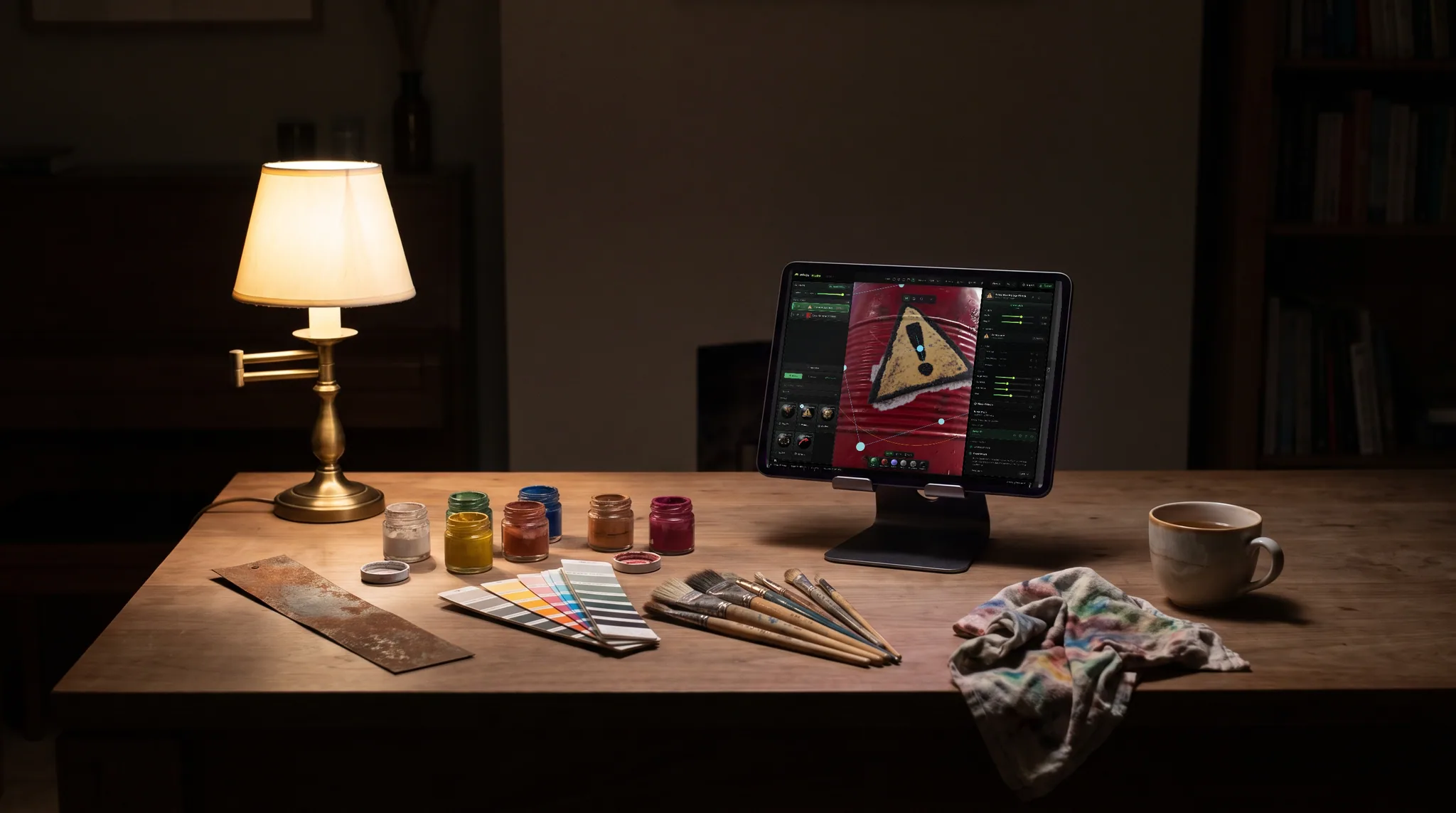
Export from Cinema 4D as glTF/GLB, FBX, or OBJ and paint on it in a real-time WebGPU viewport.
Base color, roughness, metalness, normal, and height wire into a Redshift Standard Material or C4D's native materials.
Stack blendable layers and masks, add edge wear and grime, then bake the result down to flat maps.
Describe a look and texture the whole mesh in one click, then refine the editable layers before you export.
Why Mixos
Cinema 4D with Redshift is a powerhouse for motion and product work, but hand-detailed texturing — layers, masks, smart materials, and wear — is where a dedicated painter shines. Mixos slots in as that step: export your model, paint and layer PBR materials in the browser, then bring the baked maps back into C4D.
The export is built around standard PBR channels. In a Redshift Standard Material — or C4D's native standard and physical materials — plug base color into the base color, roughness into roughness, metalness into metalness, the normal map through a bump/normal node, and height into displacement. You get a clean, predictable material instead of a tangle of nodes.
Everything runs in the browser with WebGPU, so there's nothing to install alongside Cinema 4D and it works the same on any OS. Author for free and upgrade only when you need watermark-free high-resolution export and a cloud project library.
The free Mixos desktop app goes a step further with a Cinema 4D Live Link: it installs the plugin with one click (or via a one-file installer you run from C4D's Script Manager), and a Redshift Standard material assembles itself in your scene as you paint — Auto Sync re-sends on every change.
Export it as glTF/GLB (recommended), FBX, or OBJ, then import that file into Mixos to paint and bake on.
In a Redshift Standard Material, wire base color to base color, roughness to roughness, metalness to metalness, the normal map through a bump/normal node, and height to displacement. Or skip the wiring: the desktop app's Live Link builds the Redshift material for you as you paint.
Yes. The exported maps are standard PBR textures, so they work in C4D's native materials as well as Redshift or any other renderer.
No. Mixos is browser-based and runs on any modern machine, so it sits alongside Cinema 4D with no second install.
Read next
The whole pass, from import to exported maps.
The maps a modern material is made of, and what each one does.
Why the same texture reads bigger on one model than another.
Drop the files in and see the material lit, in the browser.

No download, no setup, nothing to license. Auto-texture your first model and build real PBR materials in minutes.