Mixos vs Substance Designer
Mixos vs Substance 3D Designer, compared honestly.
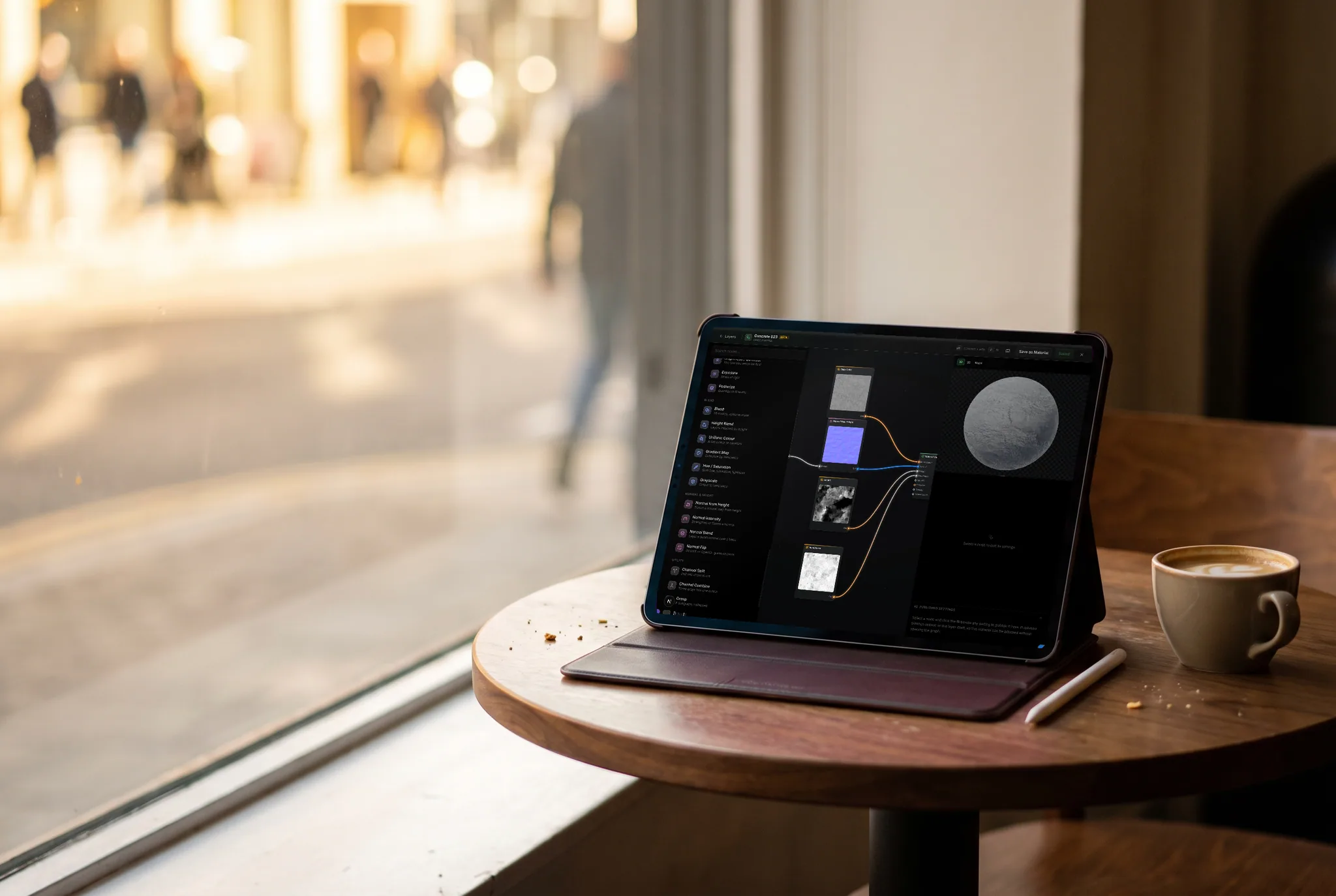
Both build materials as node graphs: generate a pattern, shape it, blend it, output PBR channels. Designer is the deep, offline authoring environment the industry standardized on. Mixos puts the core of that loop in a browser tab and wires it directly into a texture painter. Here's where each one wins.
Feature by feature
Mixos vs Substance 3D Designer, line by line.
A lime check marks the tool with the edge on each row. Where it's a wash, neither gets one — including the rows Designer wins.
| Feature | Mixos | Designer |
|---|---|---|
| Runs in | Any browser — Mac, Windows, Linux, Chromebook, iPad | Desktop app (Windows, macOS, Linux) |
| Install & setup | None — open a URL | Multi-GB install + GPU drivers |
| Pricing | Free — node materials are on every account | Subscription (~$23/mo individual) or a perpetual Steam license |
| Node graph authoring | Yes — generators, filters, warps, blends, channel math | Yes — the reference implementation |
| Node library size | ~30 nodes covering the core loop | Hundreds, plus FX-Map and pixel processors |
| Mesh maps as graph inputs | AO, curvature, cavity, edge wear, slope, position, normal | Yes — baked in Designer or imported |
| Exposed parameters | Published settings — publish any param as a variable, then name, group, order and range it (curves and ramps excepted) | Yes — the .sbsar parameter system, with presets and visibility rules |
| Live preview | On your actual model, in the same window | 3D view alongside the graph |
| Hand-off to painting | None needed — the graph is a layer in the painter | Publish .sbsar, import into Painter |
| Ecosystem & published assets | 2,600+ materials, but a young node library | Substance 3D Assets + a decade of community graphs |
| Scatter, erosion, advanced generators | Not yet | Extensive |
| Opening .sbs / .sbsar | No — graphs must be rebuilt | Native |
| Works offline | In the desktop app; the browser needs a connection | Yes |
So which should you use?
Substance 3D Designer is Adobe's node-based material authoring app — the deepest procedural toolset in 3D, and the tool most published smart materials and .sbsar assets are built in.
Choose Mixos if…
- You want procedural material authoring without a license seat, an install, or a workstation to sit at.
- You'd rather the graph and the texture painter be one app — no publishing an .sbsar to move your work next door.
- Your graphs are the practical kind: noise, warps, blends and mesh-map-driven wear, rather than FX-Map and pixel processors.
- You want to hand a material to someone as a link, with its parameters still adjustable.
Choose Substance 3D Designer if…
- You need the depth — hundreds of nodes, FX-Map, pixel processors, scatter and erosion.
- You publish .sbsar files, or you consume the Substance 3D Assets library and community graphs.
- You have existing Designer graphs; Mixos can't open .sbs or .sbsar, so they'd have to be rebuilt.
- Your studio works offline or air-gapped, or is already standardized on the Substance ecosystem.
The bottom line
The same graph model, minus the round trip
Designer's model is the one the whole category learned: nodes generate patterns, filters shape them, blends combine them, and the graph resolves into a set of PBR channels. Mixos implements that same model — fractal noise and gradients, blur, levels, curves and hue/saturation, directional and domain warps, blends and height blend, normal-map tools, channel split and combine, math — and evaluates all of it on the GPU through WebGPU, so the graph updates on your model as you drag a slider.
Where they genuinely differ is depth and placement. Designer is deeper by a wide margin: hundreds of nodes, FX-Map, pixel processors, scatter and erosion, and a decade of published graphs to learn from. Mixos covers the core loop and no more. But in Mixos the graph is a layer in the texture painter rather than a separate application — it takes masks and blend modes, sits under painted detail, and exports in the same map set, so there is no publish-and-import step between authoring a material and using it.
The honest summary: if procedural authoring is your craft and Designer's depth is the reason, Designer stays the right tool and we're not going to pretend otherwise. If you want a material that follows curvature and wears along edges, built in an afternoon, on whatever machine you're sitting at, without buying anything — that's the case Mixos is built for.
Frequently asked questions
Is Mixos a replacement for Substance Designer?
For the core authoring loop — generators, filters, warps, blends, mesh-map-driven masks and exposed parameters — it covers the ground most people use day to day. For FX-Map, pixel processors, scatter and erosion, or publishing .sbsar into a pipeline, Designer goes considerably further. The table above is deliberately explicit about which is which.
Can Mixos open .sbs or .sbsar files?
No. Those are proprietary Substance formats and Mixos doesn't read them, so an existing graph has to be rebuilt rather than imported. The output does transfer, though: bake your Designer material to PBR maps and import that map set as a layer.
What's the Mixos equivalent of exposed parameters?
Published settings. Click the slider glyph beside any parameter in the graph and it becomes a variable on the material — rename it, drop it in a section, set its order, narrow its range — and it appears on the layer's own panel back in the main editor. Same idea as a .sbsar's exposed parameters, minus the publish step, since the graph is already a layer in the app you paint in. Curves and ramps stay inside the graph.
How many nodes does Mixos have?
Around thirty today, built to cover the working set rather than the whole surface: noise and gradient generators, blur, levels, curves, hue/saturation, directional and domain warps, mirrors, blend and height blend, normal-map tools, channel split and combine, math, image input, and the mesh's baked maps as inputs. The library is growing.
Do node materials cost extra in Mixos?
No — the node editor is available on every account, including free ones. Paid plans add watermark-free 4K export, cloud project storage, and more AI credits.
Can a Mixos graph react to the model's shape?
Yes, the same way Designer graphs do — bake the mesh maps and ambient occlusion, curvature, cavity, edge wear and slope become graph inputs, so dirt settles into crevices and wear rides the edges automatically.

Try it yourself. No install.
Open a tab and texture a model in minutes — free to author, nothing to download, and you can decide for yourself how it compares.