The modeling operations that matter
Extrude faces and regions, inset, bevel, loop cut, subdivide, bridge, poke, dissolve, boolean and merge — on a half-edge core that rebuilds and validates the mesh instead of mutating it behind your back.
Blender alternative
Model with the operations you actually reach for — extrude, inset, bevel, loop cut, subdivide, boolean — over a real scene graph, with a non-destructive modifier stack, keyframe animation on a timeline and a path-traced render at the end. It runs on your GPU in a browser tab, on any machine, with nothing to install.
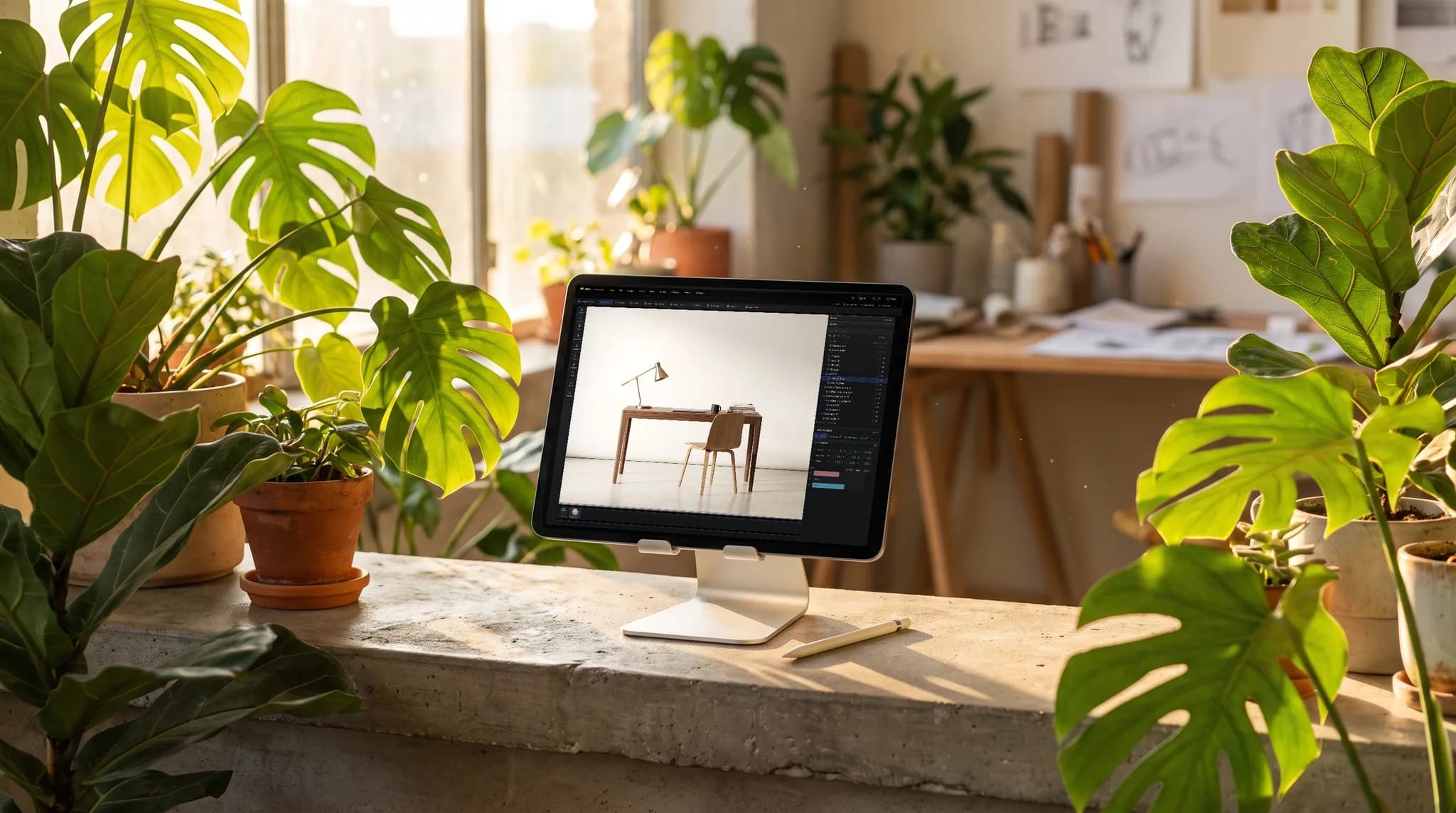
Extrude faces and regions, inset, bevel, loop cut, subdivide, bridge, poke, dissolve, boolean and merge — on a half-edge core that rebuilds and validates the mesh instead of mutating it behind your back.
Twelve stackable kinds — subdivide, array, radial, mirror, solidify, twist, bend, taper, wave, noise, spherify, smooth. Reorder them, switch one off, or apply the stack down once you're sure.
No multi-gigabyte download, no GPU driver hunt, no build to keep current. Open a URL on Mac, Windows, Linux — or on a Chromebook or an iPad, where Blender simply isn't an option — and the scene is there.
Send a model straight to the layered PBR painter, or sculpt it in Mold and bring it back. The modeling, sculpting, texturing and rendering steps are one suite in one tab, not four programs and an export dance.
Why Mixos
Blender is extraordinary and it is free, so let's be straight about this: it is a deeper program than Mixos Studio in nearly every direction. Geometry nodes, particles and physics, grease pencil, video sequencing, Cycles, a twenty-year add-on ecosystem, and no export restrictions whatsoever. If Blender runs well on your machine and you're happy in it, there is no argument here for switching.
The case for Studio is narrower and it is about friction. There is nothing to install, nothing to update and no hardware to qualify — it runs on the GPU already in your browser, which means it also runs on a school Chromebook, a locked-down work laptop, a borrowed machine and an iPad, none of which will take a Blender install. On a tablet held sideways it keeps the full desk layout, rails and all; turned upright the panels fold into sheets. Scenes live in the cloud, so the file is wherever you signed in.
The second difference is the learning cliff. Blender's power is inseparable from its density: modes, editors, a shortcut for everything, and a UI that assumes you already know the vocabulary. Studio deliberately covers the common path — box-model something, stack a few modifiers, parent it, key it, render it — with the operations discoverable in a menu rather than memorized. People who bounced off Blender twice are the audience for that, not people who have already climbed it.
And the suite is joined up. A Blender model that needs textures goes out to another program and comes back; here the model hands to a layered PBR painter, or to a GPU sculptor and back, without leaving the tab or touching a file. Modeling, animating and assembling a scene is free. A paid plan is what exports the finished mesh and its maps — so you can build the thing all the way to rendered before deciding whether it's worth paying for.
Mixos Studio runs entirely in a browser tab — polygon modeling, a scene graph, modifiers, keyframe animation and path-traced rendering, free to use with no trial clock and no watermark. Exporting the finished mesh is on a paid plan. It is a smaller program than Blender by design; what it buys you is no install and a machine-independent scene.
For a lot of work, yes — scene assembly, polygon modeling, modifiers, curves and generators, cloners, keyframe animation, materials, lights, cameras and path-traced rendering are all here, with nothing to install and a scene that opens on any machine you sign in to. Blender still goes deeper on simulation, sculpting at extreme densities, video editing and the long tail of a twenty-year toolset. Studio trades that depth for zero setup, a browser that already runs on the machine you have, and an assistant that can drive the app for you.
Yes to both, and that's one of the clearer reasons to pick it. Blender has no ChromeOS build worth using and no iPad version at all, whereas Studio needs a browser with WebGPU — which current Chrome on a reasonably recent Chromebook has, and so does Safari on iPadOS 26. On an iPad you can also install the free Mixos app from the App Store, and an Apple Pencil is the precise way to catch a keyframe or a curve handle. The same applies to locked-down work and school machines where you cannot install software at all.
No — .blend is Blender's internal format and isn't readable outside it. Export from Blender as GLB, glTF, OBJ or FBX and import that instead; the mesh, hierarchy, names and materials come across and you can keep working.
A browser with WebGPU — current Chrome or Edge on Mac, Windows, Linux or ChromeOS, or Safari on iPadOS 26 and later. No install, no plugin and no dedicated GPU required, though a better GPU makes the path-traced render finish sooner. An iPad in landscape gets the same desk layout a laptop does.
The modifier stack is: reorder it, disable an entry, or change a parameter and the mesh rebuilds from the source geometry. Direct mesh edits are destructive as you'd expect, but they run through undo, and modeling operations rebuild and validate the mesh rather than mutating it in place.
Read next
Vertices, edges and faces — the box-modelling fundamentals.
Which of the two approaches fits the thing you're making.
Which format keeps materials and which throws them away.
Why the same texture reads bigger on one model than another.
Keep exploring
Blender on iPad
Blender on phone
Online 3D modeling
3D on ChromeOS
ZBrush alternative
AI 3D model generator

Start from a cube, extrude a few faces and stack a subdivide on top. Nothing to install and nothing to lose.