What is PBR? Materials and maps explained
PBR stands for physically based rendering — a way of describing 3D surfaces using real-world physical properties so they look correct under any lighting. Instead of baking light into a texture, a PBR material defines how a surface reflects, scatters, and absorbs light, and the renderer does the rest.
By Mixos
The short answer
A PBR material is a set of texture maps — base color, roughness, metallic, normal, and often height and ambient occlusion — that together tell a renderer how a surface should respond to light. Get those maps right and the same material looks believable in daylight, at night, or in any engine.
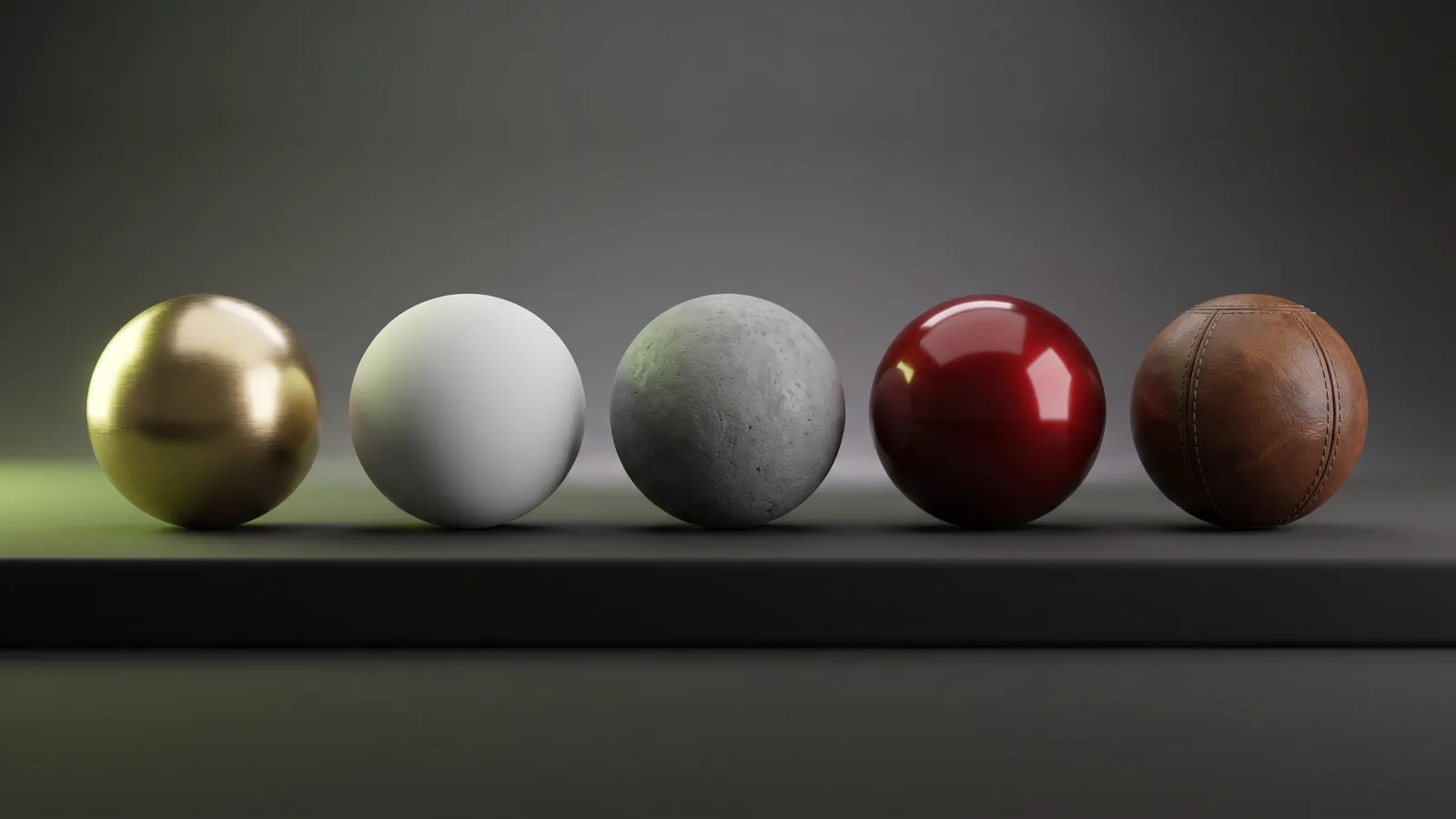
Why PBR replaced the old way
Before PBR, artists hand-painted highlights and shadows directly into a single texture, which only looked right under the exact lighting it was painted for. Move the model into a new scene and it fell apart.
PBR separates a surface's properties from the lighting, so a material reacts correctly to whatever lights the scene. That separation is why a well-made material looks consistent across Blender, Unreal, Unity, Godot, and other tools — they all interpret the same physical inputs.
The core PBR maps
Base color (albedo) is the pure surface color with no lighting baked in. Roughness controls how sharp or blurry reflections are, from a mirror at 0 to fully matte at 1. Metallic marks whether a surface is metal (1) or a non-metal dielectric (0).
Normal maps fake fine surface bumps by bending how light reflects, without adding geometry. Height (displacement) encodes depth for parallax or true displacement. Ambient occlusion (AO) adds the soft contact shadows that gather in crevices and seams.
Metalness/roughness vs specular/glossiness
There are two common PBR workflows. Metalness/roughness is by far the most widely used — it's the default in most game engines and DCC tools, and it's what Mixos authors. Specular/glossiness is the older alternative that gives more direct control over reflectance color.
For almost all real-time and game work, metalness/roughness is the right default, and it's the workflow these guides assume.
Sources and further reading
Frequently asked questions
What does PBR stand for?
Physically based rendering. It's a shading model that describes surfaces by physical properties — color, roughness, metalness, and surface detail — so they look correct under any lighting.
What are the main PBR maps?
Base color (albedo), roughness, metallic, normal, and usually height and ambient occlusion. Together they tell the renderer how the surface reflects and scatters light.
What's the difference between metalness/roughness and specular/glossiness?
They're two PBR workflows that reach similar results different ways. Metalness/roughness is the most common and is used by most game engines and DCC tools; specular/glossiness gives more direct control over reflectance color but is less common today.
Do I need all the maps?
No — a basic material can work with just base color, roughness, and metallic. Normal, height, and AO add surface detail and depth, so you add them when the surface needs it.

Want to see PBR maps in action? Build a layered PBR material in your browser with Mixos — every channel editable, previewed live in 3D.