Just a URL
No install, no Play Store app, no Linux (Crostini) container, no developer mode. Open a tab and start working — which also means it works on a managed school Chromebook where none of those options are available to a student.
3D on ChromeOS
Not a viewer, not a stripped-down Android app, and no Linux container to set up. Open Chrome on ChromeOS, load a model, and paint PBR materials on it or sculpt one from a sphere — the full editor, rendering on the Chromebook's GPU in an ordinary tab.
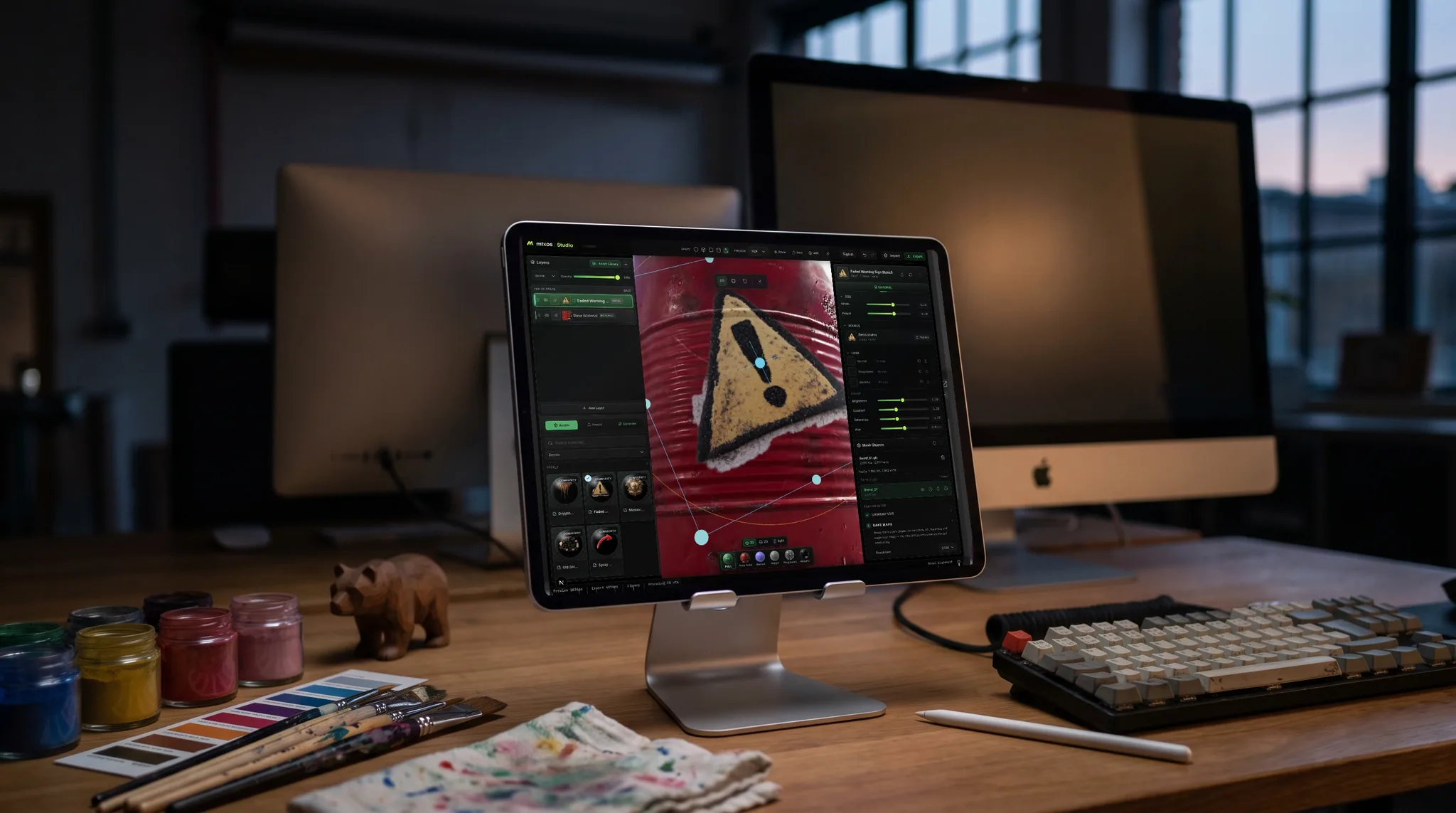
No install, no Play Store app, no Linux (Crostini) container, no developer mode. Open a tab and start working — which also means it works on a managed school Chromebook where none of those options are available to a student.
Import a mesh, unwrap UVs, bake mesh maps, stack layers and masks, paint on the model, and export standard PBR map sets. Sculpting and the node material editor run there too.
The editor reads what the GPU can actually do and scales texture and mesh ceilings to match, so a modest integrated-graphics Chromebook gets a viewport that stays responsive rather than one that stalls.
Projects live with the student, not the device. Start on a school Chromebook, carry on at home on a laptop — same account, same projects, nothing to copy to a USB stick.
Why Mixos
The usual answer to "can you do 3D on a Chromebook" is a list of workarounds: install Linux, sideload an Android app, or remote into a machine that isn't a Chromebook. Mixos needs none of them, because it was built as a web application. The 3D viewport renders through WebGPU in Chrome, the same graphics API a native app would reach for, so the Chromebook's own GPU is doing the work rather than streaming pixels from somewhere else.
The one thing worth checking is WebGPU support, which is what actually decides whether a given Chromebook can run this. Current Chrome on ChromeOS supports it on reasonably recent hardware; a very old or very low-end device may not, and the editor tells you plainly on load rather than failing halfway through a session. If you are buying for a lab, that is the specification to ask about.
Performance is honest rather than magical. A Chromebook with Intel integrated graphics is a modest GPU, and the editor treats it that way — it detects the adapter class and caps mesh and texture ceilings, turns on fill and memory savers, and keeps the viewport interactive instead of pretending it's a workstation. You will not be sculpting a forty-million-triangle production mesh. You will comfortably texture a game-ready prop, learn the entire PBR workflow, and export production map sets.
That combination is why this ends up in classrooms. A school that standardized on Chromebooks has, until recently, been locked out of teaching 3D texturing at all without a dedicated Windows lab. Here the deployment question disappears, and if you are teaching a course there is a free classroom grant that adds 4K watermark-free export, a shared class library, and assignments and grading built into the editor.
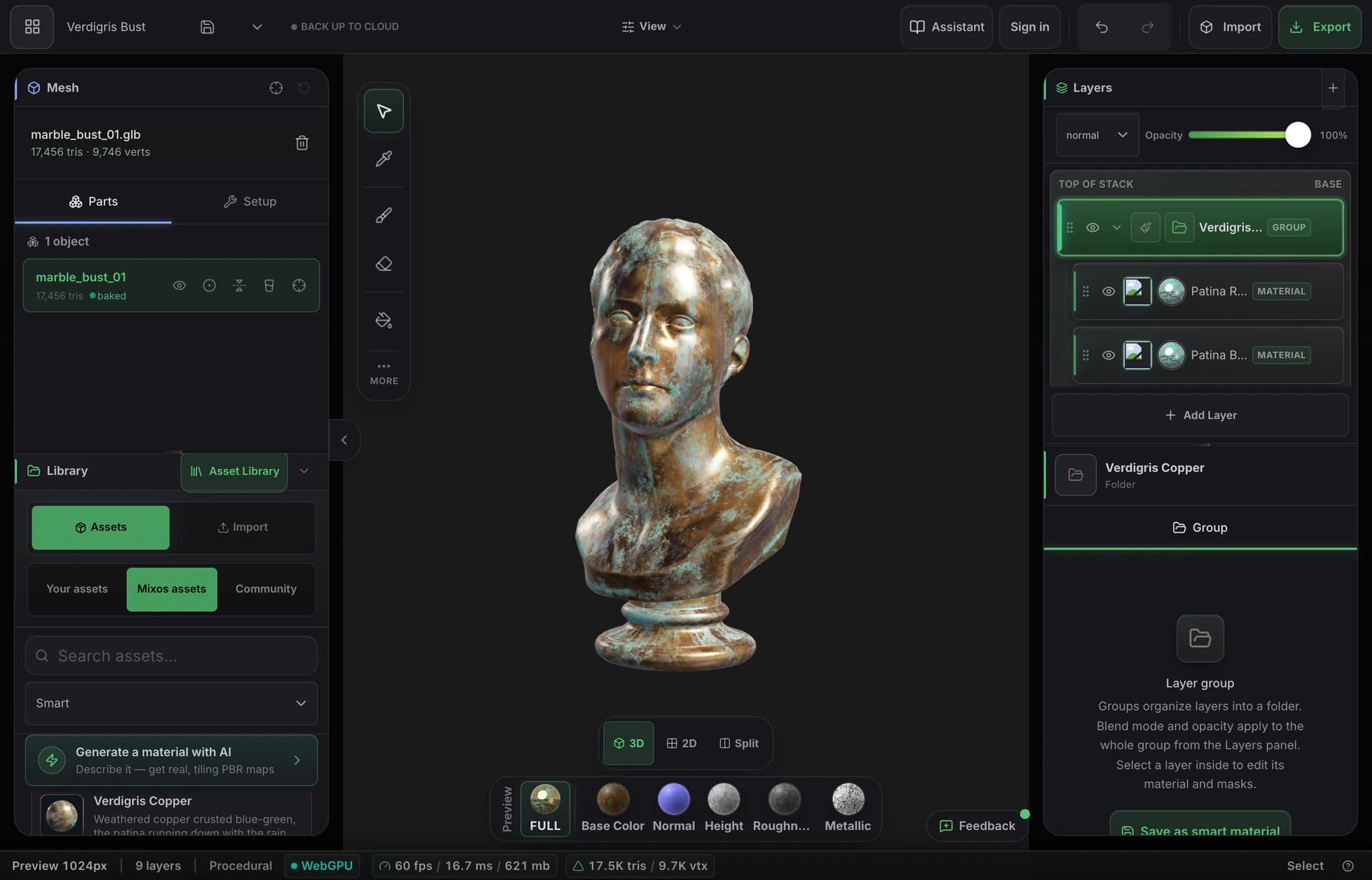
Yes — in the browser. Mixos runs a full 3D texturing editor and a sculpting app in a Chrome tab on ChromeOS, rendering on the Chromebook's own GPU through WebGPU. There is no install, no Linux container and no Android app involved, which matters on a managed school device where a student can't add software anyway.
No. Neither is required or useful here — it's a web page. That is deliberately different from the usual Chromebook 3D advice, which is to install Blender inside a Crostini container; that works on some devices but needs Linux enabled, which a managed school Chromebook usually doesn't allow.
One with a current version of Chrome and WebGPU support, which in practice means reasonably recent hardware rather than a bottom-of-the-range or several-generation-old device. The editor checks on load and says so clearly if the machine can't render it, so nobody discovers the problem an hour into a lesson. If you're specifying machines for a lab, WebGPU support is the thing to ask about.
For learning the workflow and texturing game-ready assets, yes. The editor detects a weak or integrated GPU and scales its mesh and texture ceilings down to match, so the viewport stays responsive rather than stalling. A Chromebook with Intel integrated graphics is a modest GPU and the app is honest about working within that — it is not going to match a desktop workstation on a very dense sculpt.
Yes, on a classroom grant or a paid plan — export is the paid step, so it is the one thing a free account cannot do. Either covers full 4K export of standard PBR map sets — base color, roughness, metallic, normal, ORM and the rest — plus a GLB, which drop straight into Blender, Unreal, Unity or Godot.
That is the case it fits best, because there is nothing to deploy — every student opens the same URL. If you're teaching a course, apply for a classroom grant and the roster gets 4K export, a shared class library, and assignments and grading built into the editor, free for the term.
Read next
The whole pass, from import to exported maps.
The maps a modern material is made of, and what each one does.
Why the same texture reads bigger on one model than another.
Drop the files in and see the material lit, in the browser.
Keep exploring
3D texturing on iPad
Online texture painter
Substance Painter alternative for education
Lesson resources for instructors
Google Classroom integration · pilot
Online 3D modeling
Online 3D animation
