DEM Earth is a C4D plugin
Its developer's product page lists Cinema 4D versions only. There is no Blender build to install.
DEM Earth for Blender
DEM Earth is made for Cinema 4D, not Blender. Blender users have free add-ons for real terrain and OpenStreetMap, or you can build the place in mixos in a browser and bring it into Blender as a GLB.
Its developer's product page lists Cinema 4D versions only. There is no Blender build to install.
BlenderGIS imports elevation, basemaps and OSM data for free; Blosm imports OSM cities and terrain, with extras in its premium edition.
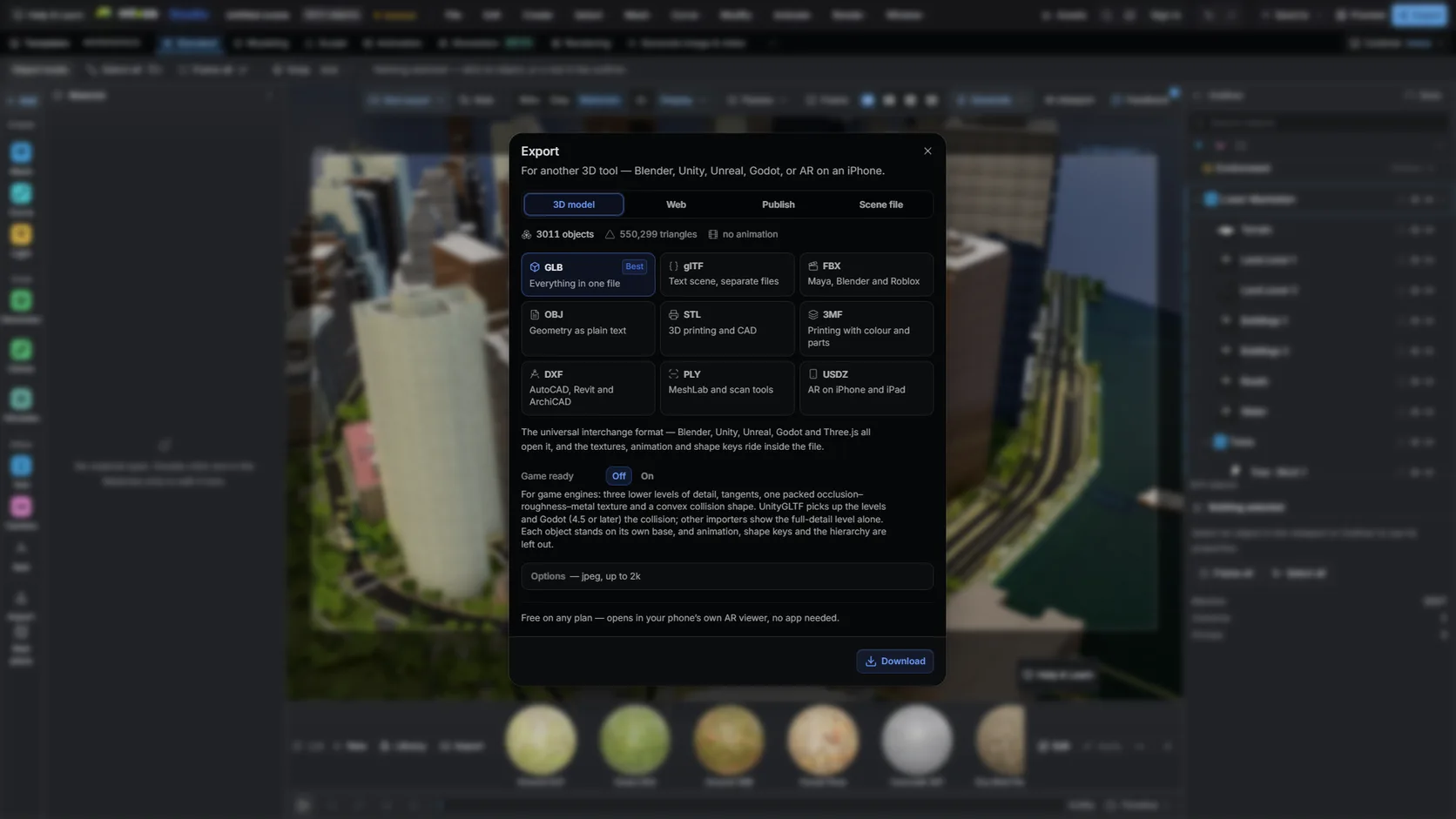
Build terrain, buildings, roads and water in Studio from a box on a map, then export a GLB or FBX into Blender.
The export is in metres around the centre of your area, so it lands in Blender at true scale.
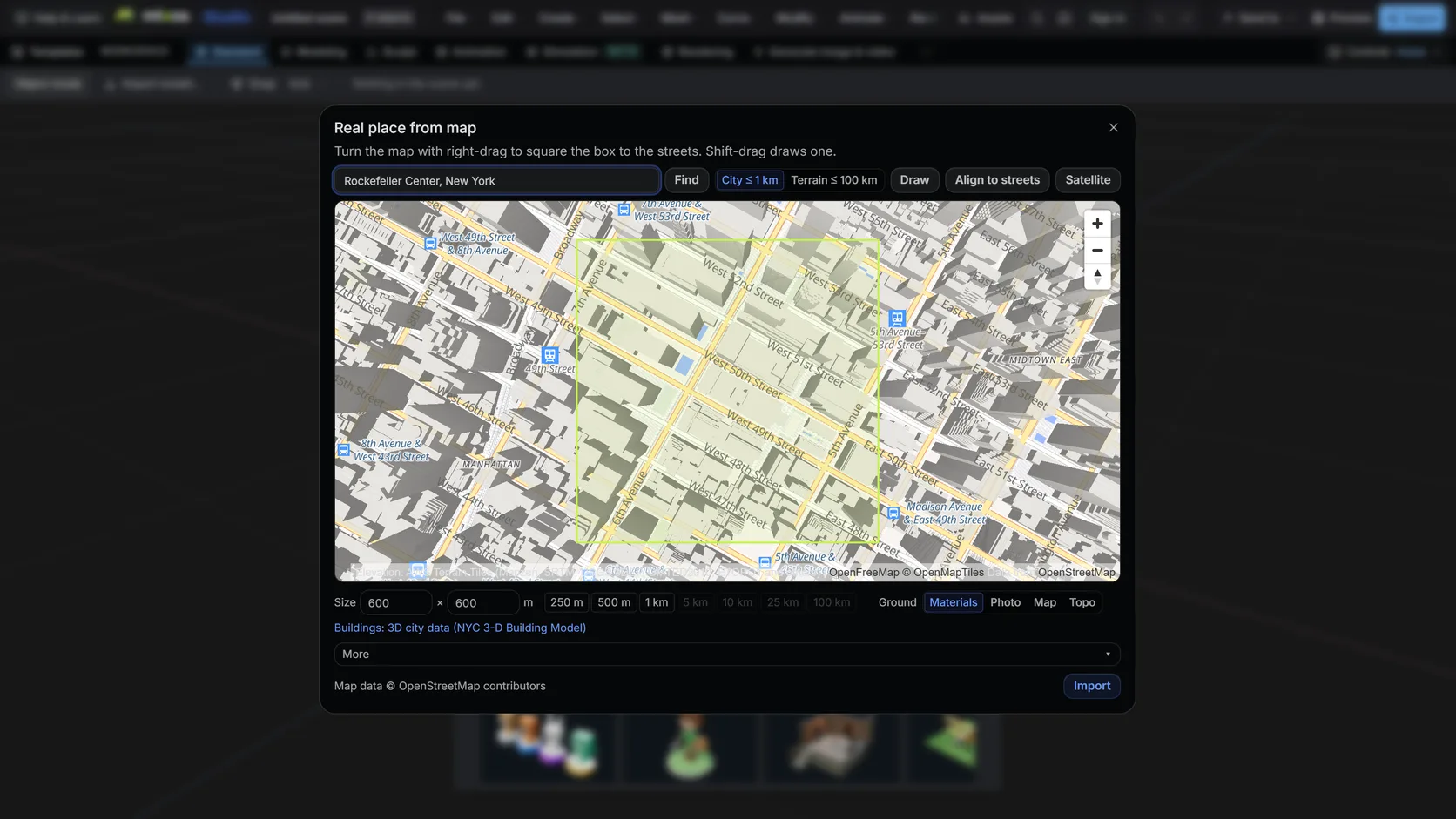
Search a name or an address, then drag a box. Terrain mode takes up to 100 km (25 km on a phone); city mode up to about 1 km with buildings, roads and water.
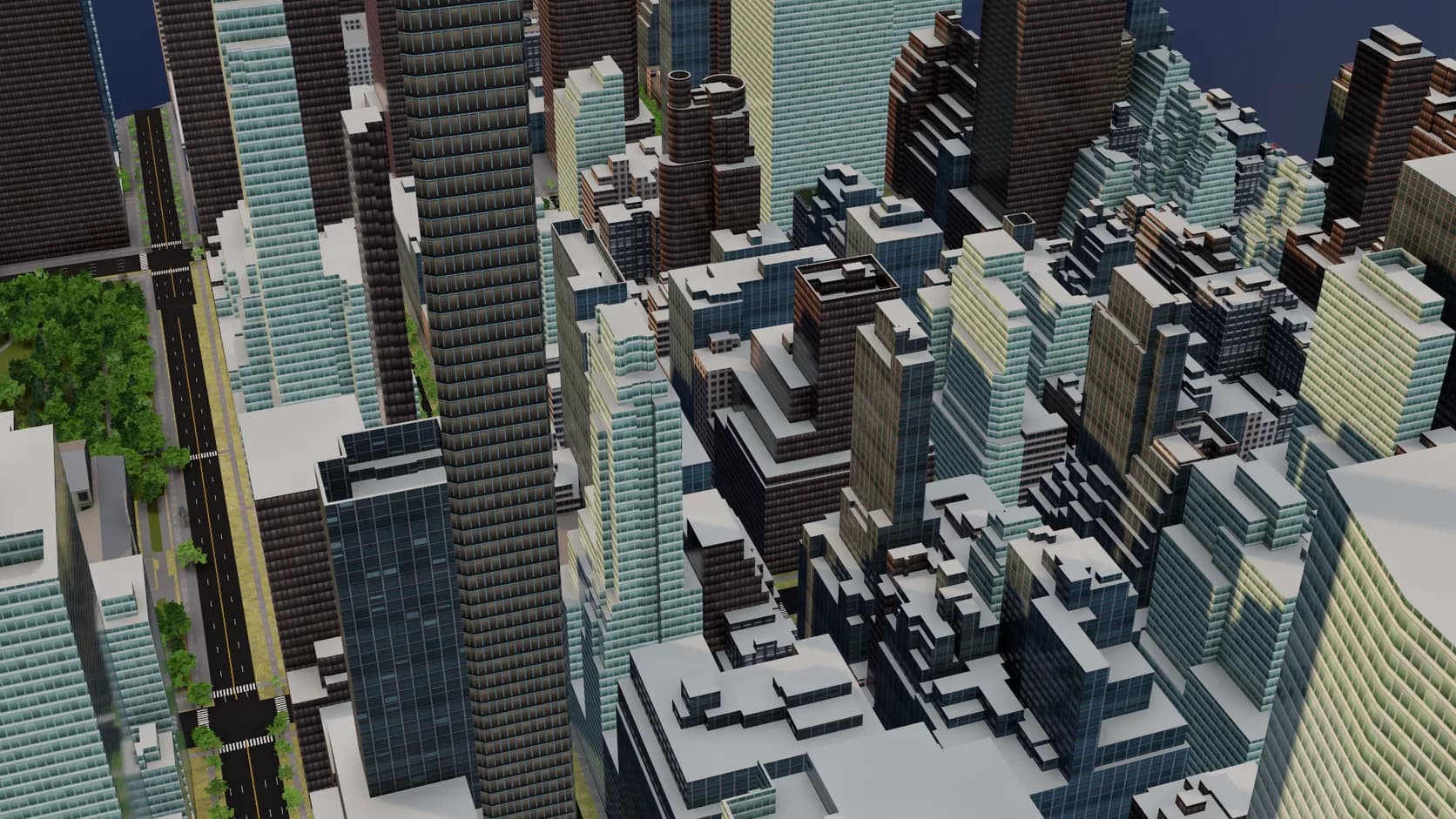
Footprints are extruded to their tagged height or floor count and seated on the ground. Mapped roof shapes and building parts are built, small homes get inferred gables and hips, and flat roofs get parapets and rooftop plant.
Export GLB or FBX on a paid plan and import it into Blender: metres at true scale, objects already separated.
Why Mixos
If you have seen DEM Earth in Cinema 4D tutorials and gone looking for the Blender version, the short answer is that there is not one. DEM Earth is a Cinema 4D plugin from CinemaPlugins, and its product page lists Cinema 4D versions only.
Blender has its own answers. BlenderGIS is a free, open-source add-on that fetches elevation data, web basemaps and OpenStreetMap features and georeferences them in your scene. Blosm imports OpenStreetMap buildings and terrain, with a premium edition adding textured buildings, trees and imagery. Both are capable; both live inside Blender's add-on system, with the version matching and setup that comes with it.
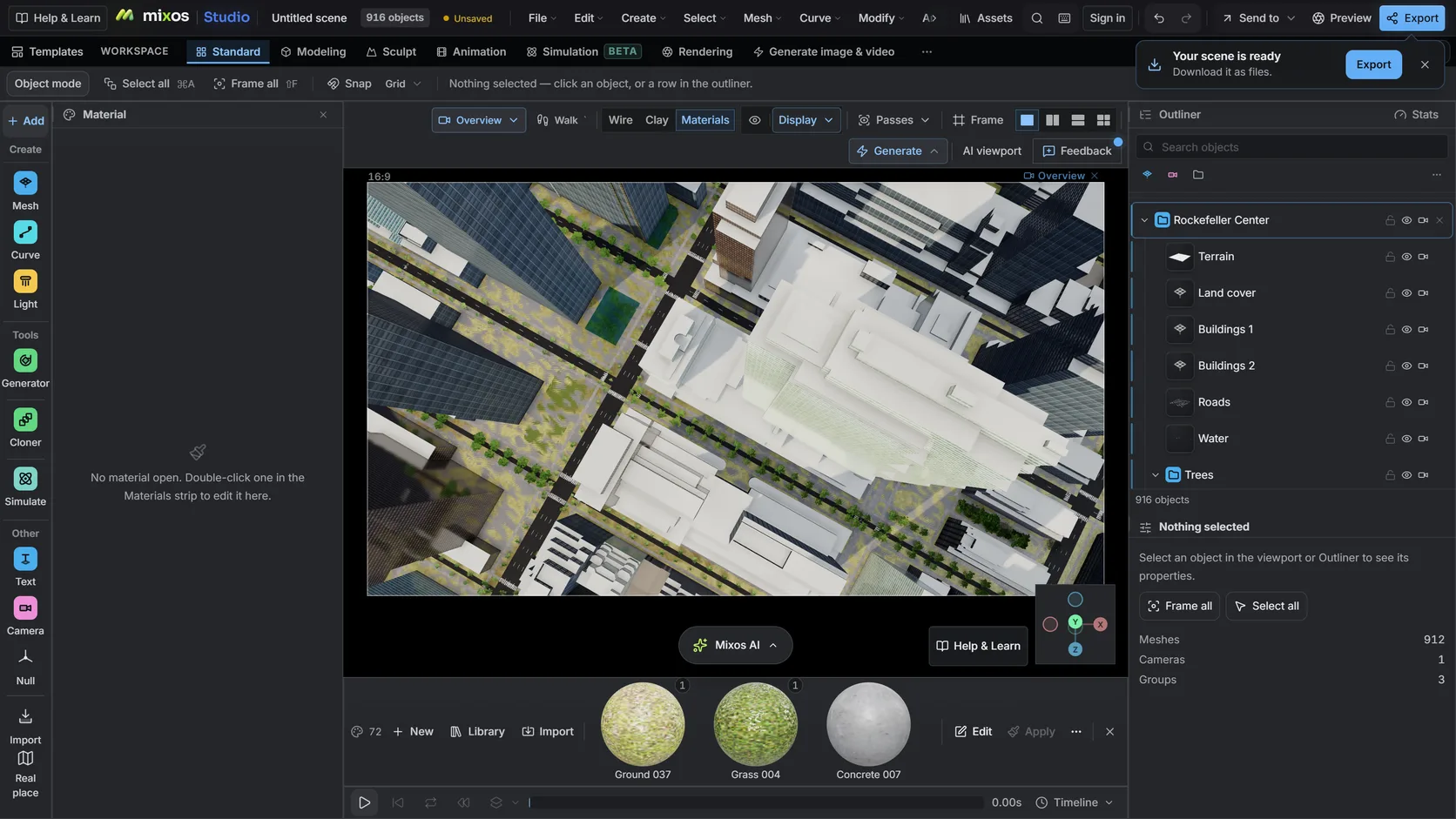
The third route skips the add-on. In mixos Studio, draw a box on a map and the place arrives as terrain plus OpenStreetMap buildings at their mapped heights, roads, water and land cover. You can light and render it there, or — on a paid plan — export GLB or FBX and import it into Blender, where it lands in metres at true scale with objects already separated.
Pick by where you want to work. If you are going to iterate in Blender all day, an add-on keeps you there. If you need the place once, are on a machine where you cannot install add-ons, or want the city and the terrain in one step, building it in the browser and exporting is quicker.
No. DEM Earth is a Cinema 4D plugin, and its product page lists Cinema 4D versions only.
BlenderGIS is the closest free equivalent for elevation and basemaps; Blosm specialises in OpenStreetMap cities and terrain. Alternatively, build the place in mixos and import the GLB.
Build it in mixos Studio from the Real place picker, export GLB or FBX on a paid plan, and import that into Blender with File ▸ Import.
Yes. Mixos builds the place in metres around the centre of the area you picked, which is Blender's default unit.
Read next
Which format keeps materials and which throws them away.
Open the file in the browser — meshes, materials, triangle count.
Watertight remesh, thickened walls, and the checks that stop a bad print.
Key, retime and ease a move, step by step.
Keep exploring
DEM Earth alternative
OpenStreetMap to 3D
3D terrain generator
Blender alternative