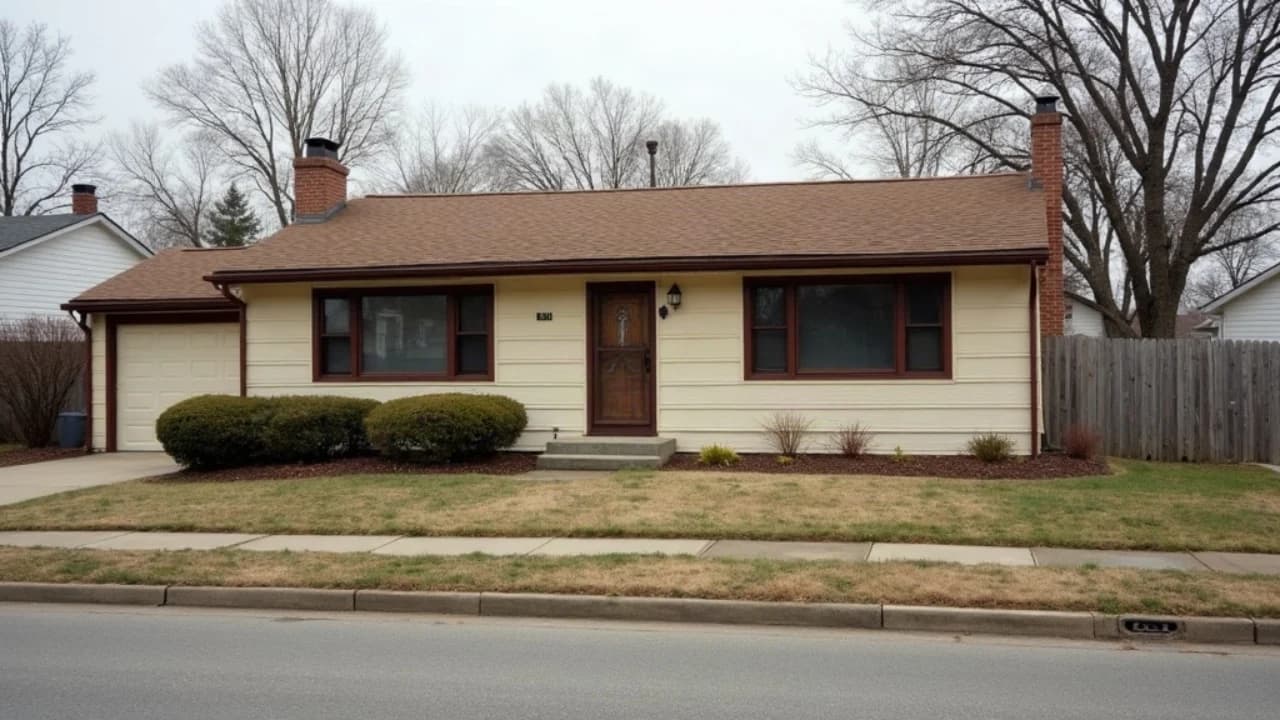
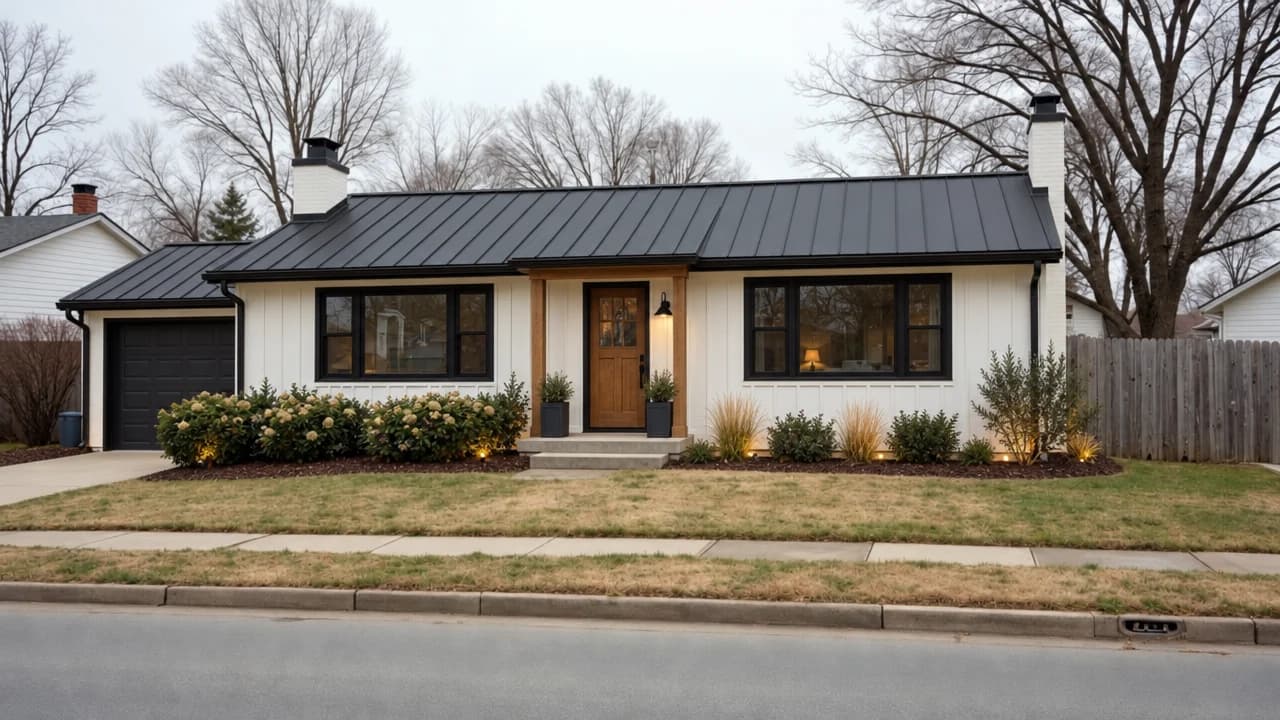
Modern farmhouse
Board-and-batten siding, black frames and a metal roof on the same footprint, from the same spot.
Attach a photo of a house or a room and choose a look: modern farmhouse, mid-century, a fresh paint scheme, a porch, a second storey, dusk, or furniture for an empty room. Mixos AI keeps the camera, footprint and openings so it reads as the same place after the work.
Mixos AI is available in this build. Conversational tools require paid access or purchased credits.
 MADE IN MIXOS
Each look is one image edit that keeps the place recognisable. Try several and compare them before deciding anything.
A straight-on photo of the facade or a wide shot of the room works best. It is fitted to a landscape, portrait or square frame.
Choose from sixteen exterior and interior looks, or describe the change in your own words, such as red brick with a green door.
The original and the remodel are saved together and open on a before-and-after slider. Ask for two or three looks and compare them side by side.
Every result below is unedited Mixos output. Inputs are public-domain or openly licensed drawings, drawings made for these examples, or AI-generated example photos.
Board-and-batten siding, black frames and a metal roof on the same footprint, from the same spot.
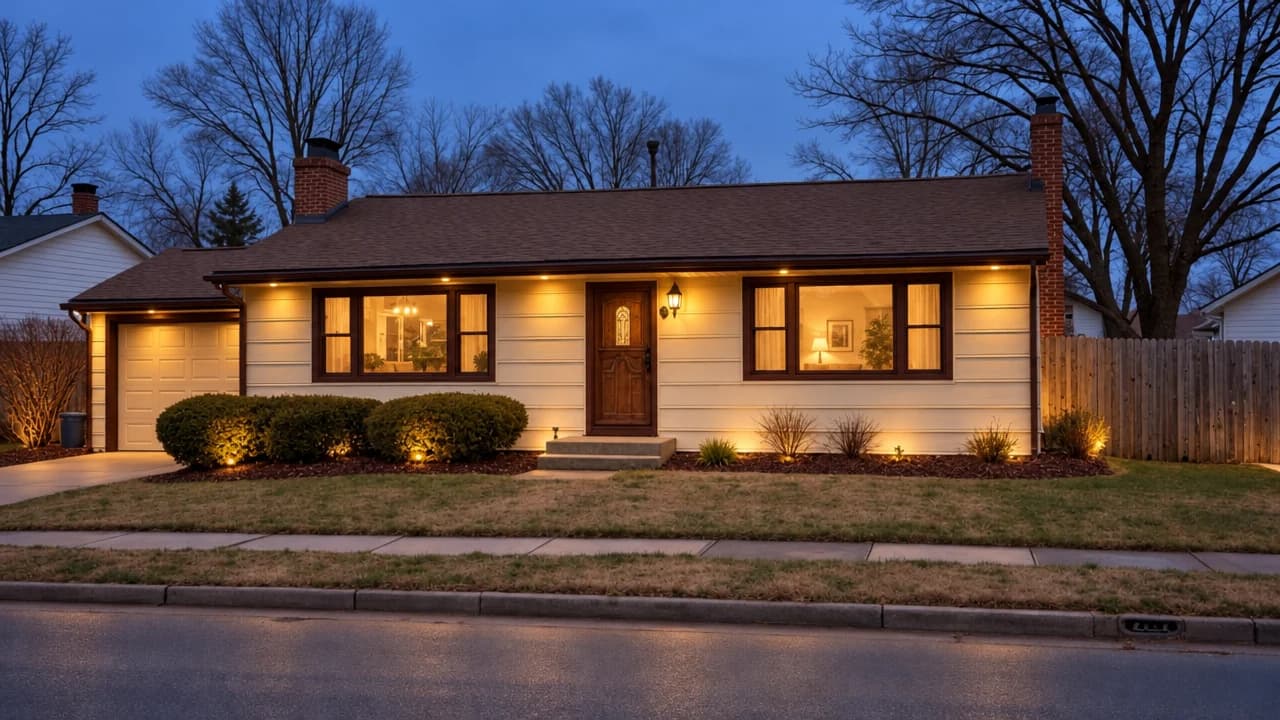
The same house at blue hour with warm light in the windows, a look listing photographers chase.
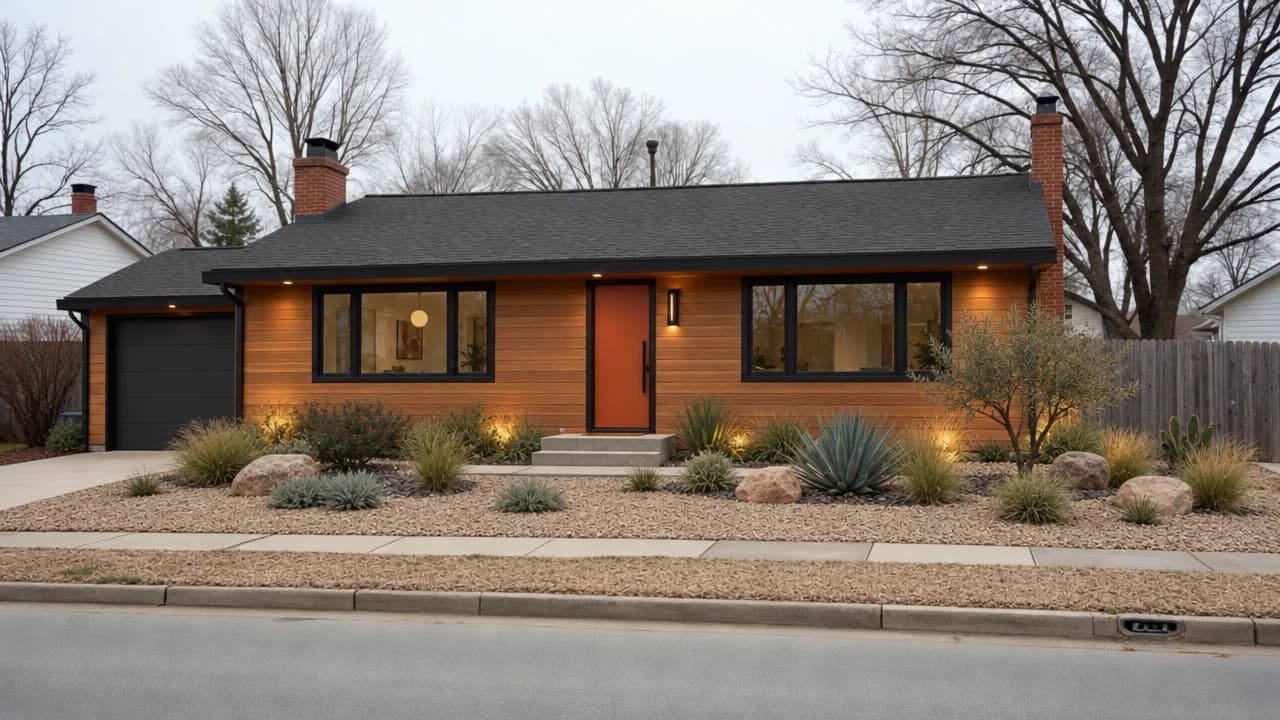
Warm timber cladding, a coloured door and desert planting, with the roofline and windows where they were.
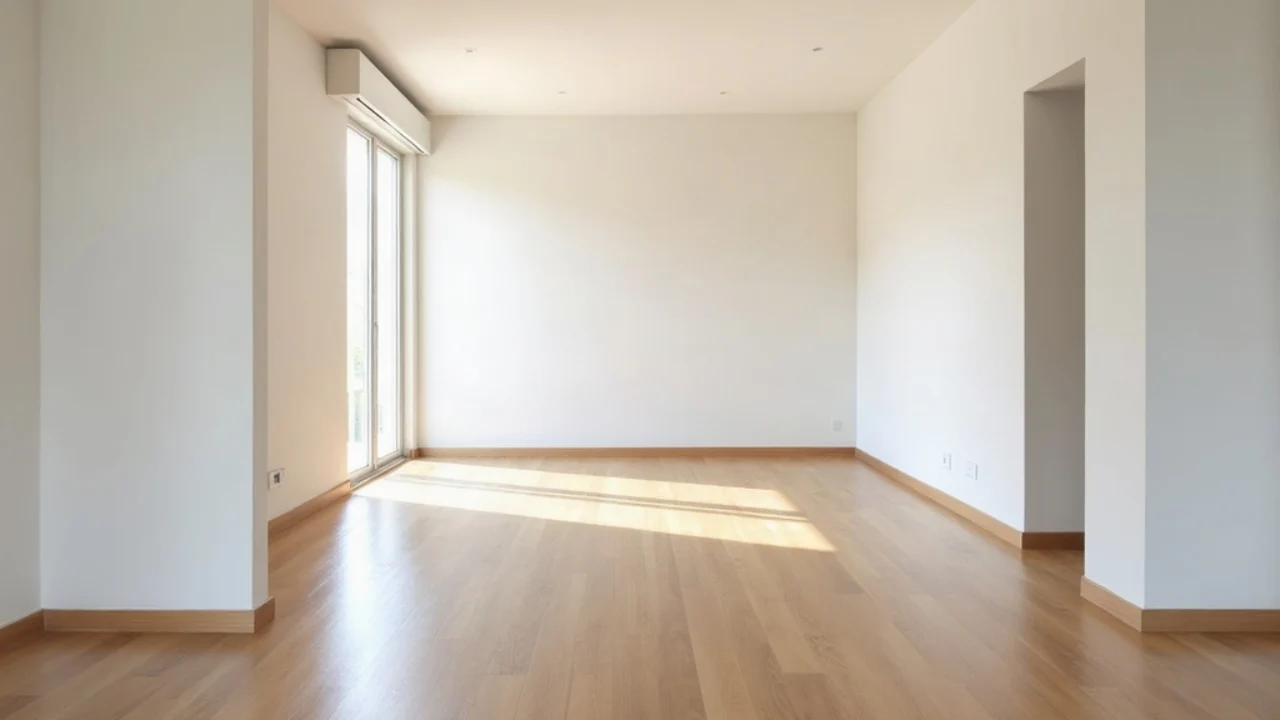
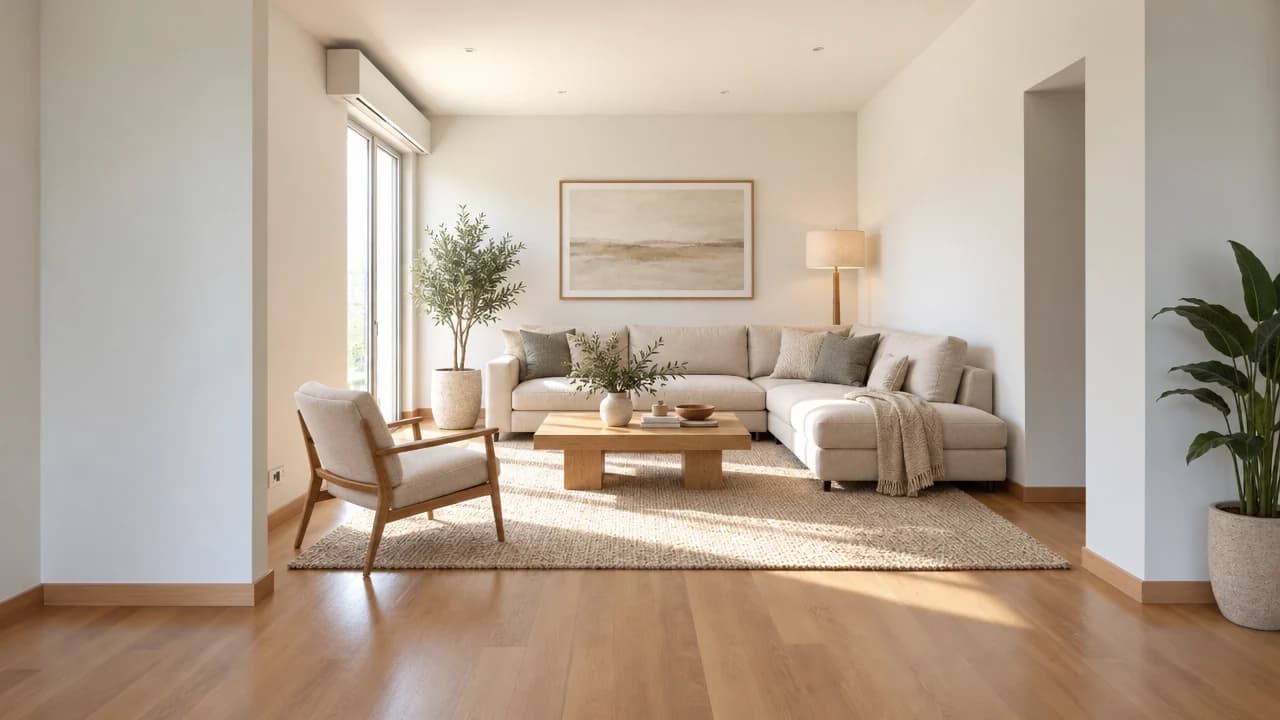
An empty room staged with furniture sized for the space, the camera and daylight unchanged.
The viewport makes the result visible. Inspect the shape, placement and materials before moving on to the next change.
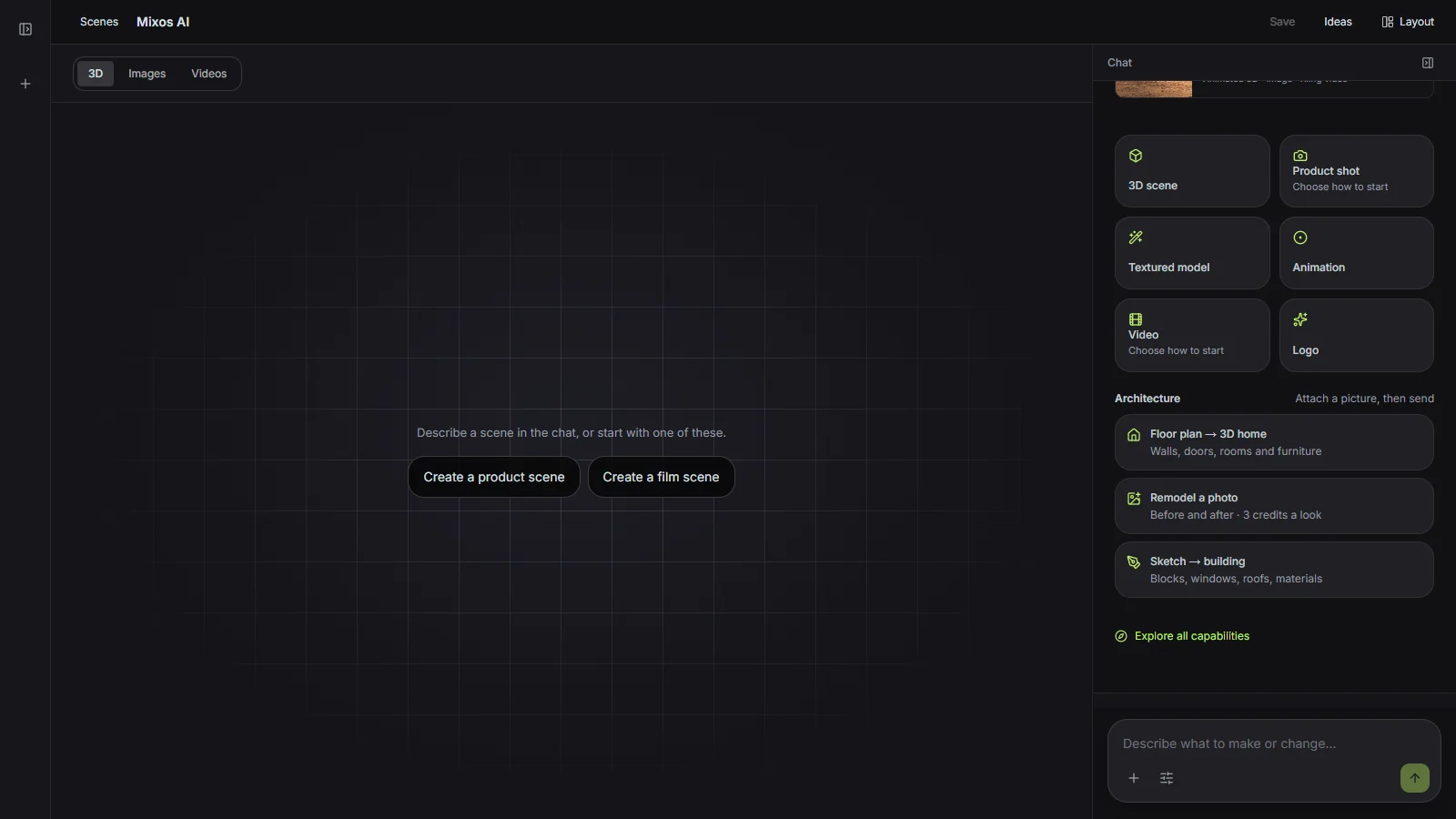
Each request tells the image model what must not move: the camera, the roofline and footprint, where the windows and doors are, and the street and time of day unless you ask. Preservation is guidance rather than a guarantee, so compare with the slider.
Exterior looks restyle, repaint, landscape, add a porch or a storey, or relight the house at dusk. Interior looks stage an empty room, restyle it, declutter it or change the flooring.
A remodel is a generated image for exploring ideas. It is not a design drawing, a cost estimate or a promise of what a builder can deliver, so present it as a concept.
“Remodel the house in this photo as a modern farmhouse and as mid-century modern. Keep the windows where they are.”Open Mixos AI
“Stage this empty room in a Scandinavian style for a listing, and show me the before and after.”Open Mixos AI
Example briefs to adapt to your project. Concept images show a creative direction; live results depend on your prompt and the tools used.
Build, finish and animate real 3D scenes. Choose an example, play the walkthrough or jump to any step.
“Design a quiet reading corner with a sculptural lounge chair, a low table and a paper lamp. Use warm timber, soft ivory and afternoon light.”
The chat explains the change. The viewport shows the result. Play all steps, or use the numbered controls to explore.
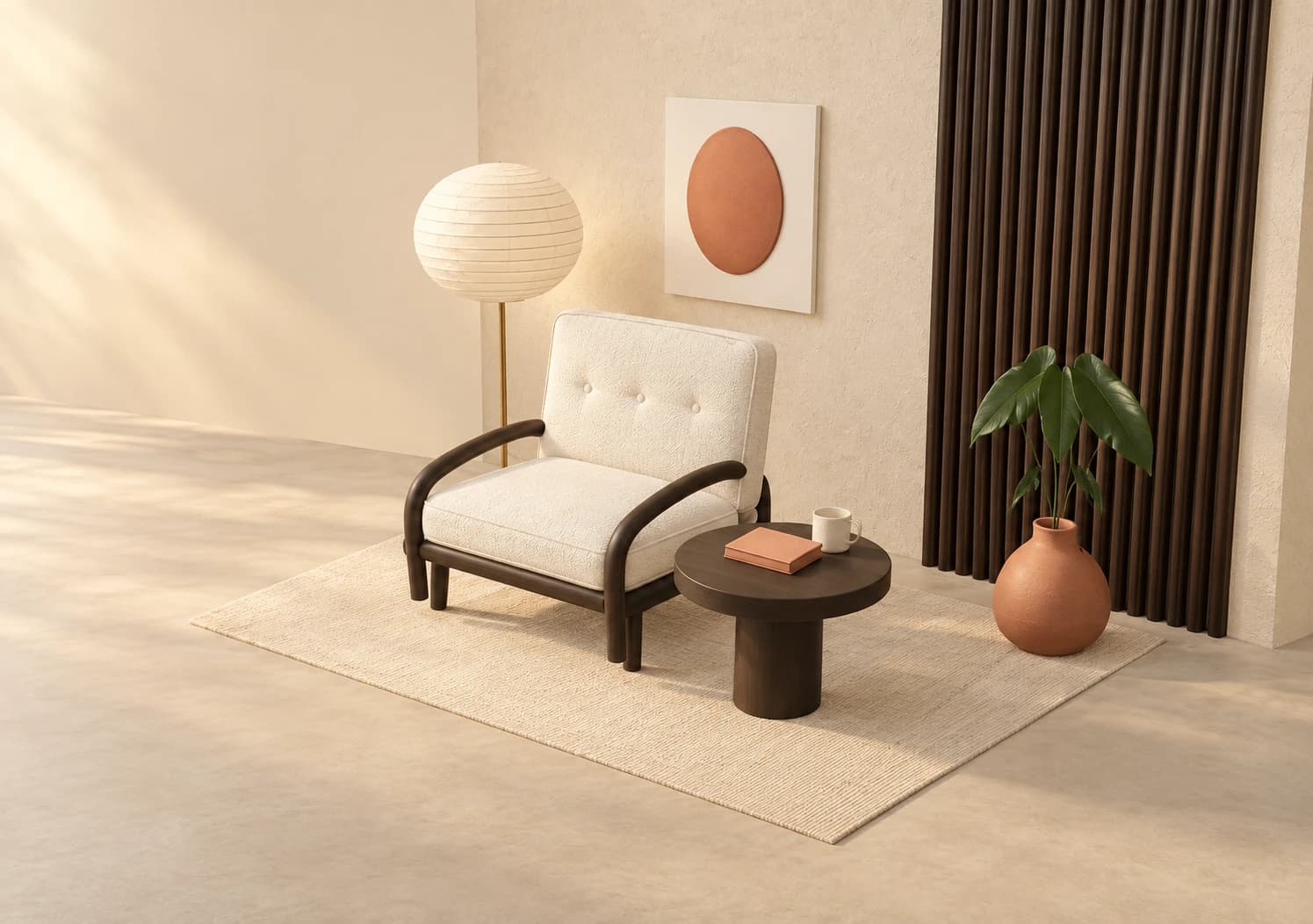
Prepared walkthroughs with editable 3D, animation and illustrative AI images. Prompts and replies are scripted; playback uses no credits. AI video generation is a separate paid step, illustrated above.
Mixos AI is available in this build. Open the workspace with your Mixos account; conversational tools require paid access or unspent purchased credits. The expanded creation workspace is rolling out in preview builds.
3 credits per look. The cost is shown before anything is generated, and the original and the remodel are both saved to your account.
It is asked to keep the camera, footprint, roofline and openings. Generated images can still change details, so compare with the before-and-after slider and run another look if something moved.
Virtual staging and restyled exteriors are generated images. Many markets require staged or altered photos to be disclosed, so check your local rules and label them.
Daylight photos taken straight on, with the whole facade or most of the room in frame. Very wide or tall photos are centre-cropped to the nearest supported shape.
Editing in the released Mixos apps is free with a Mixos account. AI generation consumes credits. Production exports require a paid plan or licence; the free plan includes a 512px watermarked render preview. See Pricing for current allowances. Watching the demonstrations on this page does not spend AI credits.
See Pricing for current AI credits and export allowances. Studio is available now for manual 3D creation.