Imports your Maya meshes
Export from Maya as glTF/GLB, FBX, or OBJ and paint on it in a real-time WebGPU viewport.
Texturing for Maya
Bring your Maya mesh into Mixos, paint and layer PBR materials, and export clean map sets that wire into Arnold's aiStandardSurface. A dedicated texturing step that fits straight into a Maya look-dev pipeline.
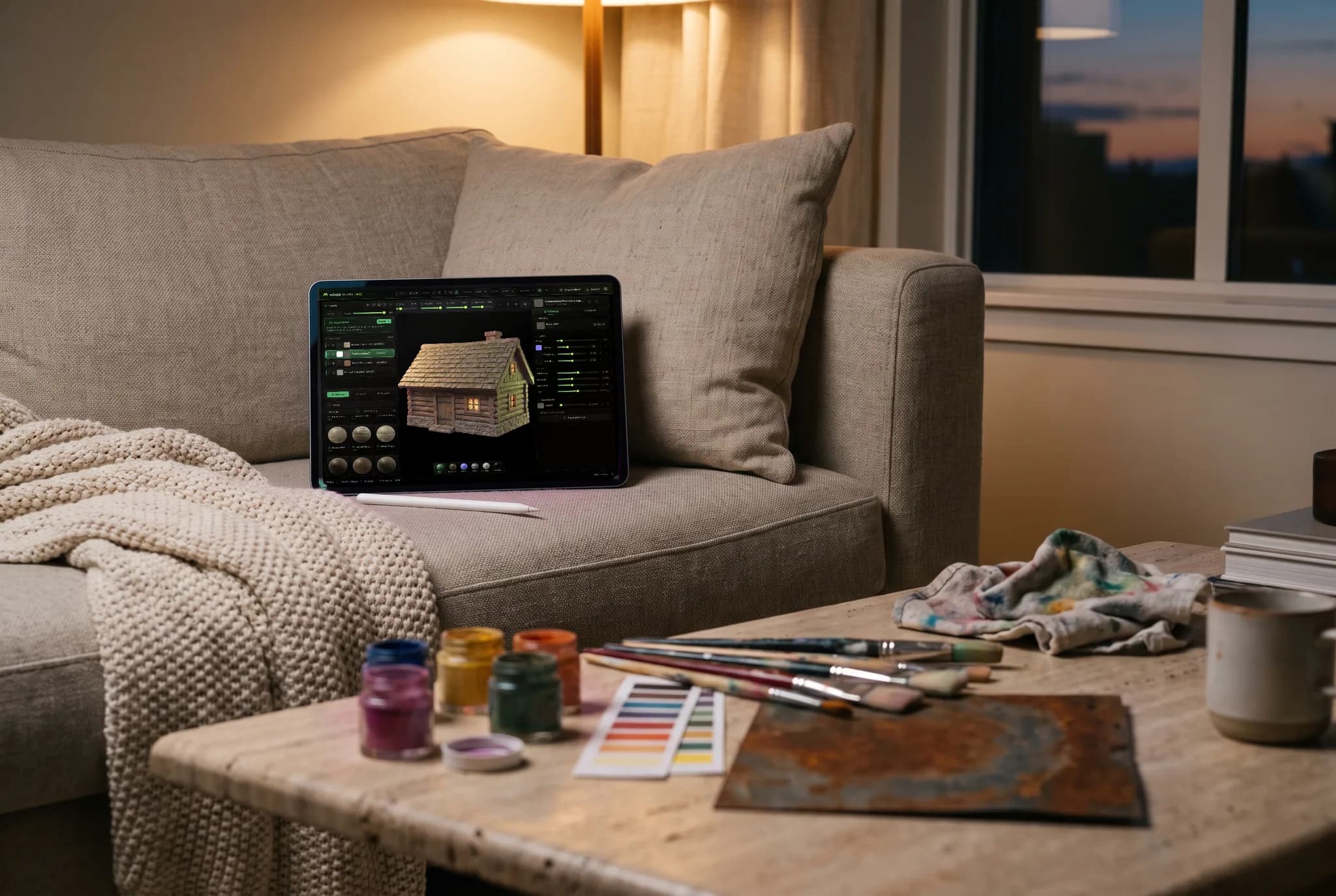
Export from Maya as glTF/GLB, FBX, or OBJ and paint on it in a real-time WebGPU viewport.
Base color, specular roughness, metalness, normal, and height map onto Arnold's aiStandardSurface inputs.
Bake AO and curvature from the mesh, stack non-destructive layers and masks, and add grounded edge wear.
Auto-Texture an asset or generate tiling materials from a prompt to block in looks quickly.
Why Mixos
Maya with Arnold is a standard for film and VFX look-dev, and clean PBR texture inputs make lighting predictable. Mixos handles the texturing step: import your mesh, layer materials, bake mesh maps, and export organized PBR sets ready for the shader.
Arnold's aiStandardSurface follows a metalness/roughness workflow. Plug base color into Base Color, roughness into Specular Roughness, metalness into Metalness, the normal map through an aiNormalMap node, and height into displacement. The connections are standard and predictable, so materials behave the same under your lighting rig.
Because Mixos runs in the browser with WebGPU, it sits alongside Maya with nothing extra to install and the same experience on every OS. Author for free, hand off projects with a link, and upgrade when you need 4K, watermark-free export.
Export it as glTF/GLB (recommended), FBX, or OBJ and import that file into Mixos to paint and bake on.
Base color into Base Color, roughness into Specular Roughness, metalness into Metalness, the normal map through an aiNormalMap node, and height into displacement.
Yes. Mixos paints and bakes against your mesh's UVs, and triplanar projection covers surfaces where you'd rather not rely on UVs.
No. Mixos runs in a modern browser with WebGPU, so it sits alongside Maya with nothing extra to set up.
Read next
The whole pass, from import to exported maps.
The maps a modern material is made of, and what each one does.
Why the same texture reads bigger on one model than another.
Drop the files in and see the material lit, in the browser.

No download, no setup, nothing to license. Auto-texture your first model and build real PBR materials in minutes.