From photo, height, or prompt
Derive a normal map from an image or height detail, or generate one as part of an AI material.
Normal map generator
Turn a photo, a height detail, or a text prompt into a tangent-space normal map — then preview it lit on your actual model in a real-time WebGPU viewport, not as a flat blue thumbnail.
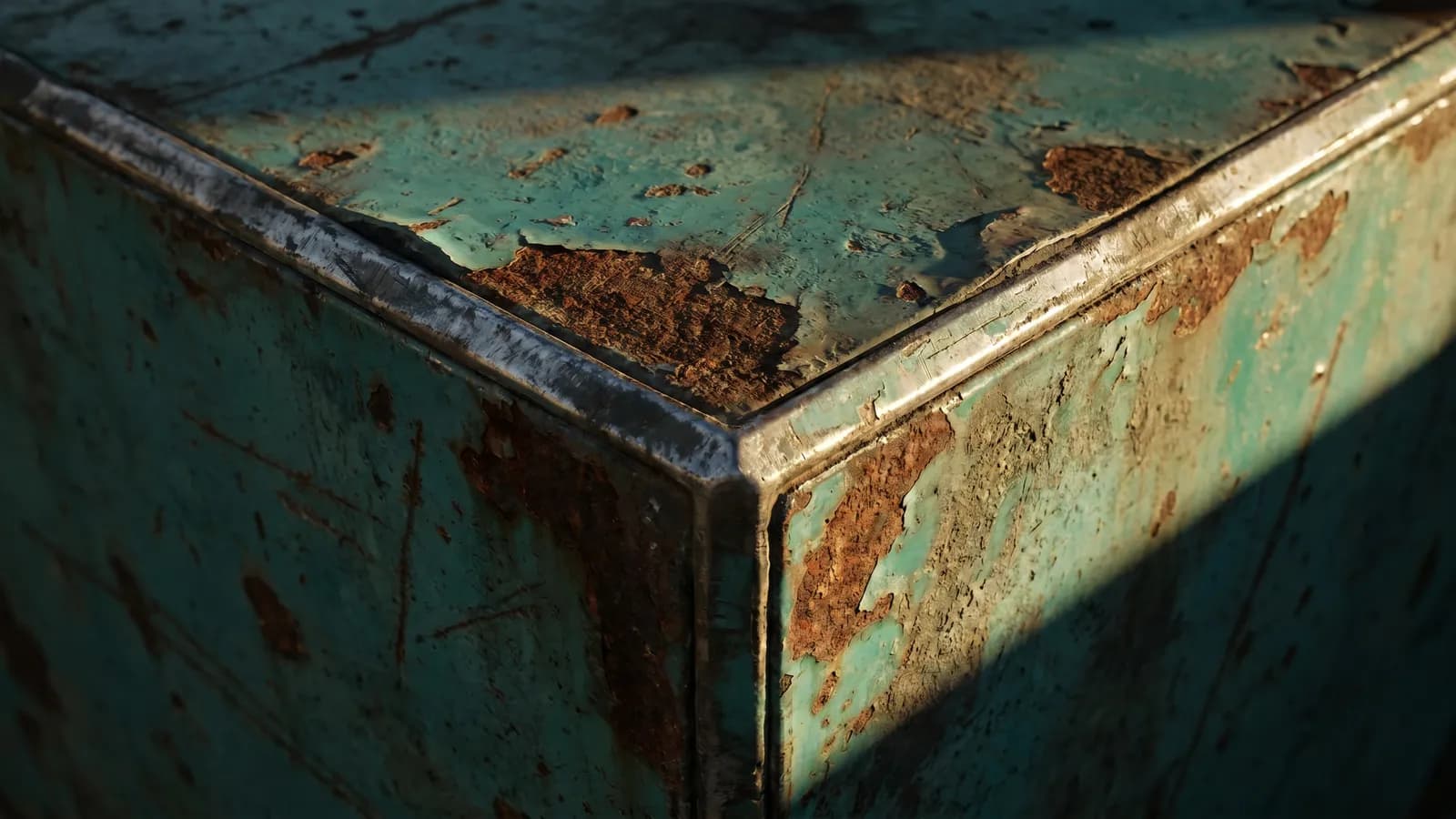
Derive a normal map from an image or height detail, or generate one as part of an AI material.
Watch the surface catch light on your mesh in real time, so you can dial in depth before exporting.
Adjust intensity and pair it with a height map, and it stays in sync with the rest of the material.
Export a tangent-space normal map alongside base color, roughness, metallic, and height for any engine.
Why Mixos
Most normal map generators show you a flat blue image and leave you guessing how it'll read in 3D. Mixos makes the normal map inside a live PBR viewport: derive it from a photo or height detail, or generate it as part of a material, and watch it catch light on your model as you tune the strength.
Because the normal map lives in a layered material, it isn't a one-shot export. Stack it with a height map for real displacement, mask it onto specific parts, paint additional detail, and keep every channel editable. What you see lit in the viewport is exactly what exports.
The output is a standard tangent-space normal map that imports cleanly into Blender, Unreal, Unity, Godot, and more, exported with the full PBR set up to 4K. It's all browser-based, with nothing to install.
You can derive a normal map from a photo or height detail, or generate one as part of an AI material — then preview and tune it on your model.
Yes — Mixos exports standard tangent-space normal maps that import cleanly into Blender, Unreal, Unity, Godot, and other engines.
Yes. Adjust the normal intensity and pair it with a height map, all previewed live in the 3D viewport.
Yes — generate and preview normal maps in a modern browser with WebGPU, with nothing to install.

No download, no setup, nothing to license. Auto-texture your first model and build real PBR materials in minutes.