Mold vs Blender sculpting
Mold vs Blender sculpting browser or desktop?
This compares Blender's sculpt mode, not Blender — comparing a browser sculpting app to the whole of Blender would be a silly framing, since Blender also models, rigs, animates, renders and edits video. Scoped to sculpting alone, the comparison is genuinely close, and the deciding factors are not the ones people expect.
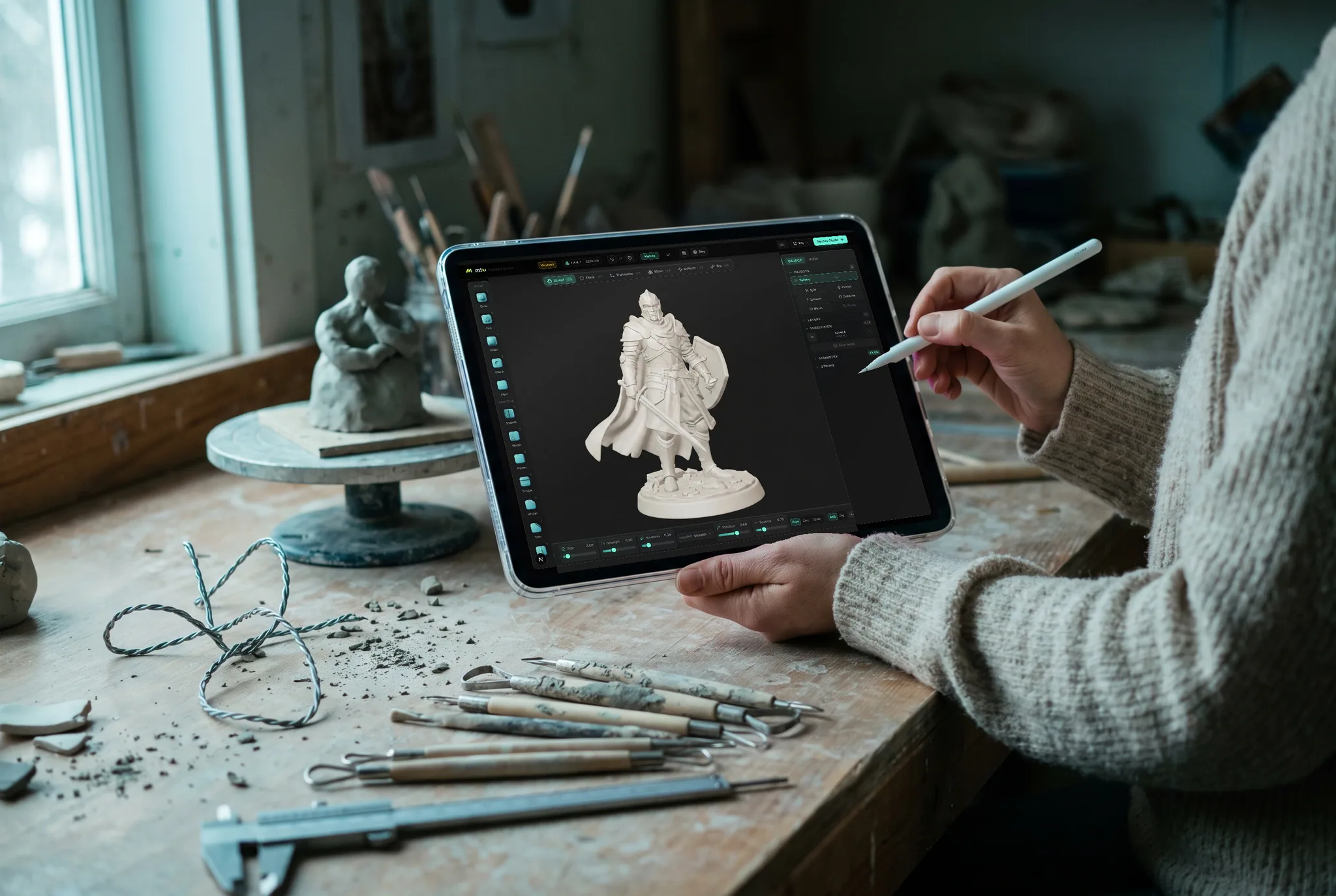
Feature by feature
Mold vs Blender's sculpt mode, line by line.
A lime check marks the tool with the edge on each row. Where it's a wash, neither gets one — including the rows Blender wins.
| Feature | Mold | Blender |
|---|---|---|
| Cost | Free to sculpt; export on a paid plan | Completely free, including export |
| Install | None — a browser tab | Desktop download, several hundred MB |
| Runs on Chromebook / iPad / Android | Yes | No |
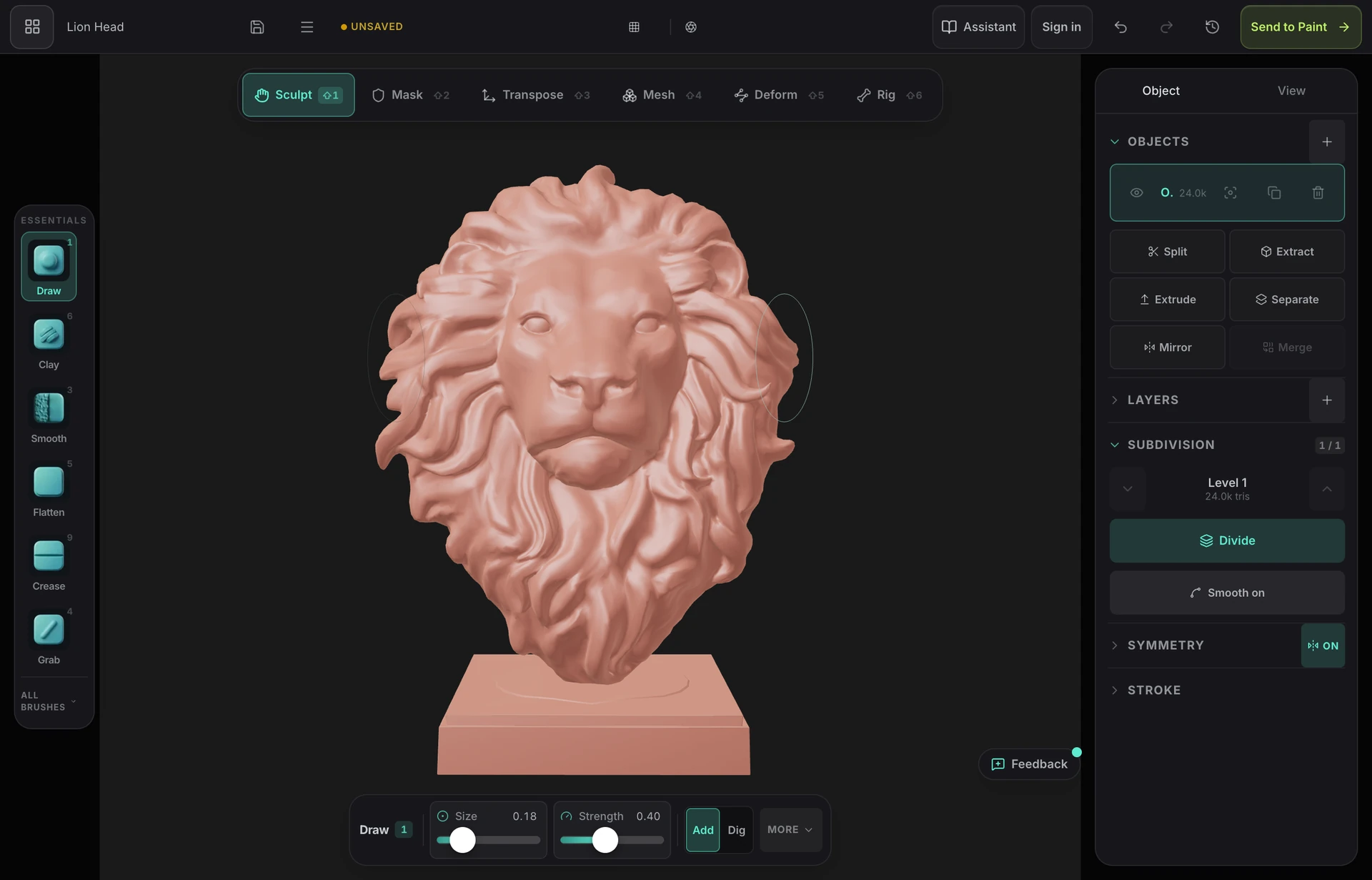
| Brush set | 29 brushes with alphas, stroke types, pressure and falloff curves | Deeper, with custom curves and extensive configuration |
| Multiresolution | Yes | Yes |
| Dynamic topology | Yes | Yes |
| Remeshing | Voxel, field-aligned quad, adaptive ZRemesh, decimate, project | Voxel remesh, Quadriflow, decimate |
| Hand retopology | Not available — automatic only | Full manual retopology tools |
| Very dense meshes | Up to 6M triangles on a desktop with 8 GB+; less on tablets | Handles heavy scenes well on capable hardware |
| Texturing | One click to a layered PBR painter with fresh UVs | Built in, though the workflow is more manual |
| Everything else 3D | Sculpting and texturing | Modeling, rigging, animation, simulation, rendering, video |
| Learning curve | Small — one tool, one job | Substantial — a very large application |
| Works offline | In the desktop app; the browser needs a connection | Yes |
| Cross-device continuity | Cloud library — same sculpt everywhere | Local files |
So which should you use?
A free, open-source 3D suite with a mature sculpt mode: multiresolution, dynamic topology, voxel and Quadriflow remeshing, a deep brush set with custom falloffs, and everything downstream — retopology, UVs, baking, texturing, rigging and rendering — in the same application.
Choose Mold if…
- Your machine can't run Blender well, or can't run it at all — a Chromebook, an iPad, an Android tablet, a locked-down school or work computer.
- You want to find out whether you enjoy sculpting without committing to learning a very large application first.
- You want to sculpt on a tablet with a pen and continue on a desktop later without moving files around.
- You want the sculpt-to-texture path to be one click rather than a manual unwrap-and-bake sequence.
- You're teaching a class and need something every student can open without an install or an administrator.
Choose Blender's sculpt mode if…
- You want everything free including export. Blender costs nothing at all, and this is a genuine and significant advantage.
- You need hand retopology, animation, simulation or a full rendering pipeline — Blender covers all of it, while Mold stops at sculpting, posing and still renders.
- You want maximum brush configurability: extensive per-brush settings and a huge community library of brushes and presets.
- You need to work offline, or on very heavy scenes where a desktop application's memory headroom matters.
- You want open-source software with no account and no vendor.
The bottom line
The comparison is closer than it looks, and the deciding factor isn't features
Blender's sculpt mode has improved enormously over the past several editions and is now genuinely good — multiresolution, dynamic topology, voxel and Quadriflow remeshing, cloth and pose brushes, and a brush system you can configure to a fine degree. Anyone telling you Blender can't sculpt is working from a version several years out of date. And it is completely free, including export, which no browser tool matches.
Where Mold differs is not in the sculpting feature list, which is closer than most people expect, but in what it takes to get to the first stroke. Blender is a several-hundred-megabyte download, a machine that meets its requirements, and an application whose scope is genuinely intimidating when all you wanted to do was push some clay around. A meaningful share of people who set out to learn sculpting stall somewhere in that sequence and never start.
Then there is hardware. Blender will not run on a Chromebook without a Linux container, will not run on an iPad or an Android tablet at all, and is often blocked on managed school and work machines. Those are exactly the devices a great many people have. Mold runs on all of them because it runs in the browser, which is the single clearest reason to choose it.
The realistic recommendation, then: if Blender runs on your machine and you're willing to learn it, learn it — it is free, it is capable, and it covers the whole pipeline. Use Mold when Blender isn't an option, when you want to sculpt on a tablet, when you're teaching a room full of Chromebooks, or when you want to find out whether you like sculpting before committing a weekend to an interface. The habits transfer either way, because brushes, subdivision, masking and remeshing work the same in both.
Frequently asked questions
Is Blender good for sculpting?
Yes, genuinely. Recent versions have multiresolution, dynamic topology, voxel and Quadriflow remeshing, and a deep, configurable brush set. Plenty of professional artists sculpt in Blender exclusively. Its limits appear on extremely dense meshes and in specialized tooling, not in the fundamentals.
Why use a browser sculpting tool if Blender is free?
Because free isn't the same as accessible. Blender needs a desktop that can run it, and it will not run on a Chromebook without a Linux container, or on an iPad or Android tablet at all. It is also a very large application to learn for one specific job. A browser tool removes the install, the hardware question and most of the learning curve.
Can I move a sculpt between them?
Yes, via OBJ, GLB or FBX in either direction. A common pattern is to block out a shape in Mold on whatever device is to hand, then export into Blender for retopology, rigging and rendering. Mold's export is on a paid plan; import is free.
Which should I learn first?
If Blender runs on your machine and you intend to do more than sculpt, learn Blender — it covers the whole pipeline for nothing. If you only want to sculpt, or your hardware can't run it, start in the browser. The craft transfers completely: the brushes have the same names and behaviors in both.

Try it yourself. No install.
The sculpting fundamentals in a browser tab — on the Chromebook, iPad or locked-down laptop that can't run a desktop suite. Free to sculpt.