No query language
You never write Overpass QL or wrangle GeoJSON. Draw a box; the import asks OpenStreetMap for buildings, highways, water and land use and caches the answer.
OpenStreetMap to 3D
The usual route is an Overpass query, a GIS tool to clean it, a script or add-on to extrude it and a desktop 3D package to light it. In Studio it is one step: draw a box on the map and the OSM buildings, roads and water arrive extruded on real terrain.
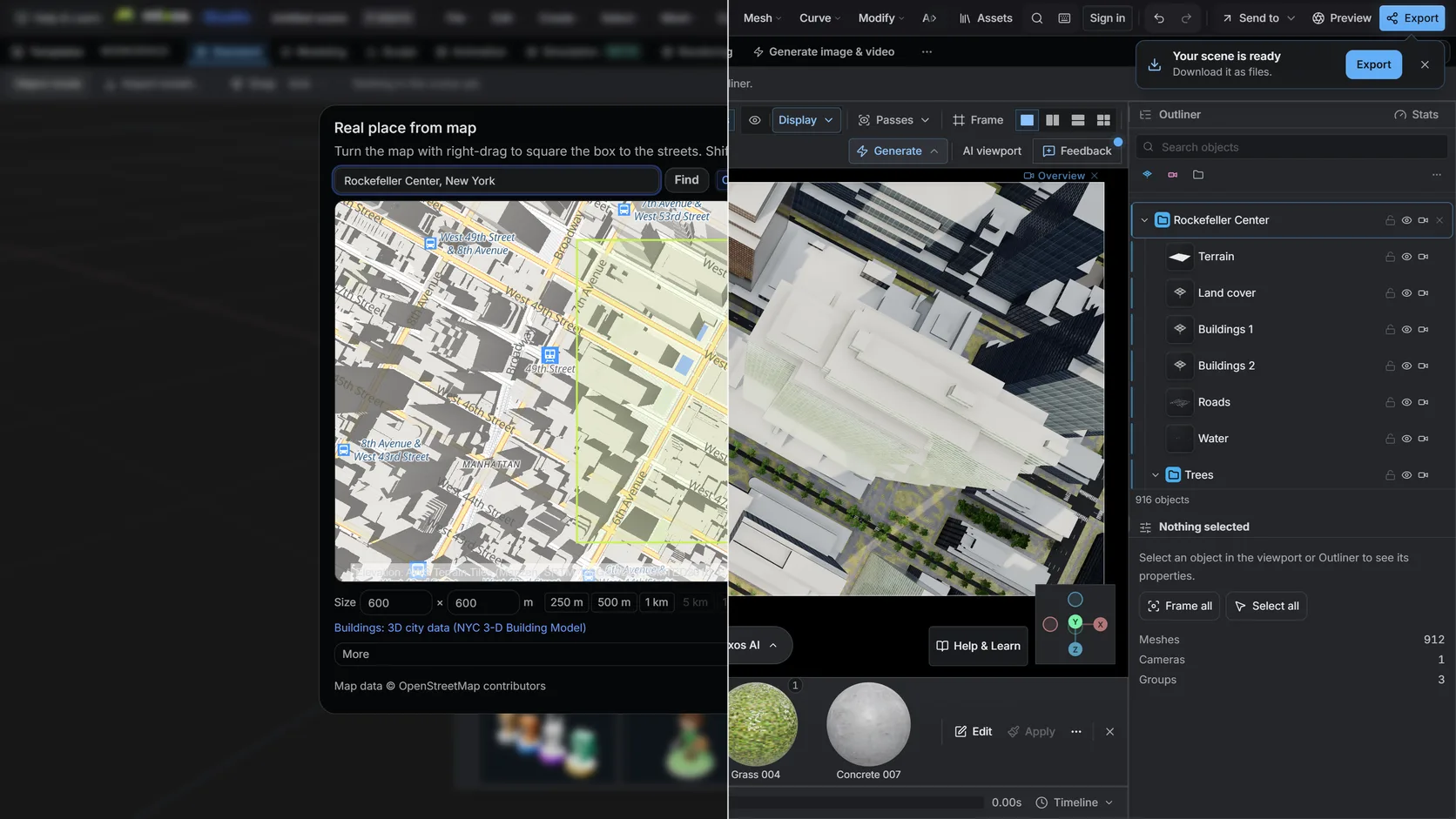
You never write Overpass QL or wrangle GeoJSON. Draw a box; the import asks OpenStreetMap for buildings, highways, water and land use and caches the answer.
height, building:levels and min_height set how tall a building is and where it starts; roof:shape and building:part shape the top; highway classes set road widths; water and landuse tags pick materials.
Everything is projected into metres around the centre of your box, so distances are true and your own models drop in at real scale.
On a paid plan, export the result as GLB, glTF, OBJ, FBX or STL for Blender, Unreal, Unity or a slicer.
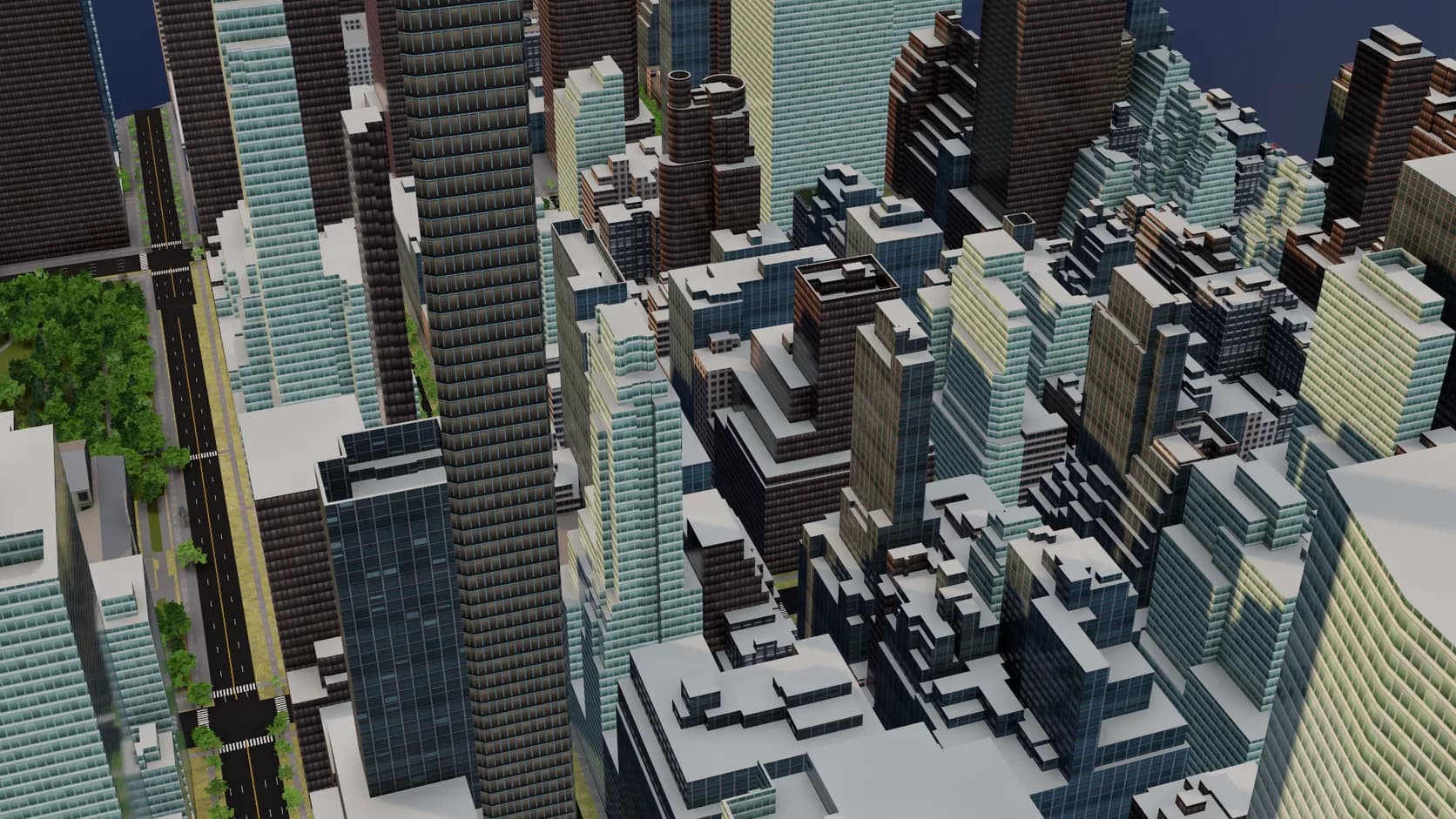
Footprints are extruded to their tagged height or floor count and seated on the ground. Mapped roof shapes and building parts are built, small homes get inferred gables and hips, and flat roofs get parapets and rooftop plant.
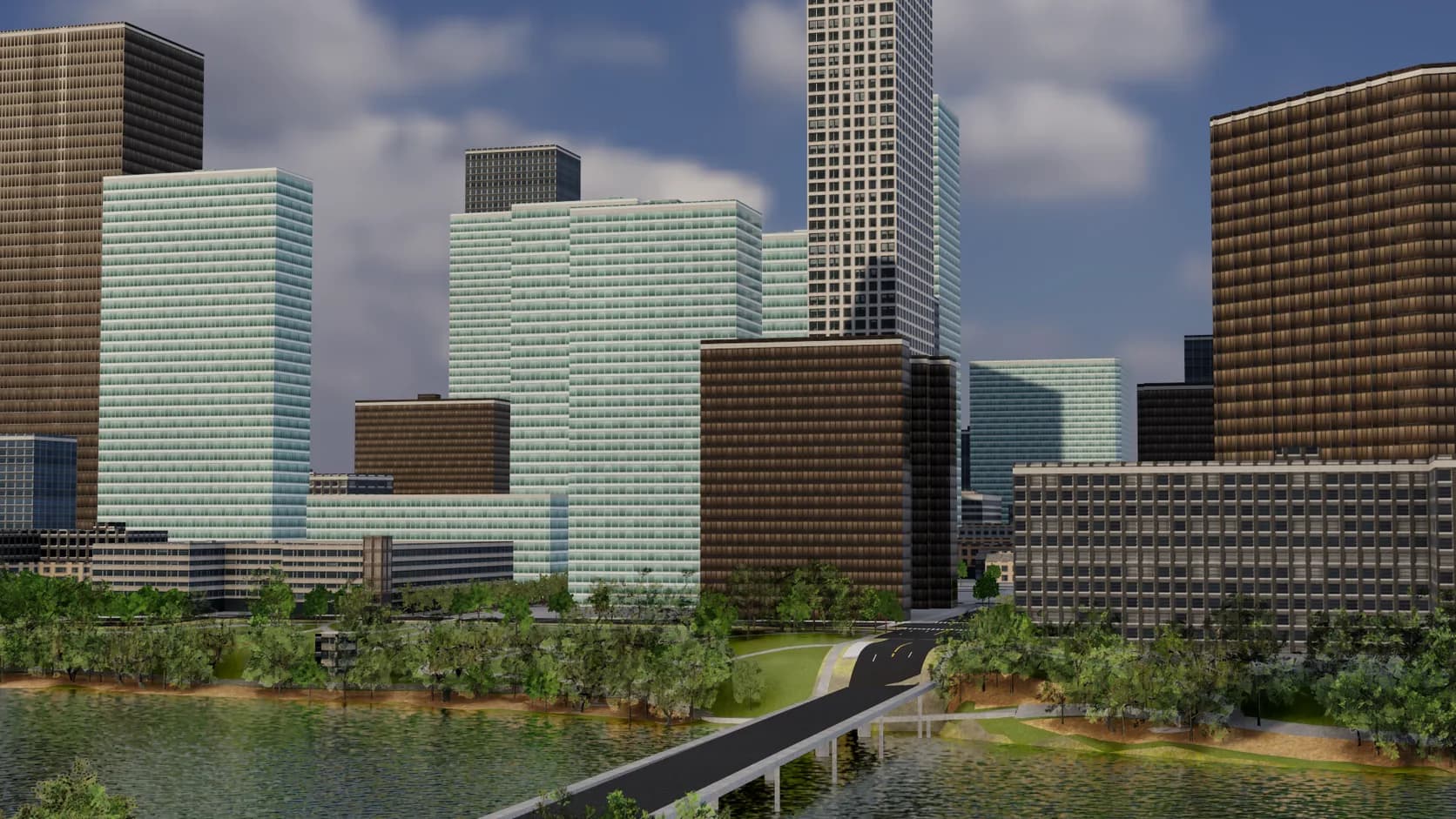
Roads are sized by class with sidewalks, lane markings and crossings, bridges span the water instead of dipping into it, and parks, paving and street trees fill in the rest.
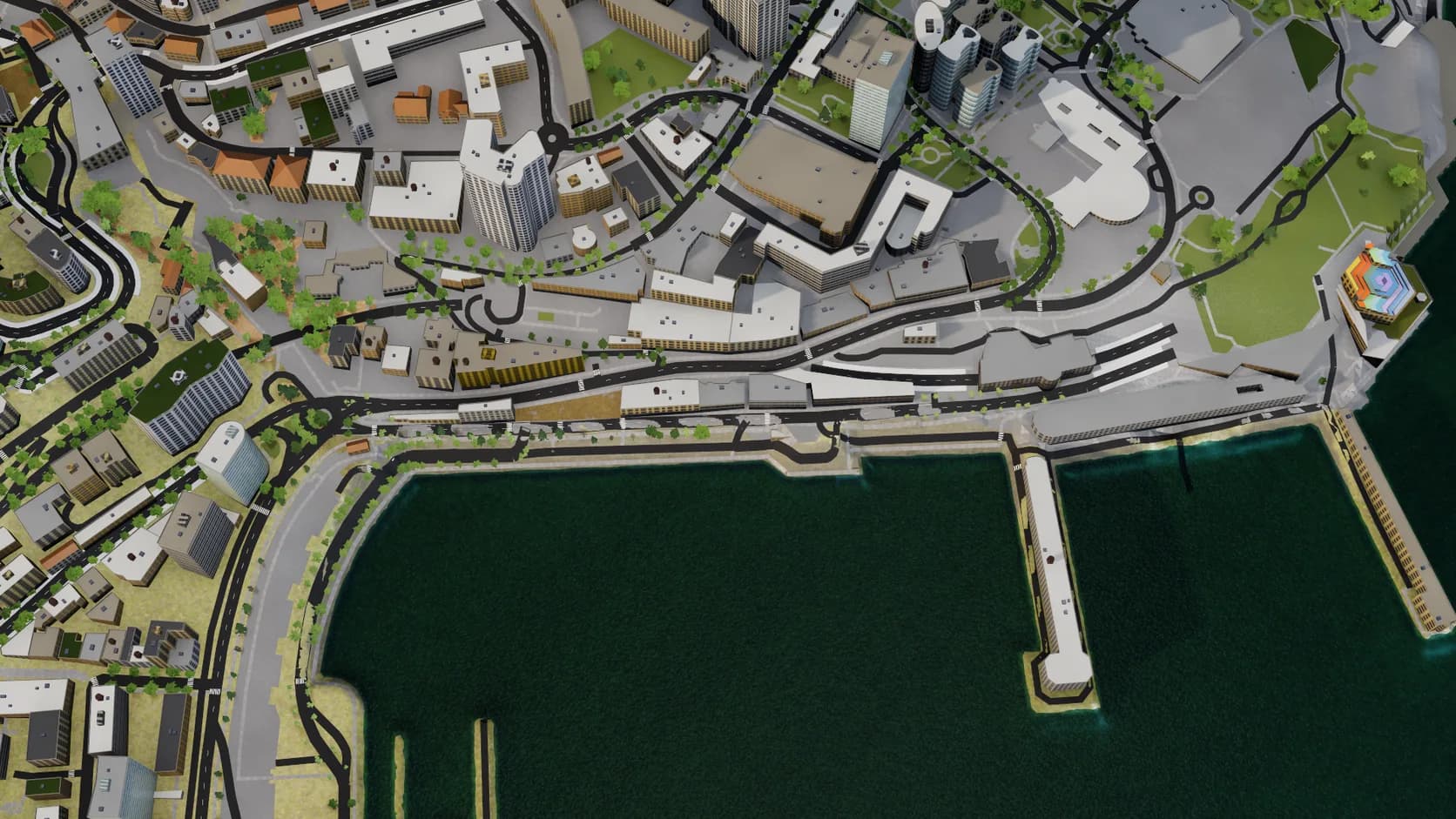
OpenStreetMap draws the sea only as a coastline line. The import closes those lines into water, so harbours and bays fill in up to the quays.
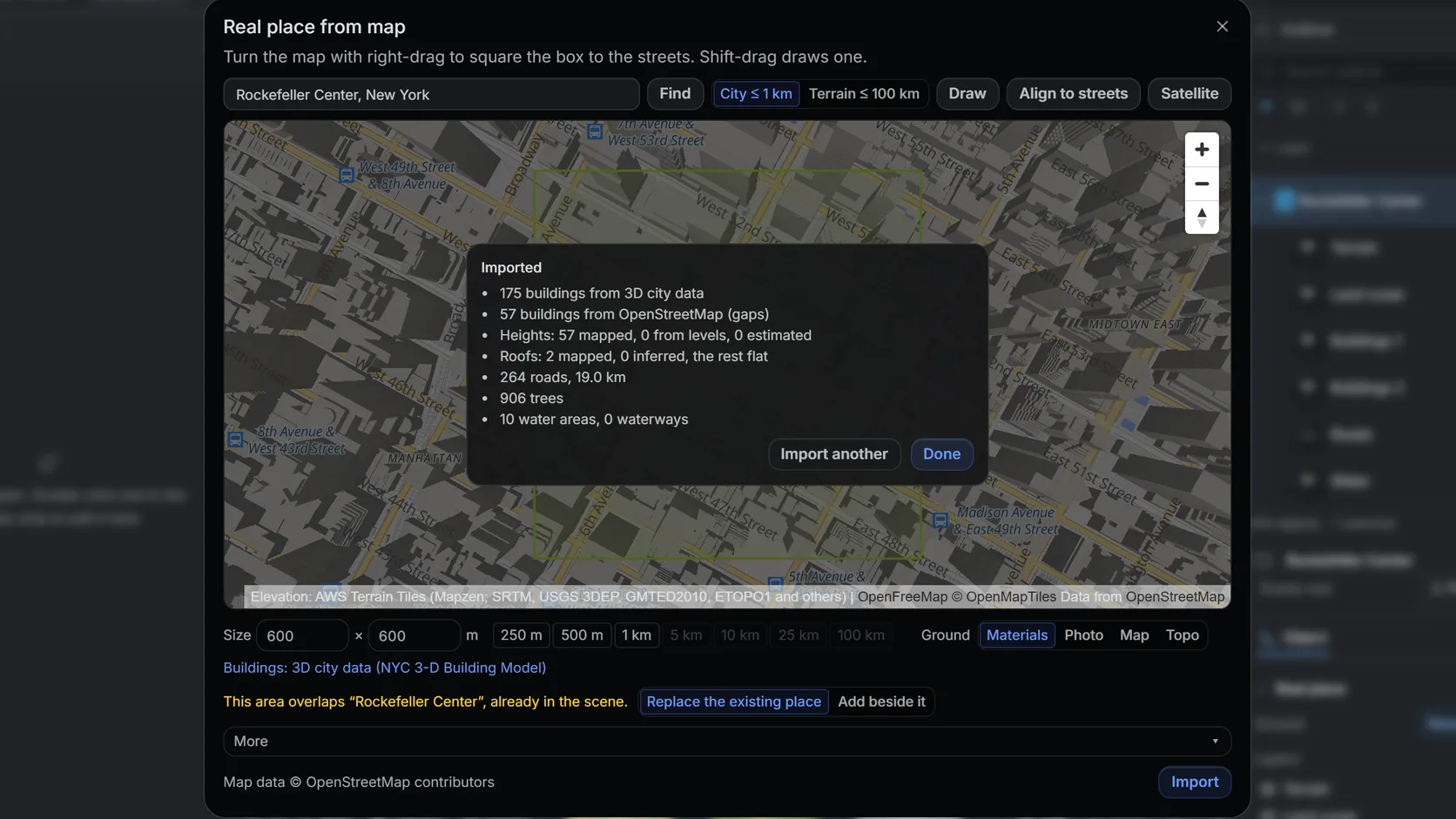
The import reports how many building heights came from the map and how many were estimated, so you know how far to trust the skyline.
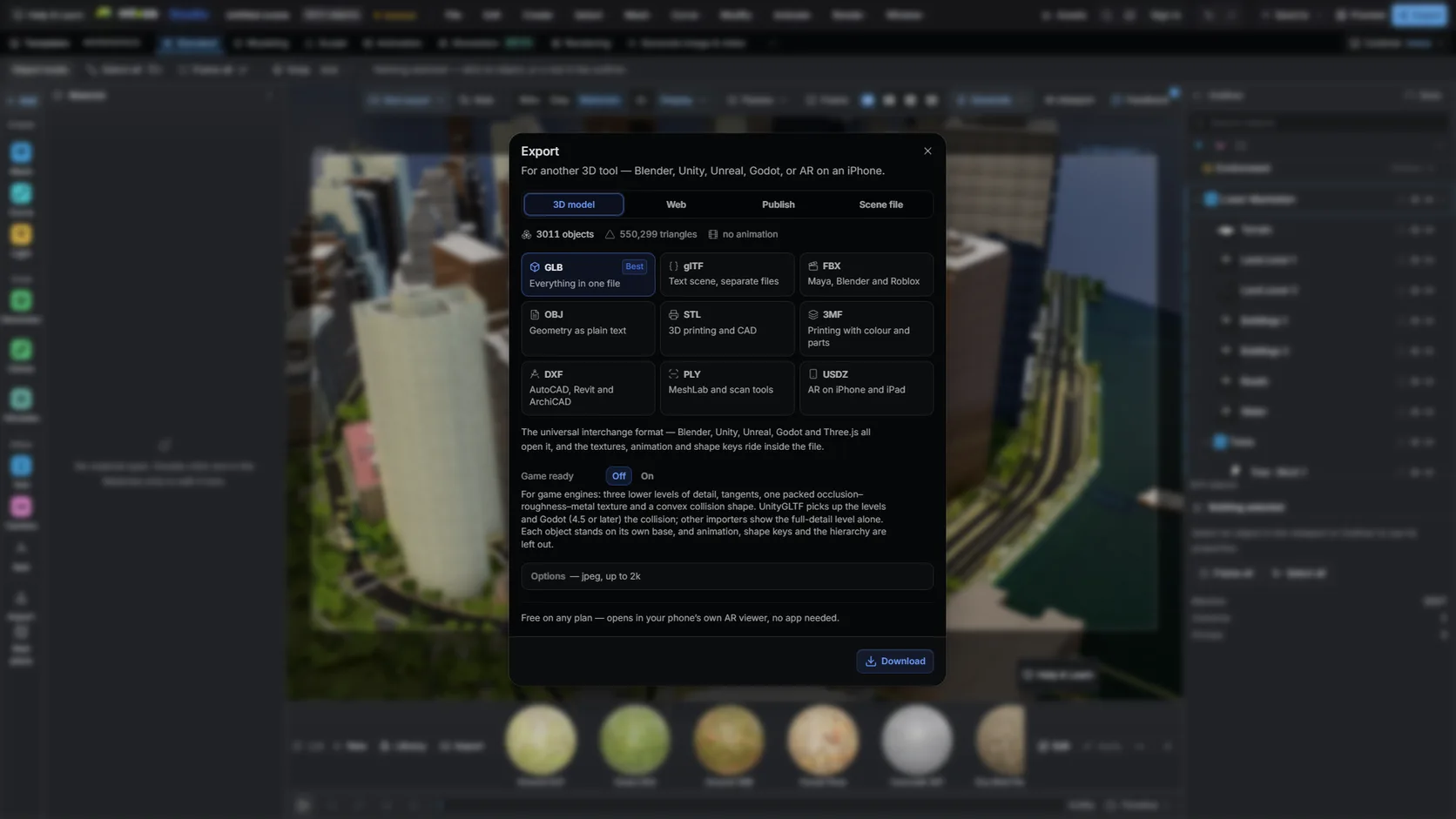
Export GLB or FBX on a paid plan and import it into Blender: metres at true scale, objects already separated.
Why Mixos
OpenStreetMap is a database of points, lines and polygons with tags on them, not a 3D model. Turning it into one means deciding, for every kind of feature, what geometry it should become. Studio's import makes those decisions the way the OSM community's own 3D conventions describe.
A building outline becomes a closed footprint — holes for courtyards included — extruded to its height tag. If there is no height, building:levels multiplied by about 3 m stands in; if there is neither, the import estimates and counts the estimate in its report. min_height lifts parts that start above the ground, such as a walkway or an overhang. roof:shape builds a gabled, hipped, pyramidal, skillion, dome or onion roof (gambrel, mansard and half-hipped are drawn as their nearest shape), building:part assembles a landmark from its pieces, and an untagged small home gets an inferred gable or hip. Each footprint is seated on the lowest point of the terrain beneath it, so nothing floats on a slope.
A highway line becomes a strip whose width follows its class, from a footpath to a motorway, draped over the terrain surface. Closed water areas become flat water, and the sea — which OpenStreetMap draws only as a coastline — is closed into water from those coastline lines. Land use such as parks, grass and paving becomes ground cover with a material from the library. The terrain itself comes from open elevation tiles rather than from OSM, which has no heights of its own.
OSM data is licensed under the Open Database License. You may use what you build from it, commercially included, as long as you credit © OpenStreetMap contributors. Studio stores that credit with the scene so it is not lost between the import and the render.
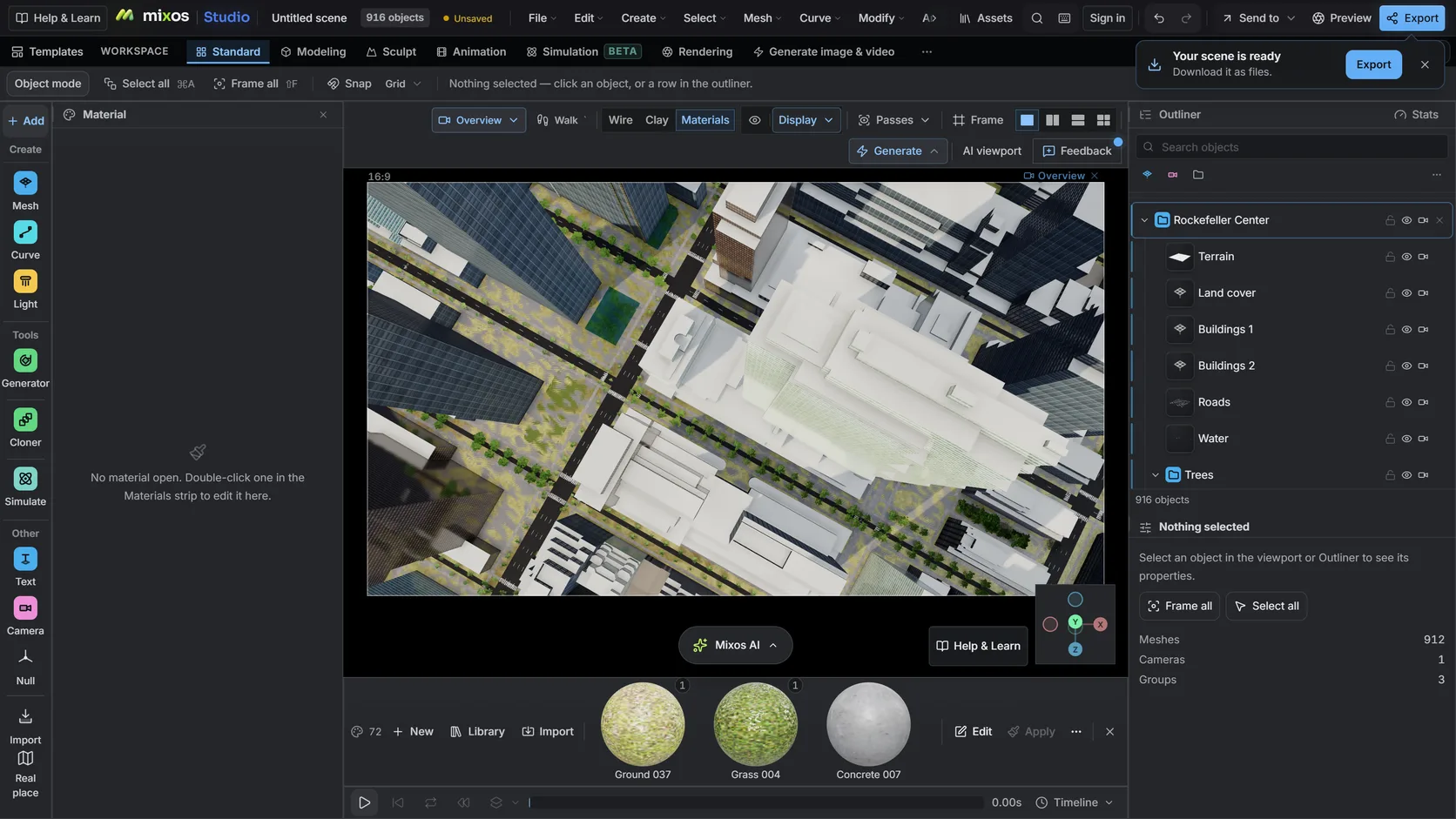
In Studio, open the Real place picker, draw a box and import. Buildings, roads, water and land cover are extruded and laid on real terrain automatically. You do not need to download an .osm file or write an Overpass query.
Yes. Build the area in Studio, then export it as GLB or FBX on a paid plan and import that into Blender. If you want to stay inside Blender, the free BlenderGIS and Blosm add-ons also import OSM data.
Building outlines with height, building:levels and min_height; highway classes for road width; water areas; and land use such as park, grass and paving for ground materials.
Because the map does not say. Where a building has no height or floor tag, the import estimates one and counts it in the report. Adding the tag in OpenStreetMap fixes it for everyone.
Yes, under the Open Database License, as long as you credit © OpenStreetMap contributors. If you redistribute the extracted data itself as a database, ODbL's share-alike terms also apply.
Read next
Which format keeps materials and which throws them away.
Open the file in the browser — meshes, materials, triangle count.
Watertight remesh, thickened walls, and the checks that stop a bad print.
Key, retime and ease a move, step by step.
Keep exploring
3D city model generator
3D terrain generator
DEM Earth for Blender
3D map maker
Blender alternative