Thickness from brightness
Each point of the plate is between 0.8 and 3 mm thick, following the photo's brightness. The range can be changed: a wider range gives more contrast and a longer print.
A lithophane is a thin plate of white plastic that is thicker where the photo is dark. Held up to a window or a lamp it shows the picture. Attach a photo and Mixos AI makes one at the width you ask for, with a frame, ready to print.
Mixos AI is available in this build. Conversational tools require paid access or purchased credits.
 MADE IN MIXOS
The photo's brightness becomes thickness: 0.8 mm where it is white and 3 mm where it is black, with a solid frame around the edge.
Portraits, pets and buildings with clear light and shade work best. The lithophane is built from the photo in your browser, at no extra cost.
Give the width in millimetres, or use 100 mm. Ask for thinner or thicker limits, a wider frame or a negative, and the plate rebuilds in place.
Download the STL or 3MF and print in white or natural filament with fine layers. Shine a light behind it to see the picture.
The viewport makes the result visible. Inspect the shape, placement and materials before moving on to the next change.
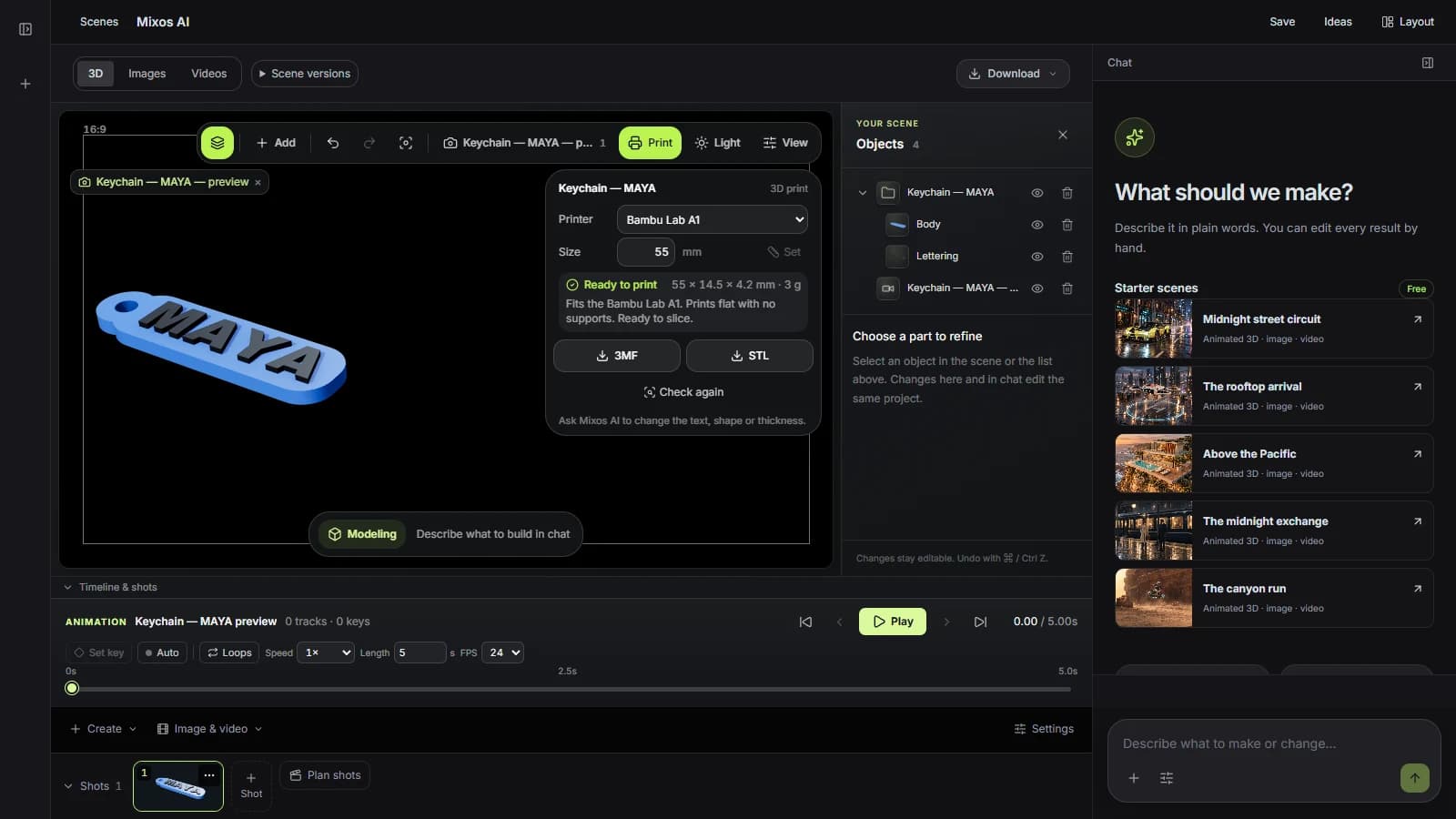
Each point of the plate is between 0.8 and 3 mm thick, following the photo's brightness. The range can be changed: a wider range gives more contrast and a longer print.
A 3 mm frame at full thickness keeps the plate stiff and gives the slicer a solid edge. Ask for no frame or a wider one.
The relief is sampled at about the width of a printed line, so the file stays a manageable size without losing detail the printer could have drawn.
“Turn the photo I've attached into a lithophane 120 mm wide with a 4 mm frame, and tell me how much filament it needs.”Open Mixos AI
“Make the lithophane thicker in the dark parts, up to 3.5 mm, and keep the same width.”Open Mixos AI
Example briefs to adapt to your project. Concept images show a creative direction; live results depend on your prompt and the tools used.
Build, finish and animate real 3D scenes. Choose an example, play the walkthrough or jump to any step.
“Build a compact studio speaker with an olive enclosure, a copper driver and a fine metal-mesh grille. Keep the components separate.”
The chat explains the change. The viewport shows the result. Play all steps, or use the numbered controls to explore.
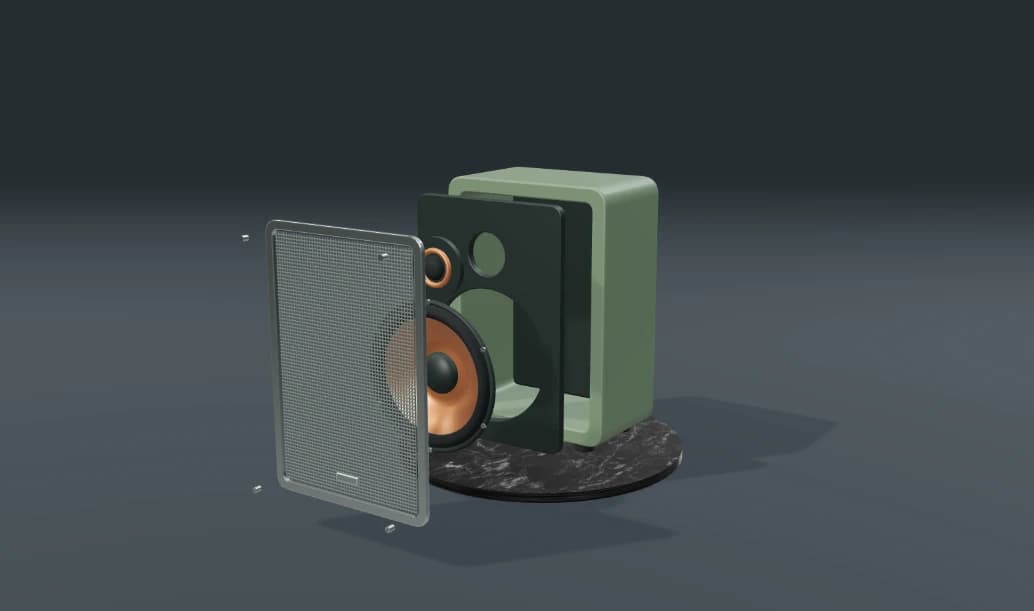
Prepared walkthroughs with editable 3D, animation and illustrative AI images. Prompts and replies are scripted; playback uses no credits. AI video generation is a separate paid step, illustrated above.
Mixos AI is available in this build. Open the workspace with your Mixos account; conversational tools require paid access or unspent purchased credits. The expanded creation workspace is rolling out in preview builds.
Photos with strong light and shade and a clear subject. Very dark or very flat photos give a plate that looks dull when lit. Crop to the subject before attaching the photo.
White or natural PLA is the usual choice, printed with fine layers. The thickness range assumes light coming from behind the plate.
The lithophane is built from the photo in your browser. Attaching a photo to a Mixos AI message shares it with the chat model as part of the conversation.
Making the lithophane uses Mixos AI chat credits. Downloading STL or 3MF files is part of Studio's export, which is included in every paid plan.
Editing in the released Mixos apps is free with a Mixos account. AI generation consumes credits. Production exports require a paid plan or licence; the free plan includes a 512px watermarked render preview. See Pricing for current allowances. Watching the demonstrations on this page does not spend AI credits.
See Pricing for current AI credits and export allowances. Studio is available now for manual 3D creation.