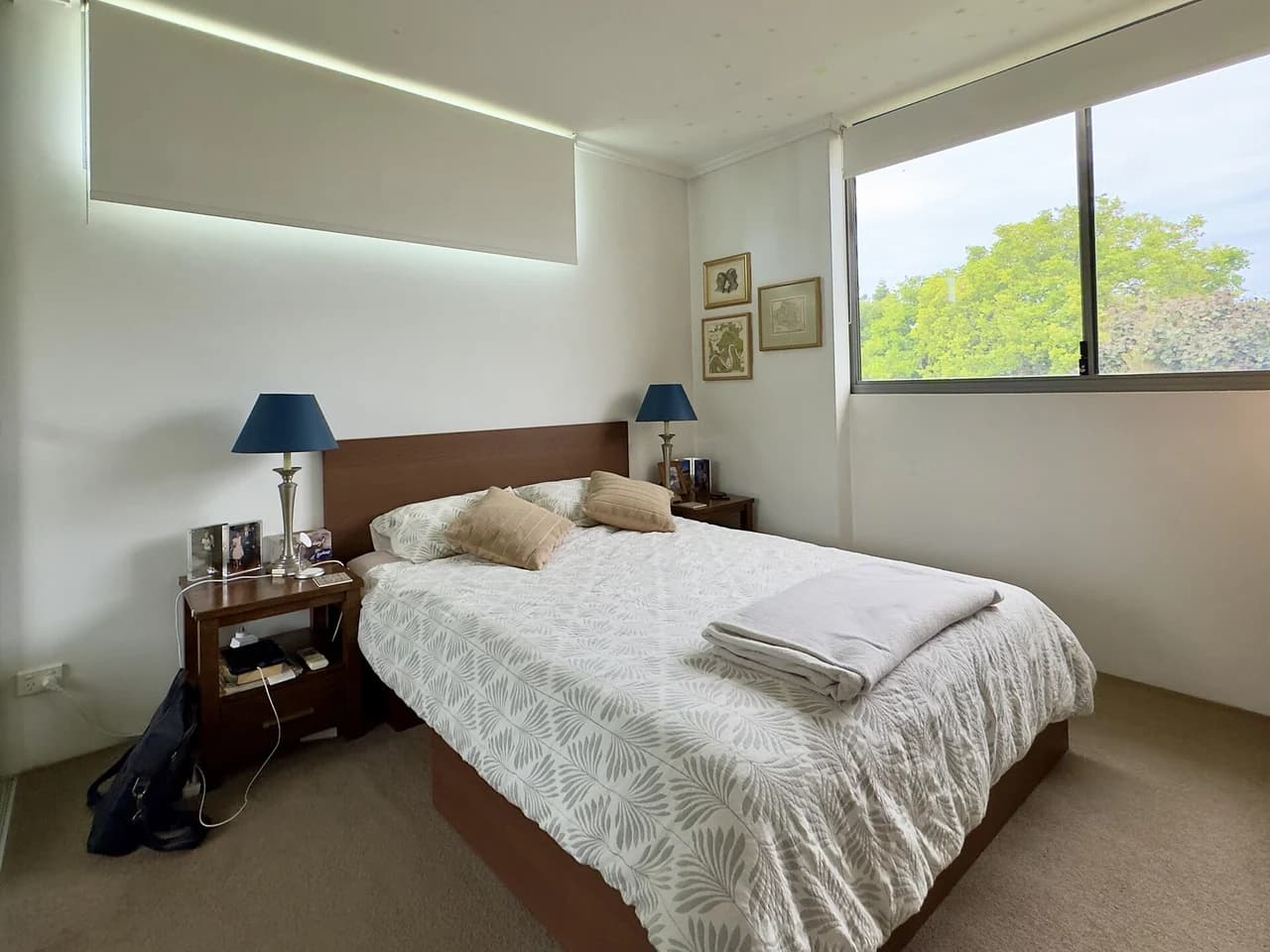
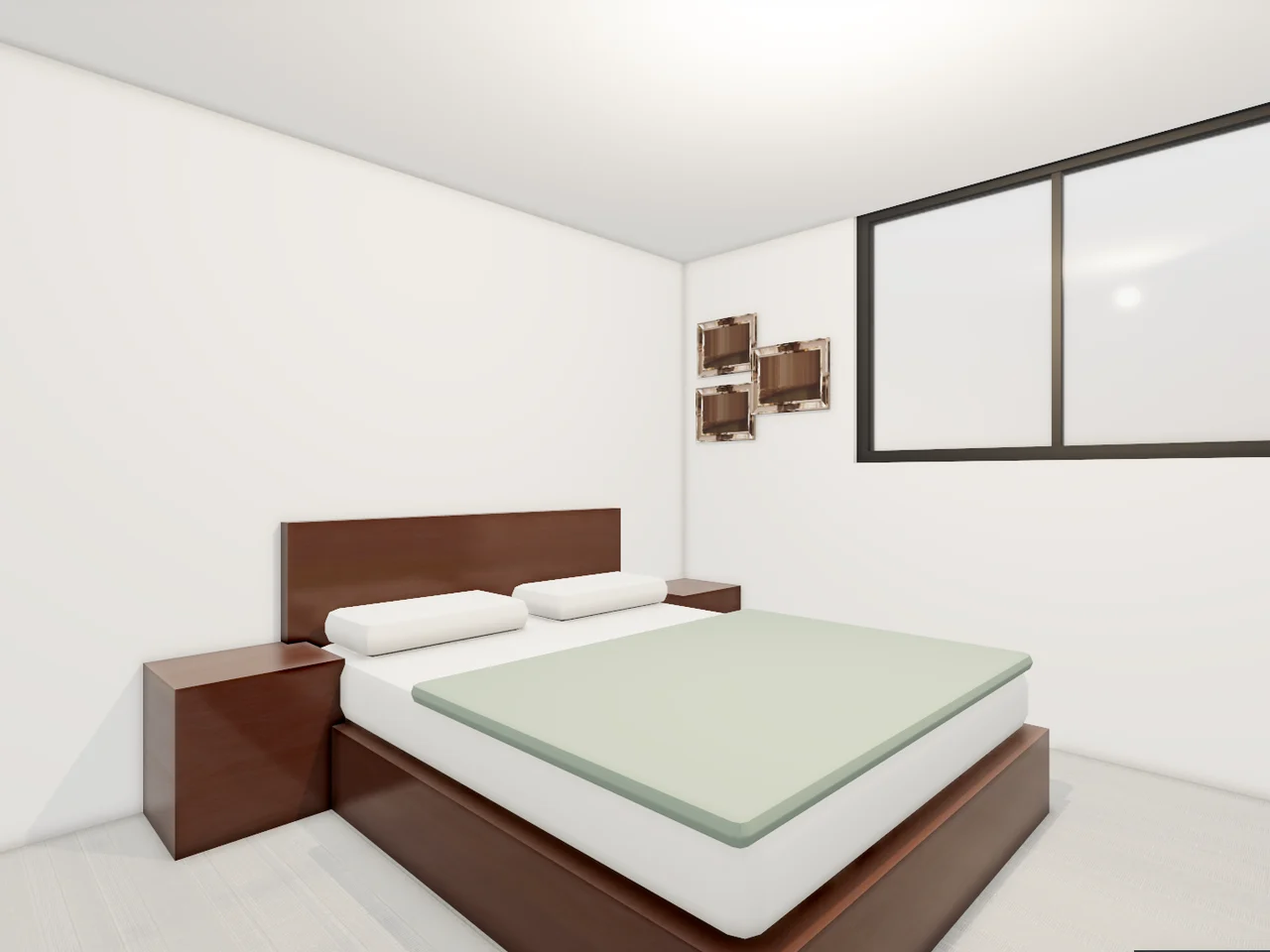
A bedroom, rebuilt from one photo
Walls, window, bed and nightstands where the photo shows them, seen from a camera solved from the room's corners.
Photo: Chris Olszewski, Wikimedia Commons · CC BY-SA 4.0Attach one photo of a room and Mixos AI rebuilds it in 3D: the walls, doors and windows, the floor and ceiling, and the furniture, each piece its own object. The camera matches your photo, and the photo sits over the 3D view so you can check the fit. Then restyle, declutter or stage the room for free, and make a photoreal version when you want one.
Mixos AI is available in this build. Conversational tools require paid access or purchased credits.
 MADE IN MIXOS
No tape measure and no 3D skills needed. Mixos AI reads the room from the picture and tells you what it measured.
A wide photo that shows at least two corners of the floor or ceiling works best. A phone photo is fine.
The 3D room opens through a camera solved from your photo, with the photo laid over it. Mixos AI reports the room's size and what it scaled from; give it one real measurement to make it exact.
Ask for a new style, paint colour or floor, declutter it, move furniture by hand or swap in realistic furniture. Every 3D edit is free and stays editable.
Every result below is unedited Mixos output. Inputs are public-domain or openly licensed drawings, drawings made for these examples, or AI-generated example photos.
Walls, window, bed and nightstands where the photo shows them, seen from a camera solved from the room's corners.
Photo: Chris Olszewski, Wikimedia Commons · CC BY-SA 4.0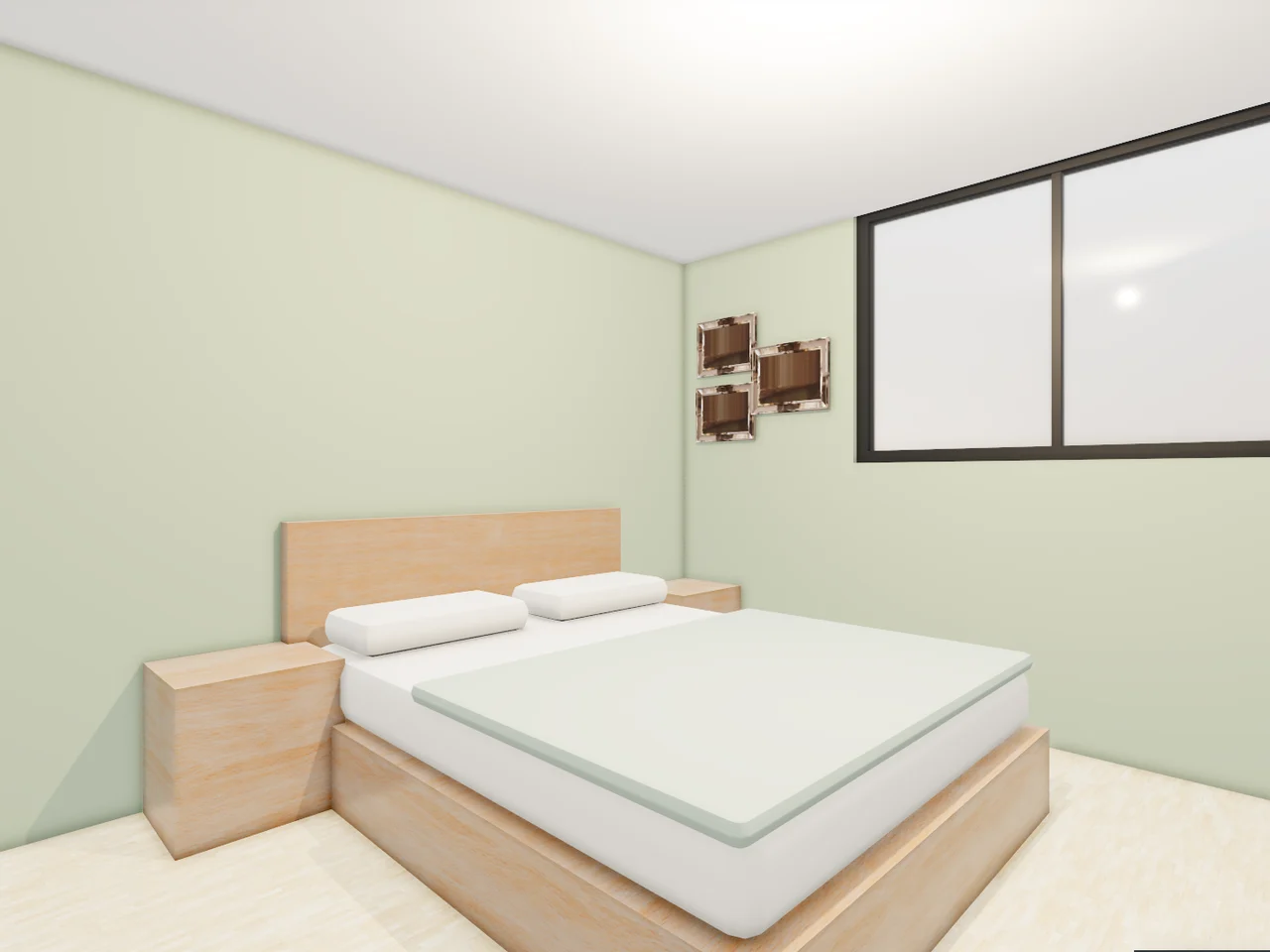
The same room, Scandinavian, with the walls painted sage. The camera and the layout stay put.
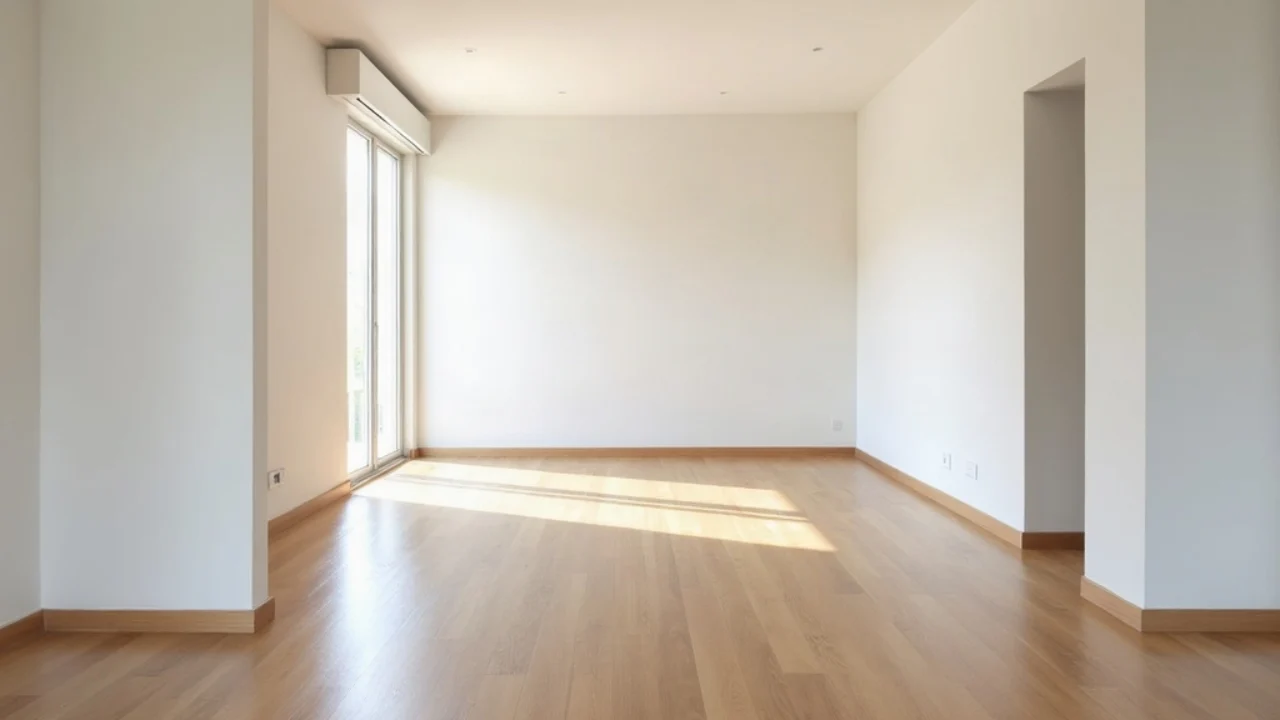
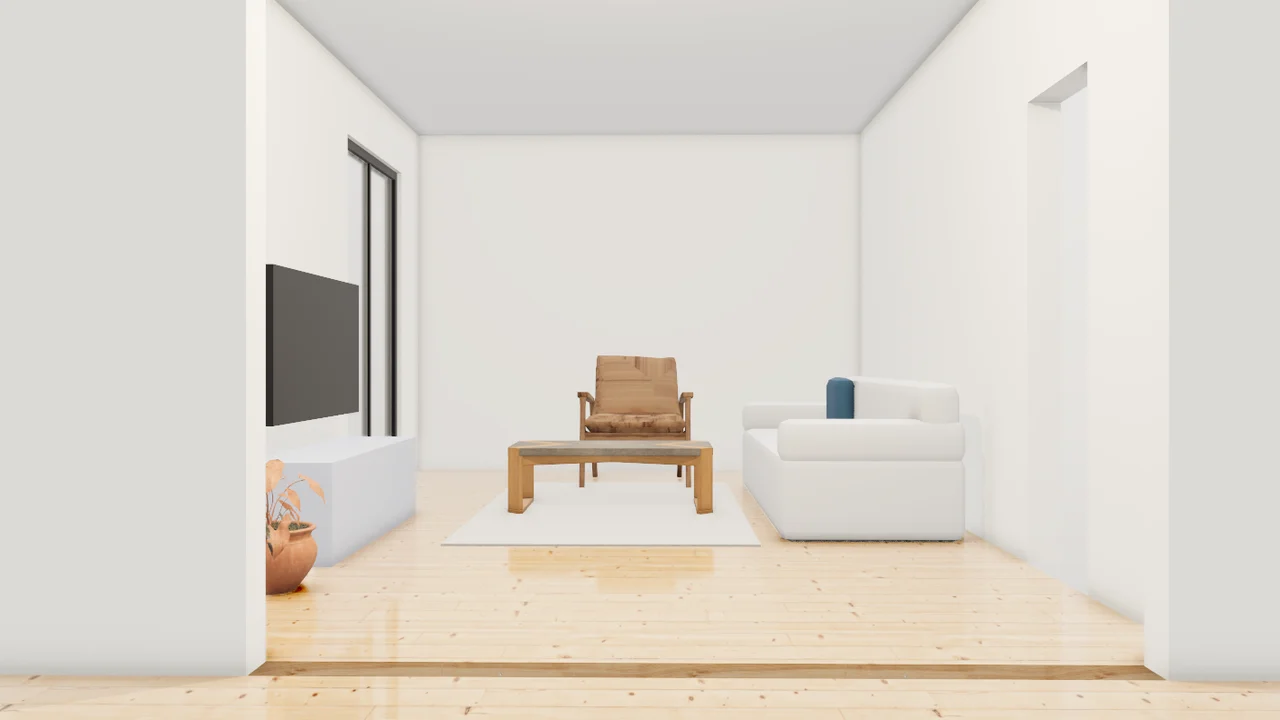
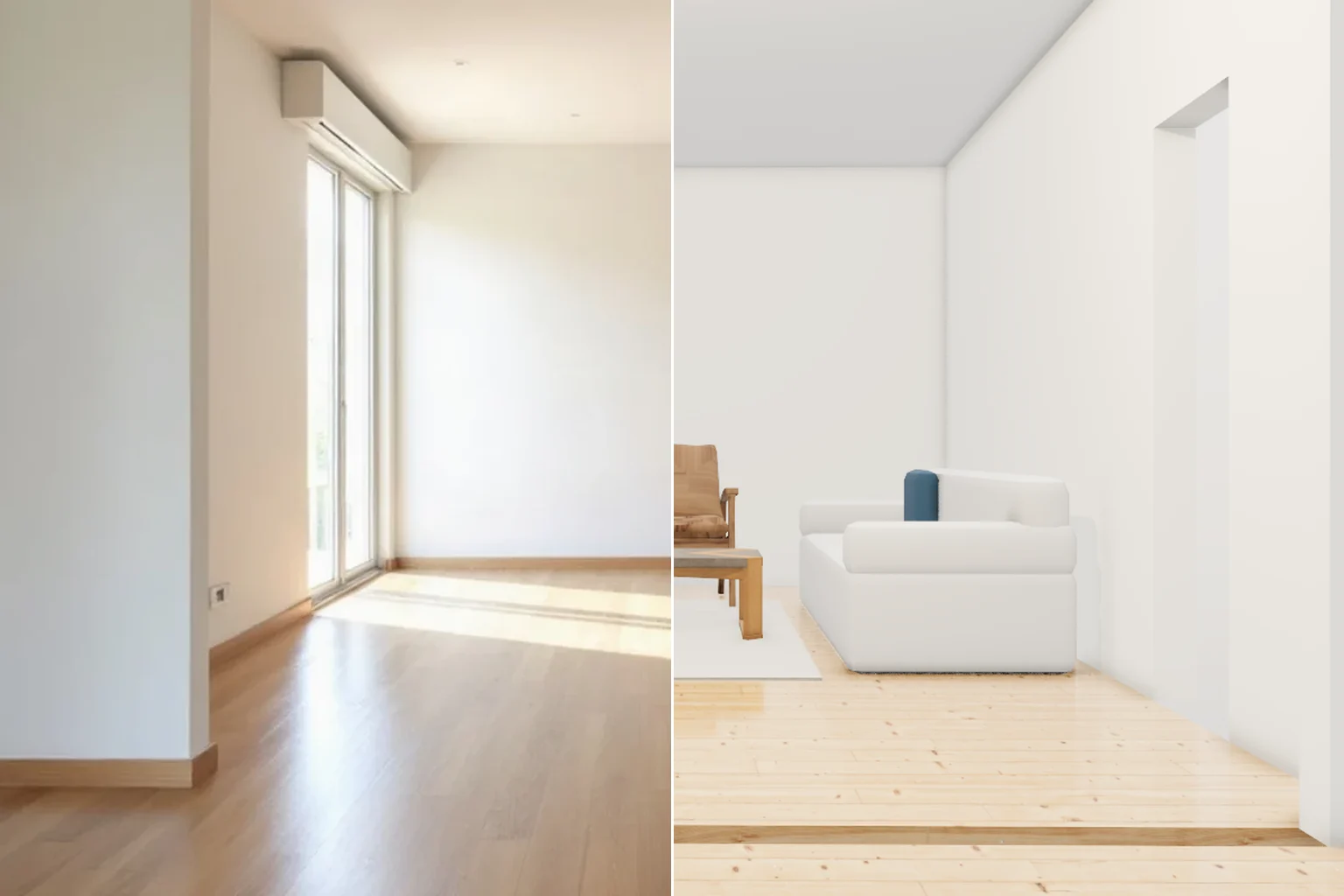
Modern furniture fitted to the room the photo shows, kept clear of the spot the photo was taken from.
The viewport makes the result visible. Inspect the shape, placement and materials before moving on to the next change.
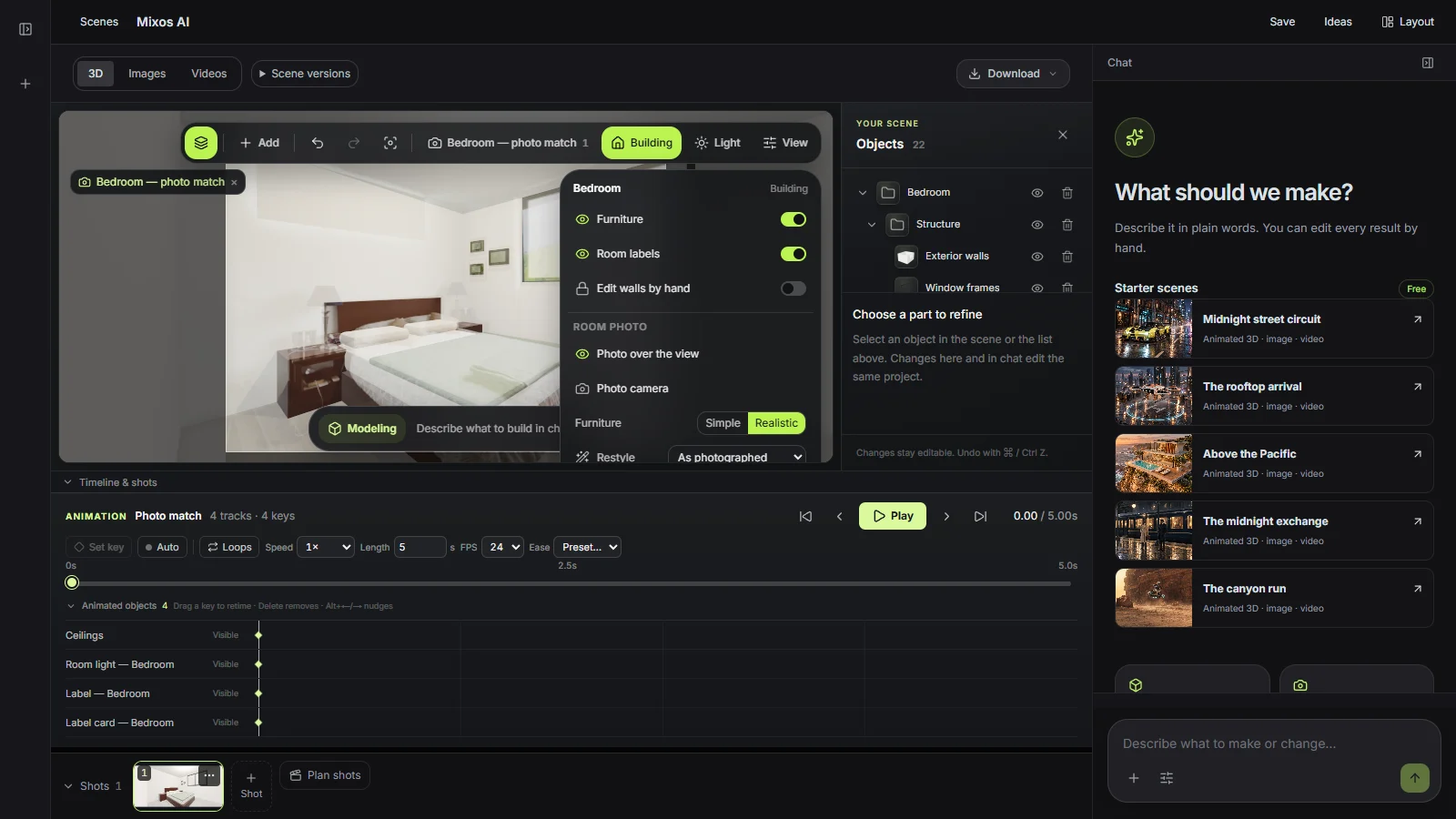
Mixos AI marks the room's corners and the lines where the walls meet the floor and ceiling. From those it solves where the photo was taken from, the lens and the camera height, so the 3D room lines up with your picture.
It scales the room from something of known size, such as a door or a kitchen counter, and says which. Give it one real measurement and every length updates together.
Each piece is its own object: drag it, turn it or ask for a different one. Realistic furniture comes from a free CC0 model library, fitted to the space the photo shows.
Scandinavian, Japandi, modern, farmhouse and other styles change the paint, floor and furniture in 3D at no cost. A photoreal version of your original photo costs 3 credits and is shown beside it on a slider.
“Turn this photo of my living room into 3D with realistic furniture, and tell me how big the room is.”Open Mixos AI
“Make it Japandi and paint the walls warm white. Keep the furniture where it is.”Open Mixos AI
“This room is empty. Stage it with modern furniture and show it from the photo's angle.”Open Mixos AI
Example briefs to adapt to your project. Concept images show a creative direction; live results depend on your prompt and the tools used.
Build, finish and animate real 3D scenes. Choose an example, play the walkthrough or jump to any step.
“Design a quiet reading corner with a sculptural lounge chair, a low table and a paper lamp. Use warm timber, soft ivory and afternoon light.”
The chat explains the change. The viewport shows the result. Play all steps, or use the numbered controls to explore.
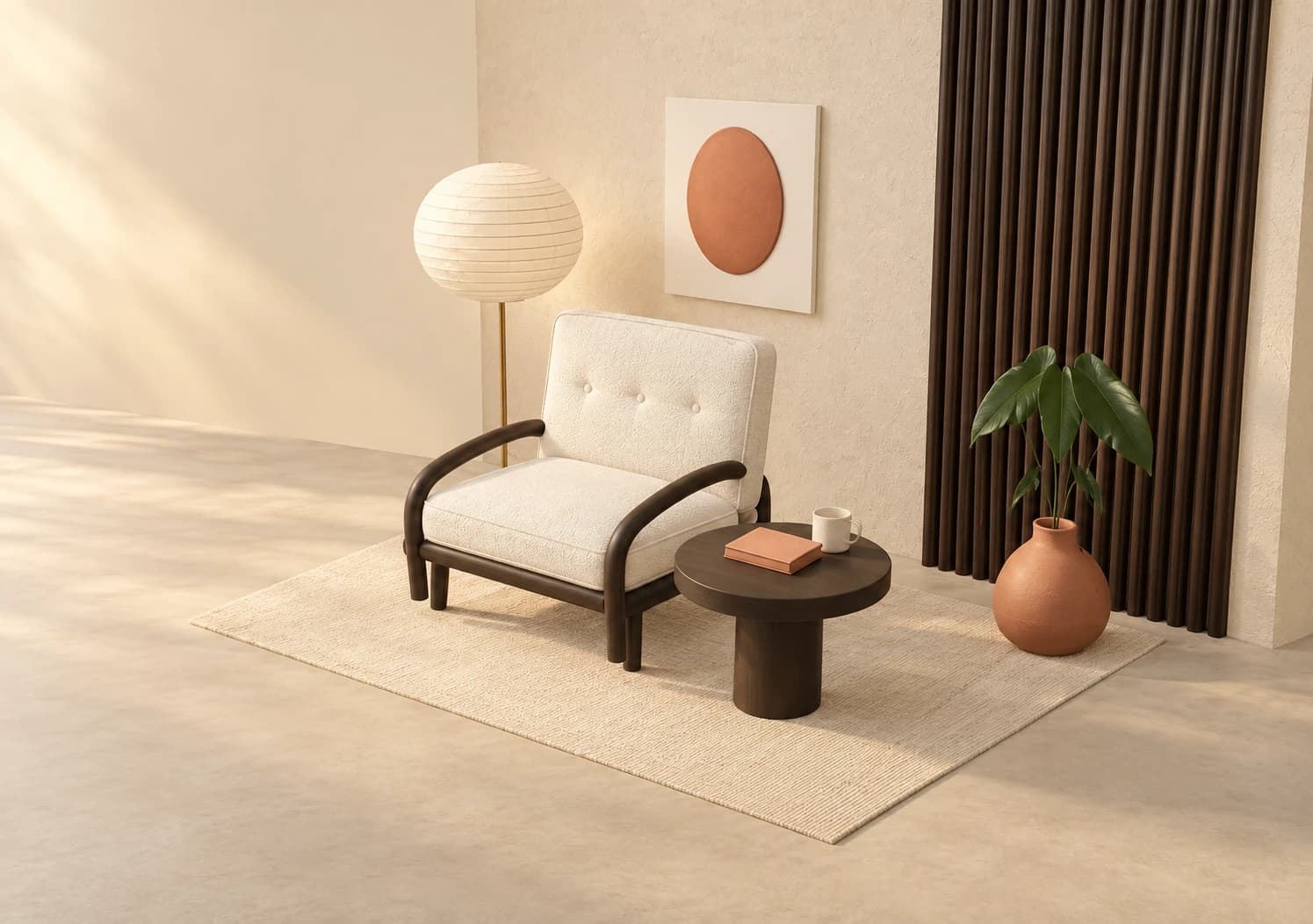
Prepared walkthroughs with editable 3D, animation and illustrative AI images. Prompts and replies are scripted; playback uses no credits. AI video generation is a separate paid step, illustrated above.
Mixos AI is available in this build. Open the workspace with your Mixos account; conversational tools require paid access or unspent purchased credits. The expanded creation workspace is rolling out in preview builds.
The camera is solved from the corners and wall lines in the photo, and the result is laid over your picture so you can see the fit. Sizes come from one known length, so give one real measurement when accuracy matters. It is a visual model, not a survey.
A wide, sharp photo taken from a corner or a doorway, with at least two floor or ceiling corners in view. Close-ups and heavily cropped photos give Mixos AI less to measure.
Building, restyling, decluttering and staging the 3D room are free. A photoreal version of your photo costs 3 credits, and the price is shown before it runs.
Yes. Move or turn any piece of furniture in the viewport, or open the room in Studio. Ask Mixos AI to move a wall, add a window or change the room's size and it rebuilds in place, keeping what you moved.
Yes, to show buyers what a room could look like. If you publish a staged or restyled photo, label it as such and follow your MLS rules.
Editing in the released Mixos apps is free with a Mixos account. AI generation consumes credits. Production exports require a paid plan or licence; the free plan includes a 512px watermarked render preview. See Pricing for current allowances. Watching the demonstrations on this page does not spend AI credits.
See Pricing for current AI credits and export allowances. Studio is available now for manual 3D creation.