Cloners and effectors
The part of MoGraph people reach for daily. Array something parametrically, then push it around with an effector whose transform IS its falloff — move the effector, the falloff moves with it.
Cinema 4D alternative
Make many of something without minting hundreds of objects: a cloner keeps the arrangement parametric, and an effector's own transform is its falloff — so changing your mind stays a slider, not a rebuild. Add a real scene graph, a non-destructive modifier stack, keyframe animation and a path-traced render, and it all runs in a browser tab.
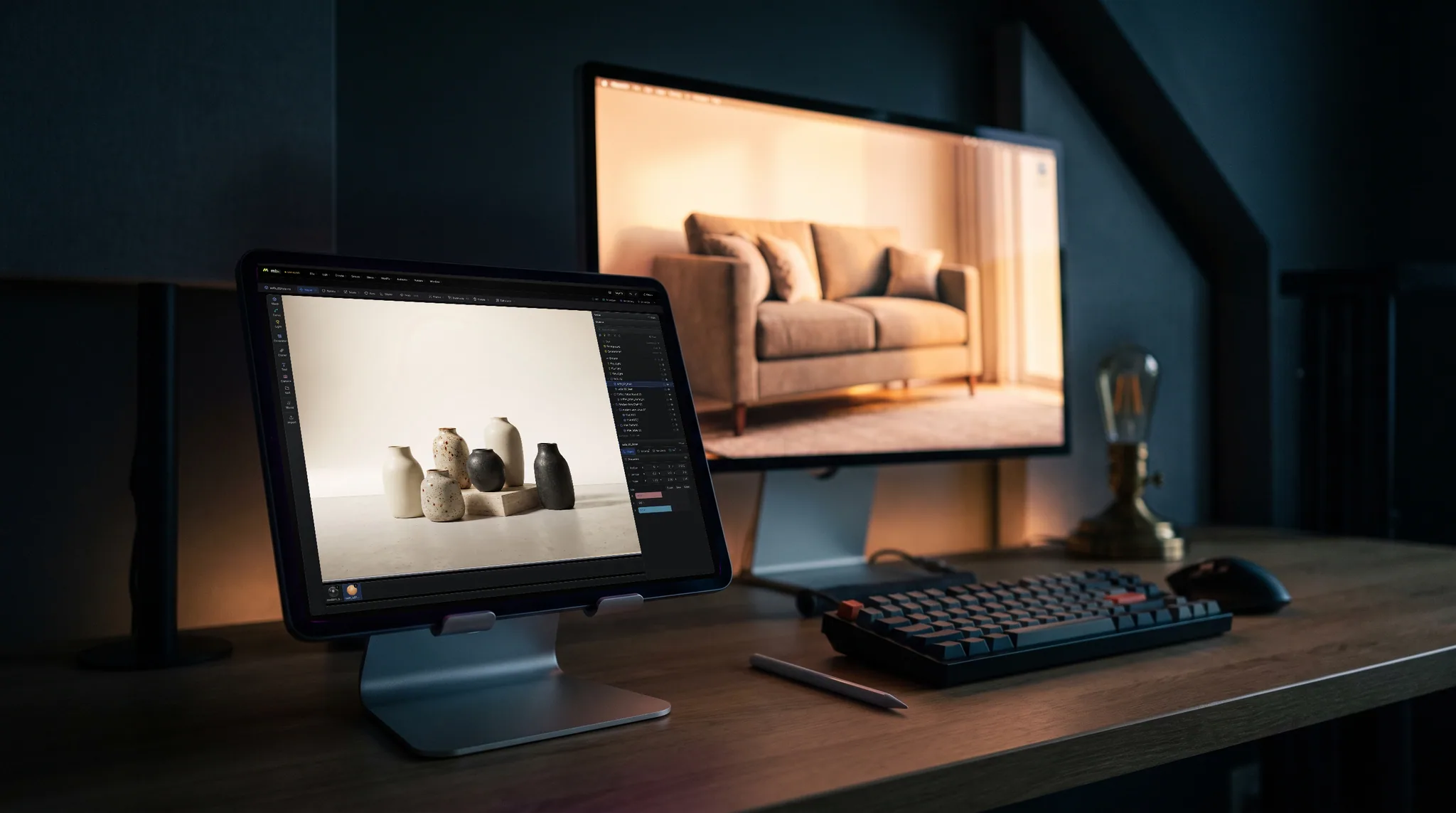
The part of MoGraph people reach for daily. Array something parametrically, then push it around with an effector whose transform IS its falloff — move the effector, the falloff moves with it.
Twelve modifier kinds — subdivide, array, radial, mirror, solidify, twist, bend, taper, wave, noise, spherify, smooth. Reorder them, mute one, or apply the stack down when you're sure.
No Maxon One bundle to price out, no seat to transfer, no version to keep current. Modeling, animating and rendering previews are free; a paid plan covers exporting the finished asset.
Send a model to the layered PBR painter, or sculpt it and bring it back. No round-trip to a separate texturing app and no file to hand between programs.
Why Mixos
Cinema 4D is a superb motion-graphics program and it is not in danger from a browser tab. MoGraph proper — the full effector list, fields, dynamics, the Redshift integration, character tools, the tracker, and thirty years of studio workflow around it — is deeper than anything described here, and if your work is broadcast motion design, C4D is the tool.
The overlap is narrower and worth being precise about. The cloner-and-effector idea is the single most-copied thing C4D ever shipped, and it is the part most people use most days: array an object, drive the array with a falloff, keyframe the falloff. Studio implements that directly, plus curves and generators — extrude a profile, lathe it, sweep one curve along another, loft between several — over a half-edge modeling core.
What changes is the cost of entry. There is no license to buy or renew, nothing to install, and no workstation requirement; it runs on the GPU already in your browser, so it also runs on a laptop, a Chromebook, a machine you do not administer, or an iPad — where Cinema 4D has no version at all. Scenes live in your account rather than on one hard drive.
And the neighboring steps are attached. A C4D model that needs textures leaves for another application; here the model hands to a layered PBR painter or a GPU sculptor and comes back, without a file ever changing hands. Modeling, animating and assembling scenes is free — a paid plan is what exports the finished mesh and its maps.
Mixos Studio runs cloners and effectors, polygon modeling, a scene graph, a modifier stack, keyframe animation and path-traced rendering in a browser tab, free to use with no trial clock and no watermark. Exporting the finished mesh is a paid plan. Blender is the other serious free option — far deeper, but a desktop install and a much bigger program to learn.
It has the core of the idea: parametric cloners whose arrangement stays editable, and effectors that push the clones around using their own transform as the falloff. It does not have C4D's full field system, dynamics or the complete effector list, so complex broadcast setups will outrun it.
No — .c4d is proprietary to Cinema 4D. Export from C4D as GLB, glTF, OBJ, FBX or Alembic and import that instead; the mesh, hierarchy, object names and materials come across and you can keep working on them.
It doesn't, and it isn't trying to. Studio path-traces stills and flicker-free turntables in the browser, which is enough for product shots, look development and previews. Redshift is a production GPU renderer with a feature surface and a render farm story that a browser tab has no answer to.
A browser with WebGPU — current Chrome or Edge on Mac, Windows, Linux or ChromeOS, or Safari on iPadOS 26 and later. No install, no plugin and no dedicated GPU required, though a better GPU makes the path-traced render resolve sooner. Held in landscape an iPad keeps the full desk layout, and there is a free Mixos app on the App Store if you would rather have it on the home screen.
Read next
Vertices, edges and faces — the box-modelling fundamentals.
Which of the two approaches fits the thing you're making.
Which format keeps materials and which throws them away.
Why the same texture reads bigger on one model than another.
Keep exploring
Blender alternative
Online 3D animation
Online 3D modeling
AI 3D model generator

Drop a cloner on a cube, add an effector, drag it through the array and watch the falloff follow.