Real-time 3D viewport
WebGPU drives a 60fps PBR preview, so what you paint is what you'll render — lit, shaded, and updating live as you work.
Online texture painter
3D texturing online, with no download and no setup — open a tab and start painting PBR materials on your model in a real-time 3D viewport. Brush on the mesh, stack layers, isolate with masks, and pull from 2,600+ ready-made materials.
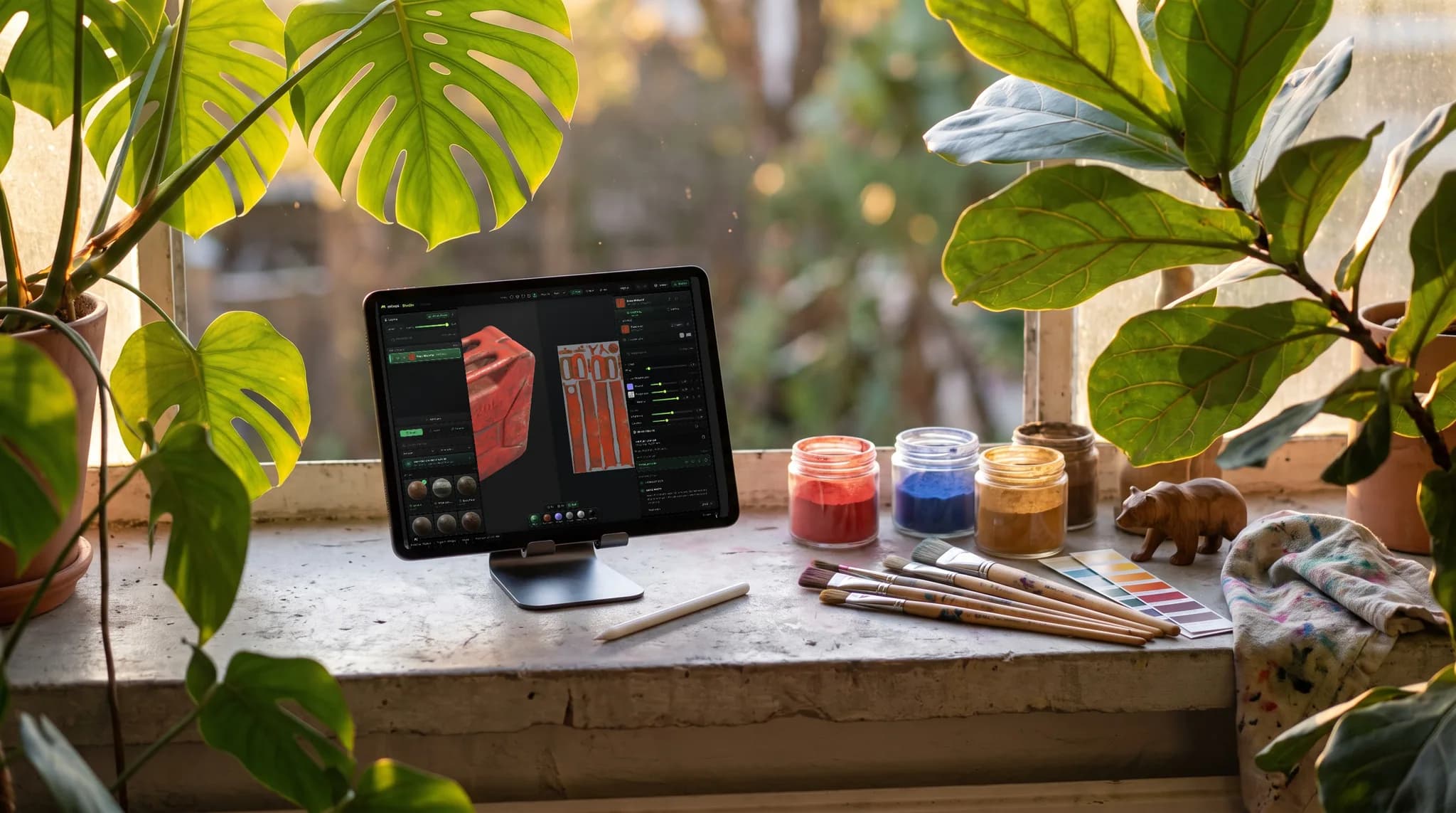
WebGPU drives a 60fps PBR preview, so what you paint is what you'll render — lit, shaded, and updating live as you work.
Brushes, alpha stamps, and cross-seam projection painting — for both the texture and the masks that place it.
Drag a ready-made material onto the stack — metal, wood, stone, fabric, leather and more — then tune tiling and roughness. Import your own the same way: drop a material folder, or an entire library, and the maps are sorted by filename.
Triplanar projection lays textures down seamlessly even without clean UVs, so you can start painting immediately.
Why Mixos
Most 3D texture painters are heavyweight desktop installs. Mixos runs the whole thing in the browser: a real-time, WebGPU-powered 3D viewport with non-destructive layers, masks, projection painting, and a library of thousands of PBR materials. There's nothing to download and nothing to license to start authoring.
Painting happens directly on the model. Use brushes and alpha stamps for hand-detailing, drop in smart materials for an instant layered base, and isolate parts with color-ID and procedural masks. Edge wear, grime, and weathering are a click away, and every PBR channel — color, roughness, metallic, normal, height — stays editable.
When you're done, export organized PBR map sets up to 4K plus a .glb, ready for Blender, Unreal, Unity, and any other renderer. Because it's all online, you can pick up where you left off from any machine and share work with a simple link.
Yes. Mixos is fully browser-based — open the editor and start painting. The 3D viewport renders with WebGPU, so you get desktop-class PBR preview without installing anything.
Any modern browser with WebGPU: current Chrome, Edge, Firefox, or Safari 26+. On a browser without WebGPU the 3D viewport won't start.
Yes — the editor runs in Safari on iPadOS or iOS 26 and later, with a touch-first layout: paint with a finger or Apple Pencil while the panels reflow into slide-up sheets. (Every iOS browser uses the same system engine, so the version is what matters, not which browser.) See our dedicated guide to 3D texturing on iPad for the details.
Not to get started — triplanar projection tiles materials seamlessly on any mesh. You can still use your UVs for precise control and for baking when you want them.
Standard PBR maps (base color, normal, roughness, metallic, height, opacity), baked maps like AO and curvature, and a glTF (.glb) — up to 4K on paid plans.
Most browser-based painters are early or limited. Mixos brings a full, desktop-class workflow to texture painting online — a 60fps WebGPU viewport, non-destructive layers and masks, mesh-map baking, 2,600+ PBR materials, AI generation, and organized 4K exports — all free to author, with nothing to install.
Read next
The whole pass, from import to exported maps.
The maps a modern material is made of, and what each one does.
Why the same texture reads bigger on one model than another.
Drop the files in and see the material lit, in the browser.
No download, no setup, nothing to license. Auto-texture your first model and build real PBR materials in minutes.