No official browser version
Painter installs on Windows, macOS and Linux. A site offering it in a tab is streaming a desktop from somewhere else, so check who runs that machine and how your licence applies.
Substance Painter online
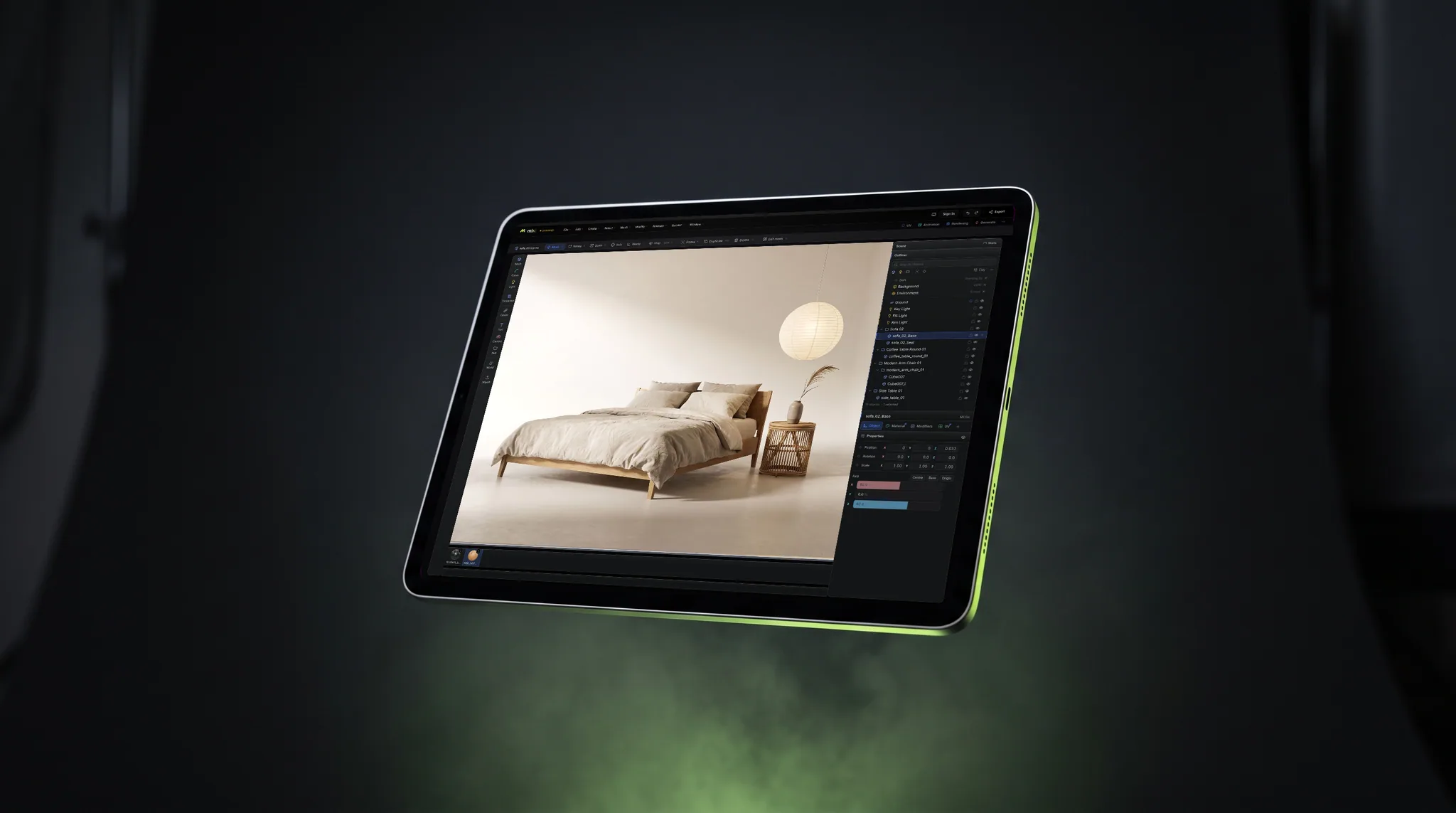
Substance 3D Painter is a desktop install; Adobe does not publish a version that runs in a web page. You can stream it from another computer, or paint directly in the browser tab with mixos Paint: layers, masks, smart materials and mesh-map baking, with nothing to install.
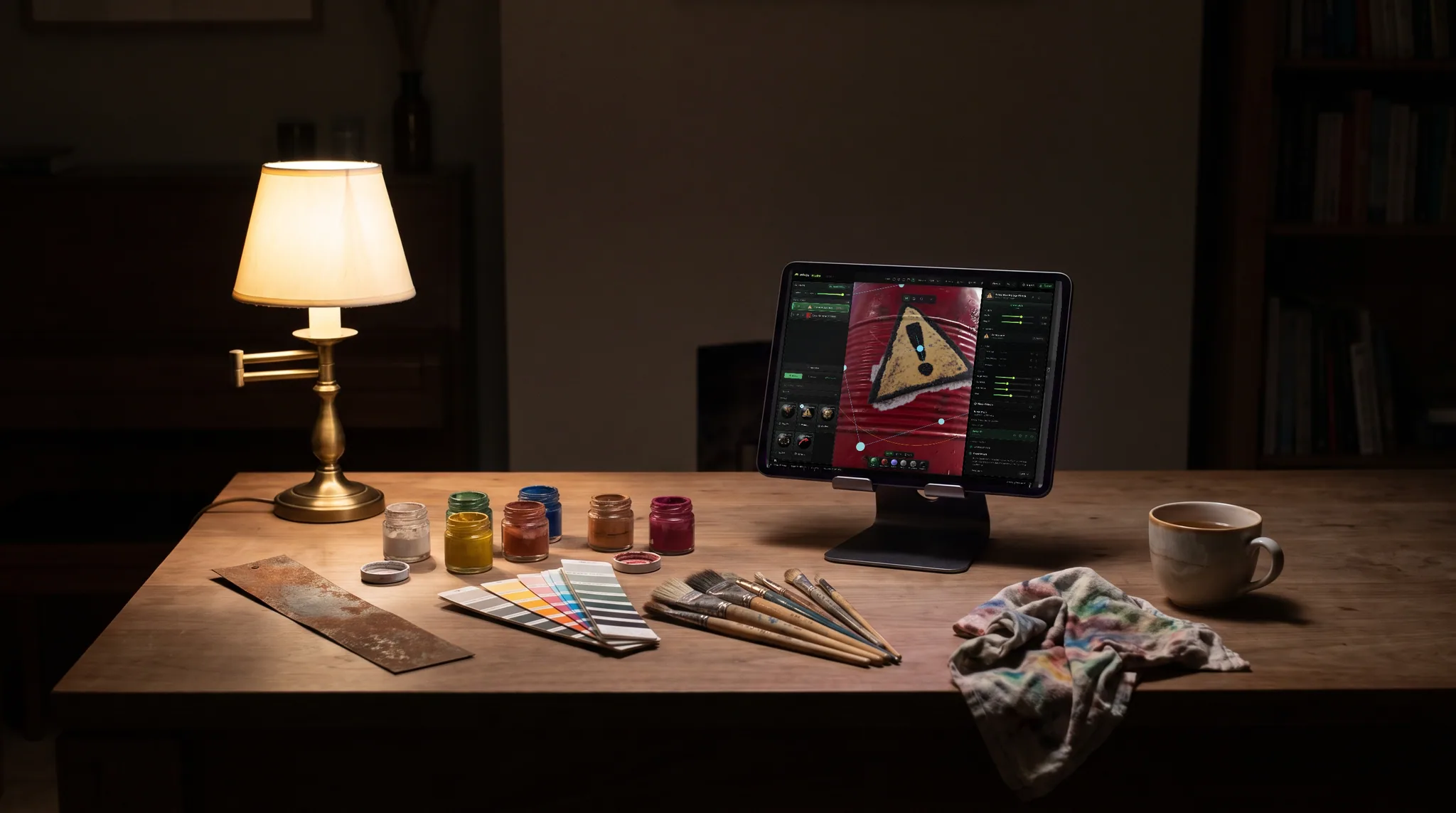
Painter installs on Windows, macOS and Linux. A site offering it in a tab is streaming a desktop from somewhere else, so check who runs that machine and how your licence applies.
A cloud desktop or remote-desktop app runs Painter on another machine and shows it in your browser. You keep your projects and presets; that machine and a steady connection do the work.
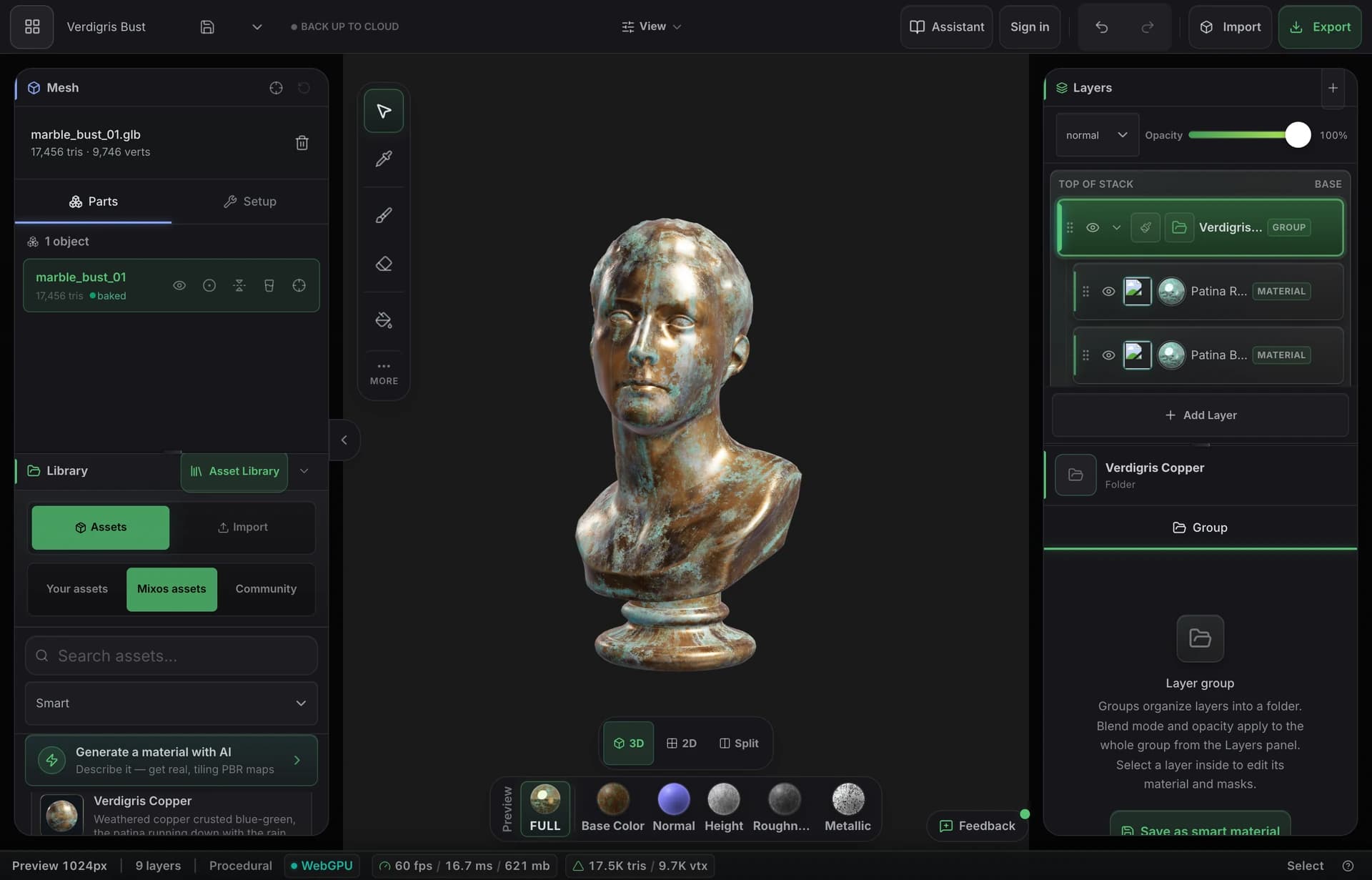
mixos Paint is built for the browser on WebGPU. Import a mesh, stack layers and masks, bake mesh maps and watch the material respond under live lighting, on your own GPU.
Painting, layering, baking and previewing are free with no time limit. Exporting maps needs a paid plan or a perpetual licence, so you can test the whole workflow on your own model first.
Feature by feature
A check marks the tool with the edge on each row, including the rows Painter wins.
| Feature | Mixos | Substance 3D Painter |
|---|---|---|
| Runs in a browser tab | Yes, on WebGPU | Only by streaming a remote desktop |
| Install | None | Desktop install on the machine that runs it |
| iPad and Chromebook | Yes, in the browser | Only by streaming |
| Layers and masks | Blendable layers, masks, height blend | Yes, the reference implementation |
| Generators | Smart materials, edge wear, node material graph | Deeper generators, plus .sbsar integration |
| Maximum export | 4K on paid plans | 8K |
Substance 3D Painter details reflect Adobe's public product information and may change.
See the full mixos vs Substance 3D Painter comparisonWhy Mixos
People search for Substance Painter online for ordinary reasons: a school laptop with no install rights, a Chromebook, an iPad, or a project that only needs one texture and does not justify a setup. Painter itself is a heavy desktop application that expects a capable GPU, so a browser version is not something you can simply find and open.
Streaming gets you the real program. If your studio already pays for Painter and you need your exact presets and .sbsar materials, a remote machine is the right answer, and the cost is latency and whatever that machine charges by the hour.
If what you need is the workflow rather than the program, mixos Paint runs locally in the tab. It reads GLB, glTF, FBX and OBJ, keeps your UVs, and exports standard PBR sets for Blender, Unreal, Unity and Godot. It is not Adobe's software and does not open .spp project files, and Painter's generators and 8K export go further.
No. Adobe ships Substance 3D Painter as a desktop application for Windows, macOS and Linux. Anything in a browser tab is either a streamed desktop or a different product.
No. It does not read .spp files. Bring the mesh across as GLB, FBX or OBJ, and bring exported maps across as images if you want to keep working from them.
Painting, layering, masking, baking and previewing are free with no time limit. Exporting finished maps needs a paid plan or a perpetual licence, and AI generation uses credits.
A browser with WebGPU, such as current Chrome, Edge or Safari, and a reasonably recent GPU. It runs on most laptops from the last several years, including Chromebooks and iPads.
Read next
The whole pass, from import to exported maps.
The maps a modern material is made of, and what each one does.
Why the same texture reads bigger on one model than another.
Drop the files in and see the material lit, in the browser.
Keep exploring
Free Substance Painter alternative
Online texture painter
3D texturing software
3D texturing on iPad
Blender online