29 brushes, not a demo
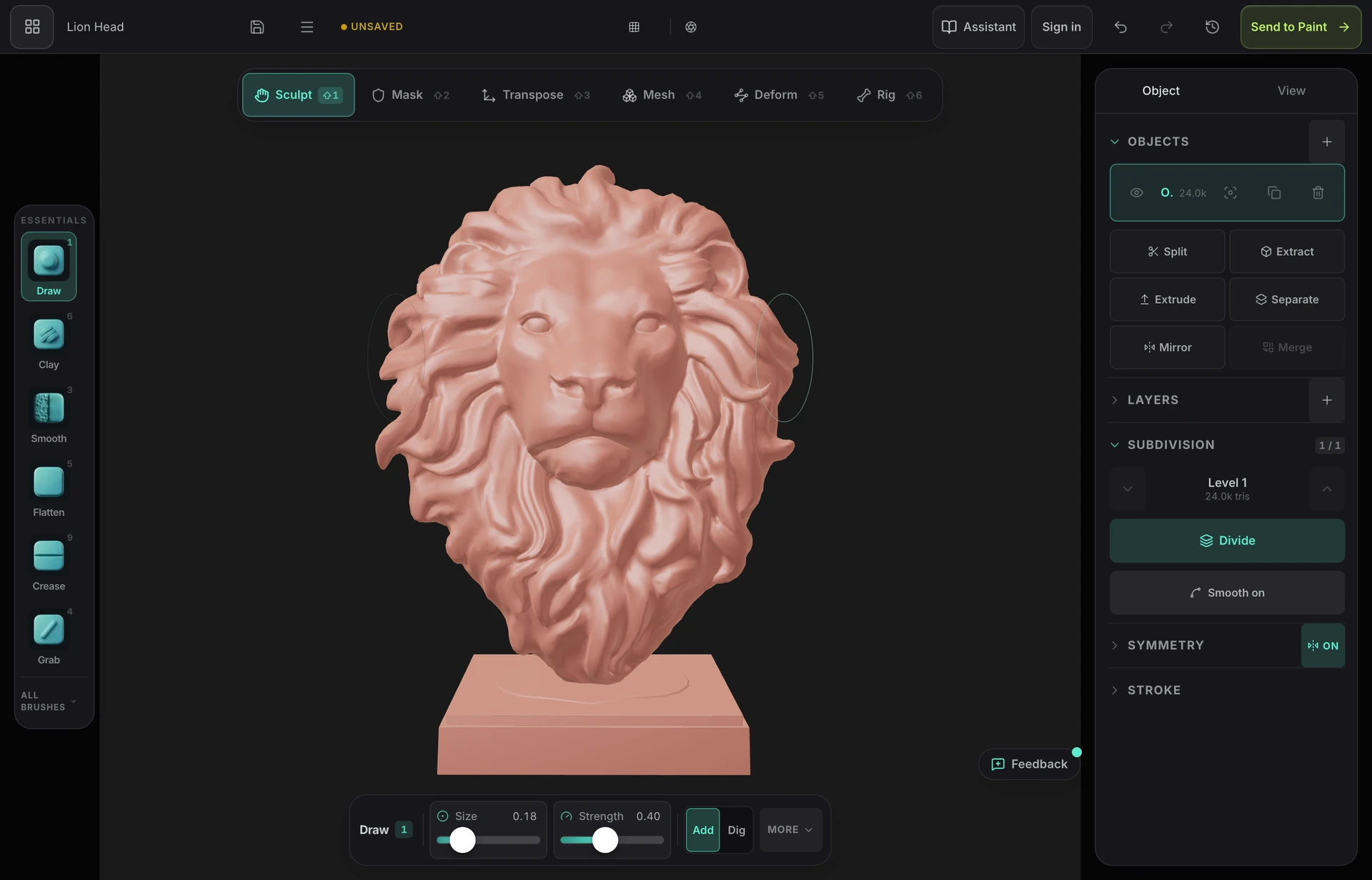
Clay, draw, grab, elastic move, pose, snake hook, flatten, scrape, polish, pinch, crease and more, with pressure, alphas, falloff curves, masking and symmetry on any axis.
3D sculpting online
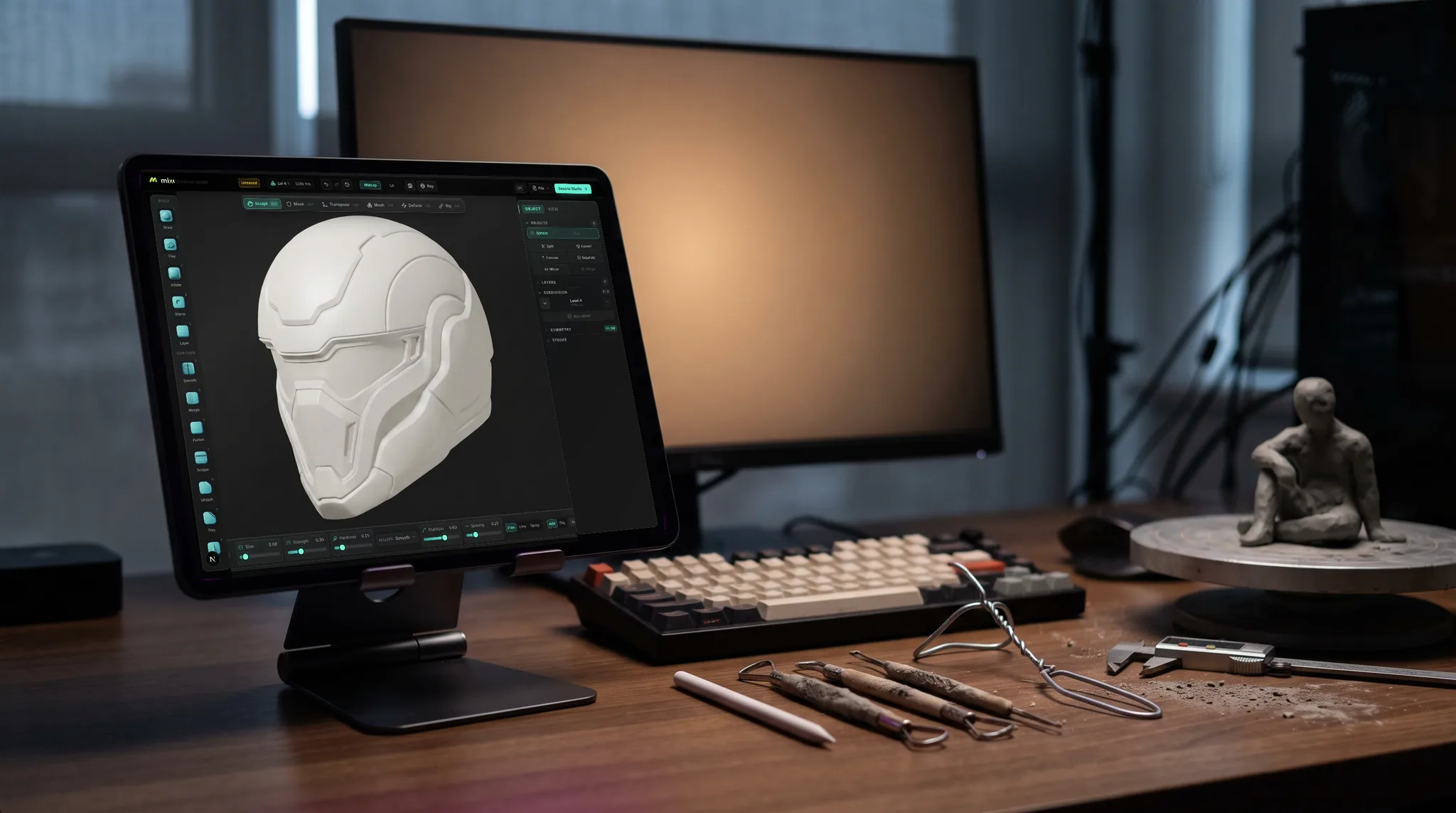
Open a tab and start pushing clay. Mold is a full sculpting tool that runs in your browser on your own GPU: pressure-sensitive brushes, symmetry and masking, dynamic topology and remeshing, with nothing to install and no time limit on sculpting.
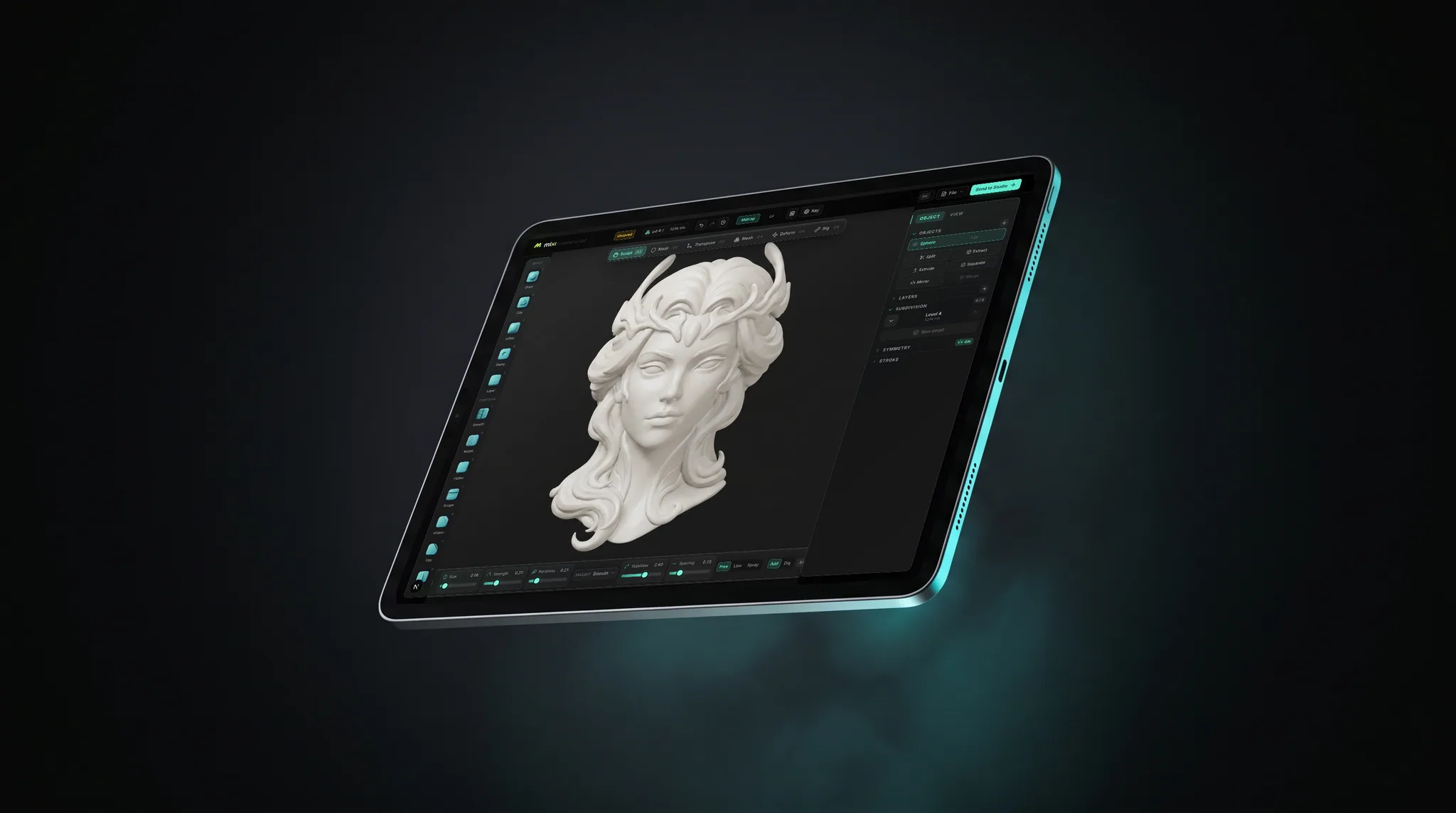
Clay, draw, grab, elastic move, pose, snake hook, flatten, scrape, polish, pinch, crease and more, with pressure, alphas, falloff curves, masking and symmetry on any axis.
Let the mesh tessellate under the brush with dynamic topology, or subdivide and step between levels. A proportion mistake found late costs you a minute, not the detail pass.
Voxel remesh rebuilds a messy sculpt as one watertight surface, quad remesh gives you all-quad topology at a face count you choose, and decimate brings the export down to size.
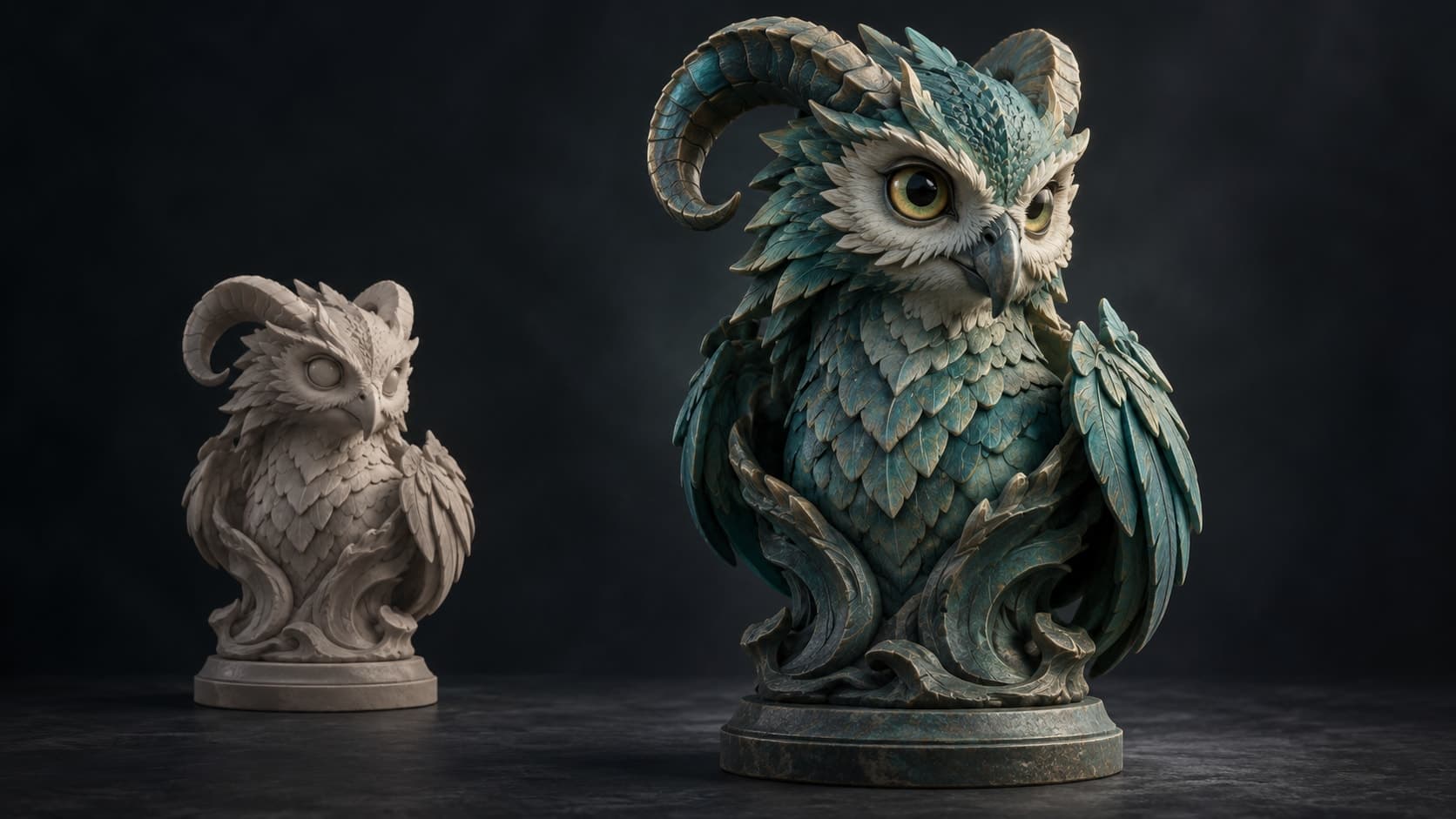
One click unwraps the sculpt with fresh UVs and opens it in a layered PBR painter, so a blockout can become a textured model without changing applications.
Why Mixos
Browser sculpting used to mean a small demo: one mesh, a few brushes and a frame rate that collapsed as soon as the detail got interesting. WebGPU changed that, because a tab can now use your graphics card directly. Mold renders that way, so how far you can push a sculpt depends on your machine rather than on a server.
That also means it works where desktop tools cannot be installed. It runs on Mac, Windows, ChromeOS and iPad in a current browser, and a graphics tablet or Apple Pencil gives you pressure. Sculpting itself is free, with no time limit and no watermark on your work. Exporting the finished mesh, as STL, 3MF or another format, is the paid step.
It is not the top of the market. ZBrush has far deeper brush libraries and plugins, and Blender is a free desktop program with unrestricted export. If you already have either one installed and running well, keep using it. Mold is for the moment you want to start sculpting now, on the computer in front of you.
Yes. Sculpting in Mold is free with no time limit and no watermark on your work. Downloading the finished mesh requires a paid plan or a perpetual licence.
No. It runs in a browser tab through WebGPU, using current Chrome, Edge or Safari. There is also an optional desktop app and a free App Store app.
Yes. Pressure from a graphics tablet or an Apple Pencil on iPad drives the brushes. A mouse works too, without pressure.
Yes. Voxel remesh makes the sculpt one watertight surface, decimate reduces the triangle count, and STL or 3MF export is available on paid plans.
SculptGL is a free browser sculptor and a fine way to try the idea. Mold adds WebGPU rendering, remeshing to quads, multiresolution and a texturing step. See the full comparison on the Mold vs SculptGL page.
Keep exploring
3D sculpting software
ZBrush alternative
Sculpting for beginners
Sculpting on iPad

Online 3D modeling