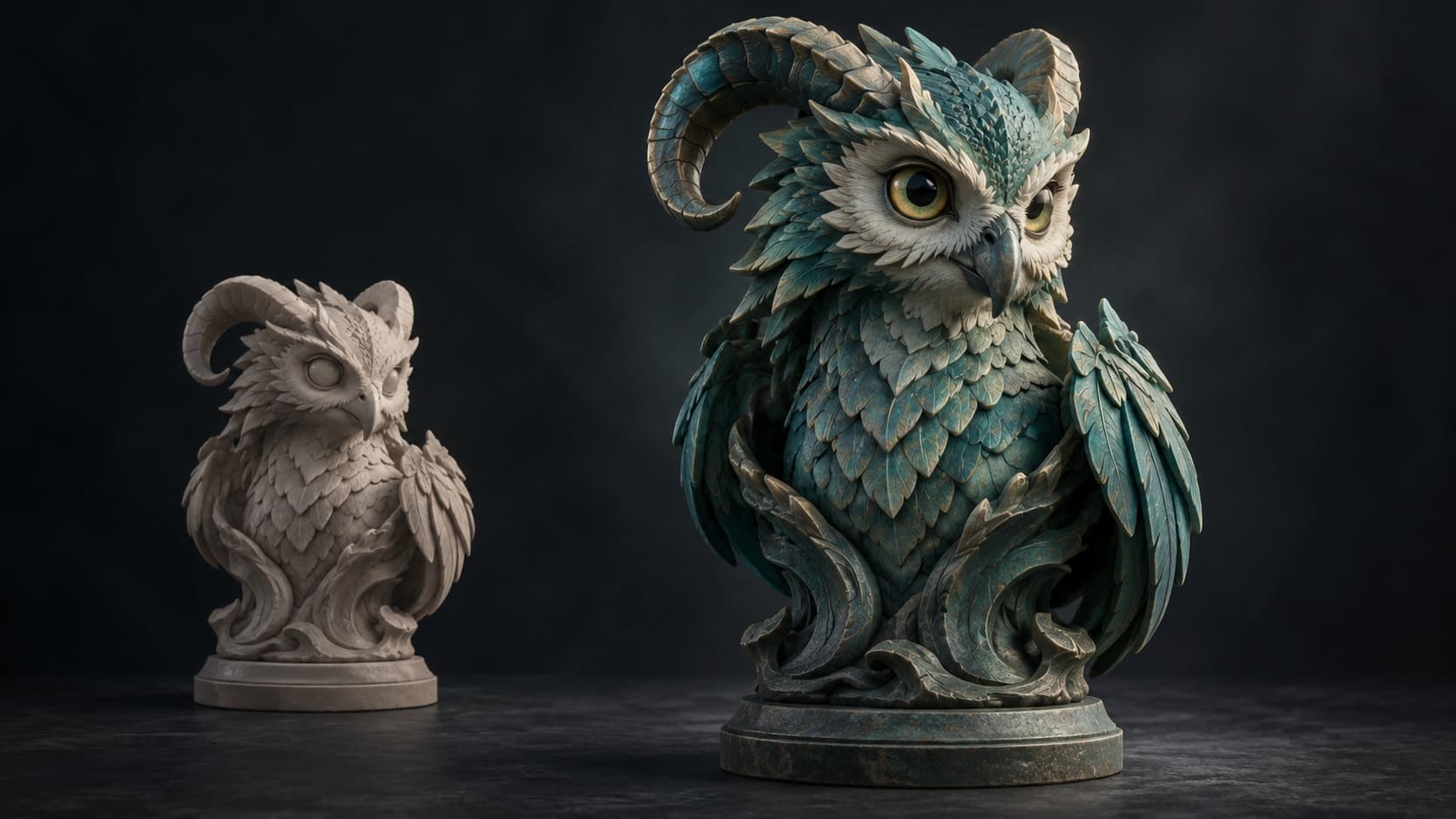
Nomad Sculpt on PC

Nomad Sculpt has no desktop build. This is the closest thing.

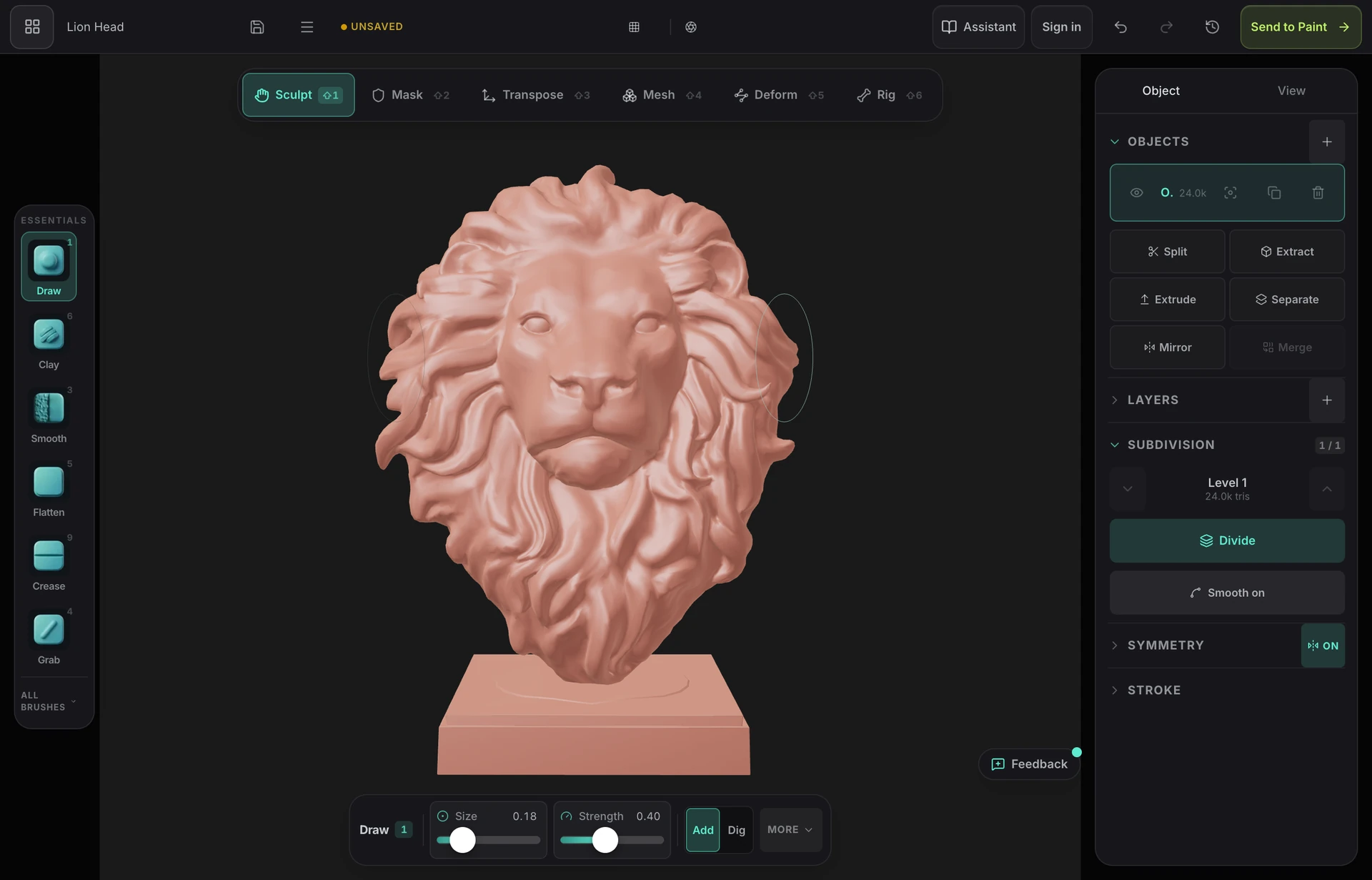
Nomad is a tablet app — iPad and Android, with a cut-down WebAssembly demo and nothing else on Windows or macOS. Mold is the same idea aimed at the desktop: pressure-sensitive GPU sculpting brushes that open in a browser tab on any machine, with subdivision, dynamic topology, remeshing and STL, OBJ and GLB export.

Runs on the desktop you already have

Windows, macOS, Linux and ChromeOS, through WebGPU in a current browser. No installer, no licence server and no graphics driver to fight — the same URL is also the tablet version, so a sculpt started on an iPad opens on the PC.
The brushes you came for

Clay, draw, inflate, grab, snake hook, flatten, scrape, polish, trim, pinch and crease, with falloff, stroke modes, alphas, masking and mirror or radial symmetry — pressure-sensitive on a tablet, and mouse-friendly when you're at a desk.

Multiresolution and remeshing

Subdivide to millions of triangles and step between levels freely, or let the mesh tessellate under the brush. Voxel remesh rebuilds a tangled sculpt as one watertight surface; decimate takes it down to something a slicer or an engine will accept.

Texturing on the end of it

Nomad gives you vertex paint. Mold unwraps the sculpt with fresh UVs and opens it in a layered PBR painter, so you leave with real base color, normal, roughness and metallic maps instead of per-vertex colour.

Why Mixos

Why there is no Nomad Sculpt for PC

Nomad Sculpt was built for touch. Its interface, its brush ergonomics and its performance budget all assume a tablet and a stylus, and its developer has kept it there — iPadOS and Android, with a limited WebAssembly demo you can open in a browser to try the engine. There is no full Windows or macOS application to buy, so the question "how do I get Nomad on PC" has no direct answer.

The usual desktop suggestions each cost you something. ZBrush is the professional standard and is priced like it. Blender sculpts genuinely well and is free, but it is an enormous program to learn if sculpting is the only thing you came for. 3D-Coat is strong on voxel work and is another paid install. All three are downloads that have to match your machine.

Mold takes the part of Nomad that made it popular — start sculpting immediately, on the hardware you own — and puts it on the desktop through the browser. It renders on WebGPU, so brush strokes are computed on your actual GPU rather than simulated, which is what keeps a multi-million-triangle mesh responsive in a tab. Because it is a URL rather than a build, the same tool covers your PC, your Mac and your iPad, and the sculpt follows your account between them.

What you give up against a native tablet app is the touch-native polish Nomad is genuinely good at. What you gain is a desktop workflow with a texturing pipeline attached: unwrap, paint PBR layers, bake mesh maps and export. Sculpting is free with no time limit and no watermark; exporting the mesh is what a paid plan covers, so you can take something from blockout to textured before deciding whether to pay.

Frequently asked questions

Is Nomad Sculpt available on PC or Mac?

No. Nomad Sculpt ships on iPadOS and Android only. There is a WebAssembly demo that runs in a browser, but it is a trial of the engine rather than the full application, and there is no Windows or macOS build to buy.

Can I run Nomad Sculpt on Windows with an emulator?

People do try Android emulators such as BlueStacks. It is not a good experience for sculpting — you lose real pressure input, the emulator adds a layer between the app and your GPU, and performance on dense meshes suffers badly. A tool built for the desktop will serve you better than an emulated tablet app.

What is the closest thing to Nomad Sculpt on desktop?

For the same start-immediately feel, a browser sculpting tool is the nearest match — Mold gives you the conventional brush set, multiresolution subdivision, dynamic topology, remeshing and symmetry on Windows, macOS, Linux and ChromeOS with nothing to install. For maximum depth, ZBrush is the professional standard and Blender is the capable free desktop option, but both are large downloads and a much longer learning curve.

Can I open my Nomad sculpts in Mold?

Yes, by exporting from Nomad and importing the mesh. Nomad exports OBJ, STL and GLB, all of which Mold imports — so you can carry on sculpting on the desktop, or unwrap and texture a model you started on the tablet. Nomad's own project files are not readable directly.

Does it work with a graphics tablet?

Yes. Pressure from a Wacom, Huion or XP-Pen tablet comes through the browser's pointer events and drives brush size and strength, the same as it does with an Apple Pencil on iPad. A mouse works too, with pressure treated as constant.

Mixos

Open a tab. On the desktop, for once.

No emulator, no tablet, no install. Pick up a sphere and start sculpting.