Blender itself runs on a computer
Blender's official downloads are for Windows, macOS and Linux. A phone can show a remote desktop session, but the computer still runs Blender and holds the .blend file.
Blender on phone
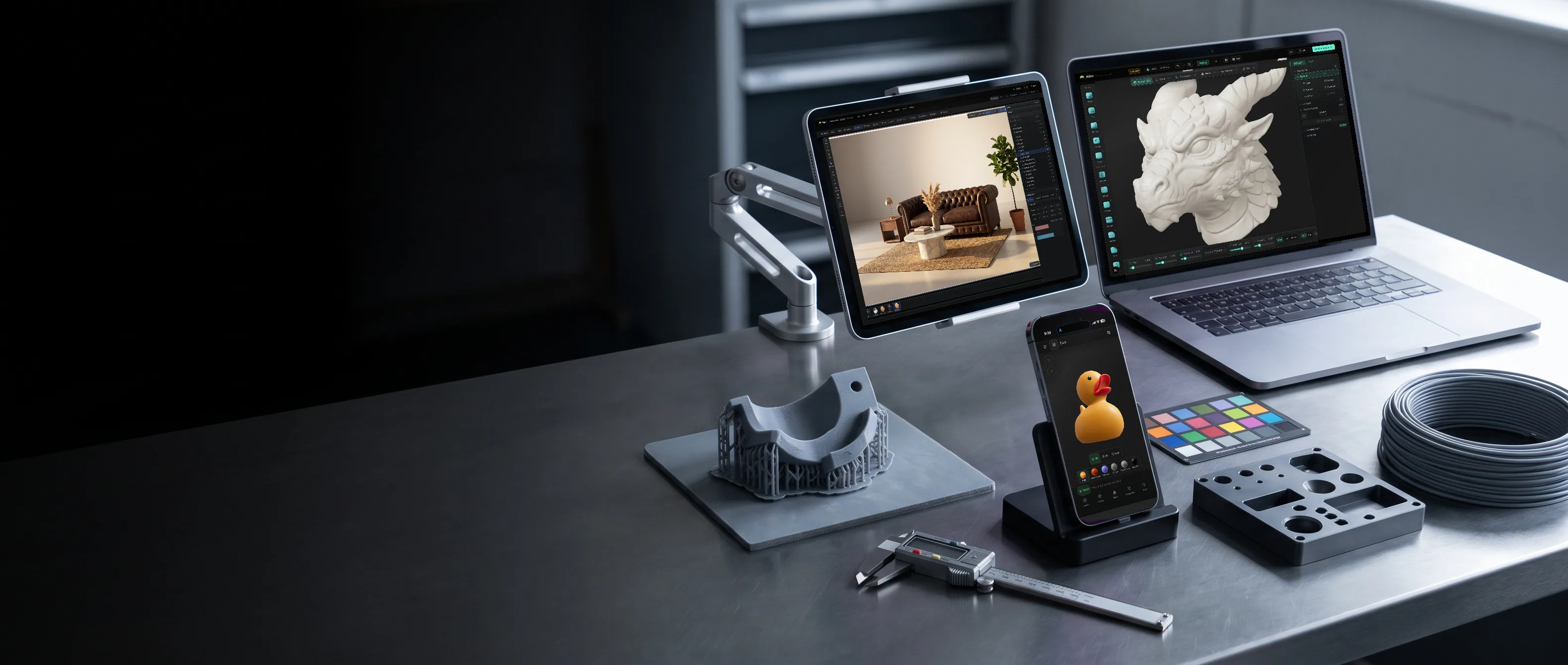
There is no official public Blender download for iPhone or Android phones on Blender's release page. You can control Blender remotely from a handset, but if you want to make 3D on the phone itself, Mixos opens in a mobile browser with controls built for touch.
Blender's official downloads are for Windows, macOS and Linux. A phone can show a remote desktop session, but the computer still runs Blender and holds the .blend file.
Mixos Studio gives a phone a full-screen viewport, a bottom dock and panels that open as sheets. The same scene opens later on a tablet or desktop.
Block out simple shapes, position objects, set a few keyframes or review an animation. Dense mesh edits, large simulations and long renders are better with more screen and GPU headroom.
Mixos does not turn a phone into Blender and cannot open .blend files. Bring geometry in through a supported format, or export a finished mesh on a paid plan for use elsewhere.
Why Mixos
If you want to install Blender on an iPhone or Android phone, Blender's public download page currently lists desktop operating systems instead. Unofficial mobile builds and videos of development demos are not the same thing as a supported phone release. Check Blender's own downloads for changes.
If you need your existing .blend scene, remote desktop can put its computer screen on your phone. This is useful for checking a render or making a small change, but Blender's desktop menus and shortcuts are crowded on a handset. The computer must stay on, and the connection affects every action.
If the phone is the only device in your hand, Mixos offers a separate 3D workflow. Studio's viewport fills the screen, while object tools and animation controls move into a dock and sheets. You can block out a scene, set keys and play it back on a supported iPhone or Android phone. Save to your account and pick up the same Mixos document on a larger display without exporting it first.
A phone is a good place to capture an idea, test a pose or adjust timing. It is a poor place to inspect a dense mesh or tune a large scene. For those jobs, use a tablet or computer. When you need to transfer an asset to Blender, use a standard mesh export rather than expecting a .blend round trip; Mixos mesh export is paid.
Blender's official download page does not list an iPhone or iPadOS release. You can access Blender running on another computer through remote desktop, or use a separate 3D app on the iPhone.
Blender does not list an official public Android phone download. You may find unofficial builds, but they are separate from Blender's supported desktop releases.
Yes. A remote desktop app can show and control Blender running on a Mac or PC. The computer handles the files and processing; the phone needs a reliable connection and gives you much less room for desktop controls.
Mixos Studio can open on supported iPhone and Android browsers with WebGPU. It is useful for simple modeling, scene layout, keyframes and playback. Larger screens and GPUs make detailed edits and heavy renders easier.
Yes. A Mixos scene saved to your account opens in Mixos on another supported device. It is not a .blend file; moving a mesh into Blender requires a supported export format and a paid Mixos export plan.
Read next
Vertices, edges and faces — the box-modelling fundamentals.
Which of the two approaches fits the thing you're making.
Which format keeps materials and which throws them away.
Why the same texture reads bigger on one model than another.
Keep exploring
Blender on tablet
Blender on iPad
Blender alternative
3D animation on iPhone
Sculpting on Android
Place an object, key a move and save the idea. Open that same Mixos scene on a tablet or computer when you want more room.