A real timeline and dopesheet
Key transforms, material values and modifier parameters, then retime them by dragging keys in a dopesheet — the ordinary animation loop, not a canned preset list.
Online 3D animation
Make a 3D animation in a browser tab: key transforms, materials and parameters on a timeline, retime them in the dopesheet, and shape the in-betweens in the curve editor. Drivers link one value to another when a key would be the wrong tool — and when it's finished, path-trace a still or a flicker-free turntable without leaving the tab.
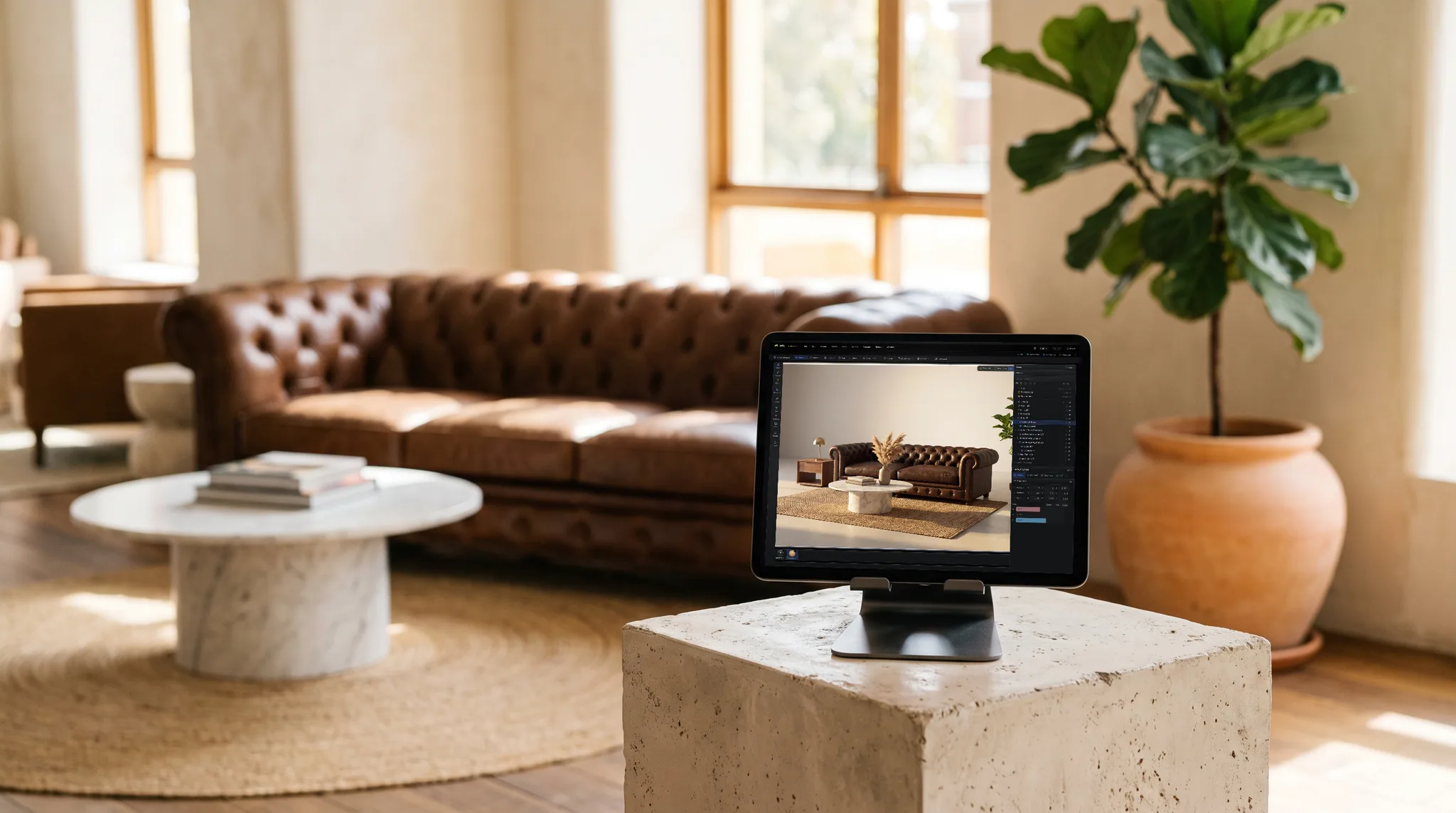
Key transforms, material values and modifier parameters, then retime them by dragging keys in a dopesheet — the ordinary animation loop, not a canned preset list.
Shape the in-betweens in a curve editor: ease a move, overshoot a settle, flatten a hold. Drivers link one parameter to another for the cases where a keyframe is the wrong instrument.
Path-trace a still or a flicker-free turntable straight out of the browser — the same scene you animated, no export to a separate renderer and no farm to configure.
Mac, Windows, Linux, a Chromebook, a locked-down work laptop — or an iPad or phone, which get a touch layout. If the browser has WebGPU the scene opens, and it's the same scene on every one of them because it lives in your account.
Why Mixos
Most things billed as an online 3D animation maker are either a template filler — pick a preset, swap a logo — or a viewer with a play button. This is neither. The scene graph is real, so you parent objects and animate the parent; the keys are real, so you can retime and re-curve them; and the render at the end is a path tracer rather than a screen capture.
The natural fits are motion tests, product turntables, exploded views, camera moves, looping graphics and simple character or prop animation — work where the value is in the idea and the timing, and where a two-hour setup tax is the thing standing in the way. Because it runs on the GPU in the browser, the setup tax is zero: open a URL and scrub.
Character animation includes automatic humanoid rigging, IK controls and retargeted motion-capture clips. Studio also includes rigid-body physics, cloth, hair and particle simulation. Start with a small scene and scrub the timeline to preview the result; simulation complexity and playback speed depend on the device.
Modeling, assembling, animating, rendering to the viewport and saving your scenes are free on every account, with no time limit and no watermark on your work. Studio can also save a 512px watermarked render preview for free. Taking production files out — a model, scene file, web build, or clean full-resolution render — requires Pro, Max, Team, or a perpetual licence.
Yes. Mixos Studio keyframes transforms, materials and parameters on a timeline, retimes them in a dopesheet, and lets you shape the interpolation in a curve editor — all in a browser tab, on the GPU, with nothing installed. It then path-traces the result in the same place.
Yes. Modeling, assembling, animating, rendering to the viewport and saving your scenes are free on every account, with no time limit and no watermark on your work. Studio can also save a 512px watermarked render preview for free. Taking production files out — a model, scene file, web build, or clean full-resolution render — requires Pro, Max, Team, or a perpetual licence.
Yes, including rigged character work. Drop in an unrigged humanoid standing in a T-pose and one command fits a 21-joint skeleton to it and solves the skin weights; another adds IK chains with hand, foot and knee controls, so posing becomes dragging a target. From there you can key it by hand, or retarget a clip from a motion-capture library of over 2,500 takes. Imported Mixamo and GLB characters decompose into the same editable bones and curves.
Yes. Studio includes rigid-body physics, cloth, hair and particles. Use the Simulation workspace to set up a scene, then play or scrub the timeline. Start with a few objects on mobile devices; large simulations need more memory and processing time.
Rendered stills and turntables, plus the scene geometry as GLB, glTF, OBJ, FBX or STL and its PBR map sets — enough to take the work into an edit, a game engine or a print. Export is the paid step.
A browser with WebGPU — current Chrome, Edge, Firefox or Brave on Mac, Windows, Linux or ChromeOS, or Safari 26+. No dedicated GPU is required; a better one mainly means the path-traced frames resolve sooner. It also runs on iPad, iPhone and Android tablets with a touch layout, where the panels become sheets and the transport gets a thumb-sized scrubber.
Read next
Keep exploring
Blender on phone
3D animation on iPad
3D animation on iPhone
Online 3D modeling
Cinema 4D alternative
Blender alternative

Move an object, set two keys, then bend the curve between them until the motion feels right.