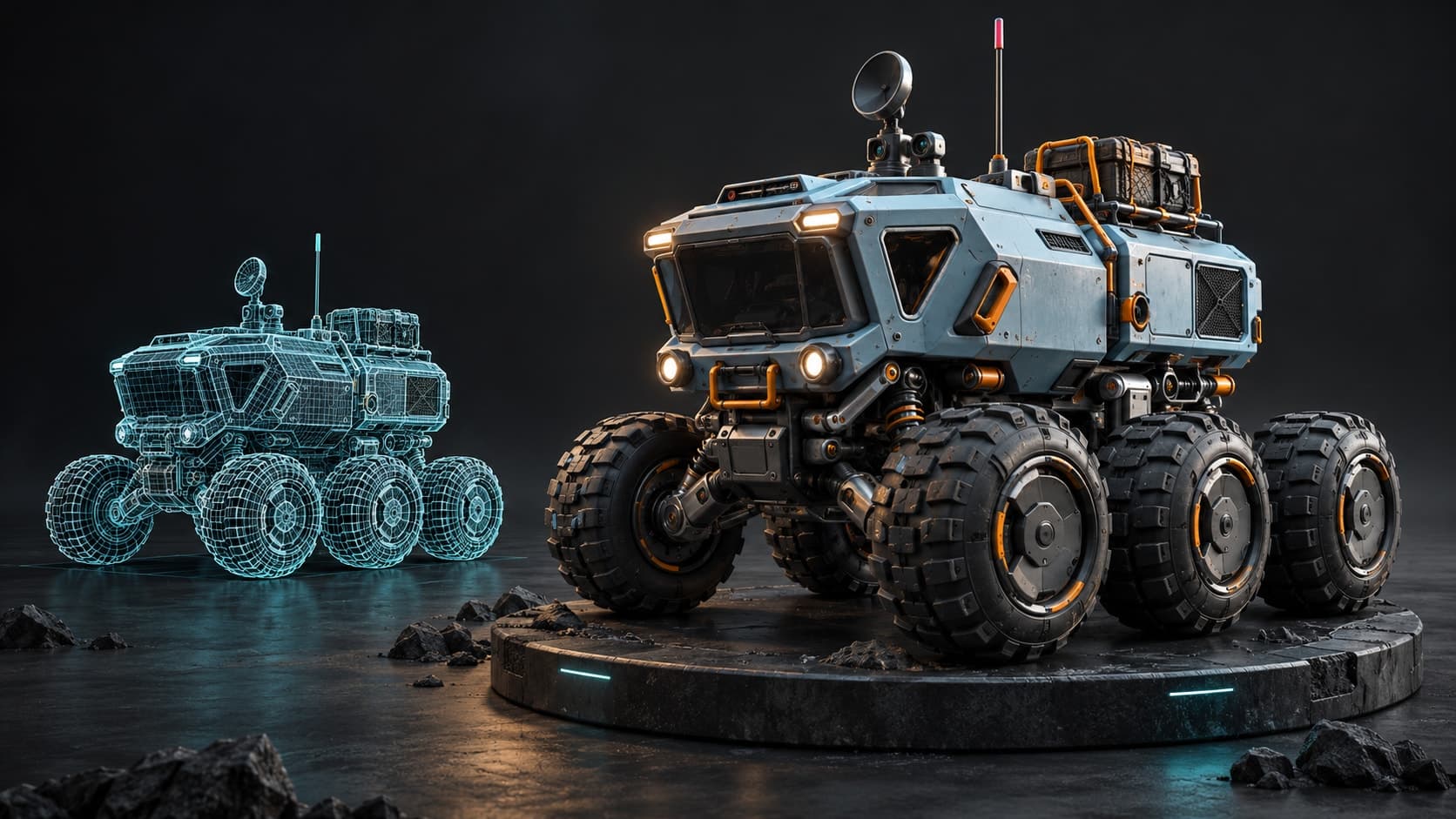
One click to something that moves
Fire, Smoke, Explosion and Water are tiles on the Simulation rail. One click makes the simulation and plays it, with its controls already open. Select a mesh first and Fire burns that mesh.
3D simulation
Studio has ten kinds of simulation in one scene: fire, smoke, explosions, fluids, cloth, rigid bodies, fracture, hair, particles and an ocean. Click one to make it, scrub the timeline to run it, and render the result with the path tracer in the same tab.
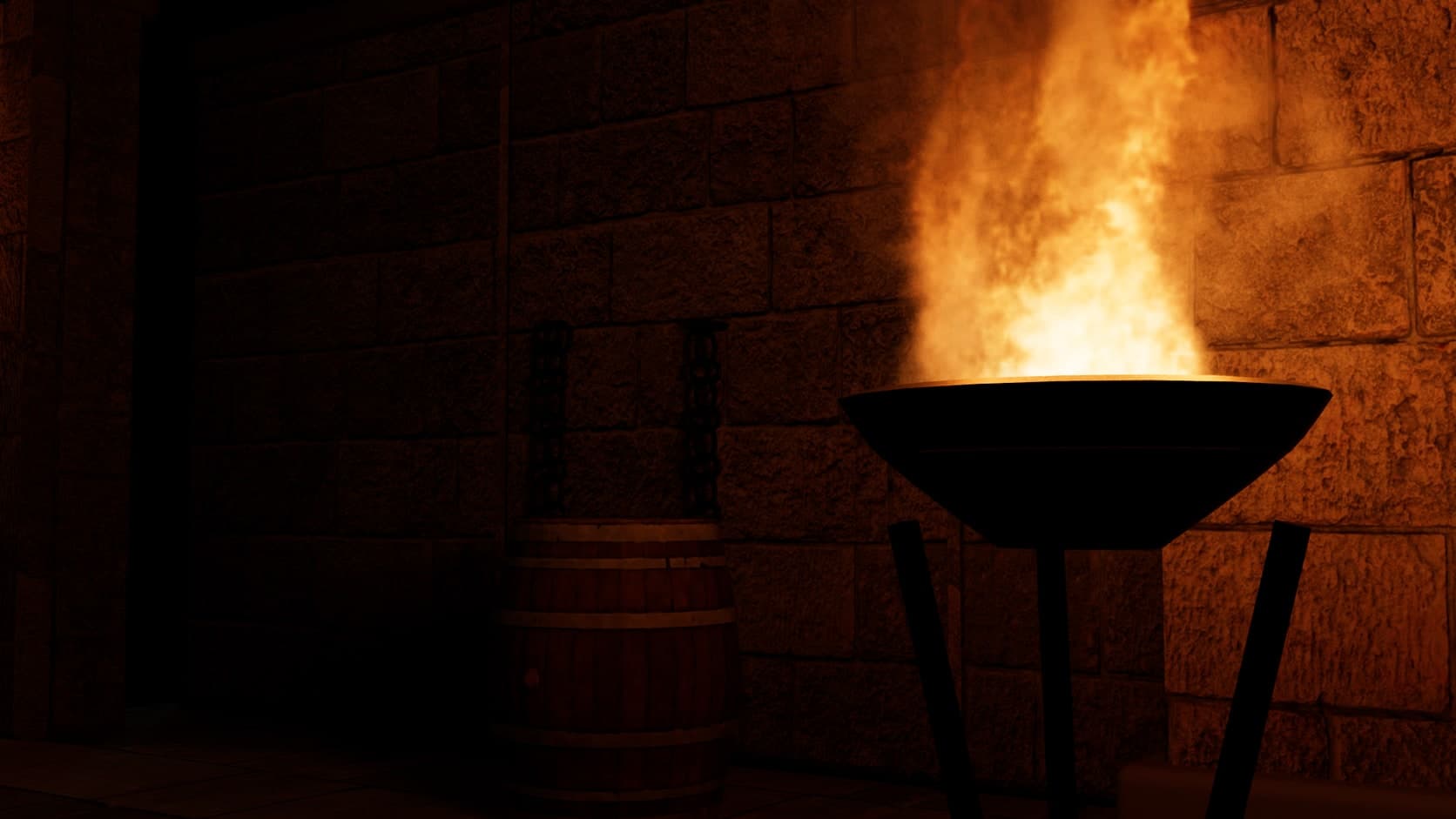
Fire, Smoke, Explosion and Water are tiles on the Simulation rail. One click makes the simulation and plays it, with its controls already open. Select a mesh first and Fire burns that mesh.
The timeline is the simulation. Play or drag the playhead and it replays to that frame. Bake only when you want the result out as data.
The same scene goes to the path tracer. Fire lights the room, smoke shades itself and water refracts what is behind it, with no export to another renderer.
Gas, fluid, cloth, hair and particles run on the GPU through WebGPU, and rigid bodies in a background thread, so the page keeps responding while they work.
Every image here is a render from Studio: a simulator set up with its own controls inside one of the app's starter scenes, then path traced. Nothing is painted over.
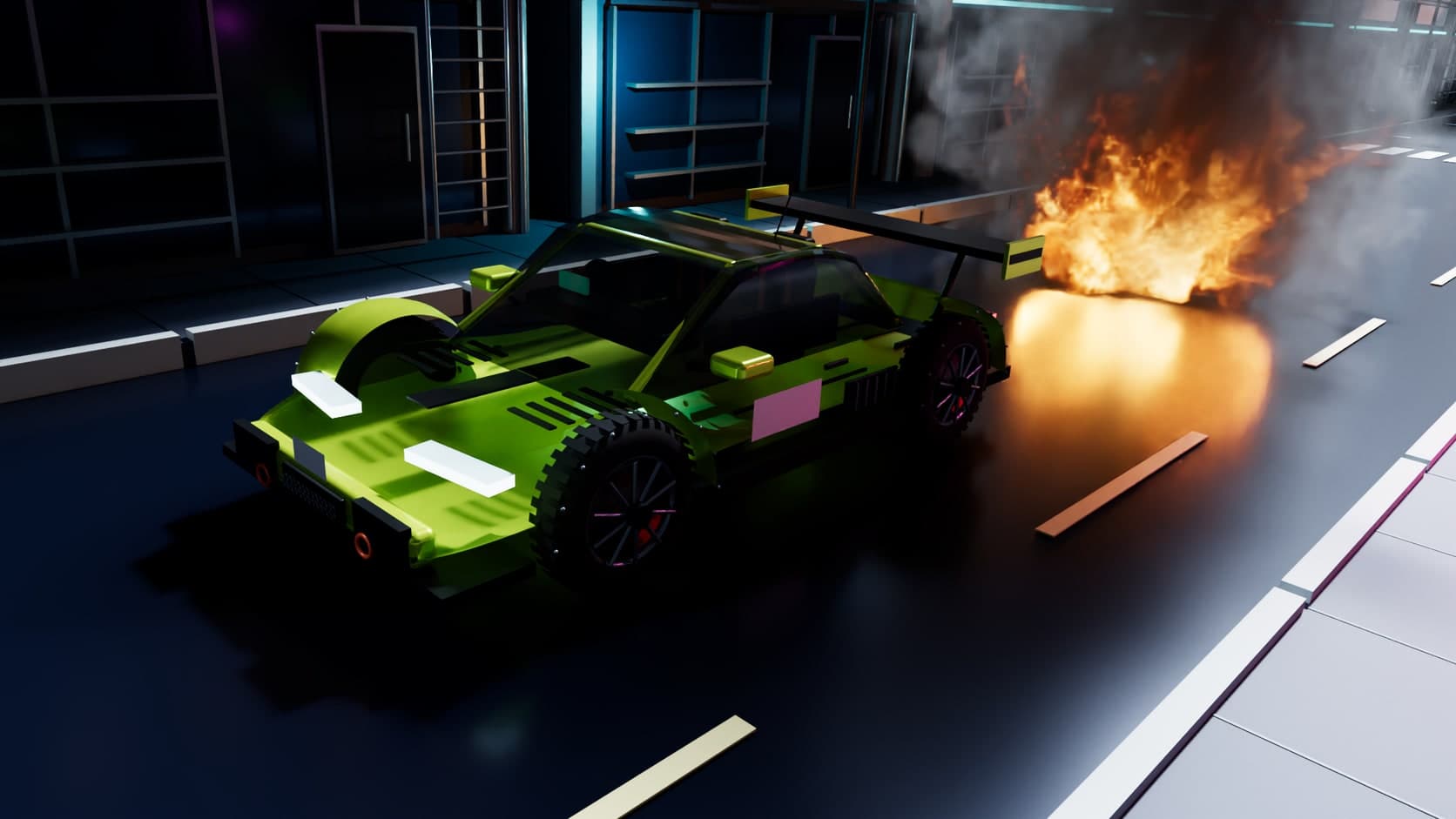
Flames burn from a fuel source, and the heat drives the motion. In a path-traced render the fire lights what is around it, so a wall flickers with the flame without a lamp being placed.
Night run starter scene. Path traced in Studio, 1,024 samples, AI denoise.
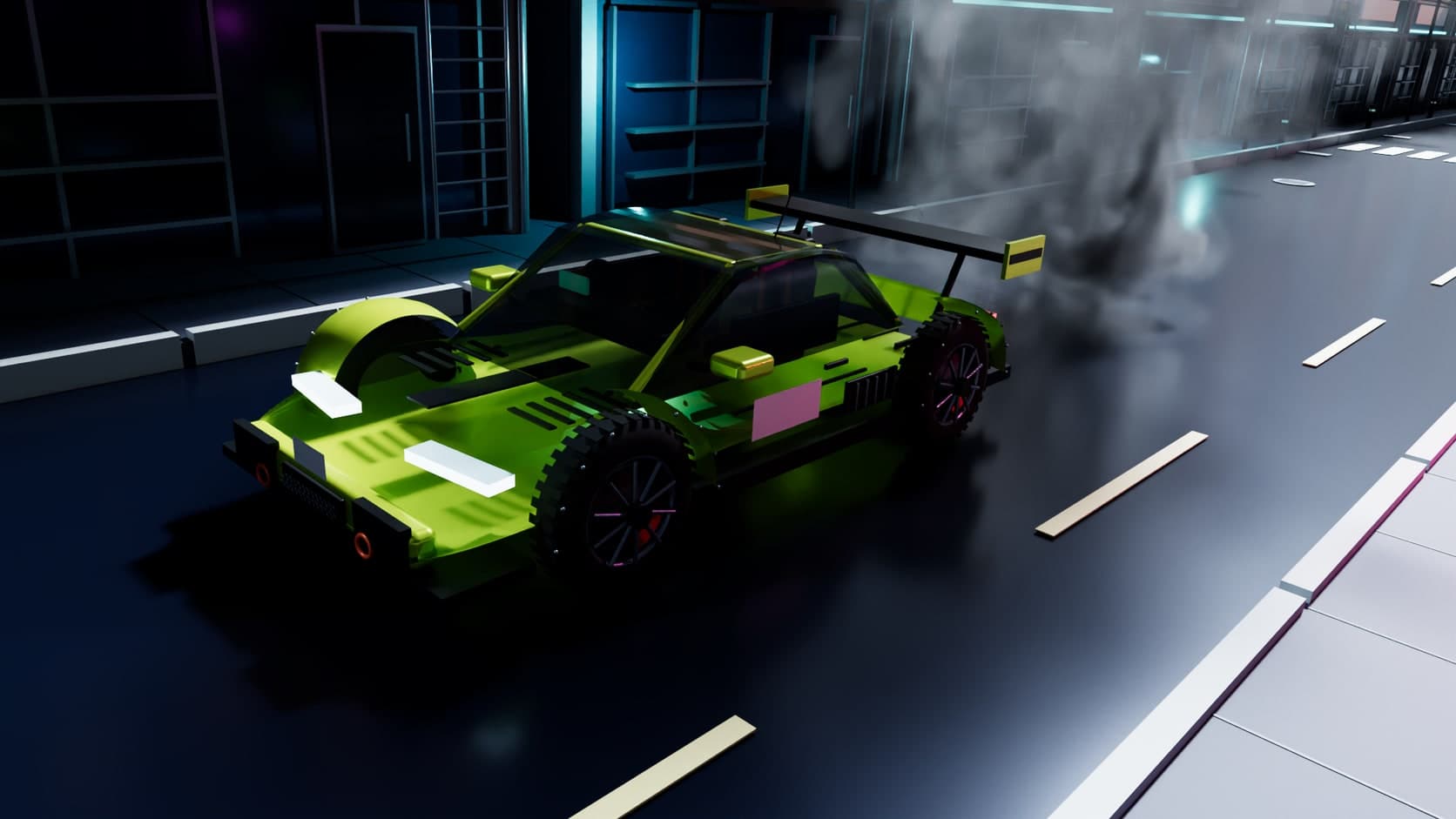
Smoke rises, curls and thins out as a real volume. Dense parts shade themselves and thin parts let the street show through.
Night run starter scene. Path traced in Studio, 1,024 samples, AI denoise.
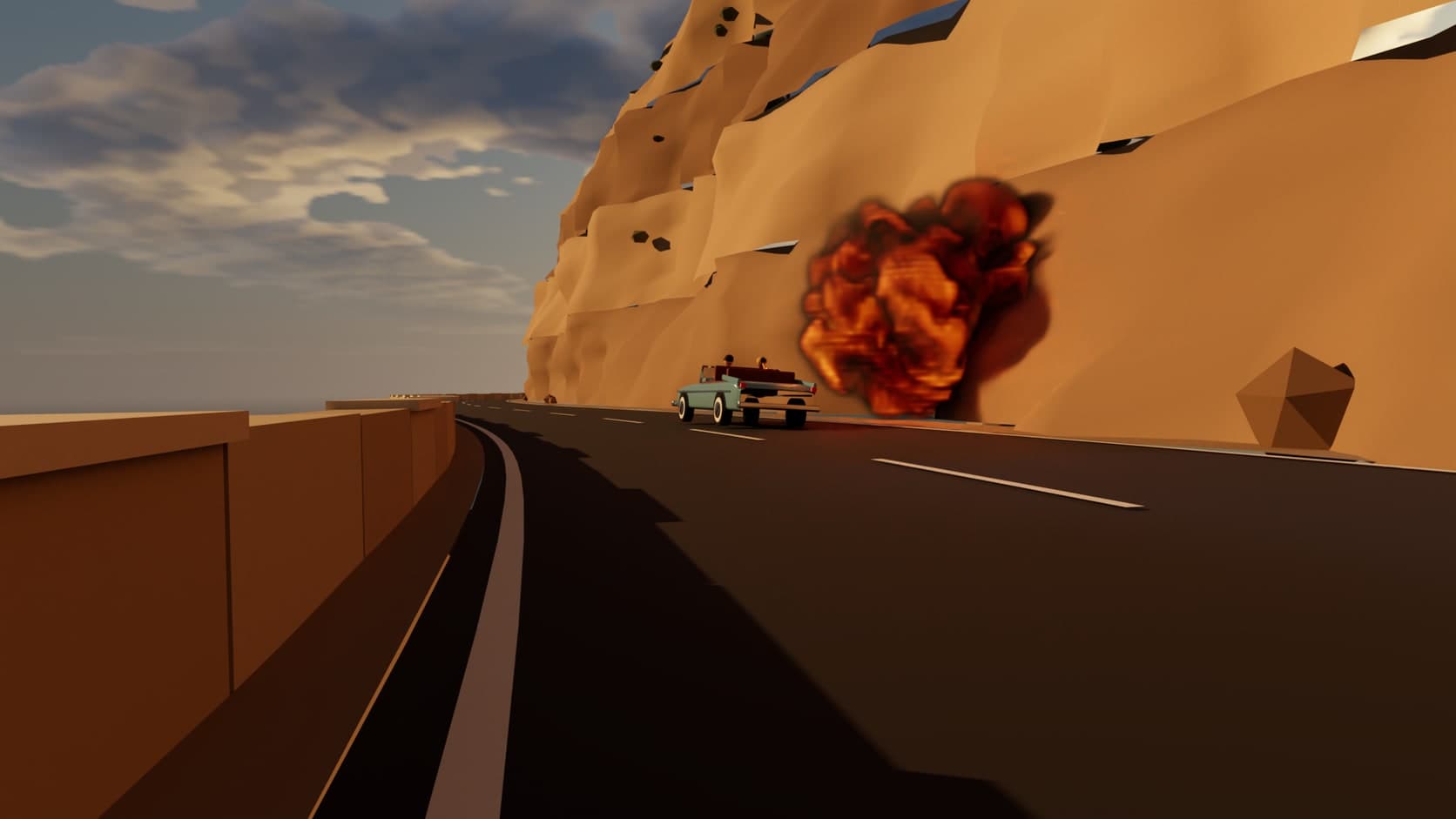
A burst of fuel ignites, rolls upward and burns out to soot. Set when it goes off on the timeline, then scale it to the shot.
Getaway starter scene. Path traced in Studio, 1,024 samples, AI denoise.
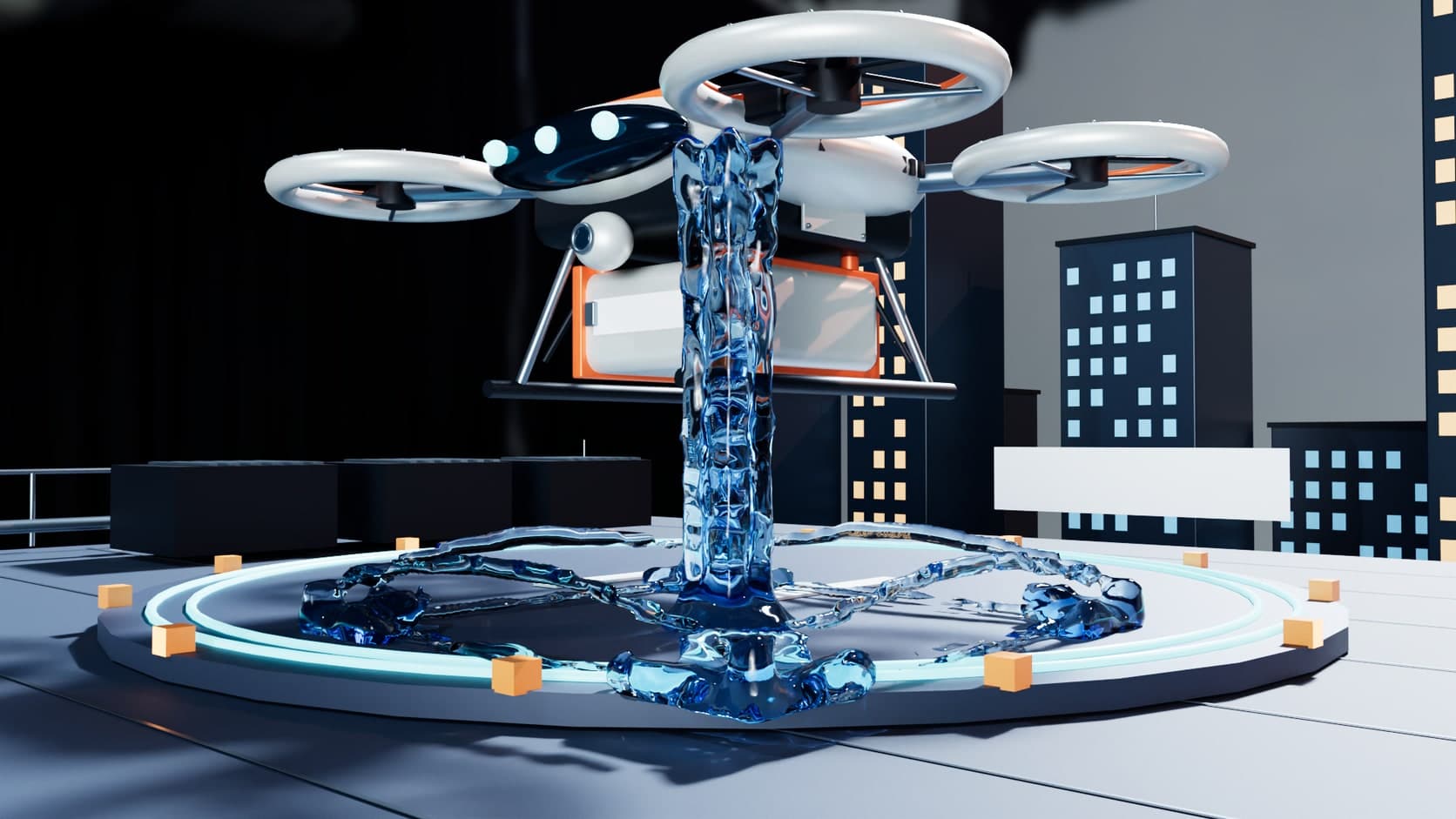
A particle fluid pours, piles up and splashes. Presets run from water to honey and slime, and in a render the surface reflects and refracts like liquid.
Skyport starter scene. Path traced in Studio, 1,024 samples, AI denoise.
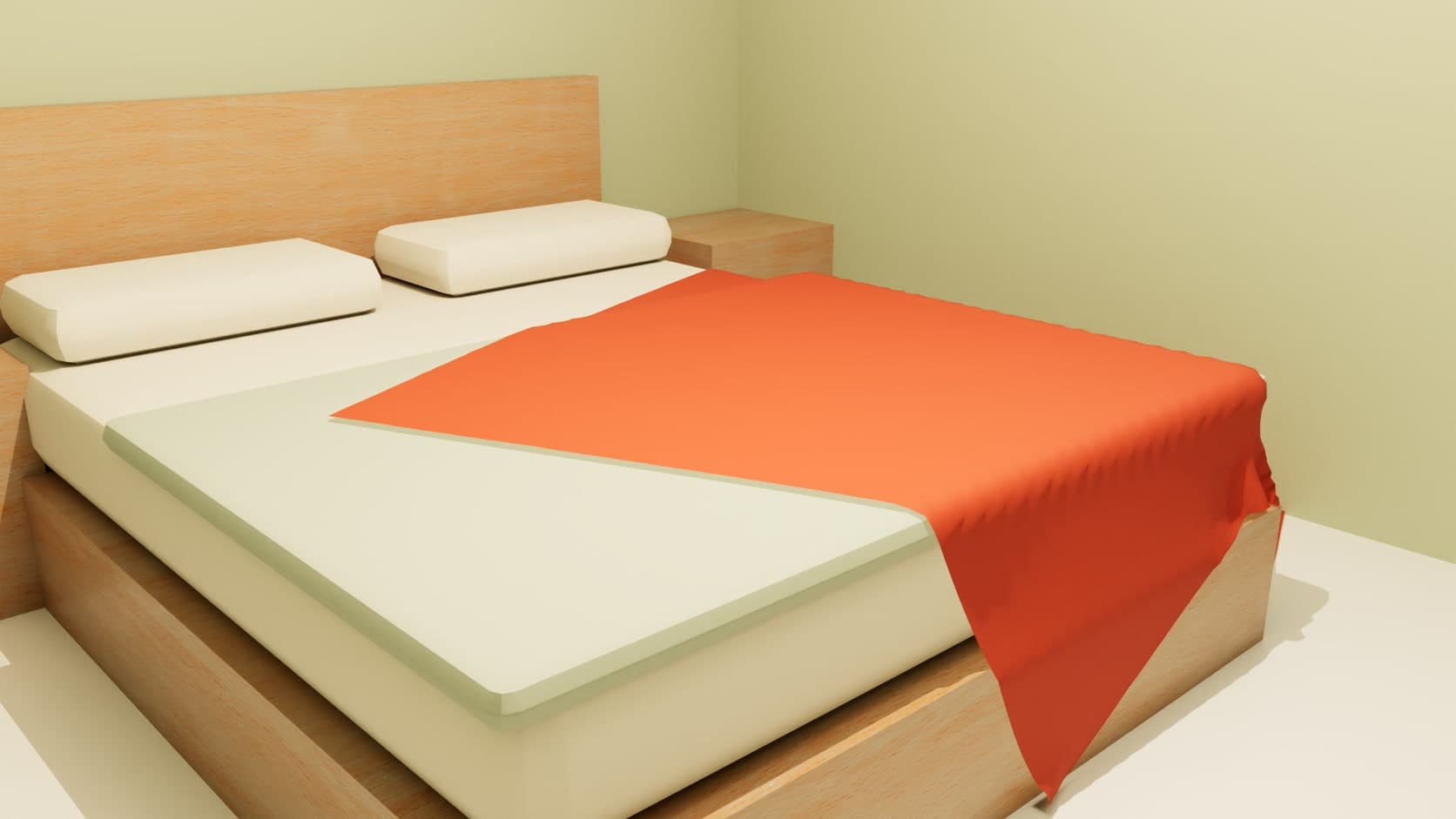
Turn a subdivided mesh into silk, cotton, denim, leather or rubber. Pin it, blow wind at it, and let it fall over the meshes you choose.
Room photo starter scene. Path traced in Studio, 1,024 samples, AI denoise.
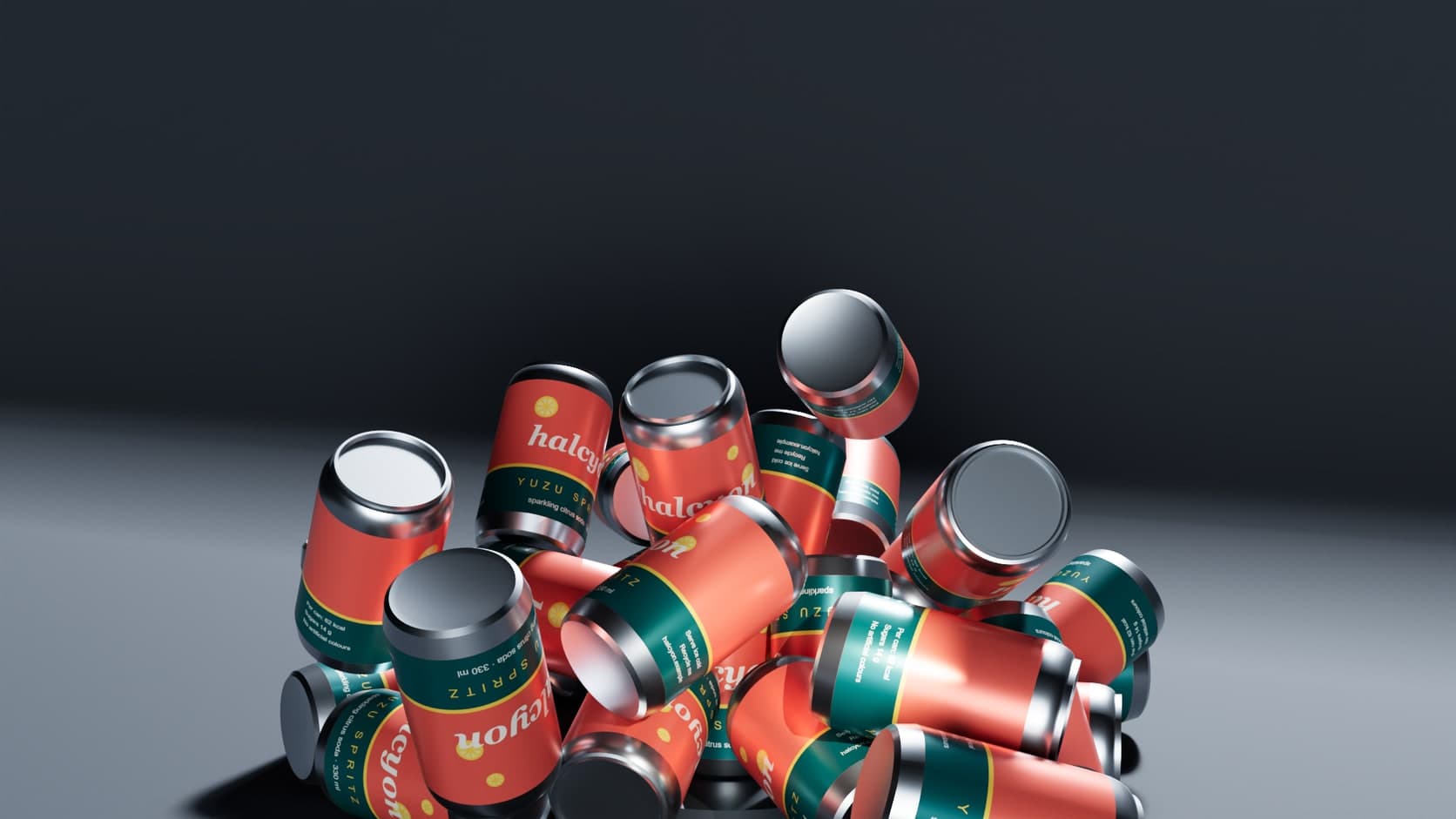
Give objects a body and a material, and they fall, bounce and stack. A group falls as one object, and joints cover ropes and hinges. Bake a pile to keep the arrangement.
Soda can starter scene. Path traced in Studio, 1,024 samples, AI denoise.
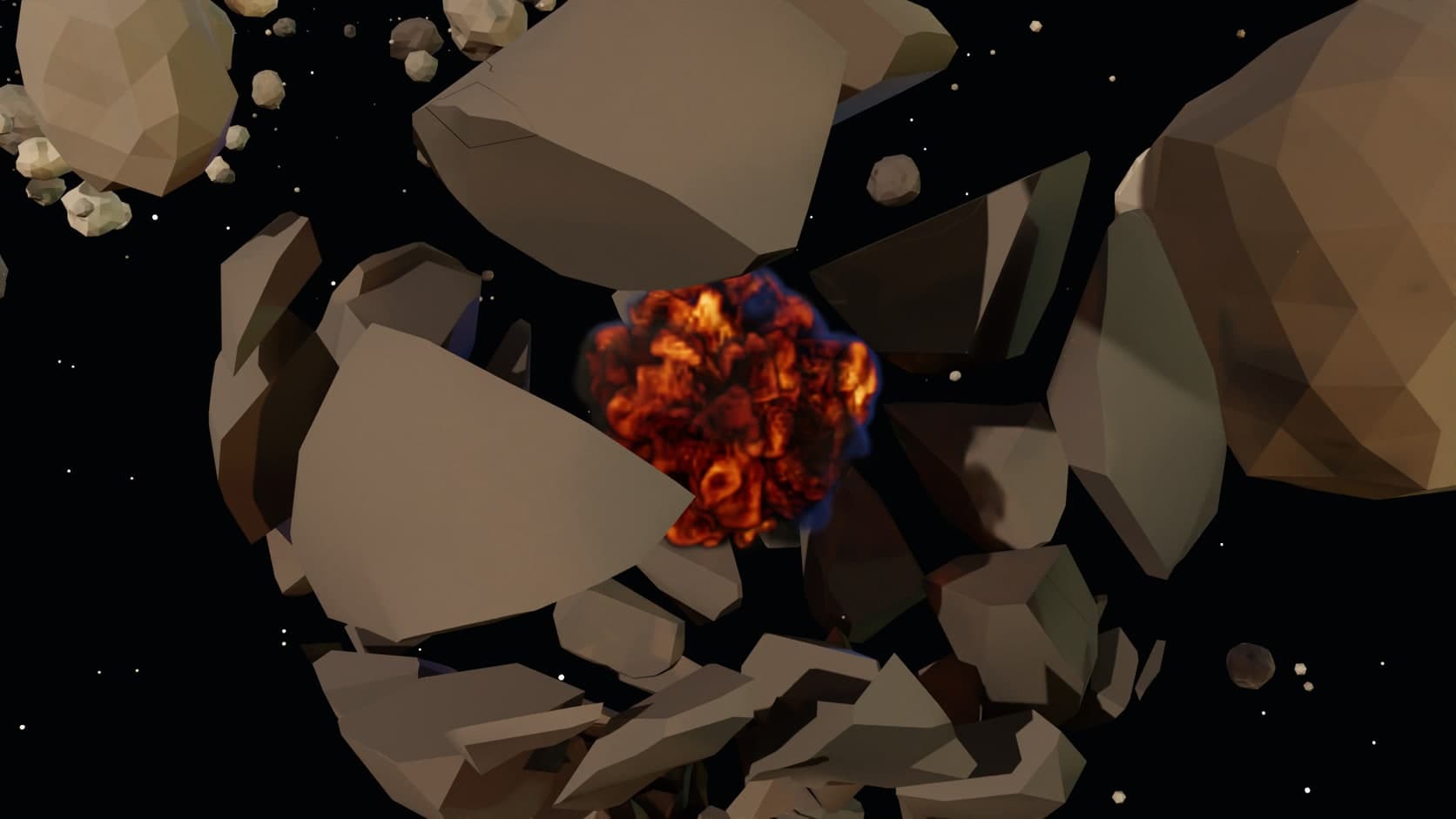
Shatter a mesh into as many as 200 pieces with glass, stone, wood or concrete settings, then let physics take them or push them apart with the explode control.
Asteroid run starter scene. Path traced in Studio, 1,024 samples, AI denoise.
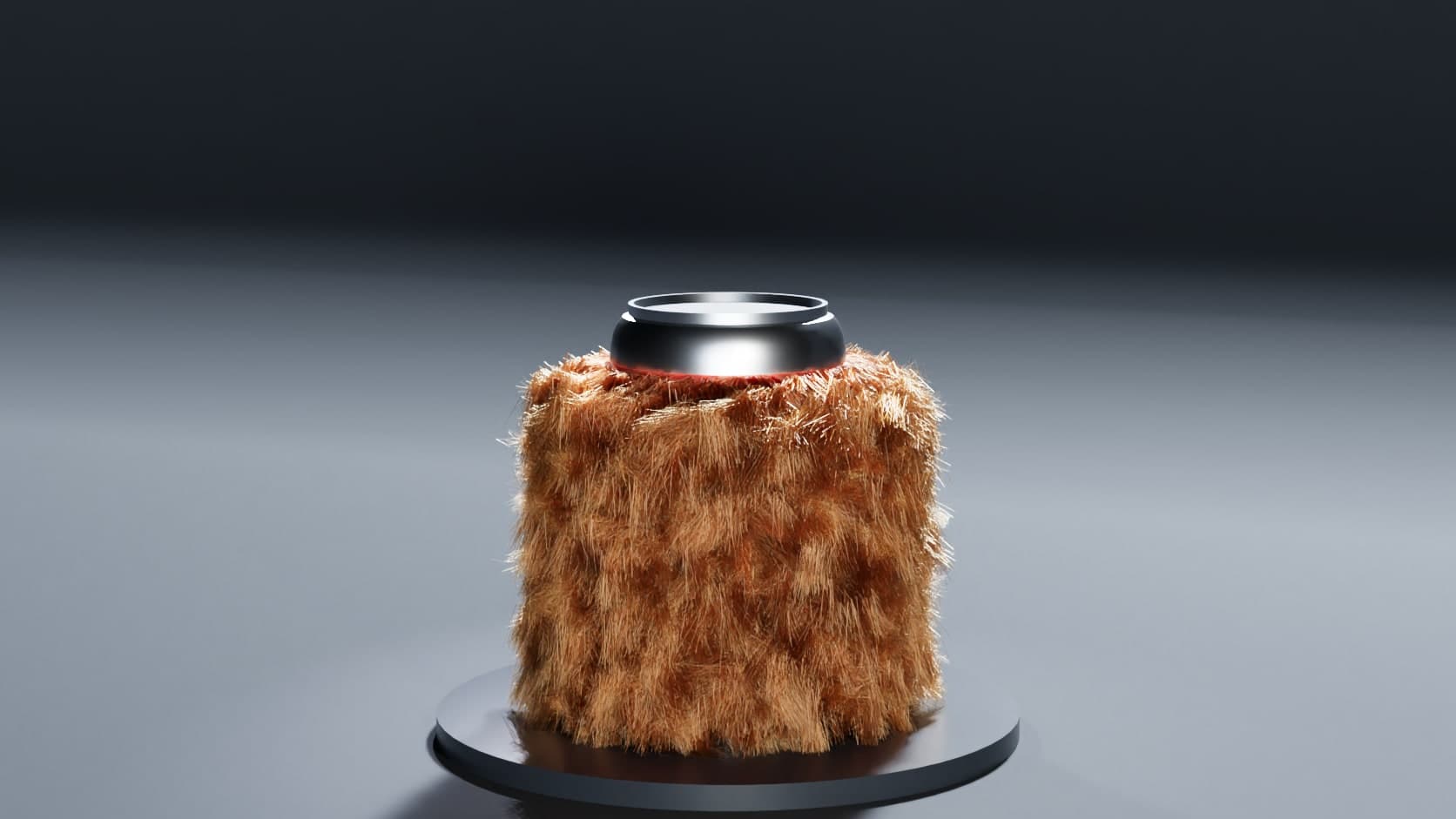
Grow strands on any mesh, from short and long hair to fur and curls, with length, curl, frizz and clumping to shape them. The same tools grow a meadow, and strands render with a dedicated hair shader.
Soda can starter scene. Path traced in Studio, 256 samples, AI denoise.
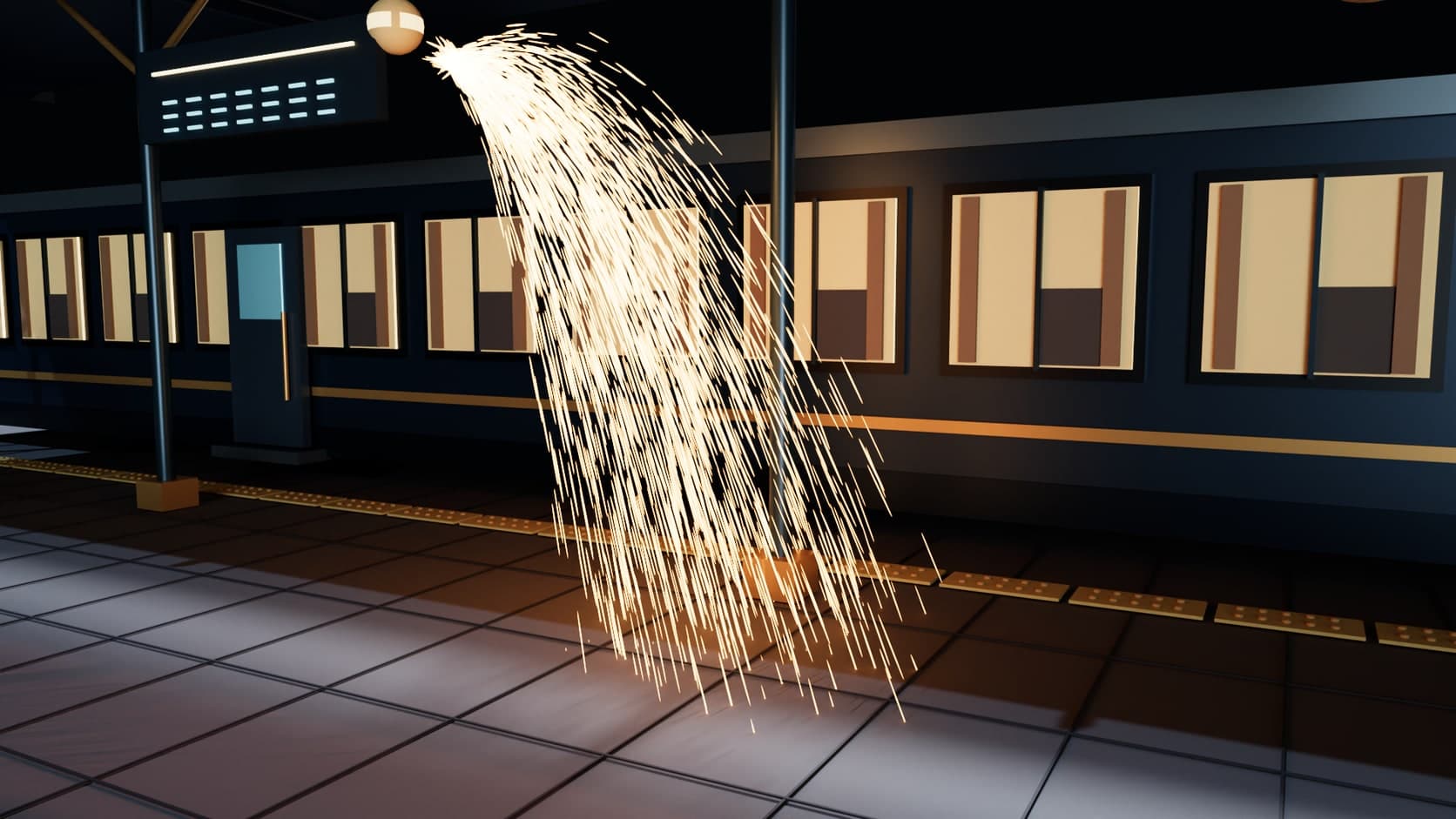
Emit from a point, a shape, a mesh or a curve, then push with wind, vortex, attractor and collision forces. Glowing particles with trails render as streaks of light.
Last train starter scene. Path traced in Studio, 1,024 samples, AI denoise.
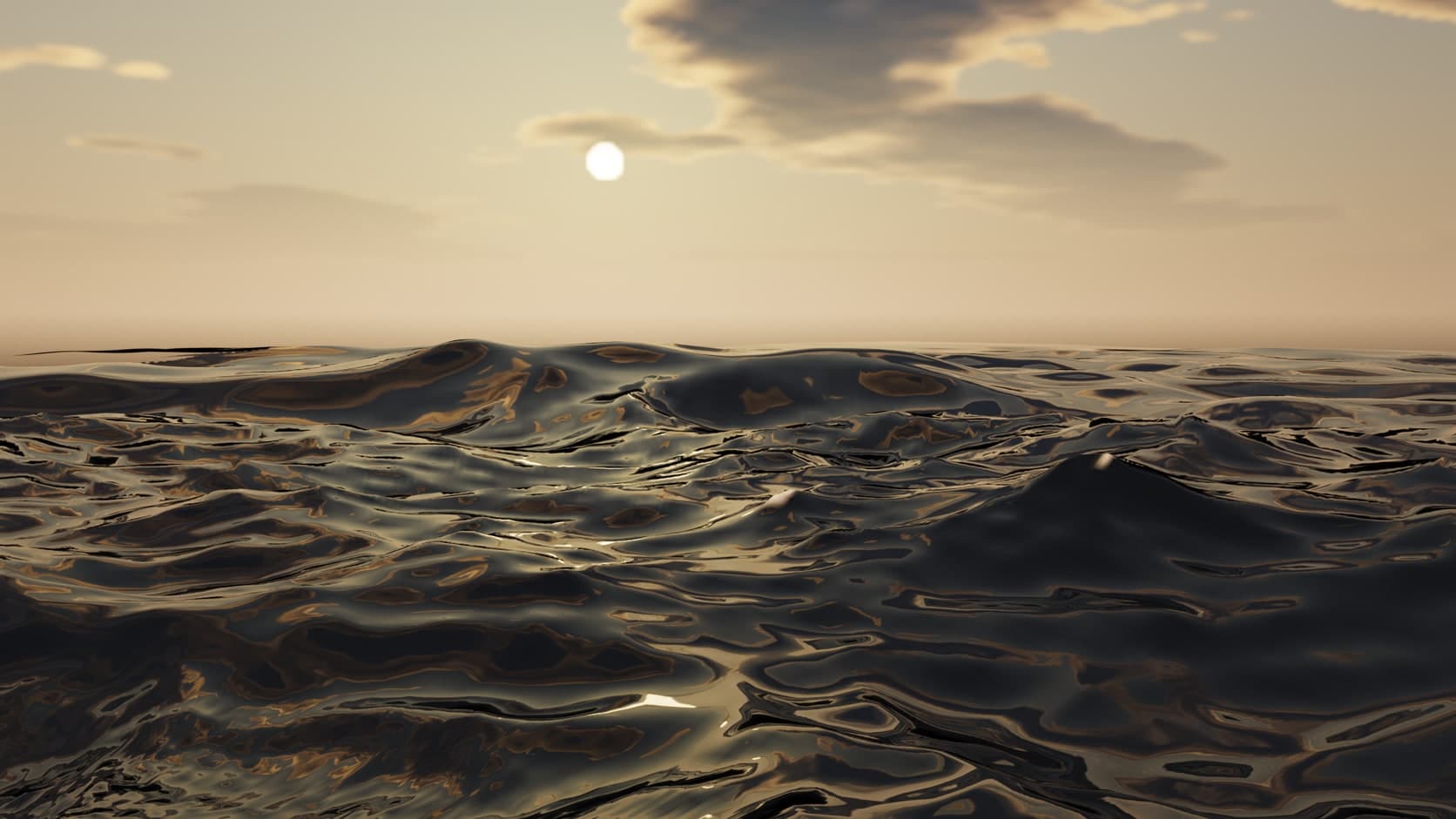
A wave-spectrum ocean that reaches the horizon, with presets from a lake to the open sea, foam, water colour by type, and rigid bodies that float on it.
Coast house starter scene. Path traced in Studio, 1,024 samples, AI denoise.
Why Mixos
Because the simulators share one scene, they can share one shot. Smoke can flow around a mesh you pick, cloth can fall over the bed it is meant to land on, and a crate can float on the ocean. The fire in the dungeon above is lighting the same stone that the camera sees, because both are in the same path trace.
These are solvers for making pictures and short shots, not for engineering analysis, and they are bounded by your graphics card. A phone or a laptop should start with the Draft quality setting and a small box. Interactions run one way in places: gas and fluid flow around a mesh, but they do not push it. If a shot needs a film-scale grid, a dedicated tool such as Houdini is still the right choice, and gas exports to it as OpenVDB.
Getting the result out depends on what you need. Gas exports as OpenVDB with density, temperature, flame, fuel and velocity. Rigid bodies bake to keyframes, and cloth bakes to shape keys that a glTF export carries. Simulating, scrubbing and rendering to the viewport are free on every account, along with a 512px watermarked render preview; clean full-resolution renders and production files require a paid plan.
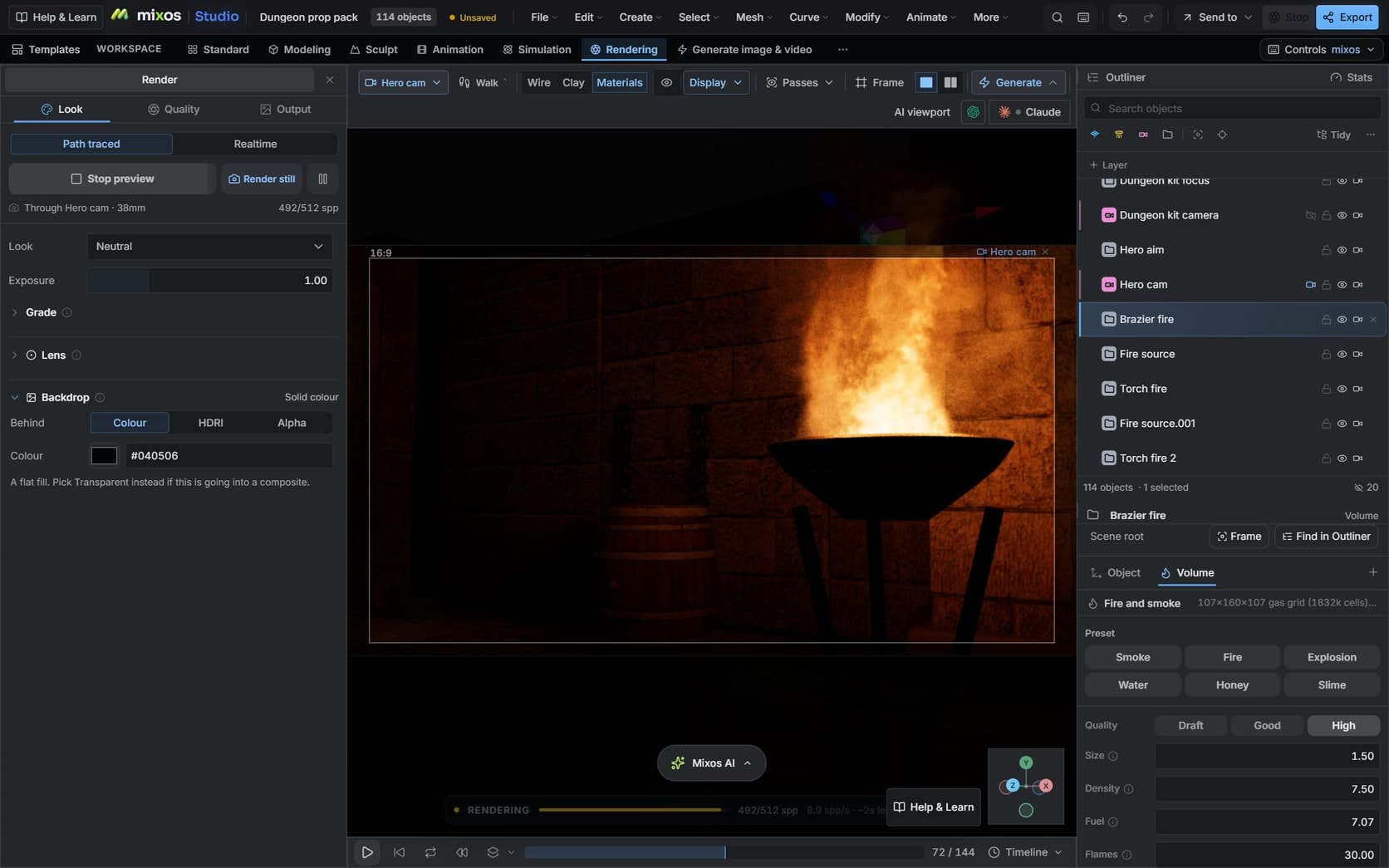
Its rail puts every simulator under your hand. Open a starter scene or import your own model first.
Fire, Smoke, Explosion and Water run on the click. Cloth, Hair and Fracture act on the mesh you have selected.
Size, Density, Fuel, Flames and Light are on the panel, and Size scales the whole effect so it stays the same fire at a different scale.
Press Preview to watch the path tracer converge, then Render still for the final frame, with AI denoise if you want it.
Put a fire in the brazier, have it light the room, and render a still through this camera.
Simulating, scrubbing, modeling and rendering to the viewport are free on every account, with no time limit. Studio can also save a 512px watermarked render preview for free. Clean full-resolution renders and production files such as VDB, GLB or a scene file require Pro, Max, Team or a perpetual licence.
A browser with WebGPU: current Chrome, Edge, Firefox or Brave on Mac, Windows, Linux or ChromeOS, or Safari 26+. A dedicated graphics card helps a lot here, because gas, fluid and hair solve on the GPU. On a phone or an older laptop, start with Draft quality and a small simulation.
Yes, in a path-traced render. The flame is gathered into lights that stand where it burns, so nearby surfaces and smoke are lit by it and it flickers with the flame. It is a close approximation rather than exact volumetric emission, and the Light control sets how strongly it reaches the scene.
No. Play or scrub the timeline and the simulation replays to the playhead. Baking is only for taking the result out of the simulator, for example to keep a pile of objects where it landed or to export cloth as shape keys.
Yes. Gas exports as OpenVDB, which Blender, Houdini, Maya and Cinema 4D read. Rigid bodies bake to keyframes and cloth to shape keys, both of which travel in a glTF export. Exports need a paid plan.
Some do. Gas and fluid flow around meshes, cloth collides with the meshes you choose, particles can collide and be pushed by forces, and rigid bodies float on the ocean. Gas and fluid do not push rigid bodies, so a falling crate will not be blown about by an explosion.
Read next
Key, retime and ease a move, step by step.
Keys, in-betweens, and the interpolation that joins them.
Ease in, ease out, bezier handles and overshoot.
What carries over to an engine, and what to bake first.