Real elevation, worldwide
Heights come from open global elevation tiles built from SRTM, USGS 3DEP and other public surveys. The source is about 30 m in most of the world and finer across much of the US; the mesh is up to 350 cells a side.
3D terrain generator
Search a mountain, a valley or a coastline, draw a box up to 100 km across and Studio builds the landscape from real elevation data. Exaggerate the relief, light it with the sun at that exact location and render it. Nothing to install, no plugin, no GIS software.
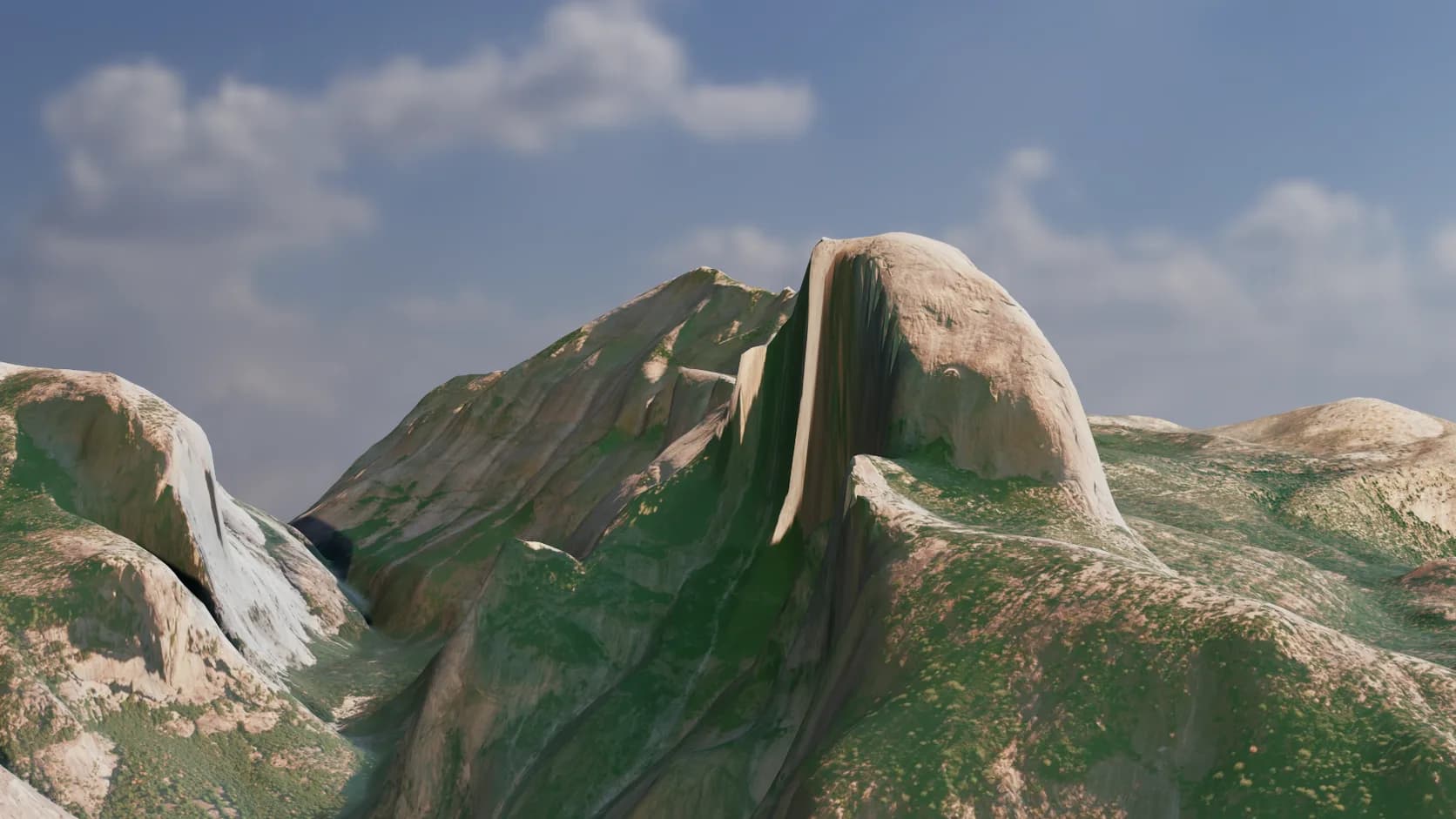
Heights come from open global elevation tiles built from SRTM, USGS 3DEP and other public surveys. The source is about 30 m in most of the world and finer across much of the US; the mesh is up to 350 cells a side.
Search a place by name or drag a box on the map. Terrain mode takes areas up to 100 km across; city mode adds buildings, roads and water for areas up to 1 km.
The scene remembers the latitude and longitude it came from, so a sun study puts the light where it would really fall on that ridge at that hour and date.
The landscape is an ordinary Studio object. Stack modifiers, paint materials, add cameras and animate a fly-over, then path-trace the shot without leaving the tab.
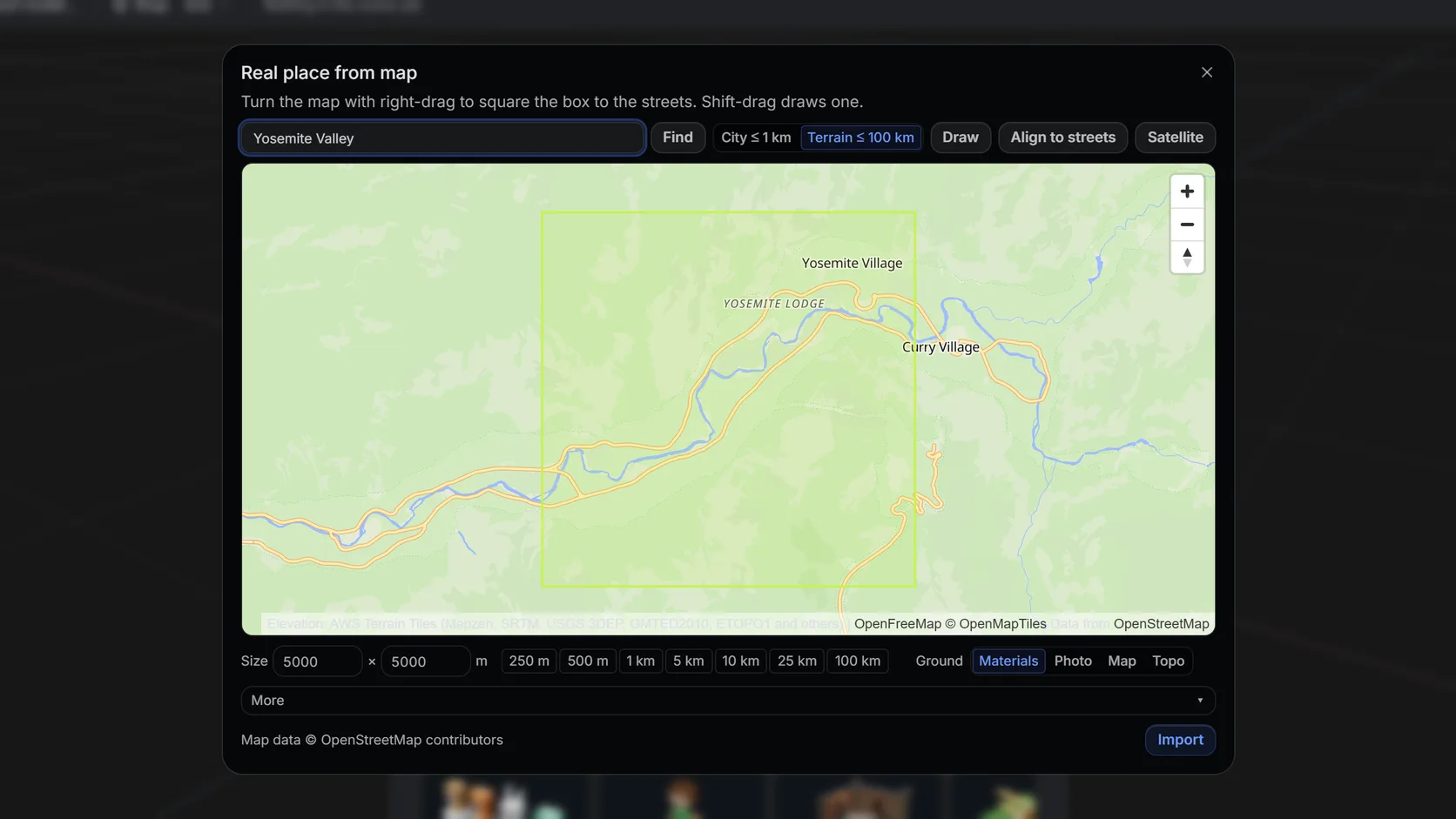
Search a name or an address, then drag a box. Terrain mode takes up to 100 km (25 km on a phone); city mode up to about 1 km with buildings, roads and water.
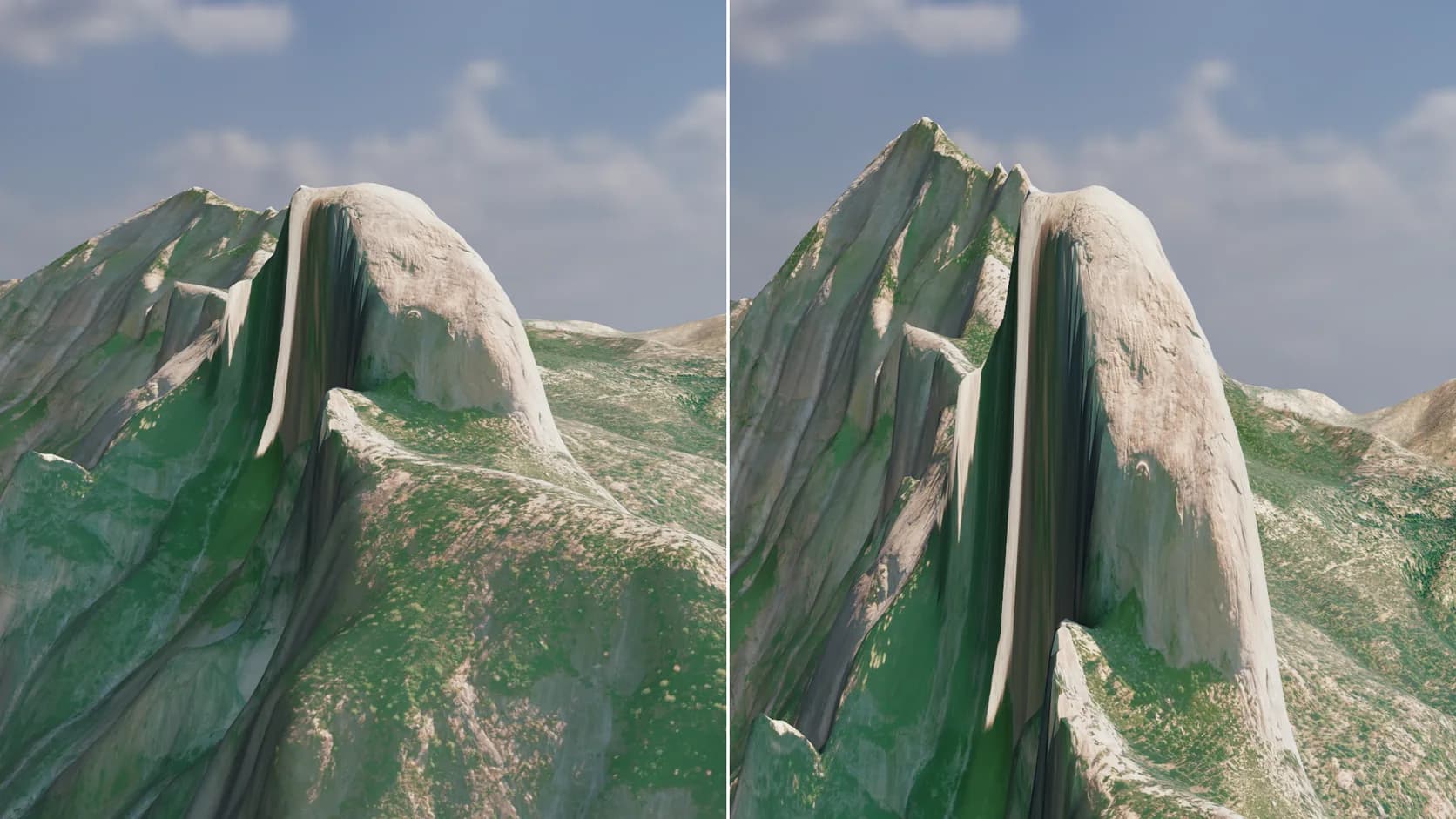
One slider lifts gentle country into readable relief. Leave it at 1 for true scale.
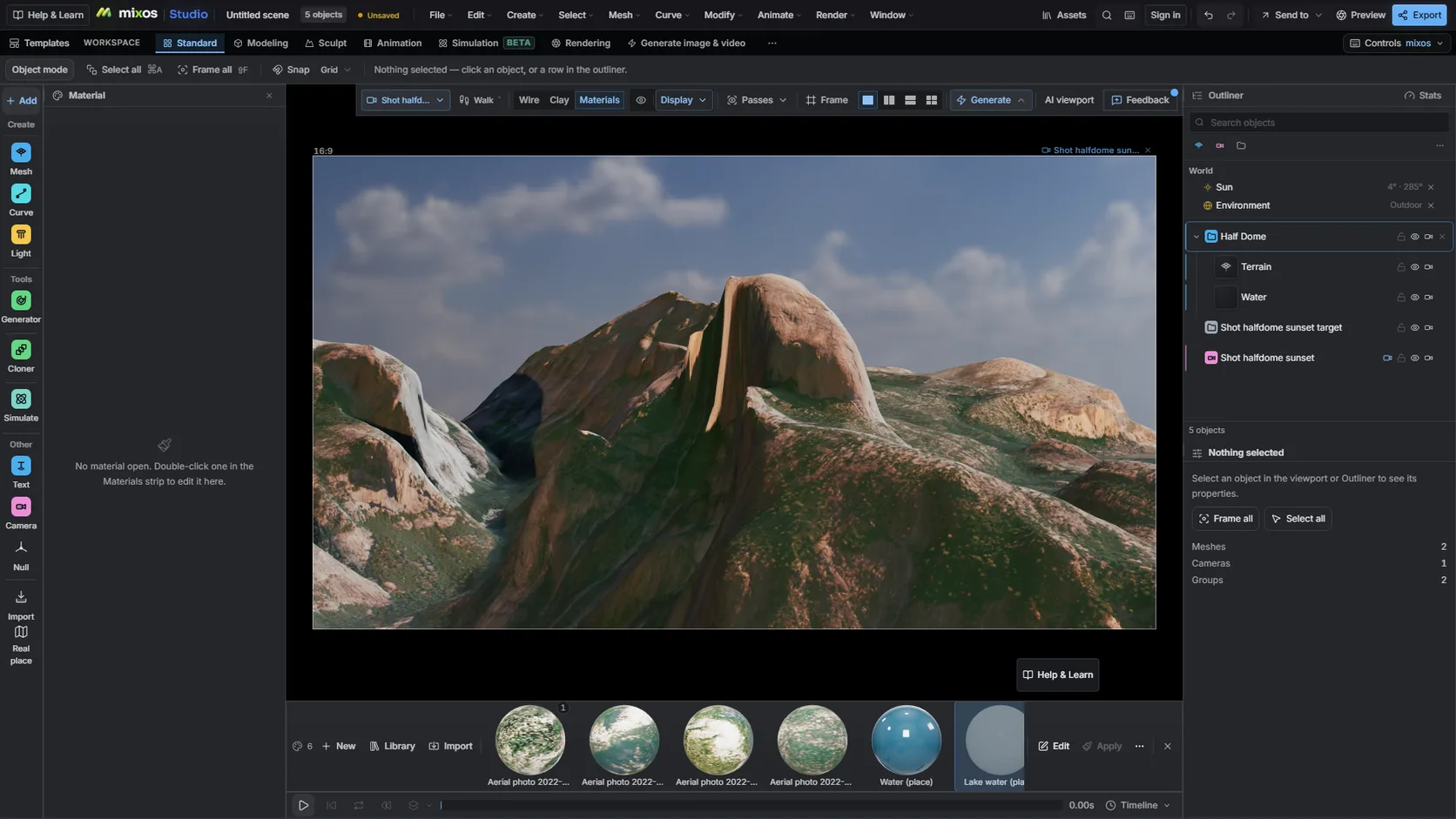
The scene keeps the place's coordinates, so a sun study lights the ridge from the right direction for any date and hour.
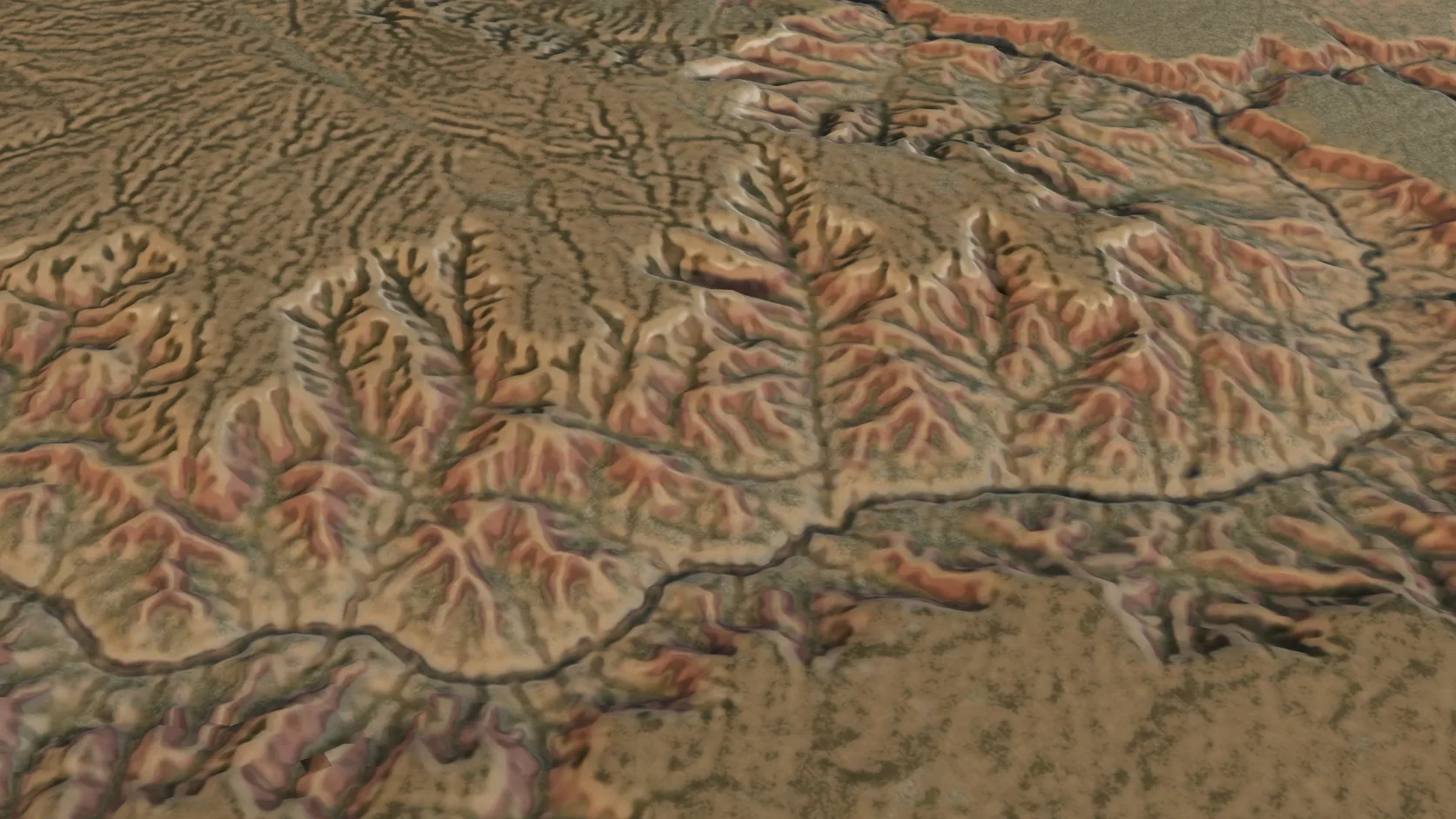
Terrain-only imports reach 100 km a side on a computer — a mountain range or a whole canyon system — with the grid coarsening to match.
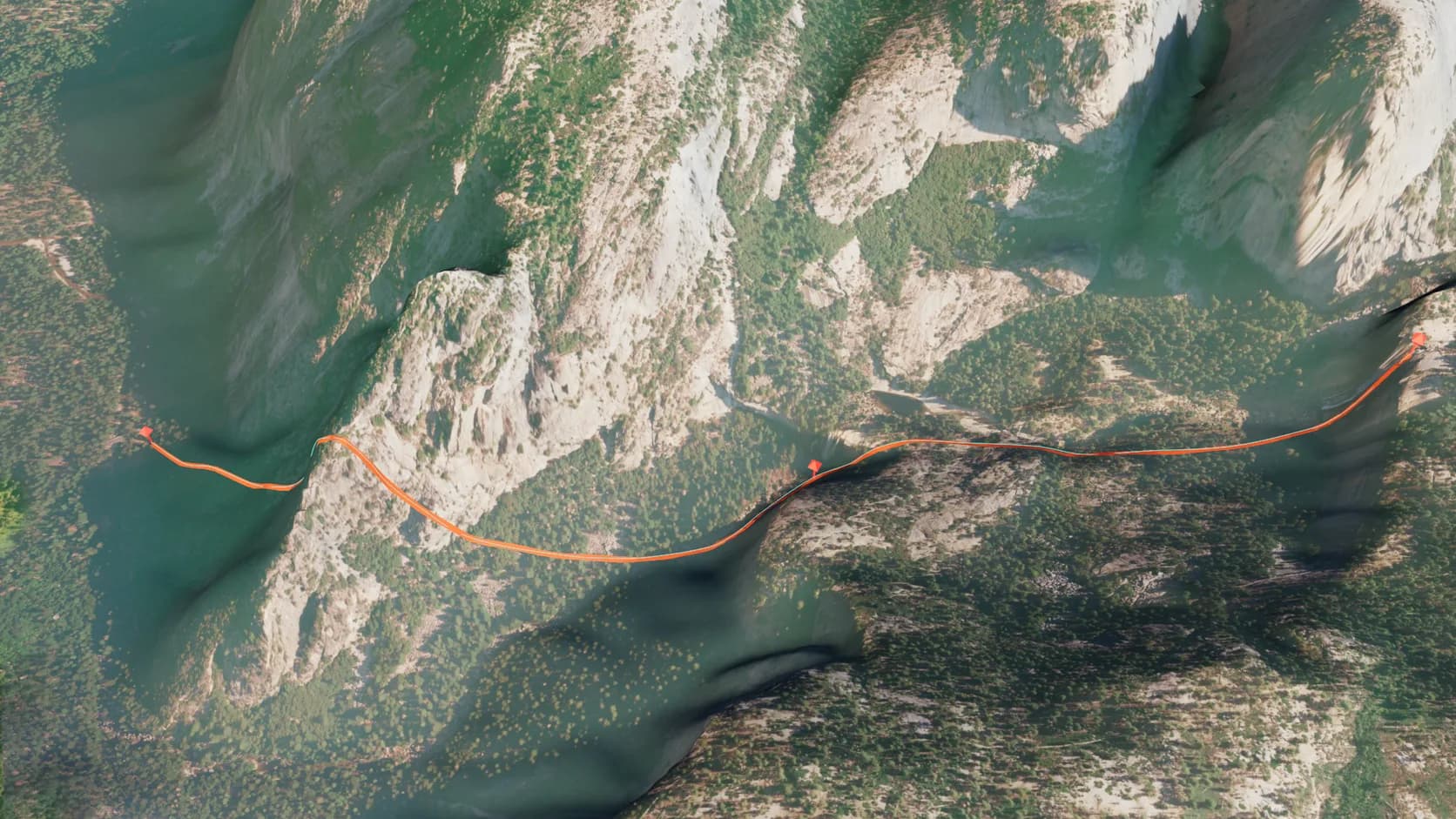
Import a .gpx from a watch or an app and each track becomes a ribbon on the ground, its waypoints named pins, with a path a camera can fly. No terrain yet? The area around the track is imported first.
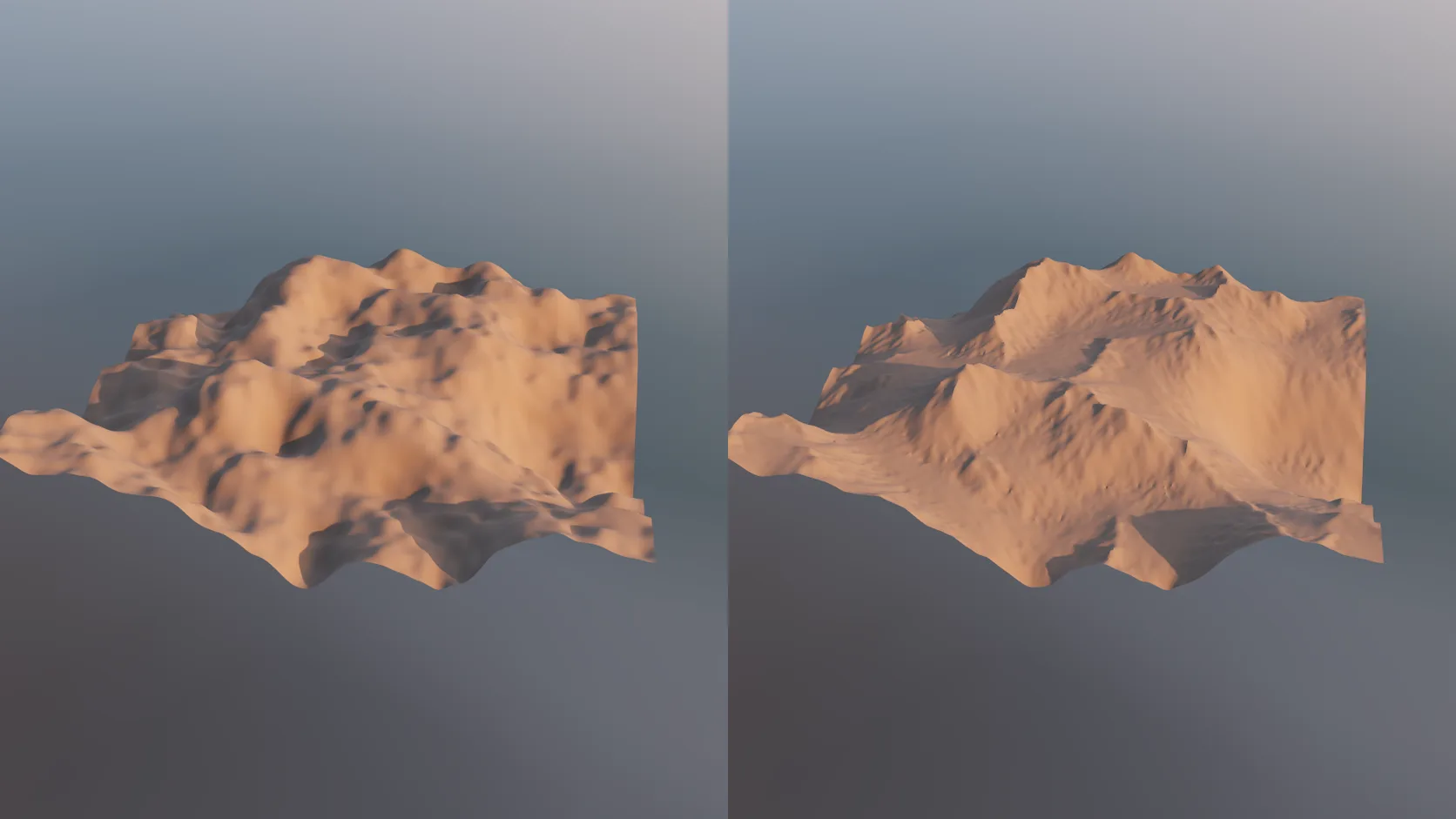
Real elevation is smooth at 30 m, and noise looks invented. An erode stage carves gullies, ridges and sediment fans into any terrain mesh — non-destructively, on the GPU, so you can dial it back.
Why Mixos
Most terrain generators start from noise. Noise is quick, but it has no geology in it — no drainage, no fault lines, no reason for a ridge to be where it is — and audiences notice even when they cannot say why. Real elevation data has all of that for free, because it is a measurement of a place that erosion actually shaped.
Studio's Real place import fetches that measurement for you. You search for a place or draw a box on a map, choose terrain mode, and the elevation tiles for the area are downloaded, stitched, cropped and turned into a grid mesh in metres, centred on the middle of the box. A vertical exaggeration slider lifts gentle country into readable relief; leave it at 1 for true scale.
Because the result is a normal mesh in a normal scene, the rest of Studio applies. Add a displace or noise stage for fine surface detail the elevation data cannot carry, assign rock, grass and snow from the material library, drop in a camera on a path for a fly-over, and render the shot path-traced. The scene keeps the place's coordinates, so the sun study lights it from the correct direction for any date and time.
Elevation data has limits worth knowing before you plan a close-up. The mesh is 200 cells a side by default and up to 350 at high detail — about 5 m per cell for a city-sized box, 30–50 m for a 10 km landscape, about 290 m for a 100 km region — and the source data itself is about 30 m in much of the world. At that scale a cliff is a steep slope rather than an overhang, and a single tree or house is not in it at all. Terrain at this resolution is right for landscapes, establishing shots, maps and prints; for a single building site you want city mode, survey data or both.
Open Studio's Real place picker, search a name such as Yosemite Valley or the Matterhorn, and drag a box around the area you want — up to 100 km across in terrain mode.
Import, then set the vertical exaggeration. Add materials from the library and a displace stage if you want finer surface texture than the elevation data carries.
Run a sun study for the real location and time, frame a camera and render a still or an animated fly-over.
Import the terrain around Half Dome in Yosemite, exaggerate it 1.5x, give it granite and pine materials, and light it for a late October sunset.
Yes. Importing a place, editing it and rendering it in the viewport are free in Studio. Exporting the finished mesh to another program or a printer is the paid step, the same as for anything else you build in mixos.
Terrain mode imports areas up to 100 km across on a computer (50 km on a tablet, 25 km on a phone). City mode, which adds buildings, roads and water, is capped at about 1 km so a scene stays fast to edit. A larger box is cropped about its centre, and the import says so.
The underlying data is about 30 m in most of the world and finer across much of the US, and the mesh is up to 350 cells a side — about 5 m per cell for a 1 km area, 30–50 m for a 10 km one and about 290 m for 100 km. That is enough for mountains, valleys and coastlines, not for individual rocks or buildings.
Yes. Import a .gpx file from a watch or an app such as Strava, Garmin or Komoot and each track becomes a coloured ribbon draped on the ground, with its waypoints as named pins and a path a camera can follow. With no terrain in the scene yet, the area around the track is imported first.
Yes. The import has a vertical exaggeration setting, and because the terrain is an ordinary mesh you can also scale or reshape it afterwards with Studio's modifier stack.
A browser with WebGPU — current Chrome or Edge on Mac, Windows, Linux or ChromeOS, or Safari on a recent iPad. No plugin, GIS package or GPU driver to install.
Read next
Which format keeps materials and which throws them away.
Open the file in the browser — meshes, materials, triangle count.
Watertight remesh, thickened walls, and the checks that stop a bad print.
Key, retime and ease a move, step by step.
Keep exploring
3D city model generator
3D map maker
3D printed topographic map
Heightmap to 3D
3D mountain model
GPX to 3D map
DEM Earth alternative
Online 3D modeling