One prop, two engines
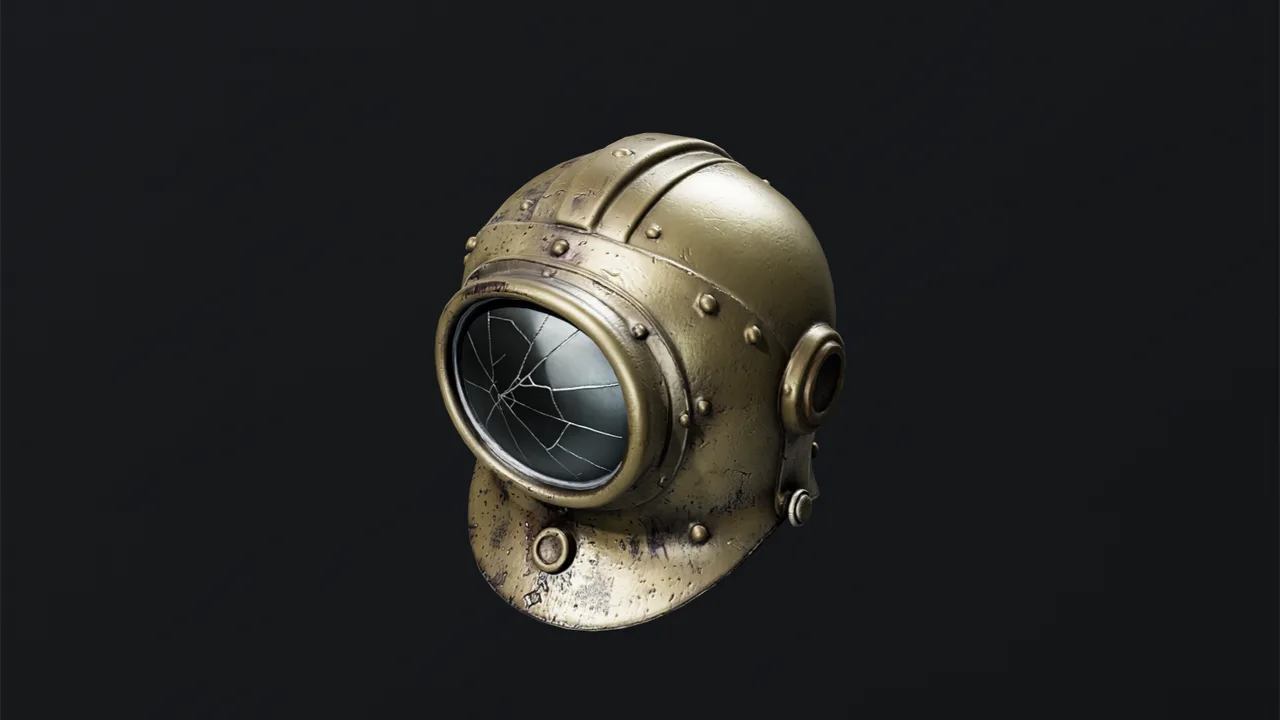
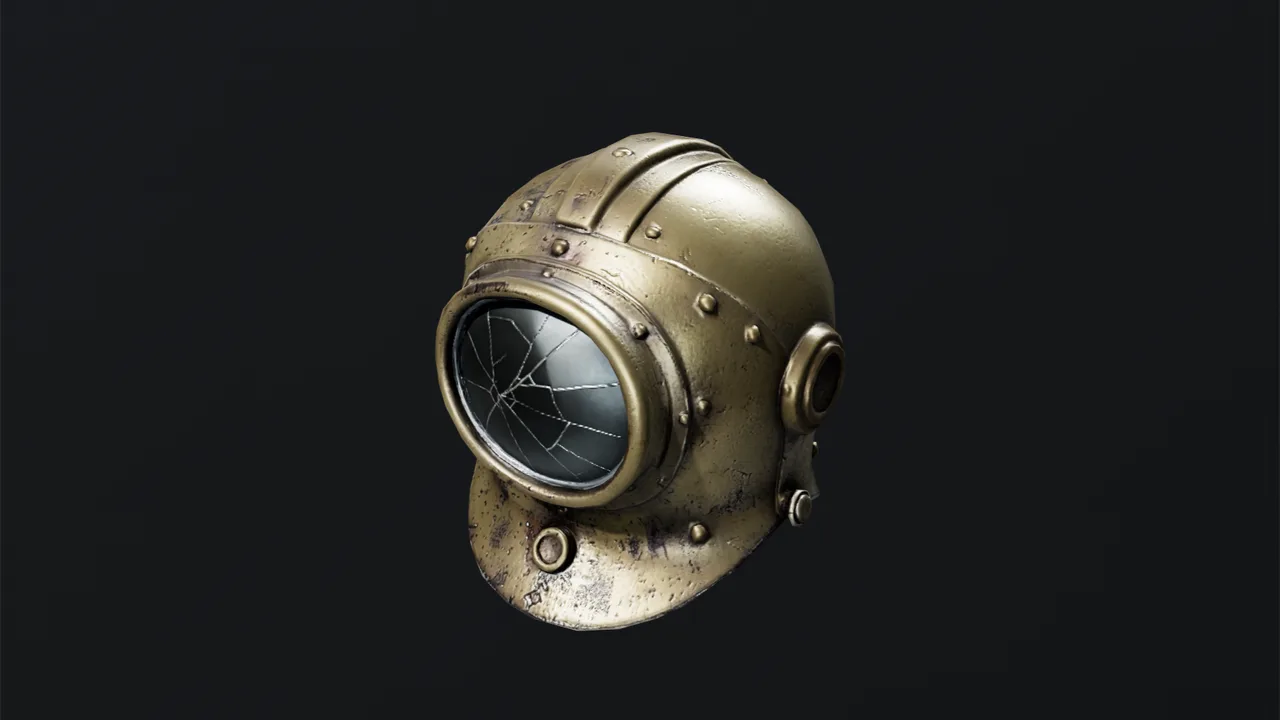
The same generated helmet baked for Unity at 10,000 triangles, then for Roblox at 4,000 triangles with 1024-pixel maps. Switching re-bakes from the full-detail original and uses no credits.
Describe a prop or attach a picture of one. Mixos AI generates it, sizes it in studs, bakes it to Roblox's triangle and texture limits and writes a file Roblox Studio imports. Ask for lower poly when your experience has lots of players.
Mixos AI is available in this build. Conversational tools require paid access or purchased credits.
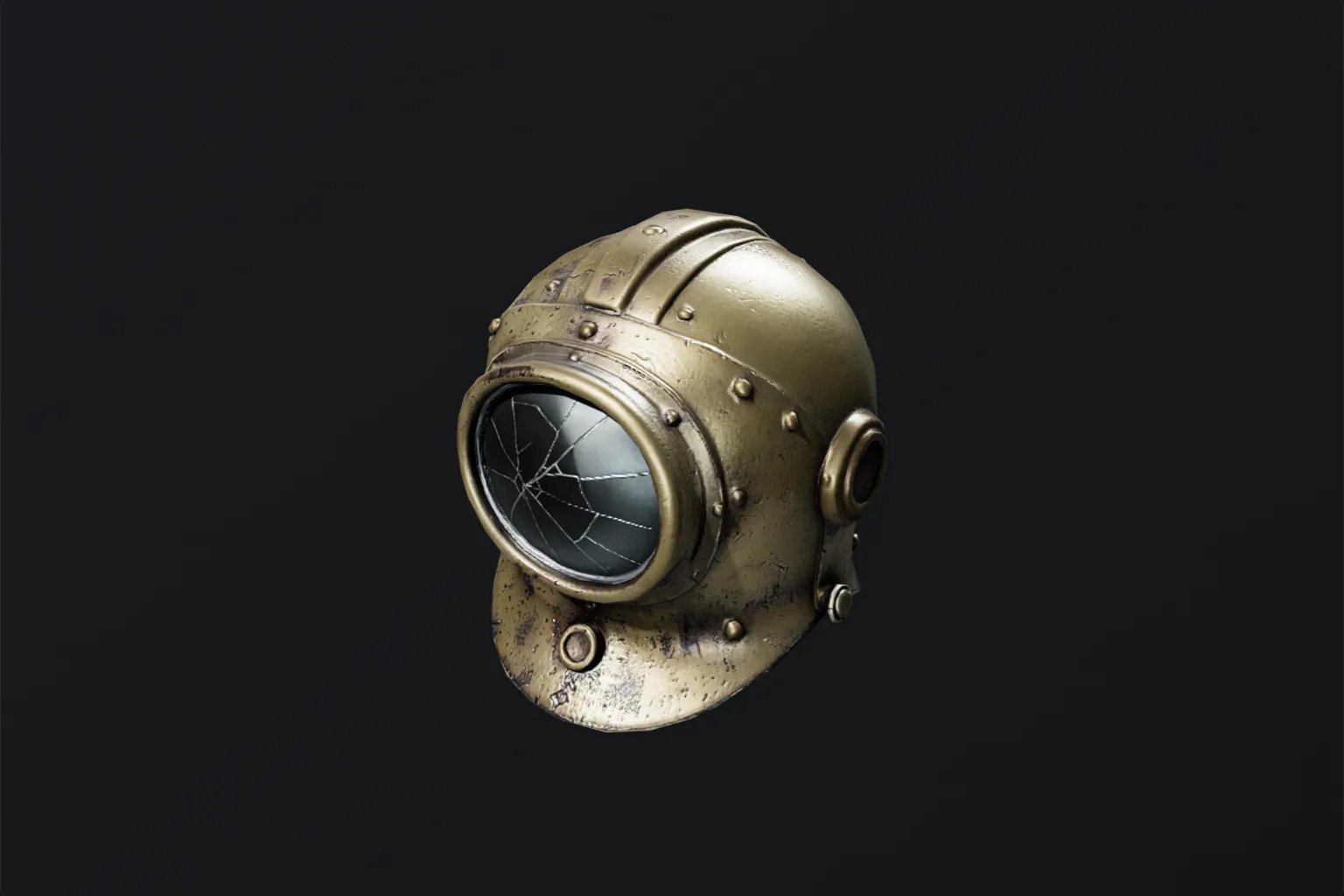 MADE IN MIXOS
Mixos AI handles the size, the triangle count and the textures. You place the prop in your experience.
Name the prop and its size in studs, or attach a picture of it. One stud is about 0.28 m, and mixos AI converts for you.
By default the model is baked to 4,000 triangles and 1024-pixel maps, the same triangle limit as a UGC accessory. Ask for lower poly, 1,500 triangles, for busy servers, or for more detail on a showpiece.
Export the GLB and open it with Roblox Studio's 3D Importer. Check the size, insert it as a MeshPart and set its collision fidelity to Hull or Box.
Every result below is unedited Mixos output. Inputs are public-domain or openly licensed drawings, drawings made for these examples, or AI-generated example photos.
The same generated helmet baked for Unity at 10,000 triangles, then for Roblox at 4,000 triangles with 1024-pixel maps. Switching re-bakes from the full-detail original and uses no credits.
The viewport makes the result visible. Inspect the shape, placement and materials before moving on to the next change.
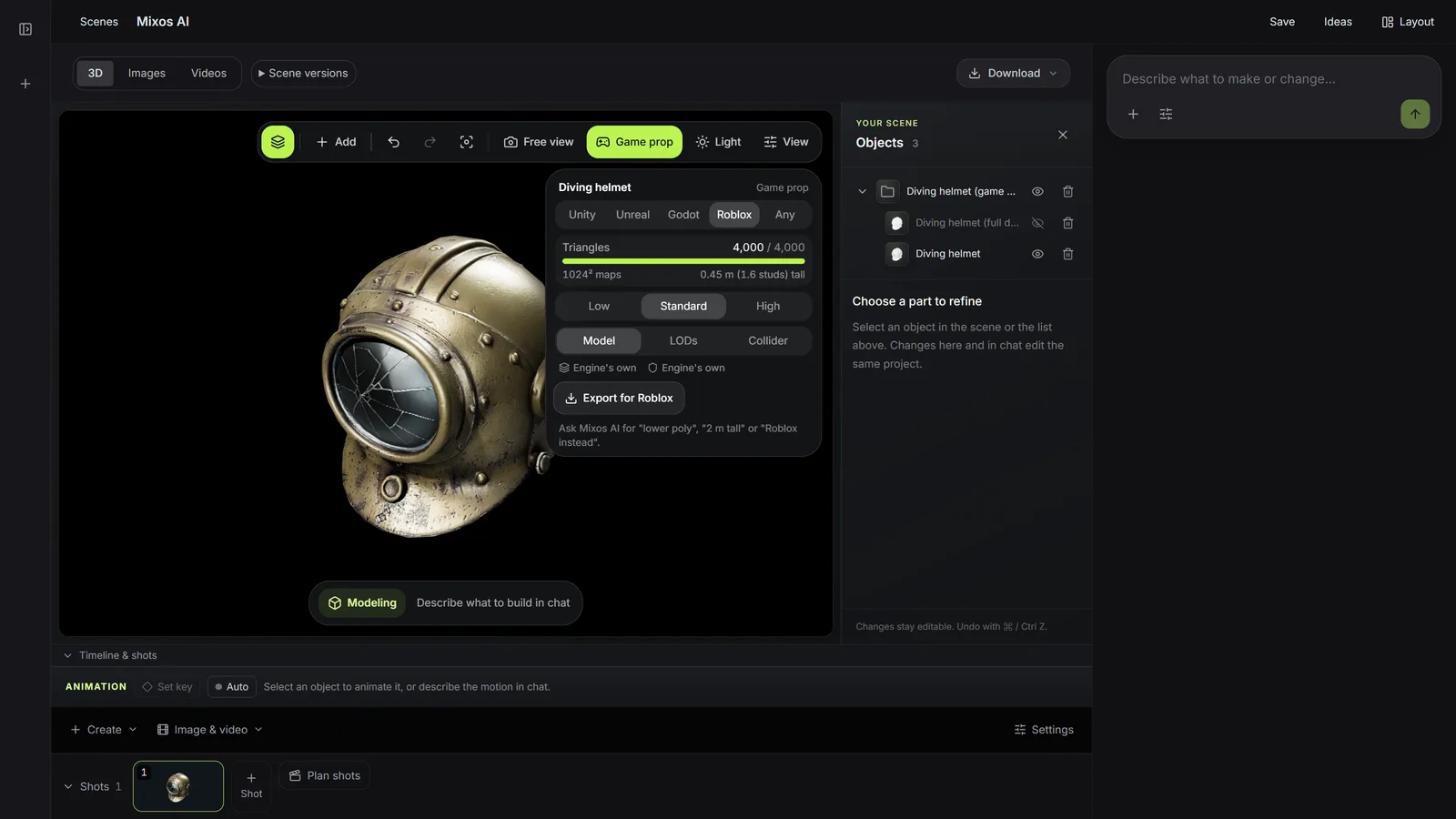
A MeshPart can carry up to 20,000 triangles, and Roblox scales textures above 1024 pixels down. Mixos AI bakes under those limits and says whether the prop also fits the 4,000-triangle limit for UGC accessories.
Roblox works out collision and level of detail itself, so the file holds one mesh with its baked maps. No extra collider mesh turns up in your experience as a visible part.
Every result gives the prop's height in metres and in studs. Ask for a different size and it rescales without generating again.
“Make a mossy stone pillar for my Roblox obby, about 8 studs tall. Keep it light.”Open Mixos AI
“Turn the object in this picture into a Roblox prop about 3 studs tall, and tell me how to import it into Roblox Studio.”Open Mixos AI
Example briefs to adapt to your project. Concept images show a creative direction; live results depend on your prompt and the tools used.
Build, finish and animate real 3D scenes. Choose an example, play the walkthrough or jump to any step.
“Build a compact studio speaker with an olive enclosure, a copper driver and a fine metal-mesh grille. Keep the components separate.”
The chat explains the change. The viewport shows the result. Play all steps, or use the numbered controls to explore.
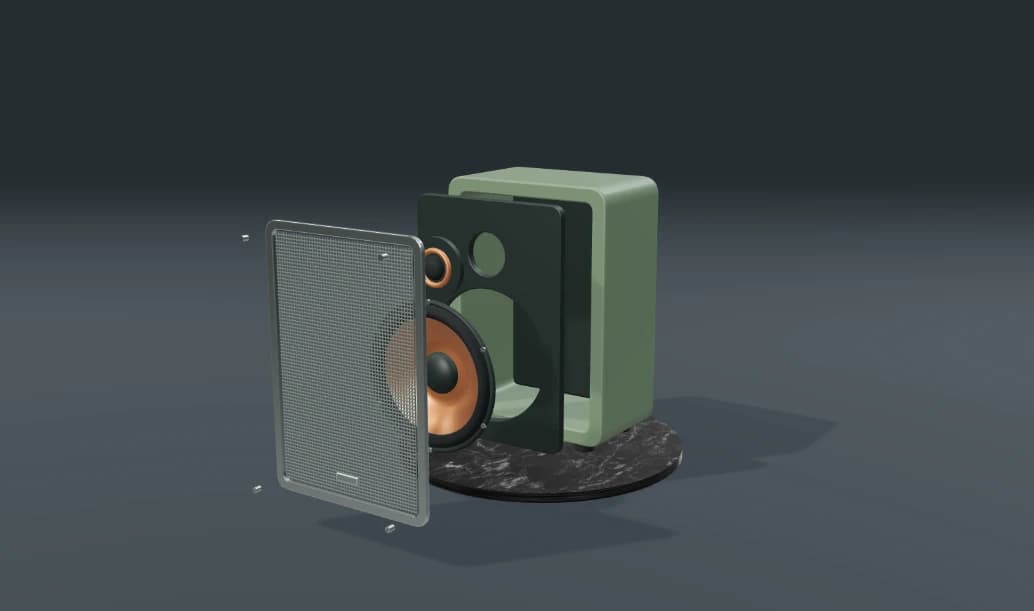
Prepared walkthroughs with editable 3D, animation and illustrative AI images. Prompts and replies are scripted; playback uses no credits. AI video generation is a separate paid step, illustrated above.
Mixos AI is available in this build. Open the workspace with your Mixos account; conversational tools require paid access or unspent purchased credits. The expanded creation workspace is rolling out in preview builds.
Roblox Studio's 3D Importer reads GLB files. Mixos writes a GLB within Roblox's triangle and texture limits, with the pivot at the bottom. Check the preview's size and textures before you insert it.
Mixos AI tells you when a prop fits the 4,000-triangle limit for UGC accessories. Turning it into a wearable accessory, with attachments and fitting, still happens in Roblox Studio, and publishing UGC goes through Roblox's own review.
Roblox treats one stud as about 0.28 m. Give the size in studs or in metres; mixos AI reports both.
Generating a prop costs 4 to 16 credits depending on quality: 7 for the default and 10 from a picture. Re-baking for fewer triangles and resizing use no credits. Exporting files needs a paid plan. The cost is shown before anything runs.
Yes. Ask for a pack of up to eight props in one style and colour palette. They can share one texture, which keeps a set of props cheap to draw.
Editing in the released Mixos apps is free with a Mixos account. AI generation consumes credits. Production exports require a paid plan or licence; the free plan includes a 512px watermarked render preview. See Pricing for current allowances. Watching the demonstrations on this page does not spend AI credits.
See Pricing for current AI credits and export allowances. Studio is available now for manual 3D creation.