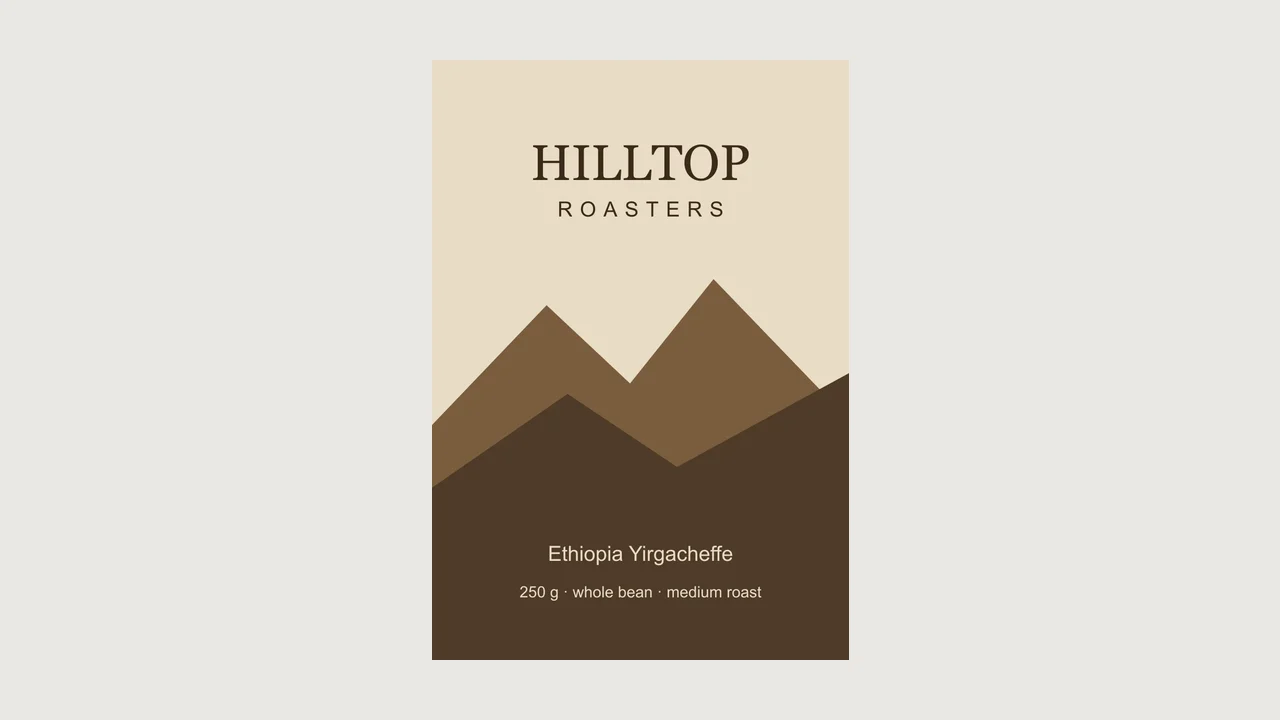
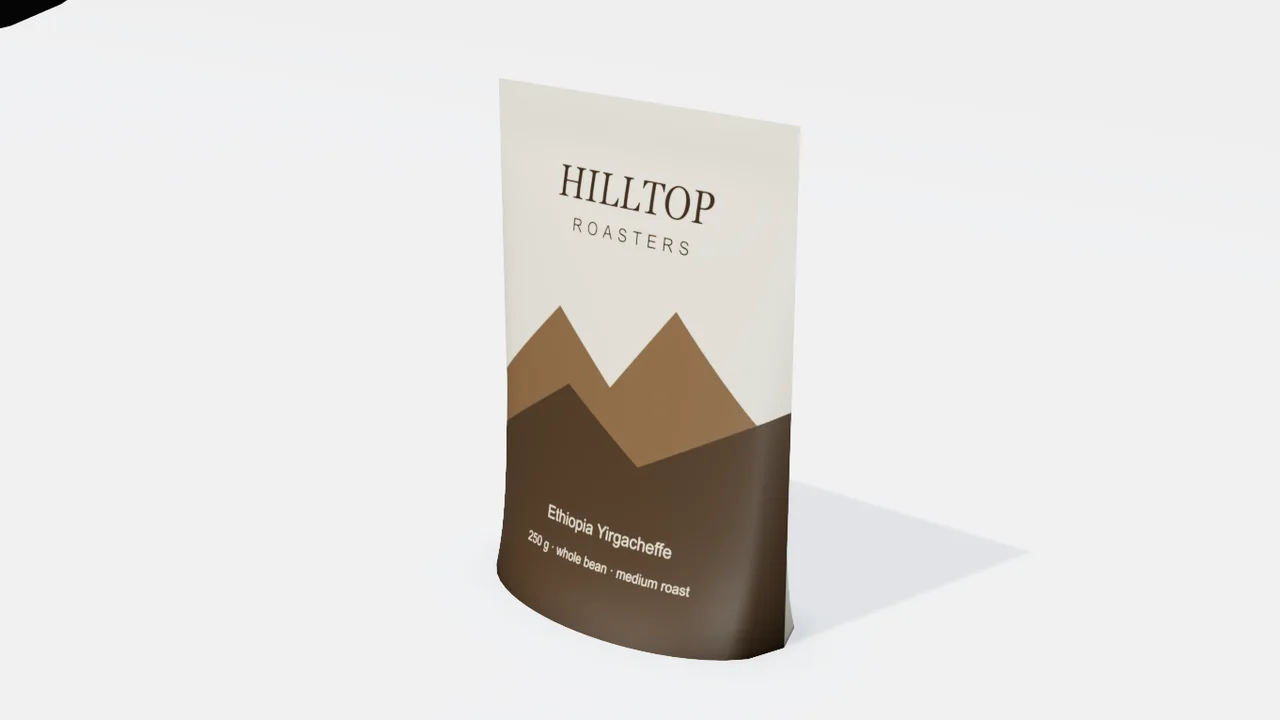
A pouch from its front art
The front panel of a coffee bag on a 160 × 230 mm stand-up pouch that bulges over its gusset like the real one.
Describe the package and attach the artwork. Mixos AI builds it in 3D at the size you give, prints each picture on the right panel and lines a range up on one table, with no templates to download and no layers to fit.
Mixos AI is available in this build. Conversational tools require paid access or purchased credits.
 MADE IN MIXOS
A mockup template fits one shape at one size. Here the package is built to yours, and the artwork is placed from the package's own template.
A tuck-end carton, a mailer, a shipping box, a can, a bottle, a jar, a tube, a stand-up pouch or a paper bag, in millimetres, inches or a volume such as 500 ml.
One picture per panel, one picture that wraps all round, or the flat dieline you send to the printer. With nothing to attach, a brand name becomes a clean printed label.
Build several packages and they stand side by side. Ask for e-commerce, hero or lifestyle shots, or a turntable, all free to set up.
Every result below is unedited Mixos output. Inputs are public-domain or openly licensed drawings, drawings made for these examples, or AI-generated example photos.
The front panel of a coffee bag on a 160 × 230 mm stand-up pouch that bulges over its gusset like the real one.
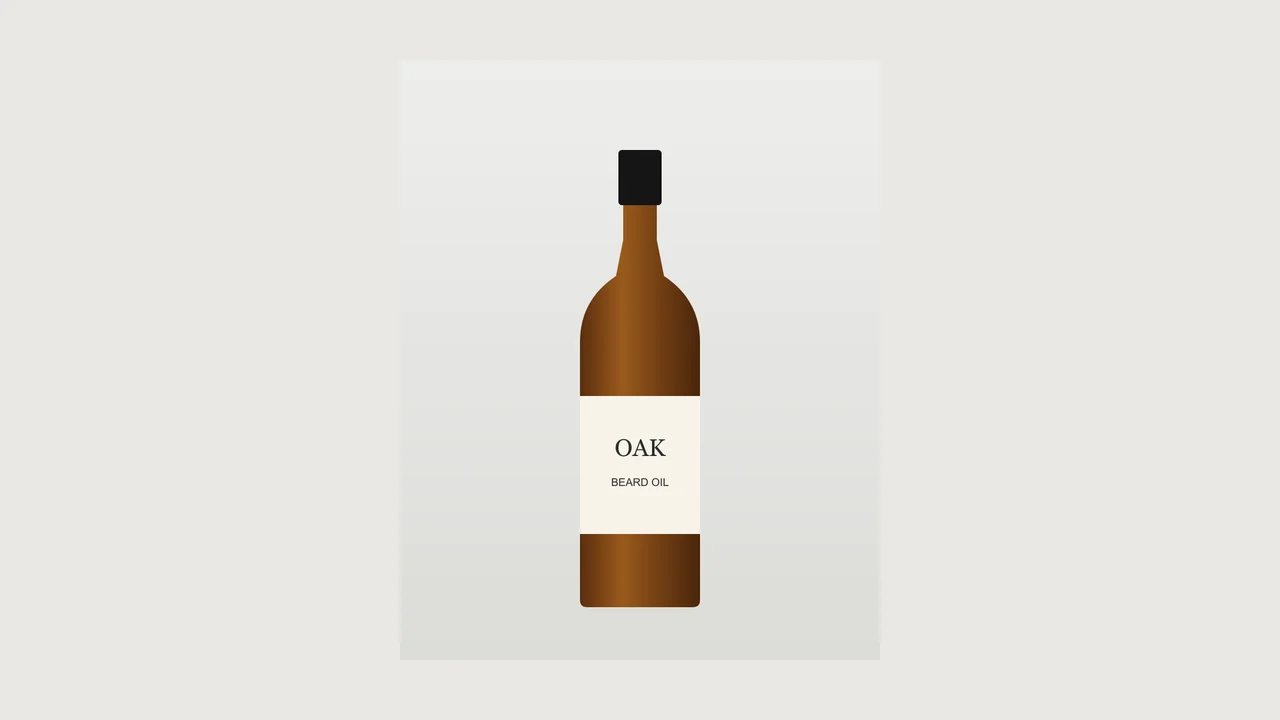
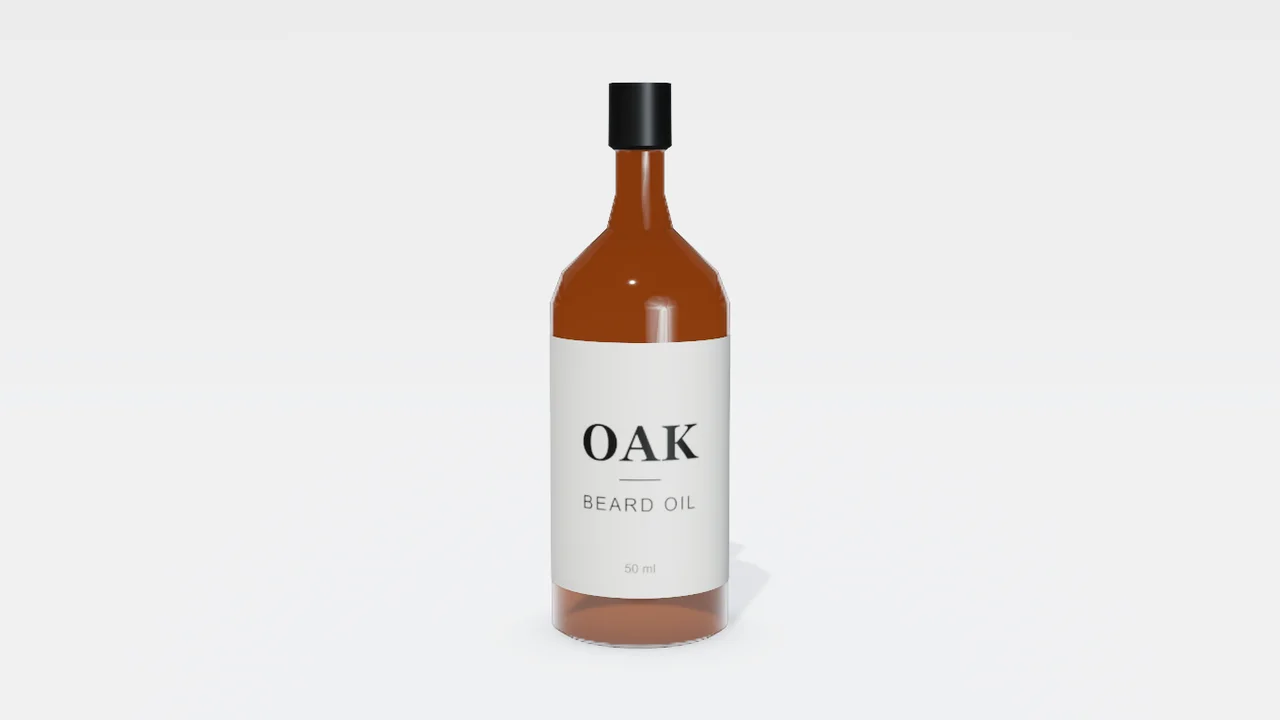
The bottle's outline was traced from a front-on photo, free, and given an amber glass body, a black cap and a printed label.
The viewport makes the result visible. Inspect the shape, placement and materials before moving on to the next change.
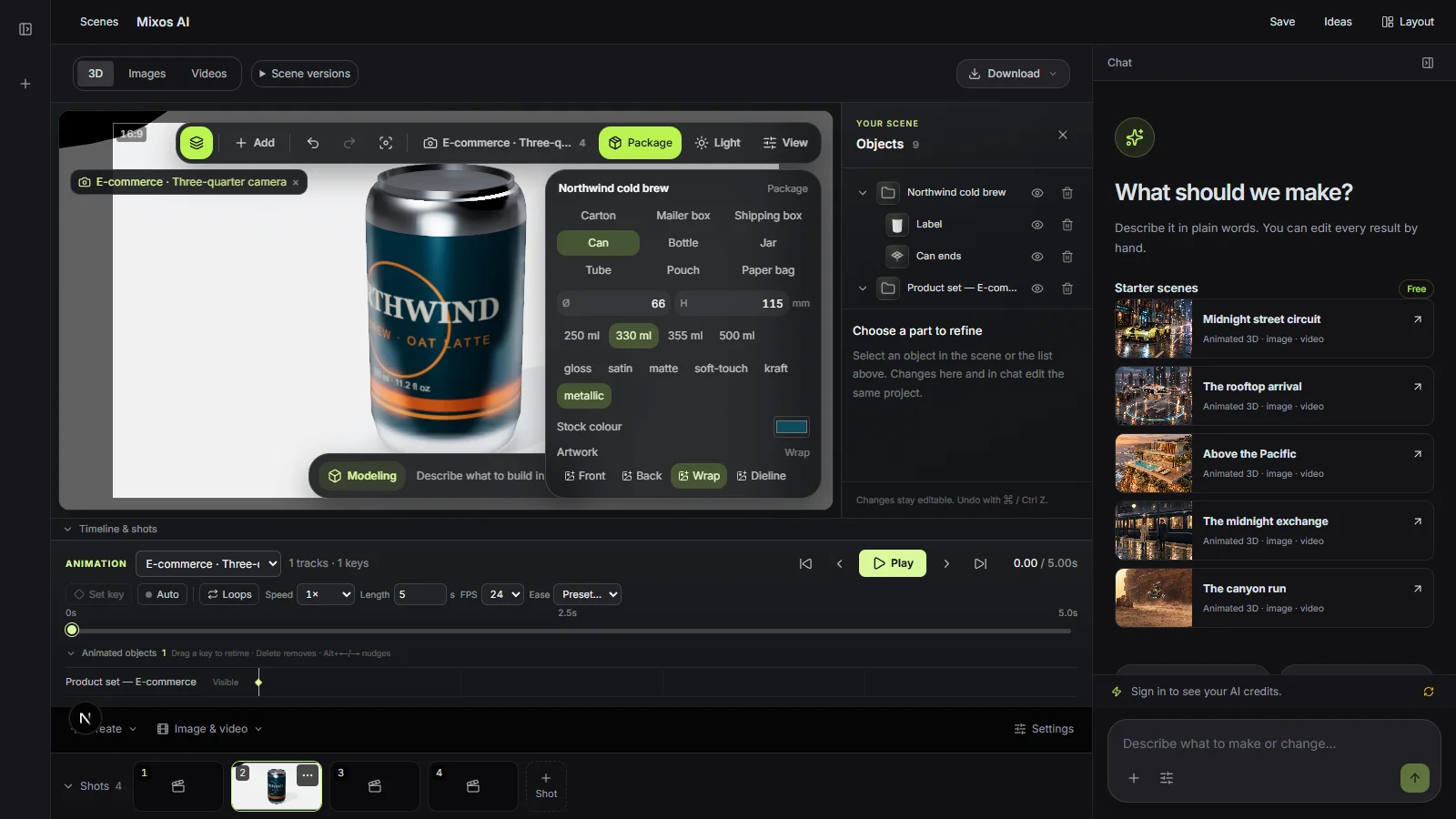
Every package has a flat template computed from its dimensions: sides, front and back in a row, the top and bottom above and below, flaps around. Ask for it and you get each panel's size in millimetres, or download it as an SVG to design on.
Gloss, satin, matte, soft-touch, kraft or metallic print, clear, amber, green or frosted glass, plastic bodies and metal lids. A kraft mailer looks like card, not a coloured block.
Swap one panel's picture and the others stay. Change the size and the artwork is laid out again on the new template. The pictures are kept with the scene, so the edit still works next week.
“Make a stand-up pouch with my front art and a 330 ml can with my label, side by side on a wooden table.”Open Mixos AI
“I don't have artwork. Make a kraft mailer box with a clean label for my brand Bloom, then show me three angles.”Open Mixos AI
Example briefs to adapt to your project. Concept images show a creative direction; live results depend on your prompt and the tools used.
Build, finish and animate real 3D scenes. Choose an example, play the walkthrough or jump to any step.
“Create a pair of sculptural over-ear headphones. Use coral shells, soft ivory cushions and a polished metal headband.”
The chat explains the change. The viewport shows the result. Play all steps, or use the numbered controls to explore.
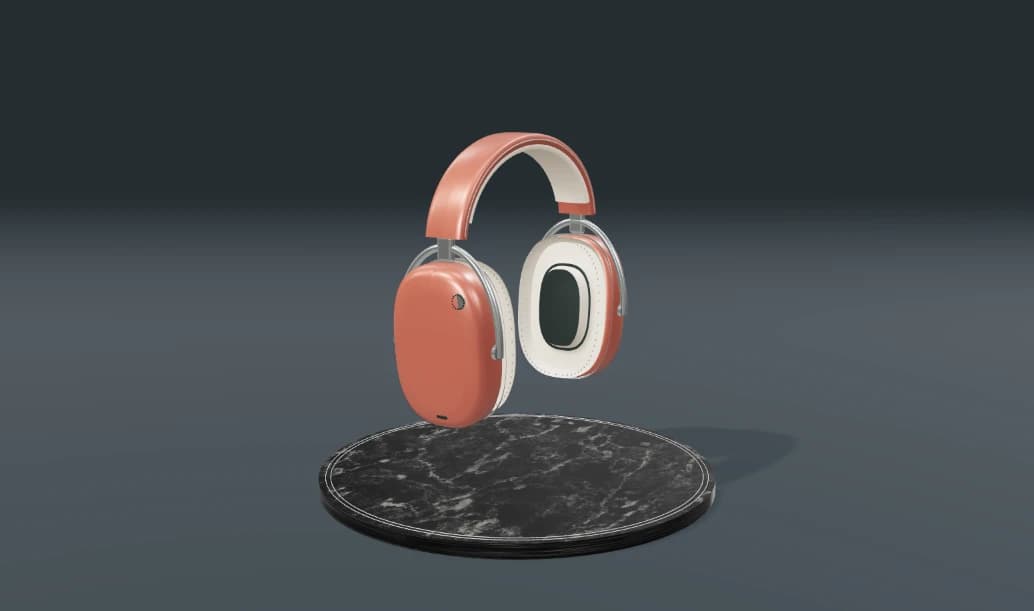
Prepared walkthroughs with editable 3D, animation and illustrative AI images. Prompts and replies are scripted; playback uses no credits. AI video generation is a separate paid step, illustrated above.
Mixos AI is available in this build. Open the workspace with your Mixos account; conversational tools require paid access or unspent purchased credits. The expanded creation workspace is rolling out in preview builds.
Any picture you can attach: PNG, JPEG or WebP. Transparent PNG logos keep their transparency over the stock colour.
Yes, when it follows the package's standard layout. Mixos AI gives the template's panel sizes, and a dieline drawn on it lines up panel for panel. A dieline in another layout is fitted and Mixos AI says so.
Yes. Ask for the new size, or type it in the Package panel. The package rebuilds in place, keeps its artwork and re-frames its shots.
Building and editing packages happen in the conversation and use chat credits. Finished AI photos cost 4 credits each and are always confirmed first.
Editing in the released Mixos apps is free with a Mixos account. AI generation consumes credits. Production exports require a paid plan or licence; the free plan includes a 512px watermarked render preview. See Pricing for current allowances. Watching the demonstrations on this page does not spend AI credits.
See Pricing for current AI credits and export allowances. Studio is available now for manual 3D creation.