One model, fewer setup problems
Use a simple prop with prepared UVs for the whole class. Students can concentrate on surface choices before taking on a longer modeling project.
Lesson resources for instructors
Start with one shared model and three short exercises: material contrast, layers and masks, and believable surface wear. Each suggested lesson includes a 50-minute schedule, a deliverable, and criteria you can use for feedback.
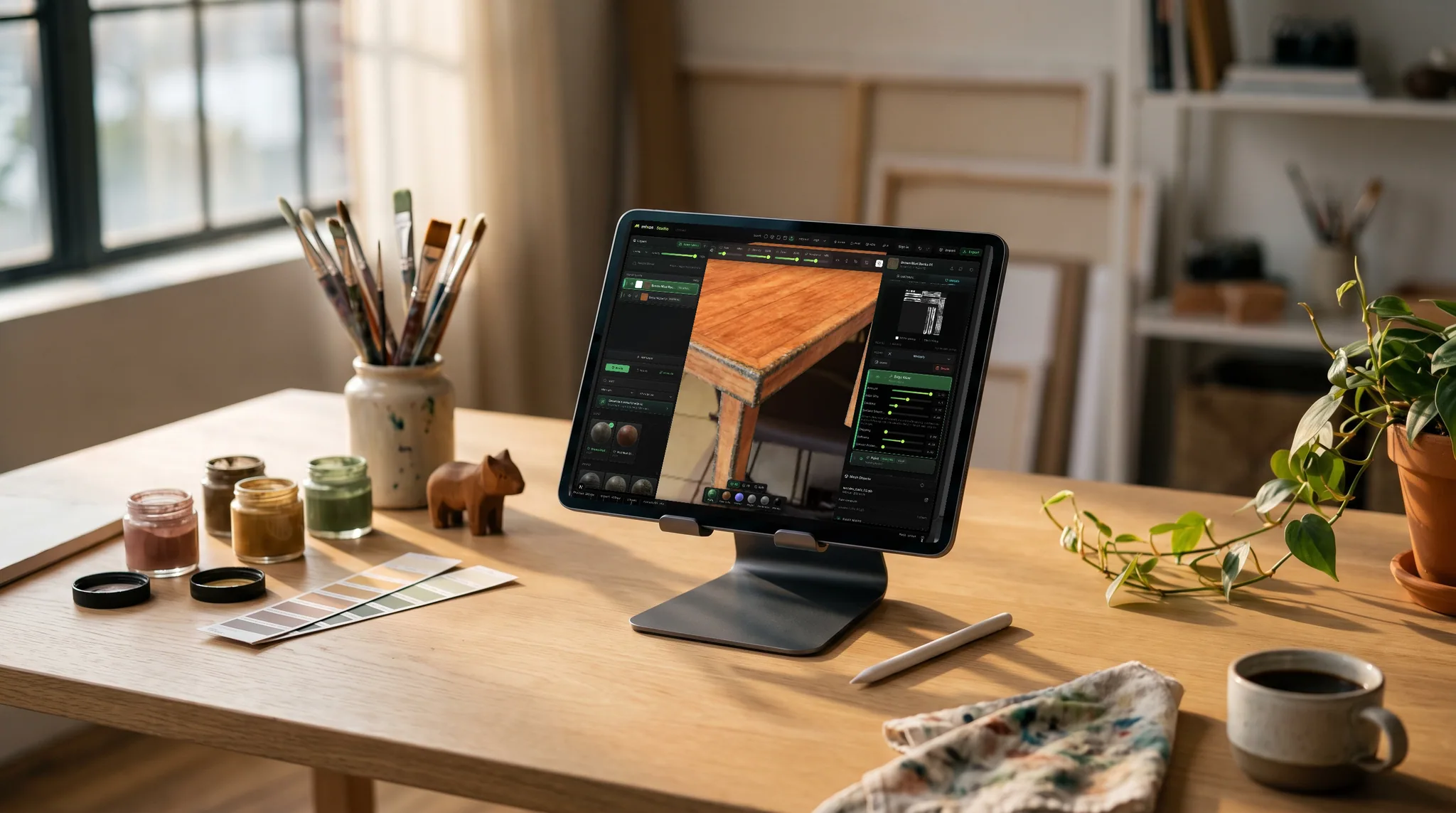
Use a simple prop with prepared UVs for the whole class. Students can concentrate on surface choices before taking on a longer modeling project.
Each exercise asks students to explain a material or mask choice. Review the 3D work and their reasoning together instead of scoring polish alone.
Generative AI is disabled on classroom seats. Students author their surfaces with brushes, layers, masks, and the material library.
Why Mixos
These are suggested activities for secondary-school and college classes, not an accredited curriculum or a promise of a fixed learning outcome. Adapt the timings to your students' experience. Beginners may need a separate introduction to navigating the viewport and understanding how UVs map a flat image onto a 3D surface.
Prepare a small crate, stool, or similarly simple prop with an understandable UV layout. Put it in your shared class library with two or three photographs showing the materials you want students to study. Use work you own or appropriately licensed assets. Open the model on a representative school computer first: Mixos needs a modern browser with WebGPU support, and school policies or older devices may prevent it from running.
Before class, post a Mixos assignment with the starter model, the brief, and the deadline. Ask students to submit their 3D work in Mixos; if you also collect a short explanation or reference sheet, specify where that supporting material belongs. A classroom grant adds the shared library, assignment tools, and 4K watermark-free export for the approved term.
For an invited Google Classroom pilot class, publish the Mixos assignment link to your linked course and explain that students must also turn in manually in Google Classroom. Other classes can use Mixos hand-in and CSV grade export without a connection. Decide on the hand-in path before the lesson so students know when they are finished.
Spend 10 minutes comparing wood, bare metal, and painted surfaces; 10 demonstrating base color, roughness, and metallic; 20 authoring two materials on the shared prop; and 10 reviewing. Deliverable: a prop with two clearly distinguishable surfaces. Assess whether the material reads under changing light and whether the student can explain the roughness and metallic choices.
Use 10 minutes to demonstrate a base layer and a masked paint layer, 10 to plan a color scheme, 20 to paint, and 10 to inspect and submit. Deliverable: a prop with a base surface, a painted region, and editable masks. Assess clean boundaries, intentional color placement, and whether the student can revise one layer without repainting the whole object.
Spend 10 minutes studying wear in reference photos, 10 demonstrating restrained wear and mesh-map masks, 20 applying wear, and 10 critiquing. Deliverable: a used version of the same prop. Assess whether contact areas, exposed edges, and sheltered surfaces tell a plausible story. Students should explain one area they left unworn.
Give the supplied crate a wooden body and bare metal fittings. Keep painted shadows out of the base color. Rotate the model under the same light to compare both surfaces. Submit in Mixos and explain one roughness choice and one metallic choice in a short note using our class's agreed hand-in method.
These lessons use a provided model so students do not need to build the prop first. They should know how to navigate a 3D viewport. Teach a short UV introduction before the material exercises if texturing is new to the class.
They are suggested lesson plans presented on this page for instructors to adapt. The briefs are selectable text you can copy into your own assignment. They are not downloadable worksheet files or standards-certified curriculum materials.
Test the supplied model on the actual school devices before the unit. A current browser with WebGPU support is required; older hardware, disabled GPU features, or school policies can affect availability and performance.
Use the checklist as feedback criteria and set your own weights or points. Mixos supports written feedback, a grade label, and a numeric score. In invited Google Classroom pilot classes, released numeric scores can be synced; elsewhere, export grades as CSV.
The editor is free to try individually. An approved classroom grant adds the shared class library, assignment and marking tools, and 4K watermark-free export for the roster during the grant term.
Read next
The whole pass, from import to exported maps.
The maps a modern material is made of, and what each one does.
Why the same texture reads bigger on one model than another.
Drop the files in and see the material lit, in the browser.
Keep exploring
UV mapping classroom activity
Student game art project briefs
Feedback for student 3D work
Assessment resources
Game art courses
Google Classroom integration · pilot