Native to Apple silicon, by way of the browser
WebGPU maps onto Metal underneath, so an M-series GPU does the work at full speed. No Rosetta translation, no universal-binary caveat, no waiting for a vendor to ship the Apple build.
Sculpting on Mac
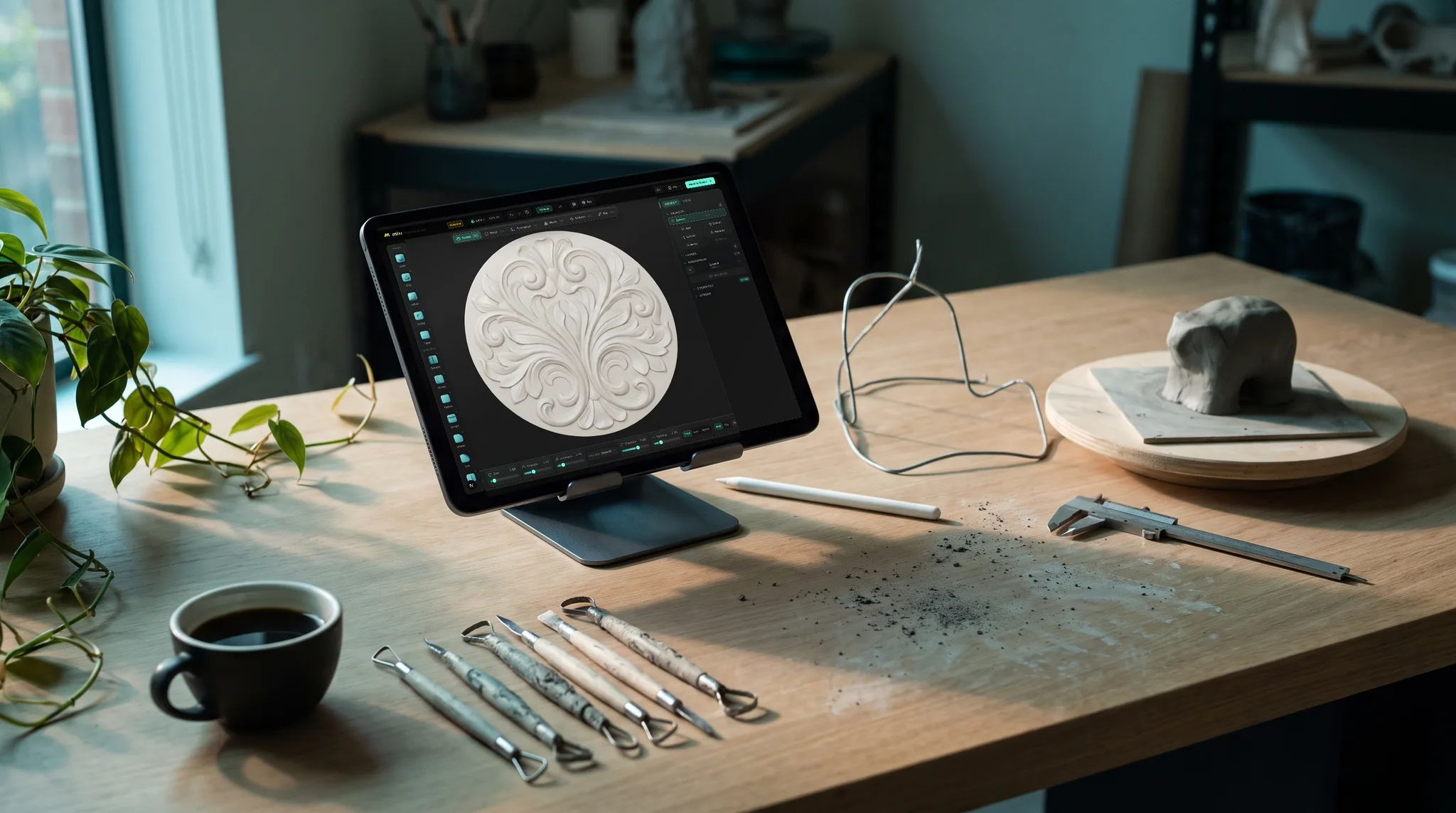
Sculpting on a Mac has always come with an asterisk — the tool is Windows-first, the Mac build lags, or it wants Rosetta and a fan running at full speed. Mold sidesteps the whole question: it is a web application that renders through WebGPU, so it talks to Apple silicon directly from a browser tab.
WebGPU maps onto Metal underneath, so an M-series GPU does the work at full speed. No Rosetta translation, no universal-binary caveat, no waiting for a vendor to ship the Apple build.
It runs in Safari 26 and up as well as Chrome, Edge and Firefox. No .dmg, no Gatekeeper prompt, no unidentified-developer warning, nothing to keep updated.
Pressure brushes with falloff and symmetry, multiresolution subdivision, dynamic topology, voxel and quad remeshing, masking, booleans, trim and transpose — identical on every platform.
Sculpts live in your account, not on the machine, and the same URL opens on an iPad with the Apple Pencil driving pressure. Block out at the desk, refine on the sofa.
Why Mixos
For most of the last decade the serious sculpting packages were built Windows-first. Mac versions arrived later, ran slower, or leaned on a graphics API that Apple had already deprecated. The Apple silicon transition sharpened it further: for a while the choice was a translated Intel build burning battery, or waiting for a native one. Plenty of Mac owners with genuinely fast machines ended up feeling like second-class users of their own hardware.
WebGPU changes the shape of that problem rather than solving it by force. It is a modern graphics API the browser exposes to web applications, and on a Mac it is implemented on top of Metal — the same layer a native Mac app would target. So a browser-based sculpting tool is not emulating anything. The compute shaders that displace vertices run on the M-series GPU directly, and the result is that a MacBook Air does real sculpting work without ever hearing from a fan.
The practical consequence is that the Mac stops being a port. There is one version of Mold, it is the web one, and a Mac gets it at the same time and with the same features as everything else. Nothing to install also means nothing to keep signed, notarized or updated — a category of Mac-specific friction that simply doesn't arise.
The honest limits: you need Safari 26 or later, or Firefox, or any recent Chromium browser, because older Safari has no WebGPU. And a browser tab is not the place for a hundred-million-triangle production sculpt — that is what a desktop package is for. For blocking out form, taking a model to a printable or texturable level of detail, and moving it into Blender or a slicer, an M-series Mac in a browser is genuinely comfortable.
Yes. Blender is free and has a native Apple silicon build, but it is a download and a large program to learn. Mold is free to sculpt in and needs no download at all — open it in Safari or Chrome. Exporting the finished mesh is the paid step; everything up to that point costs nothing.
Yes, in Safari 26 and later, which is where WebGPU arrived. It also runs in Chrome, Edge, Firefox and Brave on macOS. If the browser is too old, the page tells you on arrival rather than failing partway through.
Effectively, yes. WebGPU is implemented on top of Metal on macOS, so the GPU work runs on the Apple silicon GPU directly — no Rosetta and no Intel translation. There is no separate Intel or Apple build to choose between, because there is no build to download.
For blocking out form, mid-level detail, remeshing and export, yes. The integrated GPU sets a ceiling on how far you can subdivide before strokes feel heavy, but that ceiling is well above what most people need, and the machine stays quiet doing it.
Both. The same URL opens on an iPad with Apple Pencil pressure, and a Wacom or Huion plugged into the Mac reports pressure to the brush as usual. Work saves to your account, so you can move between them mid-sculpt.
Yes. Export FBX, OBJ or glTF for Blender, Cinema 4D or Unreal, or remesh watertight and export STL for a slicer. Sculpting is free; downloading the mesh is part of a paid plan.
Keep exploring
3D sculpting software
Sculpting on Windows
Sculpting on iPad
ZBrush alternative

Safari or Chrome, Apple silicon doing the work, nothing installed. Pick up a sphere and start sculpting.