Mold vs Nomad Sculpt
Mold vs Nomad Sculpt, compared honestly.
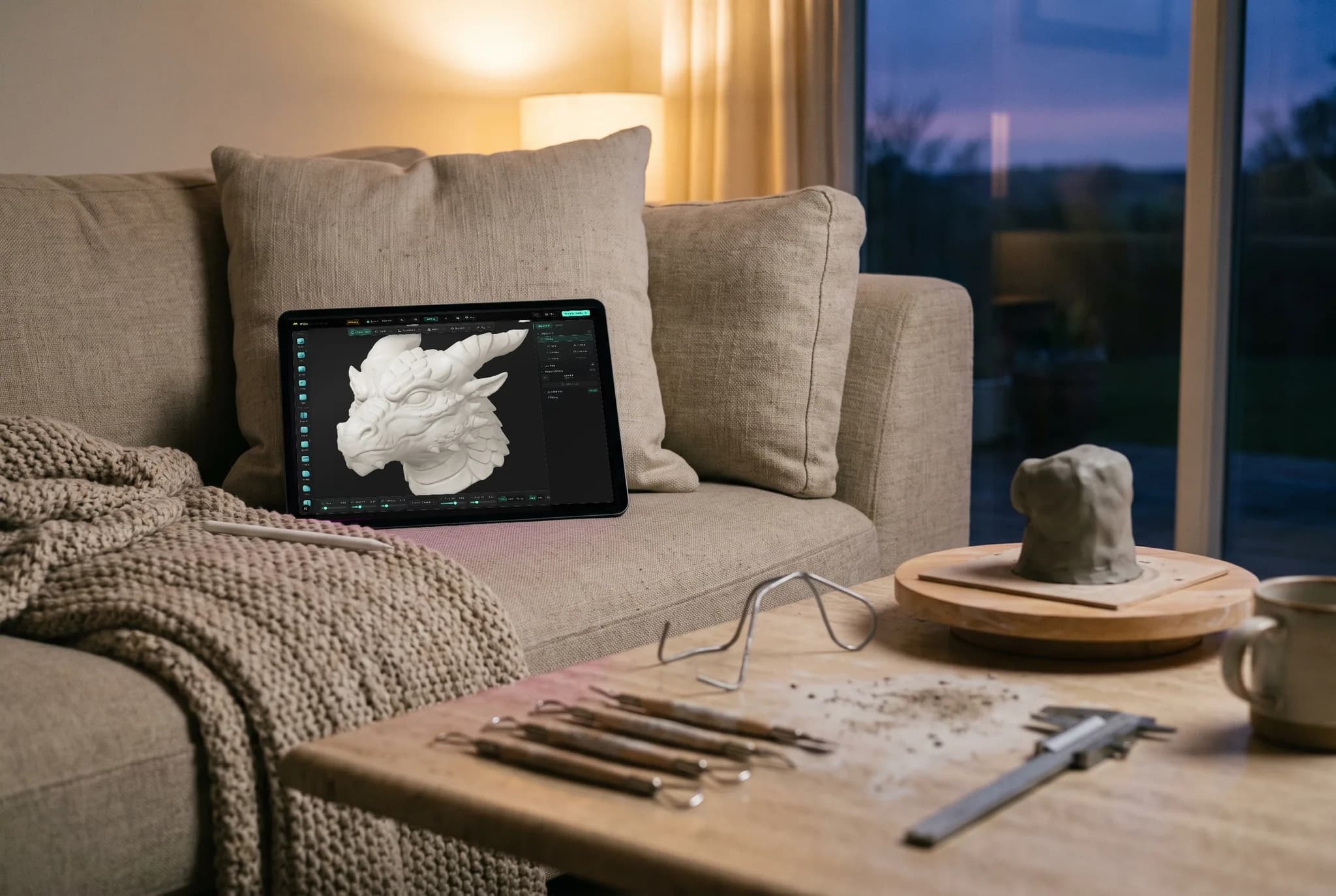
Nomad Sculpt proved sculpting doesn't need a workstation — it made real digital sculpting feel native on a tablet. Mold takes the same accessible-first philosophy to the browser: sculpting in a tab on any machine, desktop or iPad, with a one-click path into a full PBR texture painter. Here's how they line up.
Feature by feature
Mold vs Nomad Sculpt, line by line.
A lime check marks the tool with the edge on each row. Where it's a wash, neither gets one — including the rows Nomad wins.
| Feature | Mold | Nomad |
|---|---|---|
| Runs on | Any WebGPU browser — desktop, laptop, iPad | Windows / macOS / iPhone / iPad / Android |
| Install & setup | App Store, or open a URL with no install | Desktop download or mobile app-store install |
| Pricing | Free to sculpt; mesh export from $8.99/mo | Affordable one-time purchase |
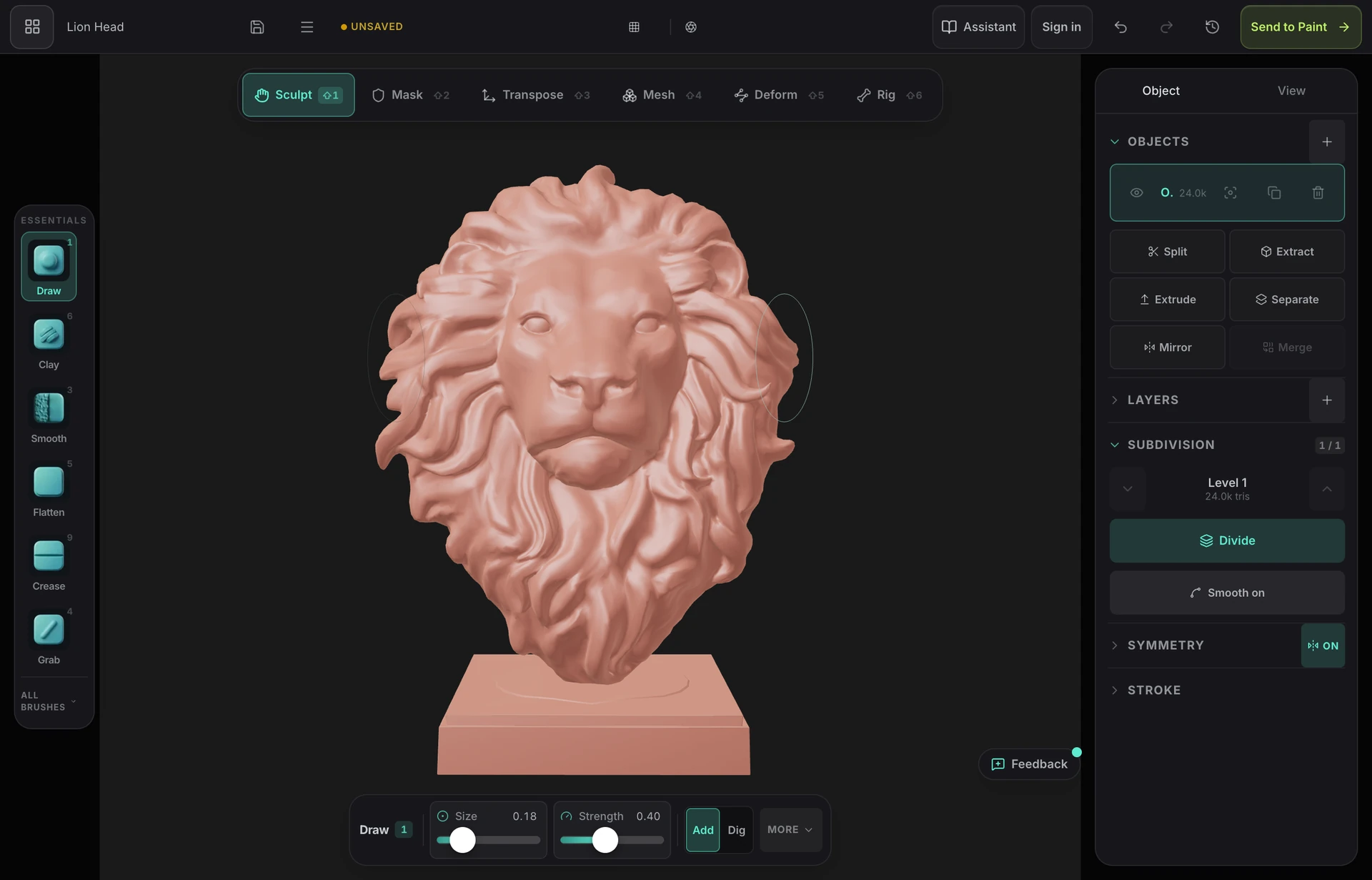
| Brush sculpting | 29 brushes with alphas, pen pressure and tilt | Full brush set, tuned for touch + pencil |
| Dynamic topology | Yes — live, adds and removes triangles under the brush | Yes |
| Multiresolution subdivision | Yes | Yes |
| Remeshing | Voxel remesh + field-aligned quad remesh, both included | Voxel remesh; quad remesh as a paid add-on |
| Touch & Apple Pencil | Yes — touch-first layout on tablets and phones | Yes — the reference tablet experience |
| Painting | Hand off to Mixos Paint — layered PBR materials, masks, baking | Vertex painting + basic PBR layers on device |
| Sculpt → textured asset pipeline | One click into a full texture painter with fresh UVs | Export and finish elsewhere |
| Works offline | In the desktop app; the browser needs a connection | Mobile: offline; desktop: periodic licence checks |
| Polygon budget | Up to 1.5M triangles on iPad; 6M on a desktop with 8 GB+ | Many millions of polygons on recent iPads |
| Lights & rendering | Up to 4 lights with shadows; path-traced stills up to 4K | PBR lighting, shadows and post-processing |
So which should you use?
Nomad Sculpt is a native sculpting and painting app for Windows, macOS, iPhone, iPad and Android. Desktop and mobile purchases are separate.
Choose Mold if…
- You want to sculpt in a desktop browser without installing an application.
- You want the sculpt to become a textured, render-ready asset: Mold hands it to Paint's layered PBR painter with fresh UVs.
- You want cloud projects shared across your devices and a connected PBR texturing workflow.
- You 3D print: Mold works in real units, checks the mesh for holes and thin walls, hollows it with drain holes, and exports STL or 3MF in millimetres.
Choose Nomad Sculpt if…
- You sculpt primarily on an iPad or Android tablet and want the most polished native touch experience.
- A small one-time purchase beats a subscription for your budget.
- You want a native app; check the desktop licence requirements if you need extended offline use.
The bottom line
Two takes on accessible sculpting
Nomad Sculpt deserves enormous credit — it showed that real sculpting, with dynamic topology and multiresolution meshes, could be a native, fluid experience on a tablet for the price of lunch. If your sculpting life happens on an iPad with a Pencil, it remains the obvious choice.
Mold approaches the same goal from the browser as well as the App Store. There is a free iPhone and iPad app, and nothing needs installing on any platform: the sculpting engine runs on WebGPU in the tab, so the same tool works on your desktop with a Wacom, your laptop trackpad, or an iPad with touch — and your projects live in the cloud rather than on one device.
The bigger divergence is what a finished sculpt becomes. Nomad offers vertex paint and simple layers on-device, and then you export. Mold is one surface of a suite: a click unwraps the sculpt and opens it in Mixos Paint, where you paint layered PBR materials with smart masks and baked maps, then export engine-ready texture sets. If sculpting is the destination, Nomad is a lovely place to be; if sculpting is the first step toward a textured asset, Mold keeps the whole pipeline in one browser.
Frequently asked questions
Does Mold work on iPad like Nomad Sculpt?
Yes. Mold works in a compatible browser on iPad with touch and Pencil input. Nomad offers native tablet and desktop apps; Mold offers the same browser workflow across supported devices, with a handoff to Mixos Paint.
Is Nomad Sculpt available on desktop?
Nomad Sculpt is available for Windows and macOS from nomadsculpt.com. Desktop and mobile licences are separate purchases. Use the official downloads for the native app; choose Mold if you prefer to sculpt in a browser without an installer.
Can Mold paint sculpts like Nomad's vertex paint?
Mold deliberately skips vertex paint. Instead it unwraps your sculpt and opens it in Mixos Paint — a full layer-based PBR texture painter with smart materials, procedural masks, and map baking — so you end up with real texture maps, not per-vertex color.
Which is better for beginners?
Both are far friendlier than desktop sculpting suites. On a tablet, Nomad's touch-native UI is hard to beat. If you're on a laptop or desktop — or want your sculpts to flow into texturing and export — Mold gives you the fundamentals with nothing to install.

Try it yourself. No install.
Open a tab and sculpt — on your desktop or your iPad, nothing to download, free to use, and you can decide for yourself how it compares.