It builds, it does not describe
“A low table with four tapered legs, and a bowl on it” comes back as objects in your outliner that you can select, move and edit — not as instructions for you to follow or a mesh you have to import.
Claude 3D modeling
Connect Mixos to the Claude you already use and it can build in a browser tab you have open: geometry, materials, a light rig, a camera move, a path-traced render. It runs on your own Claude plan from claude.ai, Claude Desktop or Claude Code — there is no API key and nothing is metered here.
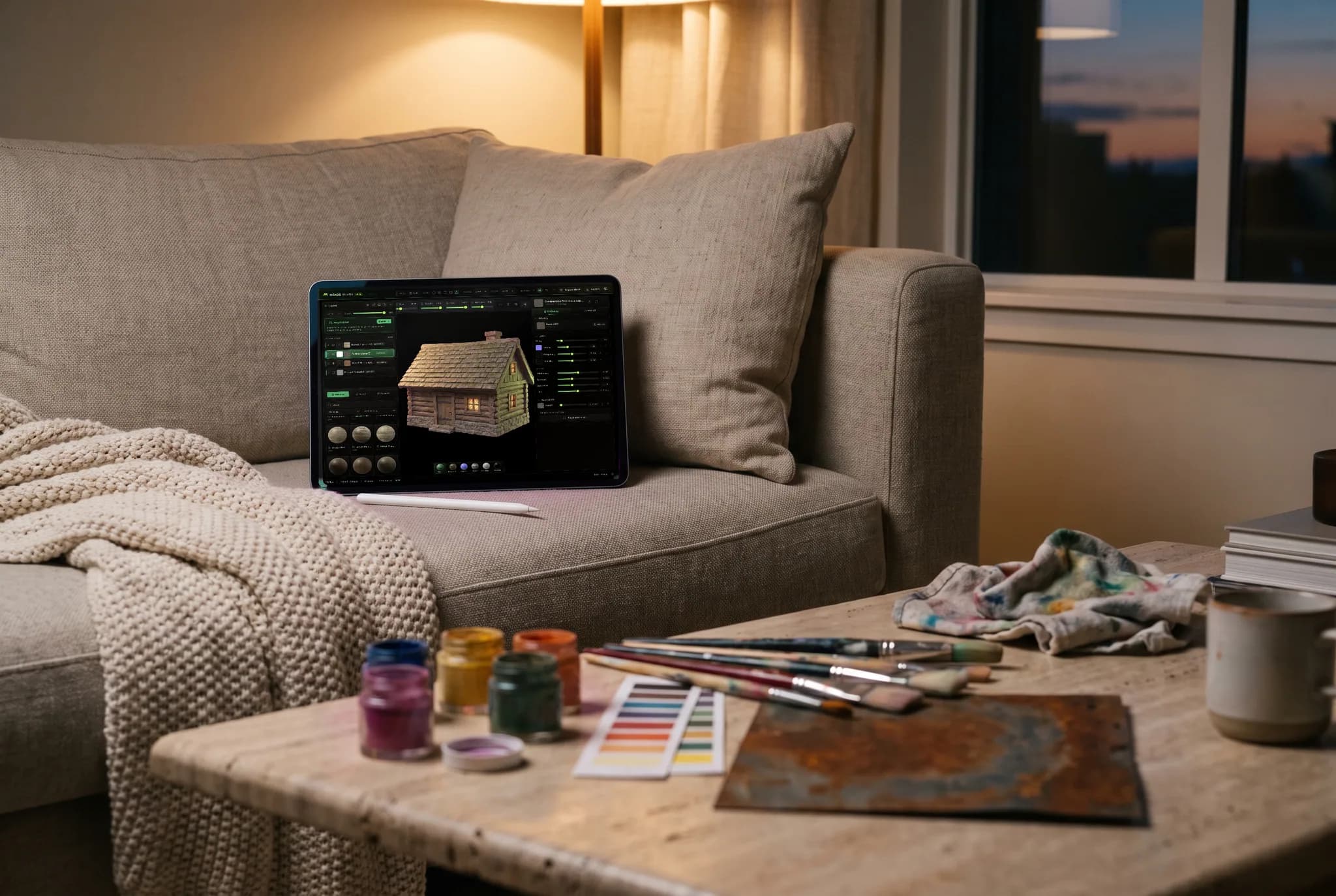
“A low table with four tapered legs, and a bowl on it” comes back as objects in your outliner that you can select, move and edit — not as instructions for you to follow or a mesh you have to import.
Claude queries what is in the document, what is selected and what the viewport currently looks like before it acts — so “frame the hero object from a low angle” resolves against your actual scene rather than a guess.
Materials and node graphs, point, spot, area and IES lights, cameras, physics, cloners and particles, rigging with mocap retargeting, a real timeline, and a path-traced still or turntable at the end.
Claude Pro, Max, Team or Enterprise, the Desktop app on those plans, or Claude Code. The conversation stays in your client and the document stays in your browser; Mixos never asks for a key and never meters the chat.
Why Mixos
The useful version of this is not “generate me a finished scene”. It is the blocking and the fiddly parts — laying out a room, arraying a hundred instances along a curve, building a three-point rig and warming the key, retiming an animation, turning a reference photo into a set. You describe the change, it happens in your tab, and you carry on working directly if it is faster to drag something than to say it.
That works because Claude is handed the app's real command layer rather than a scripting sandbox: the same operations the menus and keyboard shortcuts run, with the same validation. It reads before it acts — the scene contents, the current selection, a viewport capture — and reports what actually happened afterwards, so when Studio clamps a value or refuses an operation, that is what comes back rather than a claim of success.
It is also reversible in the ordinary way. Everything Claude does lands on the same undo stack as your own edits, so a wrong turn is one keystroke back. Anything that deletes or overwrites stops in the tab and names the object before it runs, and asking Claude to generate with AI is a separate permission because that is the only part that spends credits.
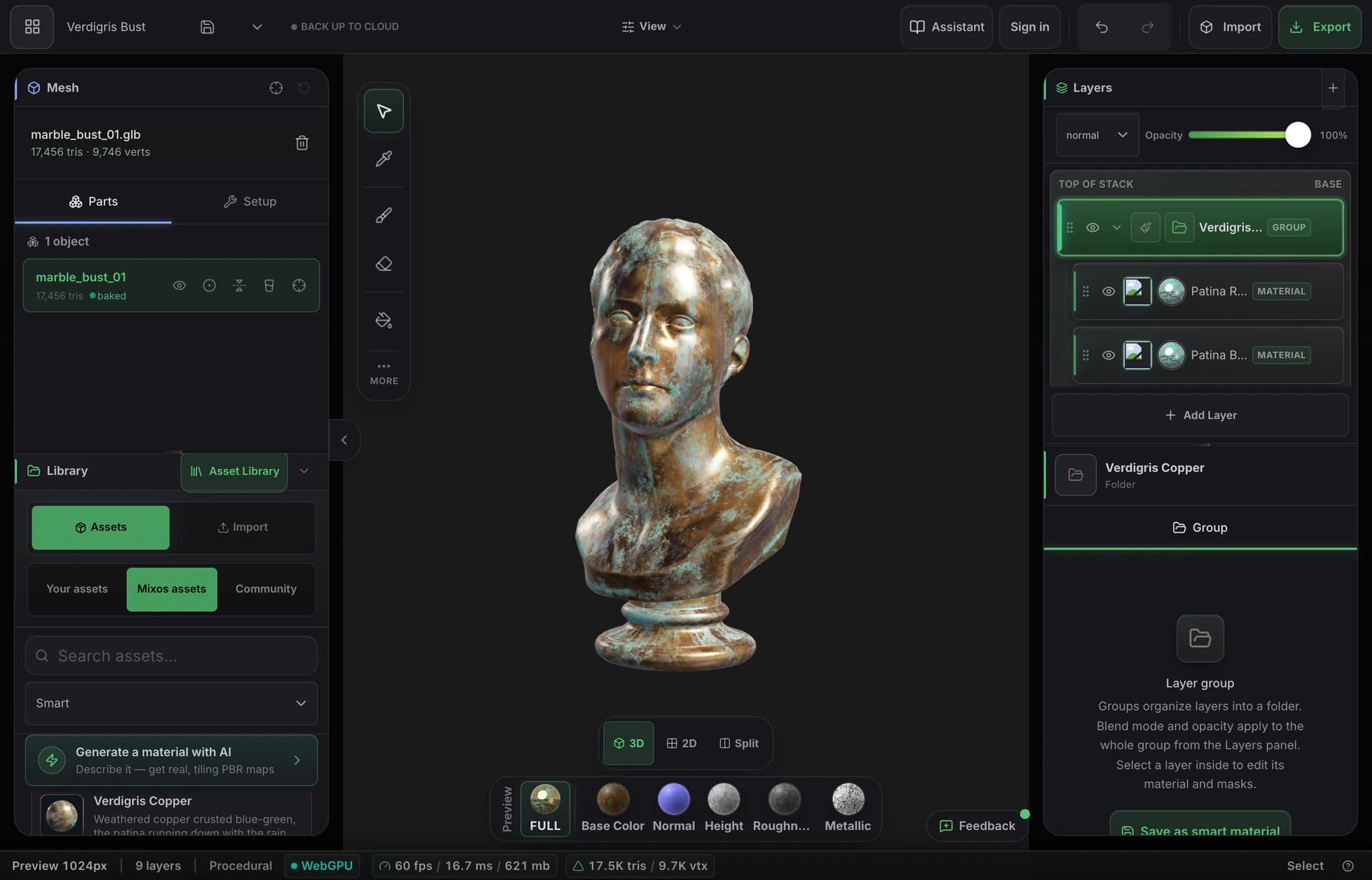
Every plan that offers custom connectors: Free (one connector), Pro, Max, Ultra, Team and Enterprise on claude.ai and Claude Desktop, plus Claude Code. On Team and Enterprise an owner adds it to the organization first. The model runs on your subscription, so mixos never asks for an API key.
One URL in Customize → Connectors, or one command in Claude Code, then approve it once and press Connect in a Mixos tab. The full walkthrough with the exact steps for each client is on the Claude connector page.
It can query the scene contents, the current selection and a viewport capture, because acting sensibly requires knowing what is there. It gets that when it asks, in a tab you connected — not a standing feed of your screen.
All three. The connector reaches Studio, Mold and Paint, and it is handed the tools of whichever app the connected tab is running — so connect Mold and it gets brushes and remeshing rather than the scene graph.
Yes, as a custom connector, and both at once. They are separate grants with separate permissions driving the same connected tab, and revoking one leaves the other working.
The connector is not tied to a model, so use whichever your plan offers in Claude's model menu: Claude Fable 5.1, Opus 5.5, Sonnet 5.5 or Haiku 5.5. The commands it can run are the same on all of them.
Read next
Vertices, edges and faces — the box-modelling fundamentals.
Which of the two approaches fits the thing you're making.
Which format keeps materials and which throws them away.
Why the same texture reads bigger on one model than another.
Keep exploring
