Six brushes carry you for months
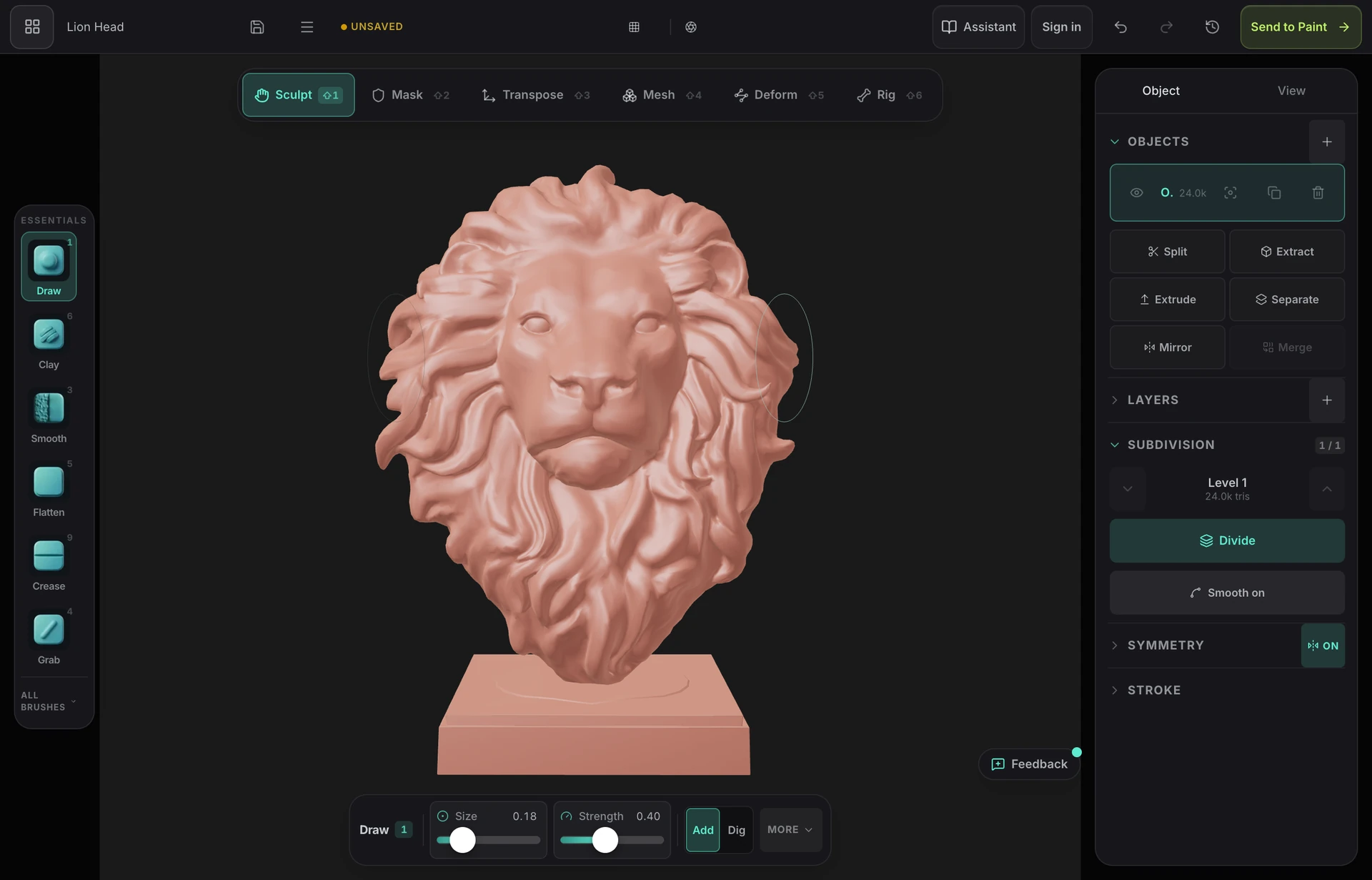
Clay to build, smooth to relax, grab to move mass, dam to cut a line, pinch to sharpen it, flatten to set a plane. The brushes are named and behave the way they do in ZBrush and Blender, so what you learn transfers.
Sculpting for beginners
The hardest part of learning to sculpt is usually not sculpting. It is the license page, the multi-gigabyte download, the graphics driver and the interface with four hundred buttons. Mold removes all four: open a tab, pick up a sphere, and make your first bad sculpt in the next ten minutes — which is exactly the right first goal.
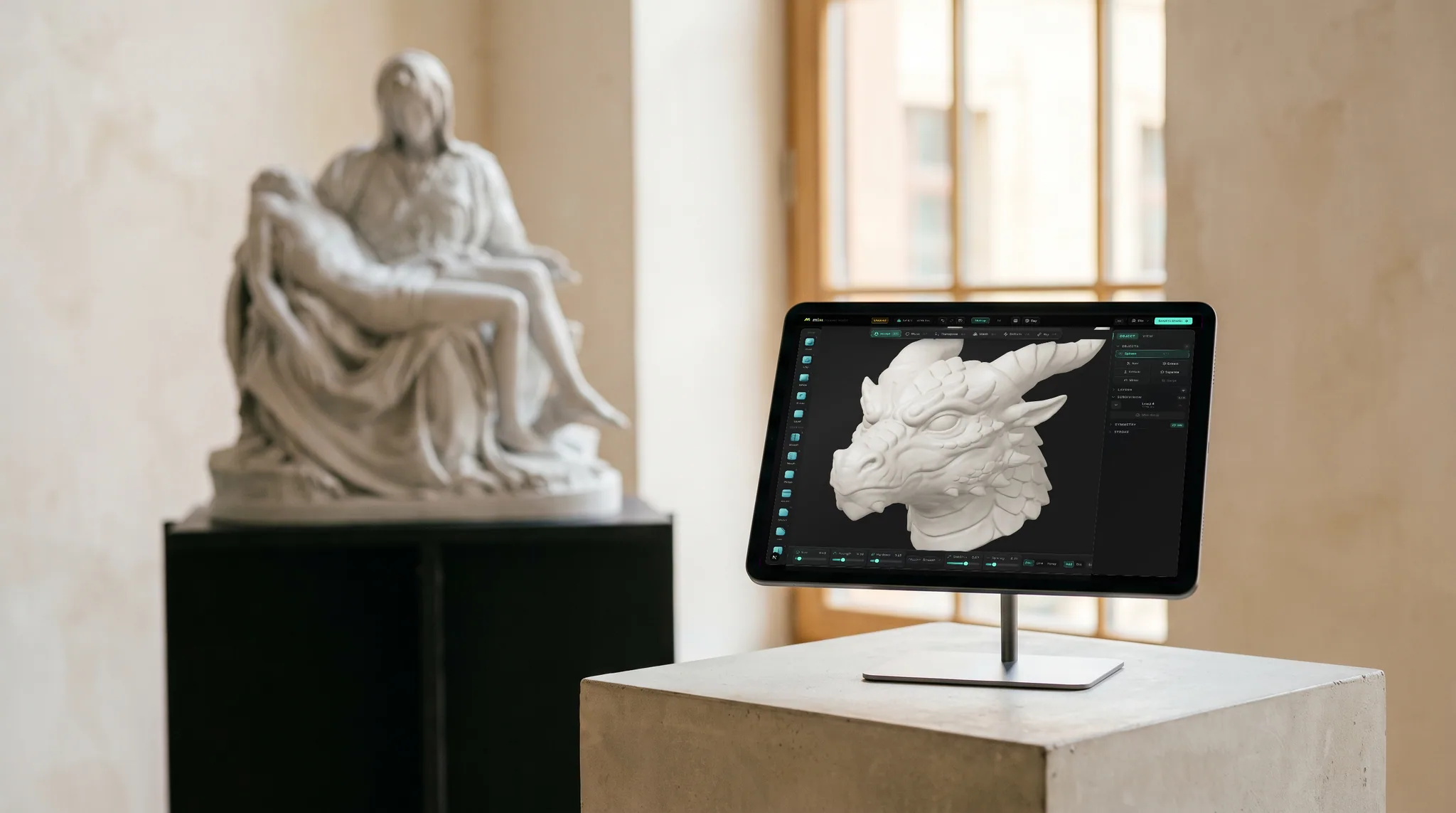
Clay to build, smooth to relax, grab to move mass, dam to cut a line, pinch to sharpen it, flatten to set a plane. The brushes are named and behave the way they do in ZBrush and Blender, so what you learn transfers.
Mirror every stroke across an axis so both sides of a face match, step back through history freely, and paint your way back to a stored state with the morph brush when an experiment goes wrong.
No install to go wrong, no license to expire, no project files to lose track of on disk. Sculpts save to your account, so the worst outcome of a bad session is closing the tab.
A written sculpting manual that starts at what digital sculpting is and works through your first sculpt, the brushes, subdivision, sculpting a head and preparing a model to print — readable in order or by section.
Why Mixos
Week one you will make blobs. That is the correct output for week one — everyone's first sculpts are blobs, including the people whose work you are trying to imitate. Aim for a volume of attempts rather than quality in any single one, and re-sculpt the same subject three times rather than laboring over it once. Sculpting improvement is mostly perceptual, and perception improves through repetition rather than through care.
The one rule worth internalizing immediately is order of operations: big shapes, then medium shapes, then small shapes, and never move to the next size until the current one reads correctly. Almost every failed beginner sculpt is detail added over a silhouette that was never right, which is doubly painful because fixing the silhouette then destroys the detail. Resist subdividing early for the same reason — more triangles never rescue a wrong shape, they just make it expensive to change.
Study fewer tools and more form. It is genuinely tempting to work through every brush in the catalog, and it is the most common way to lose a month. Clay, smooth, grab, dam, pinch and flatten will produce a complete sculpt; add the rest as you meet the problems they solve. Then sculpt simple observed objects — an egg, an apple, a pebble — which sound trivial and are not, because they teach you to judge silhouette with nothing to hide behind.
When you get to characters, do parts before wholes: a nose, an ear, an eye and its socket, a hand. And sculpt a skull before you attempt a face. It is the step people skip and the one that pays most, because a face is a soft surface draped over hard landmarks — brow ridge, cheekbone, jaw, temple — and once you know what is underneath, every head sculpt you make afterwards improves. Give it about three months of short regular sessions; thirty minutes daily beats a five-hour Saturday.
Less than most people expect. Sculpting borrows an intuition you already have from working clay, so beginners usually make recognizable shapes within an hour — unlike polygon modeling, where the first hour goes on learning what an edge loop is. What is genuinely hard is seeing accurately, which takes the same practice drawing does. Expect roughly three months of short regular sessions to get comfortable.
The one you can actually get running. Mold needs no install, license or driver, and its brush set is deliberately conventional so the habits transfer to ZBrush or Blender later. Blender is free and far more capable but is a much larger program to learn for sculpting alone. Nomad Sculpt is a good tablet starting point. ZBrush is the professional standard and the wrong place to begin.
No, though the underlying skill overlaps — both are mostly about seeing accurately rather than about hand control, and progress in one tends to show up in the other. You do not need any drawing ability to start, and sculpting is arguably more forgiving because you can rotate the form and check it from angles a drawing never offers.
A rough humanoid within a few weeks; something you would show people, a few months. The reliable accelerator is studying anatomy in parts — nose, ear, eye, hand, then a skull — rather than repeatedly attempting whole heads and being vaguely dissatisfied with each one.
Yes. Sculpting in Mold is free on any account — every brush, all subdivision levels, dynamic topology, remeshing, masking and symmetry, with no time limit and no watermark. Exporting the finished mesh is the paid step, so the entire learning phase costs nothing.
Keep exploring
3D sculpting software
Sculpting for 3D printing
Sculpting on iPad
ZBrush alternative
Sculpting on Windows
