No installer, no admin password
Nothing to download, nothing to elevate, nothing left behind on the machine. That is the difference between sculpting today and filing a ticket with IT — which is the actual blocker on a work, library or school PC.
Sculpting on Windows
Windows can run every sculpting package there is — which is exactly why the search usually ends in a multi-gigabyte installer, an admin password you may not have, and a GPU requirement you find out about afterwards. Mold runs in the browser that is already on the machine: open a tab in Chrome or Edge and sculpt.
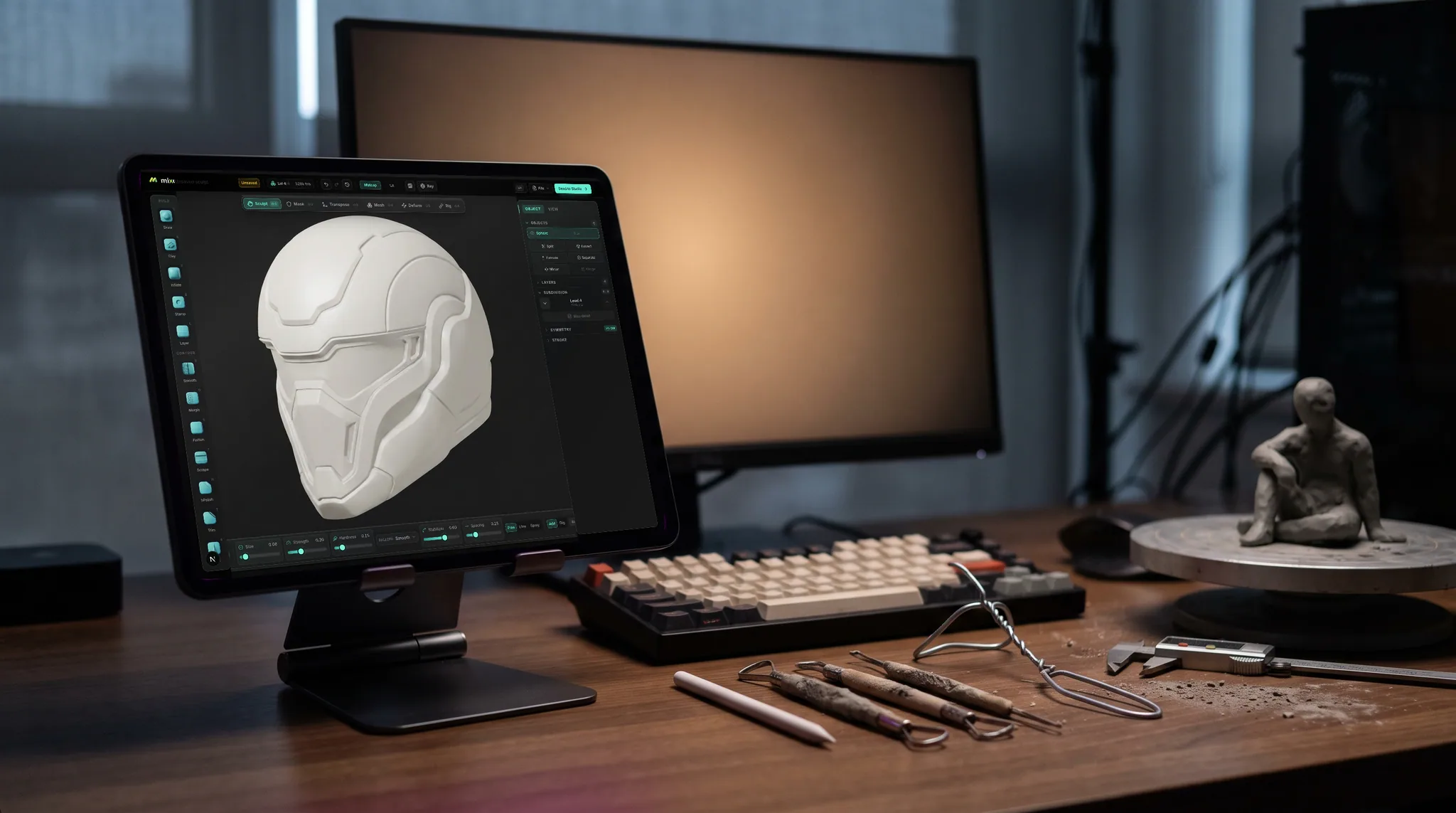
Nothing to download, nothing to elevate, nothing left behind on the machine. That is the difference between sculpting today and filing a ticket with IT — which is the actual blocker on a work, library or school PC.
Pressure brushes with falloff and symmetry, multiresolution subdivision, dynamic topology, voxel and quad remeshing, masking, booleans, trim and transpose — the same engine on every platform, with no feature held back for the paid tier.
WebGPU talks to your graphics hardware directly, integrated or discrete. There is no CUDA requirement and no minimum VRAM listed on a box — and the page tells you up front if your browser can't provide it, rather than failing halfway through a stroke.
One click unwraps the sculpt and opens it in a layered PBR painter in the same browser. Export FBX, OBJ or glTF for Blender, Unreal or Unity, or STL for a slicer.
Why Mixos
It is rarely the hardware. A mid-range Windows laptop from the last five years has more than enough GPU for blocking out form and taking a sculpt to a few hundred thousand triangles. What stops people is everything wrapped around the software: a download measured in gigabytes, an installer that wants administrator rights, a license server, an account, a version that turns out not to support the graphics card in this particular machine.
Each of those is small. Together they are the reason a lot of people who wanted to try sculpting never made a first stroke. A browser tool removes the whole category — there is no install step to fail, so there is no step at which someone gives up. On a managed PC, where you may genuinely not be able to install anything, it is the difference between possible and not.
The trade is honest and worth stating: a browser tab will not replace a desktop package at the extreme end. If your work involves tens of millions of triangles, hour-long simulation bakes or a pipeline of proprietary plugins, install the desktop tool — that is what it is for. Mold is built for the enormous middle of the range, where you want to block out a shape, push it to a level of detail you can actually print or texture, and get on with it.
Windows is also where most of the peripheral hardware lives, and pen input works the way you would expect: a Wacom, an XP-Pen or a Surface Pen reports real pressure to the brush, so stroke depth follows how hard you press rather than snapping to a fixed strength. Everything saves to your account instead of to the machine, which means the sculpt you started on the desktop opens on the laptop.
Several, and they split into two kinds. Desktop packages like Blender are free but need a download, an install and a machine you are allowed to install on. Browser tools like Mold need neither — open a tab in Chrome or Edge and start. Sculpting in Mold is free with no time limit and no watermark; downloading the finished mesh is the paid step.
No to both. Mold is a web application, so there is no installer to run and nothing that needs elevating. That is the point of it on a work, school or library PC, where an installer is often simply not an option.
Chrome, Edge and Firefox, and any recent Chromium browser such as Brave. The requirement is WebGPU rather than a specific brand. If your browser is too old to provide it, the page says so on arrival instead of letting you start and then failing.
Usually, yes. Blocking out form, mid-level detail, remeshing and export are comfortable on integrated graphics. Integrated chips set a practical ceiling on how far you can subdivide before strokes start to feel heavy, so the highest detail passes want a discrete GPU.
Yes. Pen pressure from a Wacom, XP-Pen, Huion or Surface Pen drives brush depth directly, and tilt is supported where the tablet reports it. No driver beyond the one the tablet already needs for Windows.
Yes. Export FBX, OBJ or glTF and open it anywhere. If it is bound for a 3D printer instead, remesh it watertight and export STL. Sculpting is free; exporting the mesh is part of a paid plan.
Keep exploring
3D sculpting software
Sculpting on Mac
ZBrush alternative
Sculpting for beginners

No installer, no admin password, no license server. Pick up a sphere and start sculpting.