Mix materials into a seamless surface.
Blend is the streamlined version of the Mixos studio — its material-mixing core, on its own. Stack PBR materials on a plane or sphere, interlock them by height, mask the blend procedurally, and tune every channel. No mesh, no UVs, no setup.
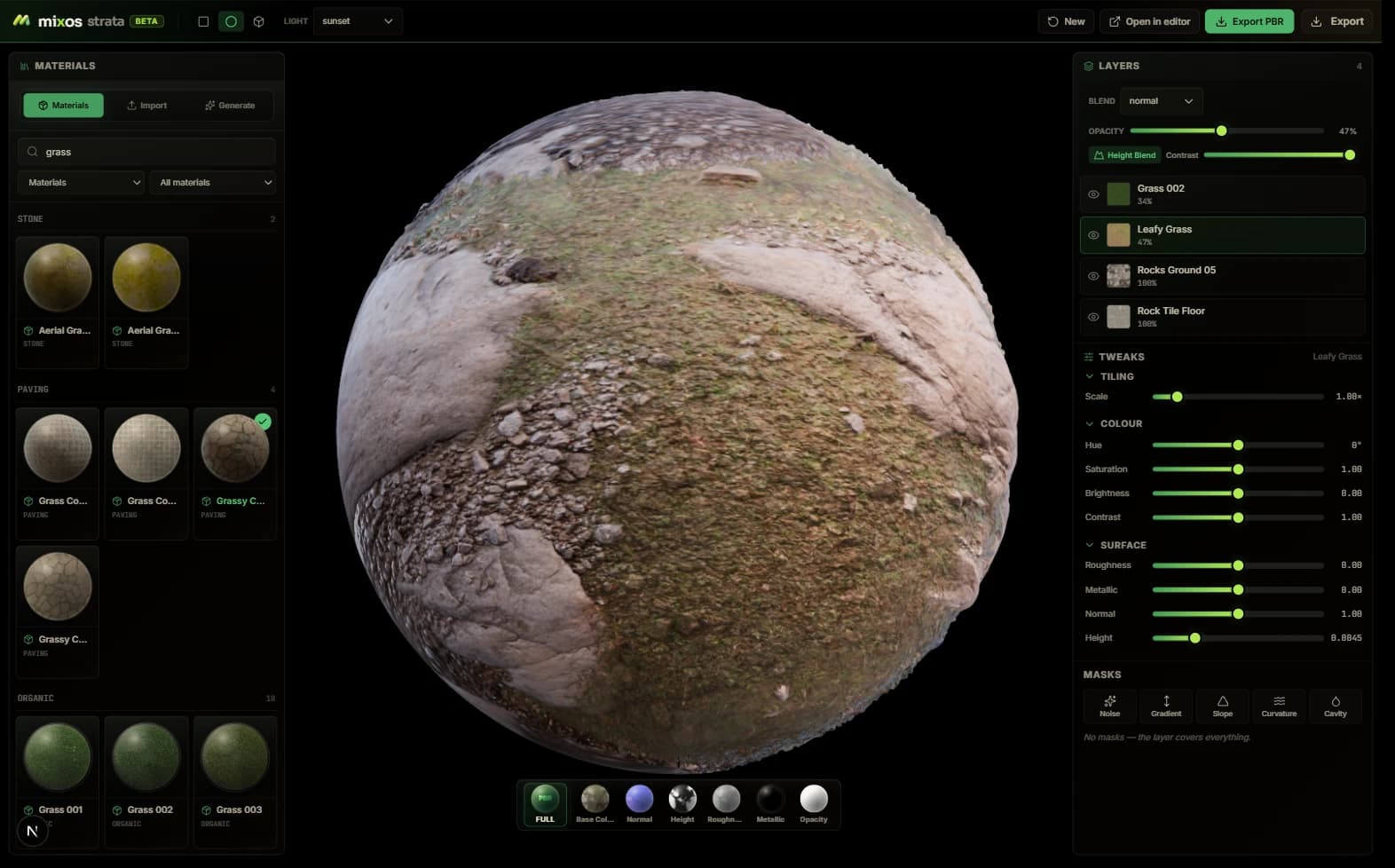
Stack, mask and tune materials in one editable workspace.
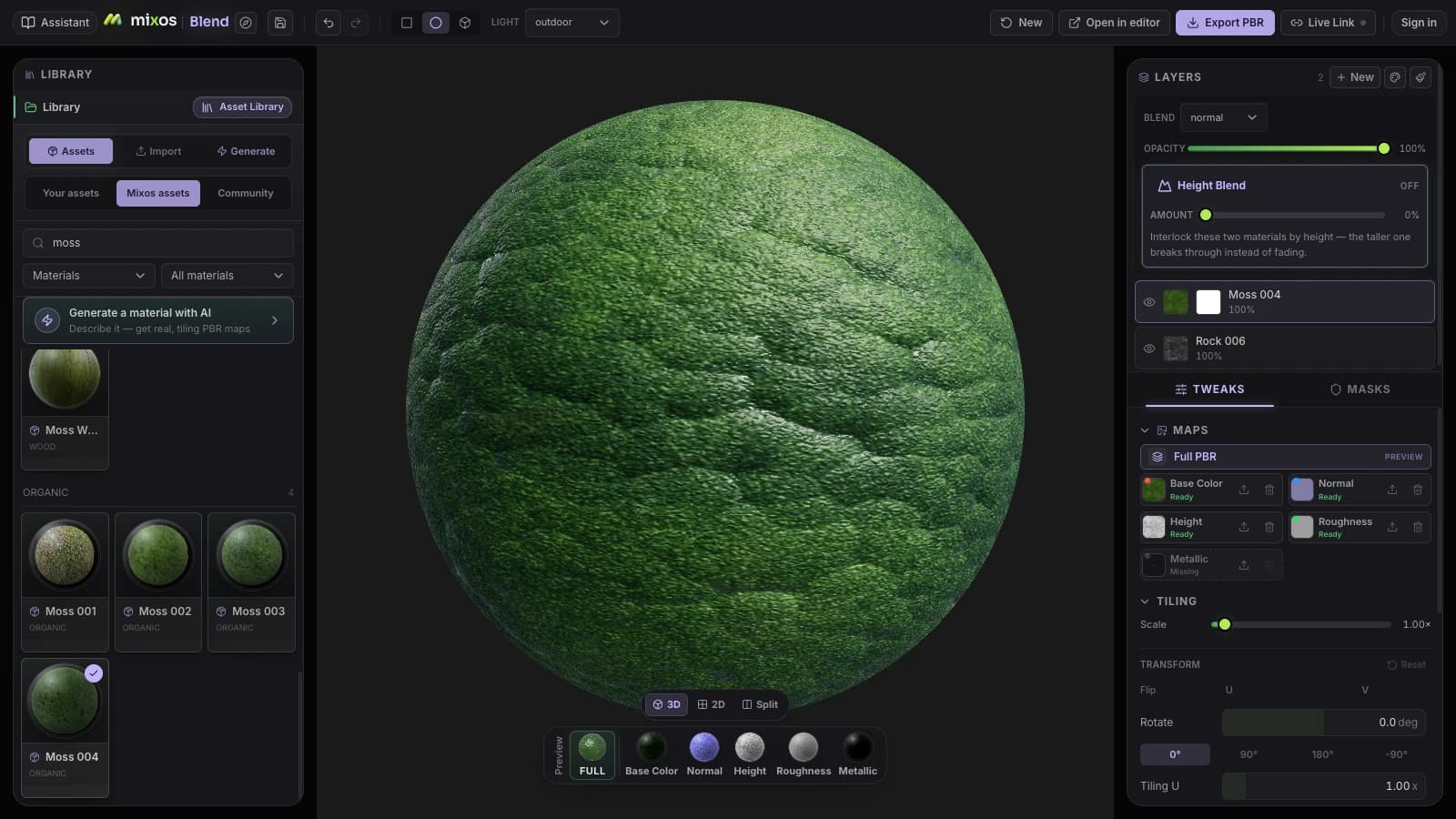
Everything you need to blend a surface
A focused toolset for one job: turning a stack of materials into one seamless, tileable result — fast.
Stack & height-blend
Pile PBR materials into a layer stack and let height blending interlock them — rock pushes through grass, grout sinks below tile — instead of hand-painting every seam.
Procedural masks
Break up any blend with noise, gradient, slope, curvature and cavity masks. Drive wear into the cracks and edges procedurally, then nudge it by hand.
2,600+ materials
Start from a library of 2,600+ smart materials and CC0 textures. Drop one in as a base and mix from there, or bring your own — a single map set, a material folder, or a whole library imported in one go.
Per-channel control
Tune base color, roughness, metallic, normal and height independently on every layer. What you see lit in the WebGPU viewport is what exports.
Plane or sphere, no setup
Author on a tiling plane or a sphere. No mesh to import, no UVs to unwrap, no project to configure — open a tab and start mixing.
Tileable PBR export
Export a seamless, tiling map set for any engine — or hand the whole stack to the full editor to paint it onto a real model.
The workflow
From blank plane to tileable set in four moves
Drop in a base
Pick a material from the library to fill the surface, or start from your own maps.
Stack & height-blend
Add layers on top and let them interlock by height for a natural, seam-free mix.
Mask & tune
Carve the blend with procedural masks and dial each channel until it reads right, lit.
Export the set
Render a tileable PBR map set, or open the stack in the full editor to paint a model.
Wherever you work
A material mixer in a browser tab
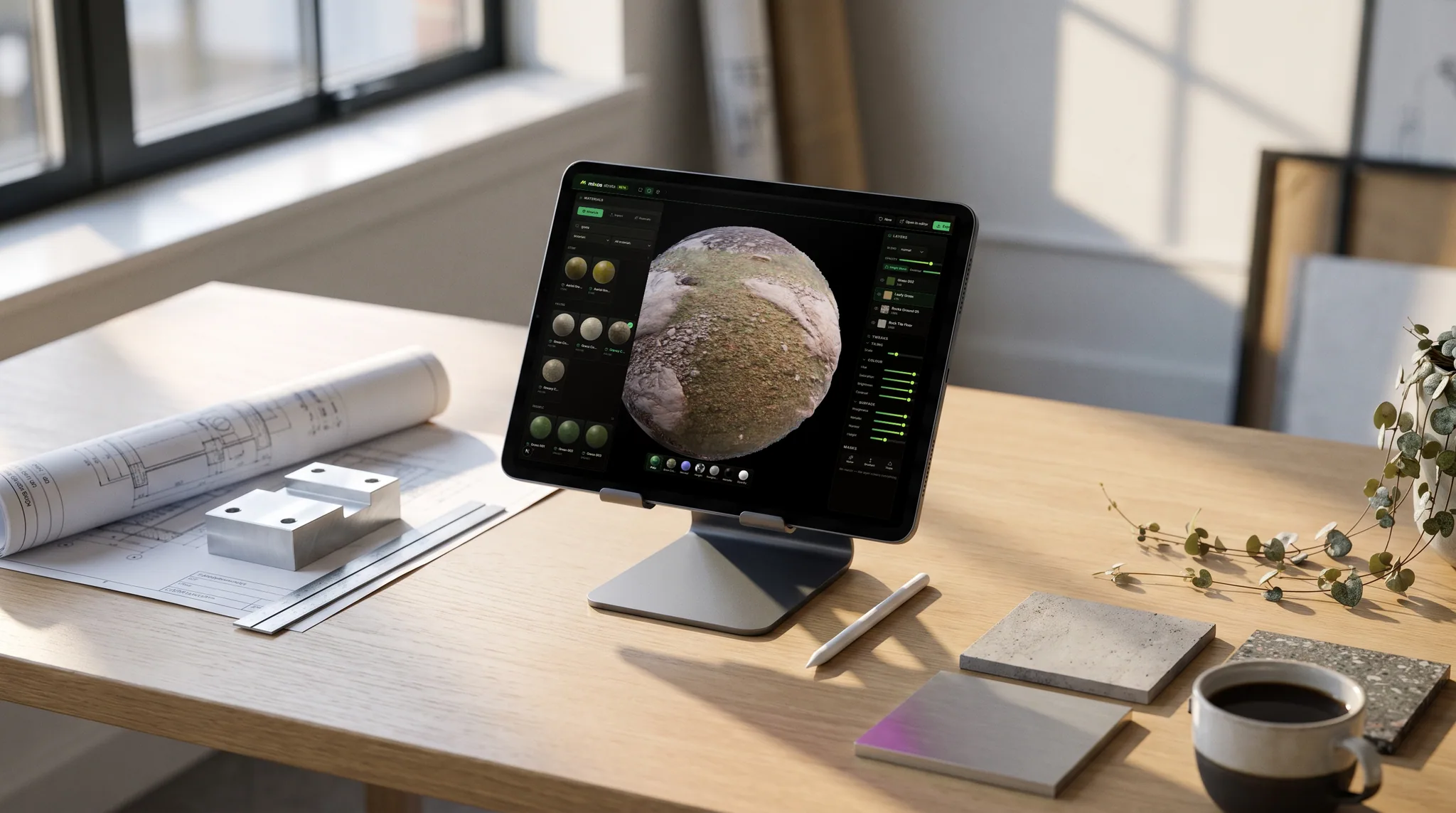
Blend runs on the GPU already in your machine. Stack materials, height-blend them and mask procedurally on a laptop, an iPad or a lab desktop — no install, no seat to move, and nothing to unwrap first.
- Runs in the browser on WebGPU
- No UVs and no mesh required — output is tileable
- Export the full PBR map set when the surface is right
A maintained alternative
The Quixel Mixer workflow, kept alive in the browser
Quixel Mixer made layer-based material mixing free and friendly — but with Quixel folded into Epic's Fab marketplace, Mixer itself has gone quiet. Blend covers the same core job: stack and mix PBR materials, mask them, and height-blend them into a tileable surface.
The difference is it runs entirely in your browser, is actively developed, and adds prompt-based AI generation Mixer never had. The honest caveat: Blend doesn't bundle the Megascans library — if that scan content is why you reach for Mixer, you'll still source it from Fab and bring the maps in.
- Runs in the browser — nothing to install or license
- Actively developed and updated
- 2,600+ smart materials + free CC0 textures built in
- Prompt-based AI material generation
- Free to author; one-click hand-off to the full editor
The whole pipeline
The rest of the suite works on the same model.
Blend authors the surface; the rest of the suite puts it on something. One click hands the finished stack to Paint as editable layers, on a real model, out of the same library.
Studio
Scene assembly, modeling & animationAssemble a shot: a real scene graph with parenting and transforms, polygon modeling on a half-edge core, and keyframe animation on a timeline — with an assistant that can drive all of it.
Paint
3D texture paintingImport a mesh and paint, layer, and mask production PBR materials right on it — then export clean map sets for any engine.
Auto
AI auto-textureDescribe a look in one prompt and Auto textures your whole model — editable PBR maps and a textured GLB, projected onto the real geometry.
Mold
3D sculptingSculpt organic form directly on the GPU — subdivide, push, pull, and smooth clay with pressure brushes, then hand the mesh to Paint to texture.
Logo
AI 3D logo designTurn a flat mark — yours or one described to an AI — into a stack of real extruded 3D layers, then give it metal, glass or neon, light it, and render a still or a turntable.
Any device
Mix on the machine you already have.
Blend needs no mesh, no UVs and no scene — just a plane and a stack of materials — so it runs comfortably on the lightest hardware in the suite. Your mixes live in your Mixos library, so a surface started on a tablet opens at a desk.
Mac, Windows, Linux
Chrome, Edge, Firefox or Brave, plus Safari 26+. Nothing to install, and no license server to check in with.
iPad
A touch layout with the stack as a slide-up sheet — drag a material in, blend it with a finger. Inside the free Mixos app, or in Safari.
Android
Phones and tablets on a current Chrome. The same mixer, no separate build to sideload.
Chromebook
Blend asks the least of the machine of any app in the suite — there is no mesh to hold in memory, only the plane and the stack.
On iPhone and iPad, there’s an app now.
Blend ships inside the free Mixos app, with a touch and Apple Pencil layout — and the browser still needs nothing installed. iOS 26 or later.
Common questions
What is Blend?
Blend is the streamlined version of the Mixos studio — the full editor's material-mixing core, with everything mesh-specific stripped away. You stack ready-made PBR materials on a plane or sphere, blend them by height, mask the blend procedurally, tune every channel, and export a tileable map set — all in your browser, with no mesh, UVs, or setup.
What is height blending?
Height blending is a way of mixing two materials using their height (displacement) maps instead of a flat opacity fade: wherever the top layer's surface is physically higher it shows through, and wherever it's lower the layer beneath pokes out. That's why rock breaks through grass along its ridges and grout sits down in the gaps between tiles. In Blend every layer has a height-blend control, so a natural, interlocking texture blend is the default rather than something you hand-paint.
Do I need a 3D model to use it?
No. Blend works on a tiling plane or sphere primitive, so there's nothing to import and no UVs to unwrap. It's built for authoring seamless surfaces rather than texturing a specific mesh — and when you do need that, one click opens the same material in the full Mixos editor.
Is Blend free?
Yes — mixing, masking, and previewing run at full quality for free. A paid plan ($8.99/mo Pro) is only needed to export at production resolution, use more AI credits, and keep a cloud project library.
What does it export?
A tileable PBR map set — base color, normal, roughness, metallic, and height — that imports cleanly into Blender, Unreal, Unity, Godot, Cinema 4D, and other engines.
How is Blend different from the full Mixos studio?
Same studio, streamlined. Blend is just the material-mixing surface — stack and blend materials into a seamless, tileable texture, no mesh required. The full studio adds everything specific to a model: painting directly on a 3D mesh, mesh-map baking, full-mesh Auto-Texture, and per-model export. They share the same document, so “Open in full editor” carries your stack over instantly.
Is Blend a Quixel Mixer alternative?
Yes. Blend covers the core Mixer workflow — layer, height-blend, and mask PBR materials into a tileable surface — but runs entirely in the browser and is actively developed. It doesn't bundle the Megascans library, so if that scan content is why you use Mixer you'd still source it from Fab.
Start mixing
Open a tab and blend your first seamless surface — free with an account, nothing to install.