The terrain comes with it
With no place in the scene yet, the import first builds the ground around the track, with a margin on every side, then drapes the route on it.
GPX to 3D map
Drop a .gpx from your watch or app into Studio and the landscape around it is built from real elevation data, the track laid on it as a coloured ribbon and each waypoint stood up as a named pin. Then fly a camera along the route and render it.
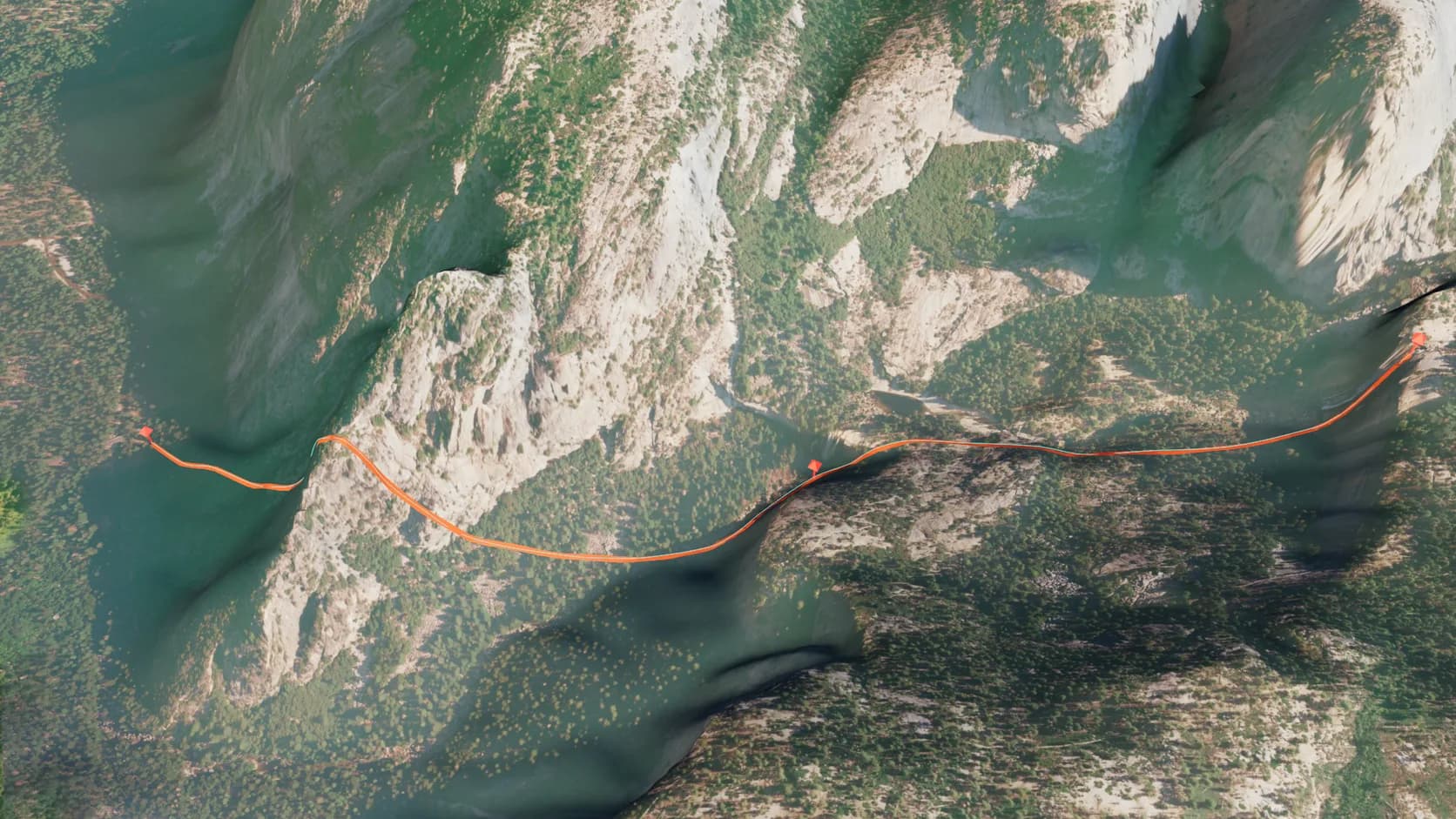
With no place in the scene yet, the import first builds the ground around the track, with a margin on every side, then drapes the route on it.
The ribbon is cut from the terrain's own triangles, so it follows every ridge and gully instead of cutting through them or hovering above.
Each waypoint in the file stands on the ground as a pin named after it, sized to the route so a short hike's markers stay small.
Every track also becomes a smooth curve just above the ribbon, ready for a camera to follow for a fly-over of the route.
Import a .gpx from a watch or an app and each track becomes a ribbon on the ground, its waypoints named pins, with a path a camera can fly. No terrain yet? The area around the track is imported first.
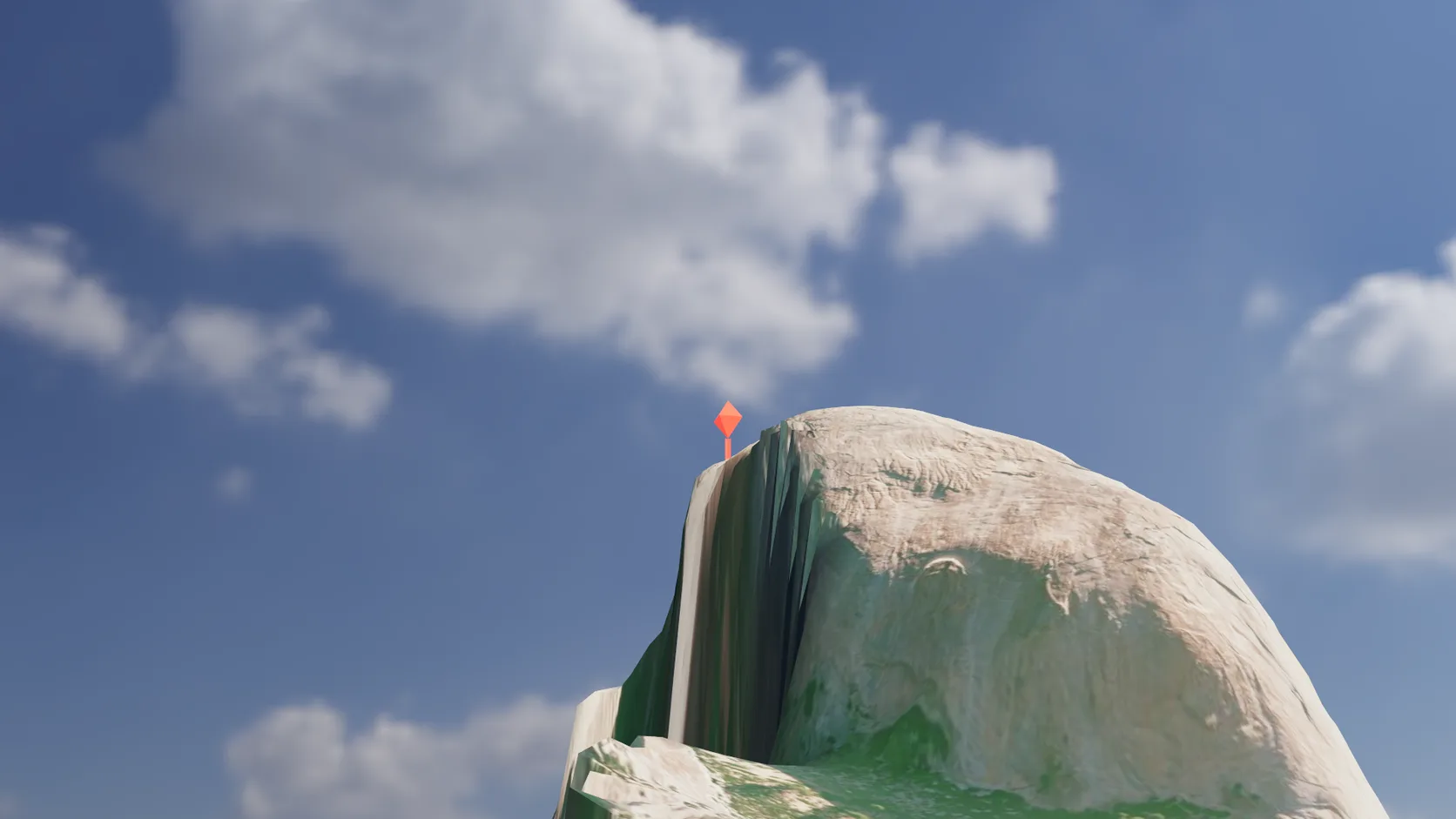
Name an address, a landmark or a latitude and longitude and a pin — or any object you pick — stands on the ground at that exact spot.
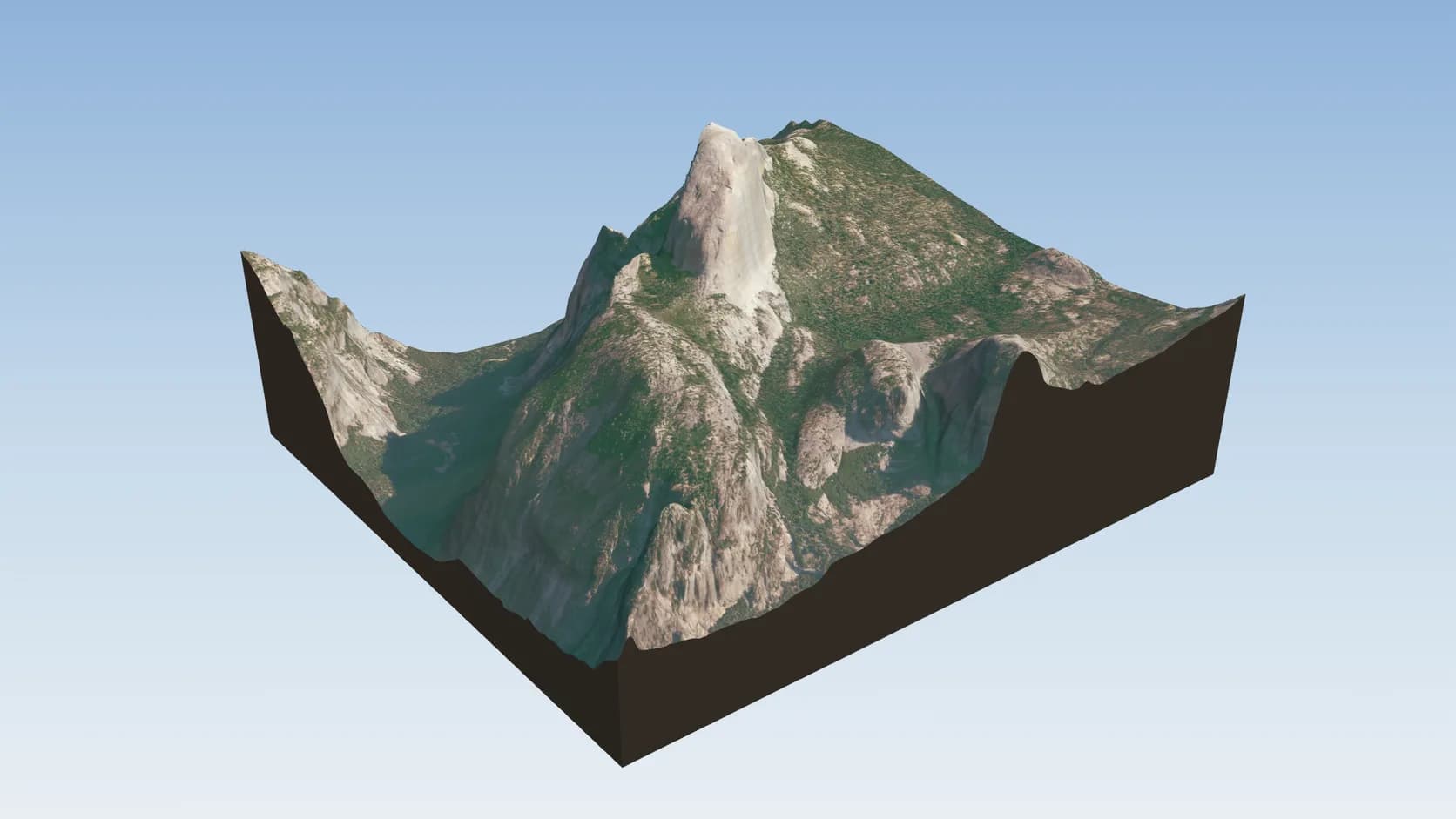
A landscape-sized import wears aerial photography in the US and open orthophotos or satellite imagery elsewhere, so the trail reads the way it looked.
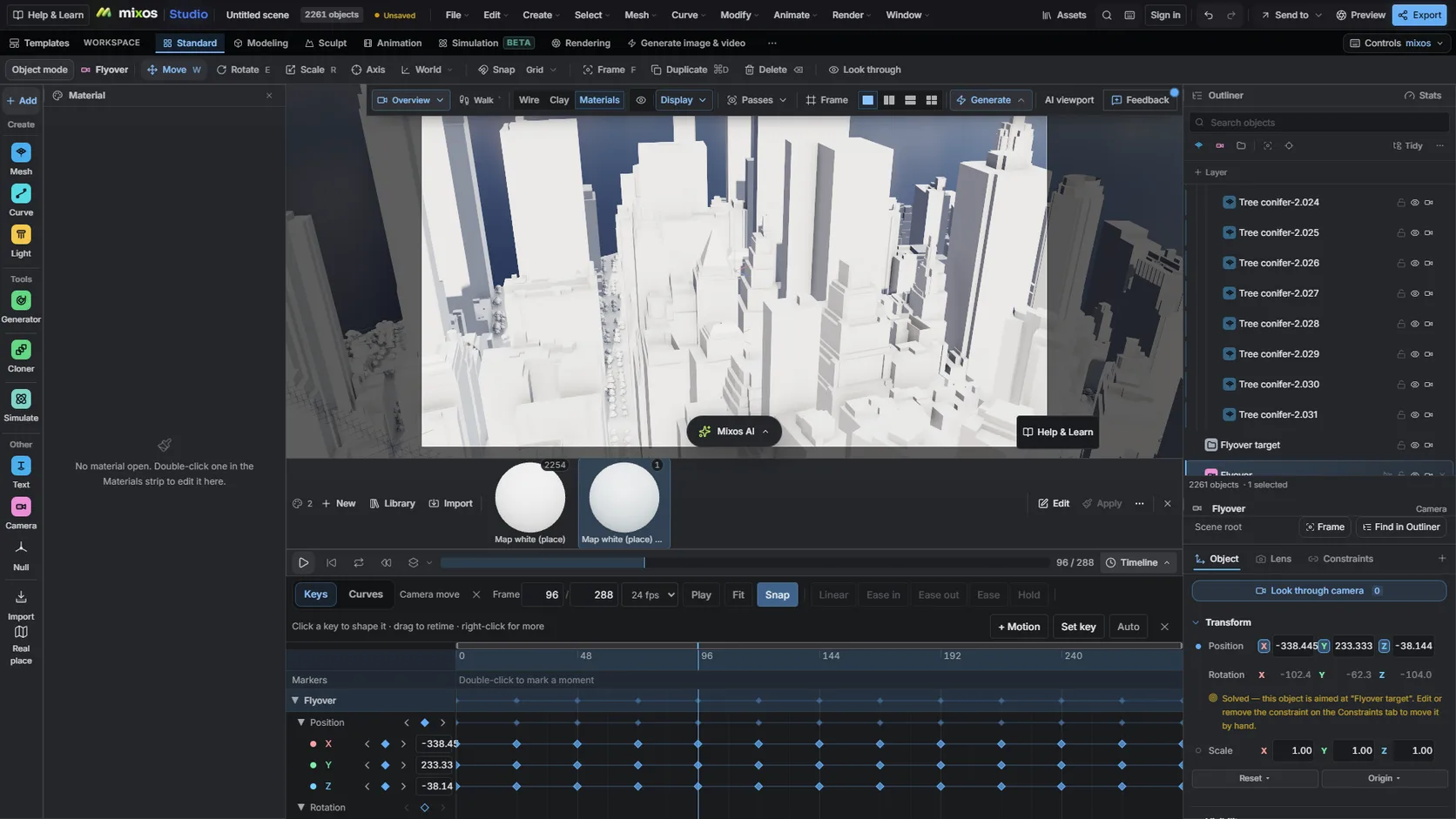
Each track comes with a path curve. Put a camera on it with Follow path, key it along the timeline and render.
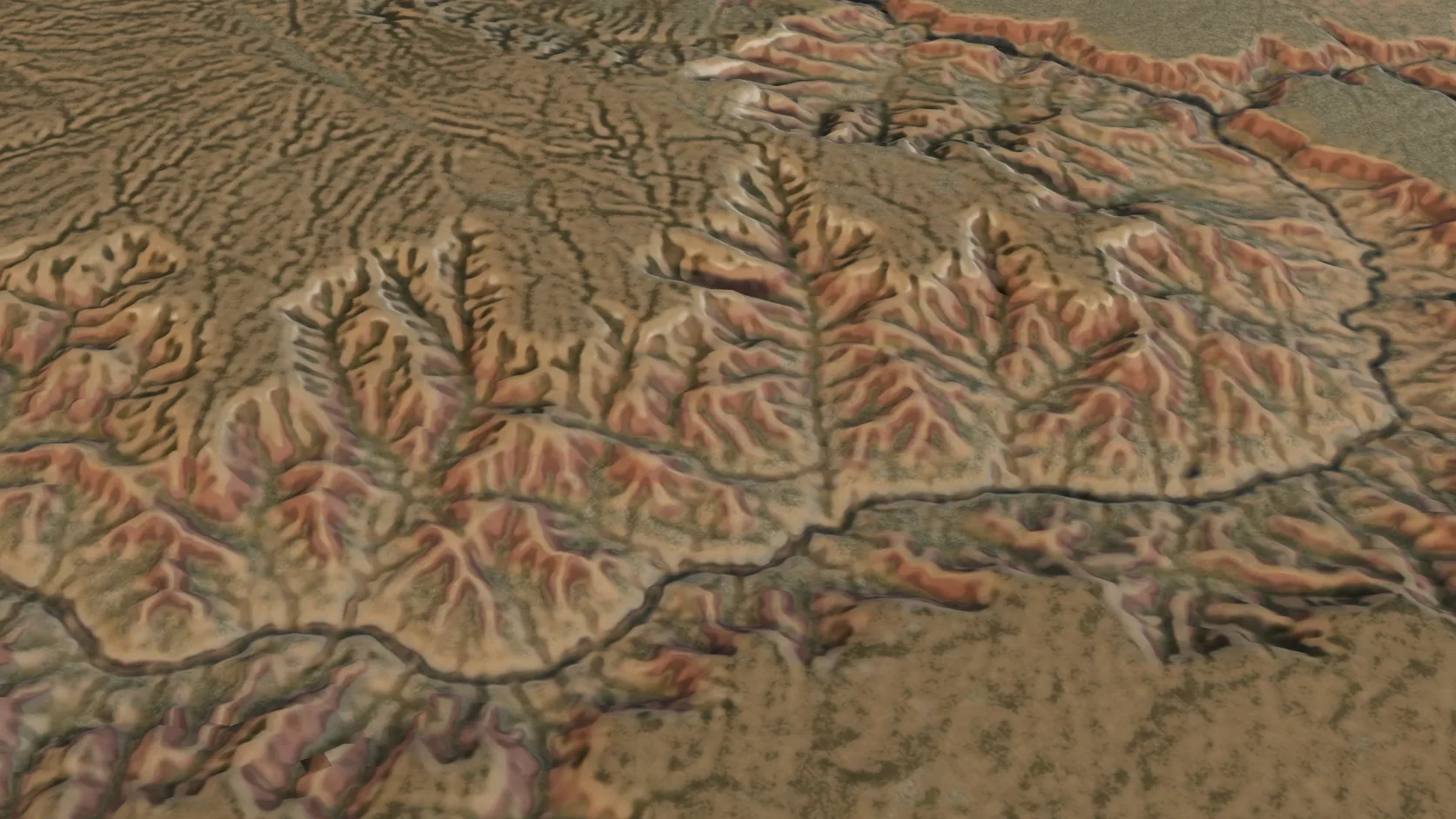
Terrain-only imports reach 100 km a side on a computer — a mountain range or a whole canyon system — with the grid coarsening to match.
Why Mixos
A GPX file is a list of coordinates. Every running, cycling and hiking app can export one, and most of them show it as a line on a flat map with an elevation graph underneath. That is useful for planning, but it hides what made the day memorable: the switchbacks, the exposed ridge, the valley you dropped into.
Studio puts the line back on the land. Import the .gpx — drag it into Studio or use File ▸ Import — and the area around the track is built from open elevation data, with a margin of about a third on each side so the route sits inside its landscape. Longer routes get a terrain-only import that wears aerial or satellite imagery; a route inside a 1 km town gets buildings, roads and water too. Each track or route in the file becomes a ribbon draped on the ground, and each waypoint a named pin.
If you already have a place in the scene, the track is draped on that instead. Several GPX files can share one landscape, and the ribbon is an ordinary object with its own material, so a second route in a different colour is one material change.
For a video, each track also gets a path curve. Give a camera a Follow path constraint on it, key the progress along the timeline and you have a fly-along of the route. Light it with the sun study for the date and hour of the outing, since the scene knows where on Earth it is.
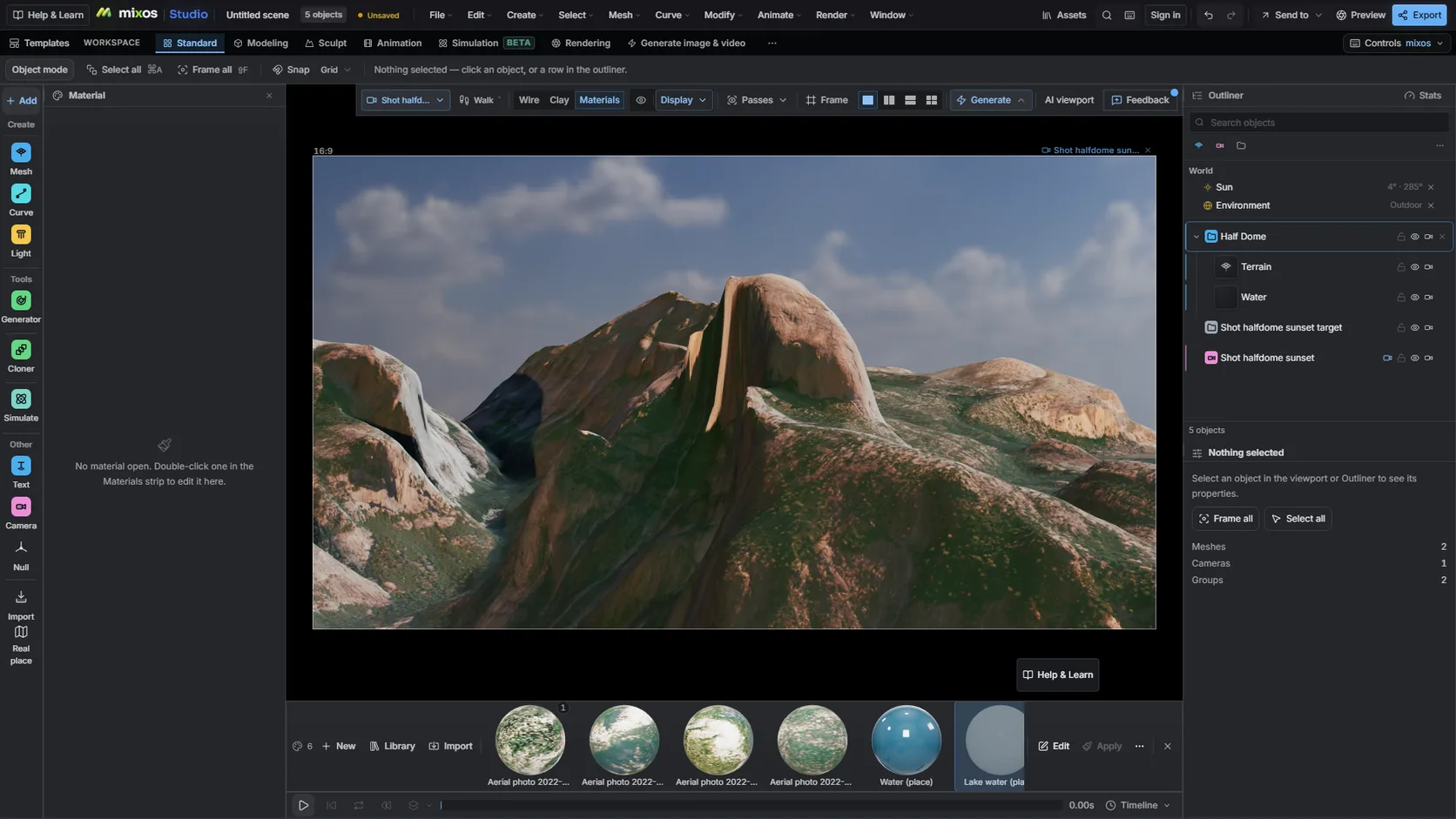
Download the activity or route as a .gpx from your watch's app, Strava, Komoot or any route planner.
Drag the file into Studio or choose File ▸ Import. The terrain around the track is built, then the ribbon and pins are draped on it.
Put a camera on the track's path curve, set the sun for the day you were there and render a still or an animation.
Import my GPX, make the ribbon bright orange, put a camera on the route for a 20-second fly-along and light it for 8 am in late July.
Open Studio and drag the .gpx in, or use File ▸ Import. If the scene has no real place yet, the terrain around the track is imported first; then each track becomes a ribbon on the ground and each waypoint a pin.
Any app that exports a standard .gpx file — Strava, Garmin Connect, Komoot and most route planners do. Tracks, routes and waypoints in one file are all read.
No. The ribbon is draped on the terrain built from open elevation data, so it always sits on the ground even when a watch's barometer drifted.
Yes. Each track gets a path curve; give a camera a Follow path constraint, key it along the timeline and render. Rendering previews is free; clean full-resolution video is on a paid plan.
You can print the terrain under it: Make printable turns the landscape into a watertight model for your slicer. The GPX ribbon itself is not part of the printed solid.
Terrain imports reach 100 km a side on a computer, 50 km on a tablet and 25 km on a phone. A long route is cropped to that around its middle, and the import says how many points fell outside.
Read next
Which format keeps materials and which throws them away.
Open the file in the browser — meshes, materials, triangle count.
Watertight remesh, thickened walls, and the checks that stop a bad print.
Key, retime and ease a move, step by step.
Keep exploring
3D terrain generator
3D relief map maker
Satellite imagery on terrain
3D map maker
3D printed topographic map