Mixos vs ArmorPaint
Mixos vs ArmorPaint, side by side.
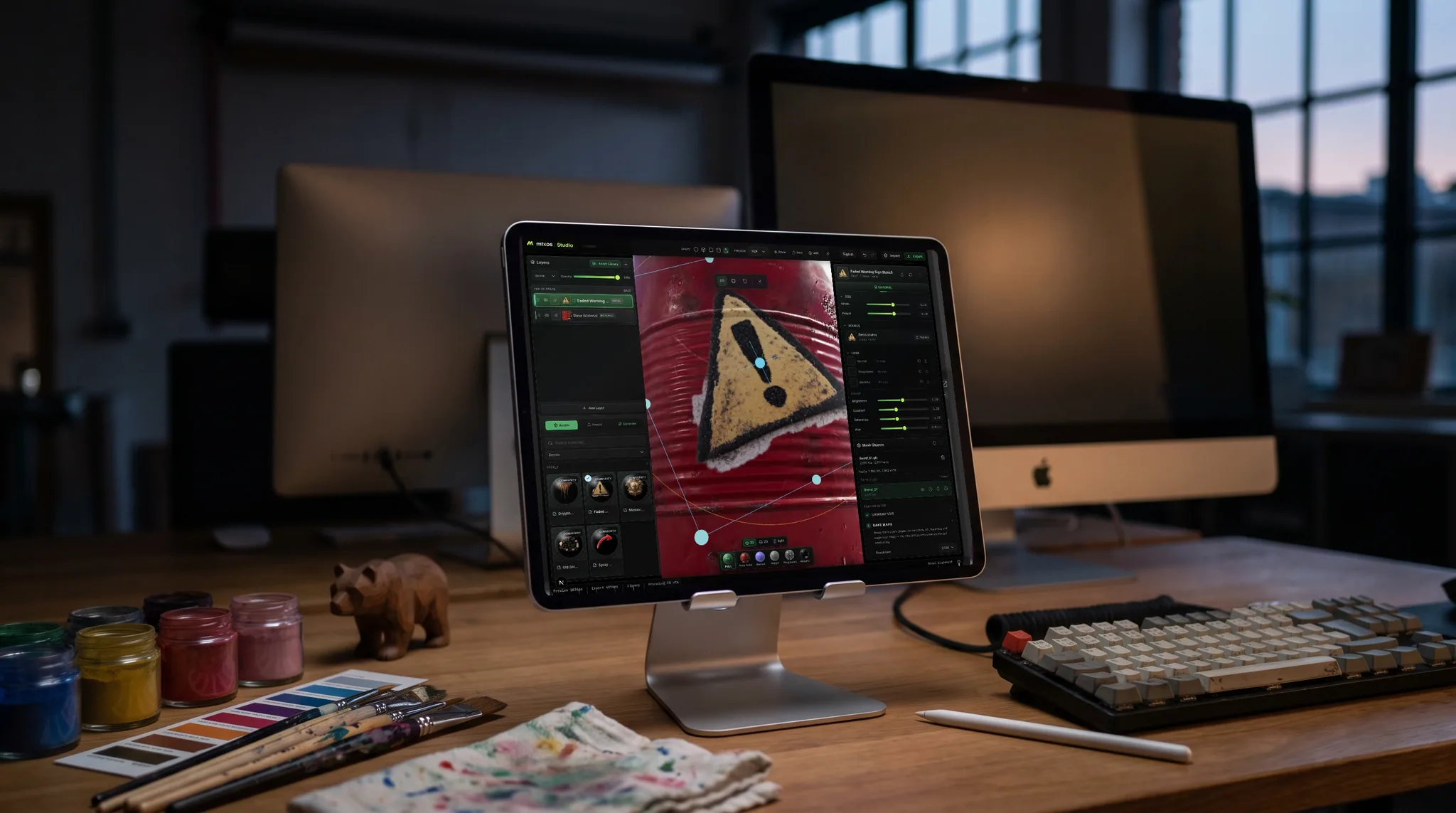
ArmorPaint and Mixos both do PBR texture painting outside the big subscription suites — but they make opposite trade-offs. ArmorPaint is open-source and offline; Mixos is browser-based, preset-rich, and AI-assisted with nothing to install. Here's the honest breakdown.
Feature by feature
Mixos vs ArmorPaint, line by line.
A lime check marks the tool with the edge on each row. Where it's a wash, neither gets one — including the rows ArmorPaint wins.
| Feature | Mixos | ArmorPaint |
|---|---|---|
| Runs in | Any browser — Mac, Windows, Linux, Chromebook, iPad | Desktop app (Windows, macOS, Linux) |
| Install & setup | None — open a URL | Download a build or compile from source |
| Licensing | Free to author; Pro from $8.99/mo | Open-source; small fee for precompiled builds |
| Open source | No — free to use, hosted | Yes — source on GitHub |
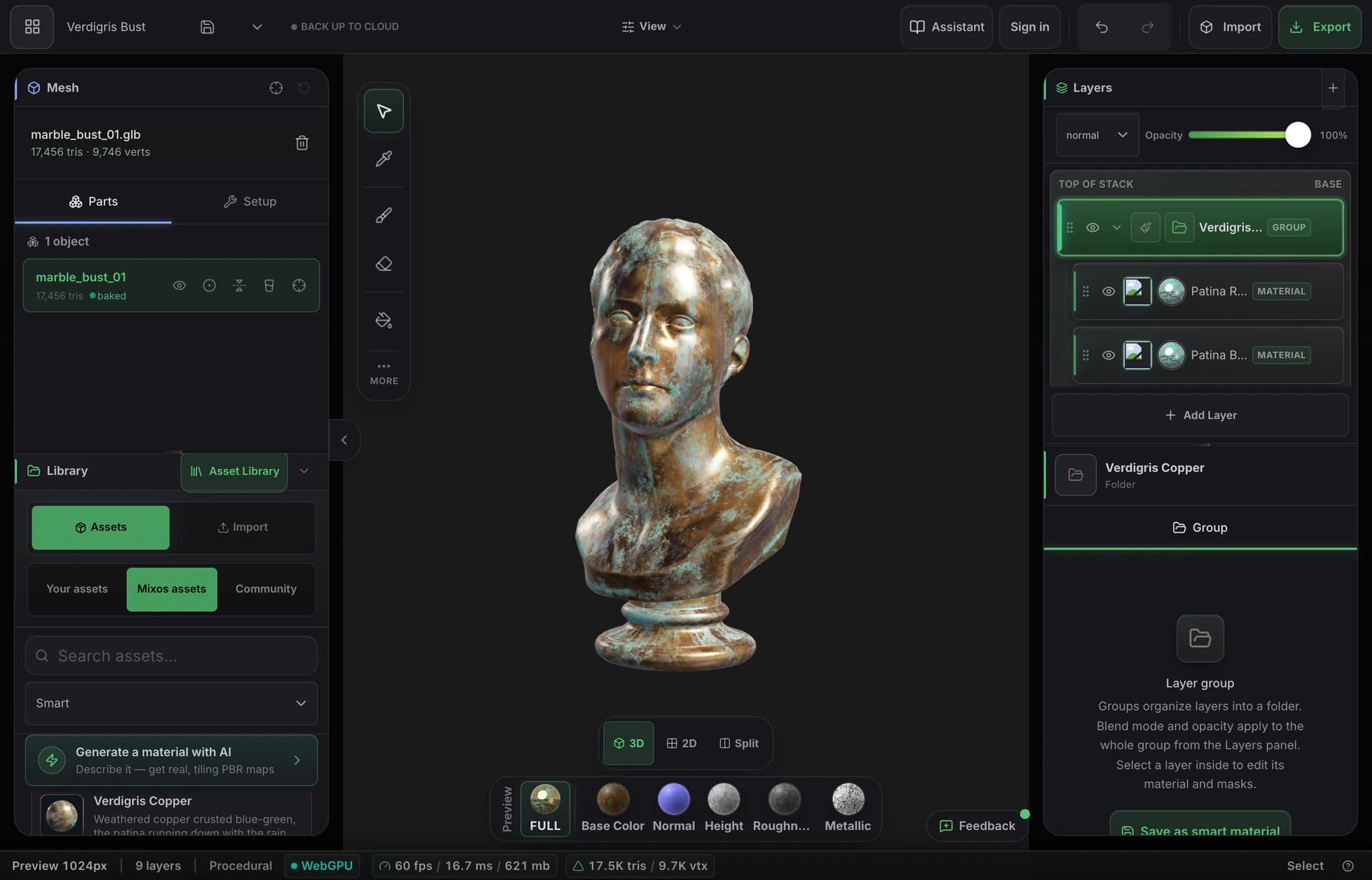
| Paint on the mesh (layers + masks) | Yes — real-time WebGPU viewport | Yes — GPU-accelerated |
| Smart material presets | 2,600+ built in, plus a node material graph | Node-based materials, smaller library |
| AI generation | Built in — materials, textures, masks, decals | None |
| Mesh map baking | Yes — AO, curvature, thickness, normal | Yes |
| Export PBR maps | Up to 4K map sets + .glb | Yes, configurable |
| Works offline / owns your data | Offline in the desktop app; projects sync to your account | Yes — fully local |
So which should you use?
ArmorPaint is a compact, open-source desktop PBR texture painter — GPU-accelerated, node-driven, and fully offline, with source available to build yourself.
Choose Mixos if…
- You want zero setup — no download, no build step, no GPU driver wrangling.
- A big library of ready-made smart materials plus AI generation saves you authoring from scratch.
- You move between machines and want your work in the cloud, reachable from any browser.
Choose ArmorPaint if…
- Open-source matters to you — you want to read, modify, or self-host the tool.
- You need to work fully offline and keep every file local.
- You want a lean, local desktop app you can run offline — both tools offer node-based material authoring.
The bottom line
Two ways to escape the subscription suites
ArmorPaint proved you don't need a big-vendor subscription to paint PBR textures: it's small, fast, GPU-accelerated, open-source, and runs entirely on your machine. If owning your tooling and your files end-to-end is a principle for you, that's a real and durable advantage Mixos doesn't try to match.
Mixos optimizes for the opposite kind of friction. There's nothing to download, build, or update — you open a tab and you're painting, on any OS including a Chromebook. It leans on a large built-in library of smart materials and prompt-based AI generation to get you to a result faster, and keeps your projects in the cloud so they follow you between machines.
So the choice is less about which paints better and more about the trade-off you want: local-and-open versus instant-and-assisted. Many people will reach for ArmorPaint when they want full local control and Mixos when they want to start in five seconds with presets and AI on hand — and both beat paying a monthly seat for occasional texturing.
Frequently asked questions
Is Mixos open-source like ArmorPaint?
No — Mixos is a free-to-use hosted tool, not open-source. If running open-source software you can read and modify is a requirement, ArmorPaint is the better fit. If you mainly want zero-install texturing with presets and AI, Mixos is built for that.
Does Mixos work offline?
Not fully — it runs in the browser and needs a connection for cloud sync and AI. ArmorPaint runs entirely offline. Mixos does cache projects locally so you keep working through brief drops, but offline-first is genuinely ArmorPaint's territory.
Which is easier to get started with?
Mixos — there's nothing to download or compile, and it opens with 2,600+ ready-made materials and Auto-Texture. ArmorPaint is a quick download but you start closer to a blank, node-based canvas.
Can both export to game engines?
Yes. Both export standard PBR map sets (base color, normal, roughness, metallic, height, AO) that import cleanly into Unreal, Unity, Godot, Blender, and the rest. Mixos also exports a .glb alongside the maps.

Try it yourself. No install.
Open a tab and texture a model in minutes — free to author, nothing to download, and you can decide for yourself how it compares.