Mixos Scan · iPhone
The real world, ready to edit.
Capture a prop as a textured 3D model or map an entire space with LiDAR. Your scan is measured, saved on your iPhone, and ready for Studio or Paint.
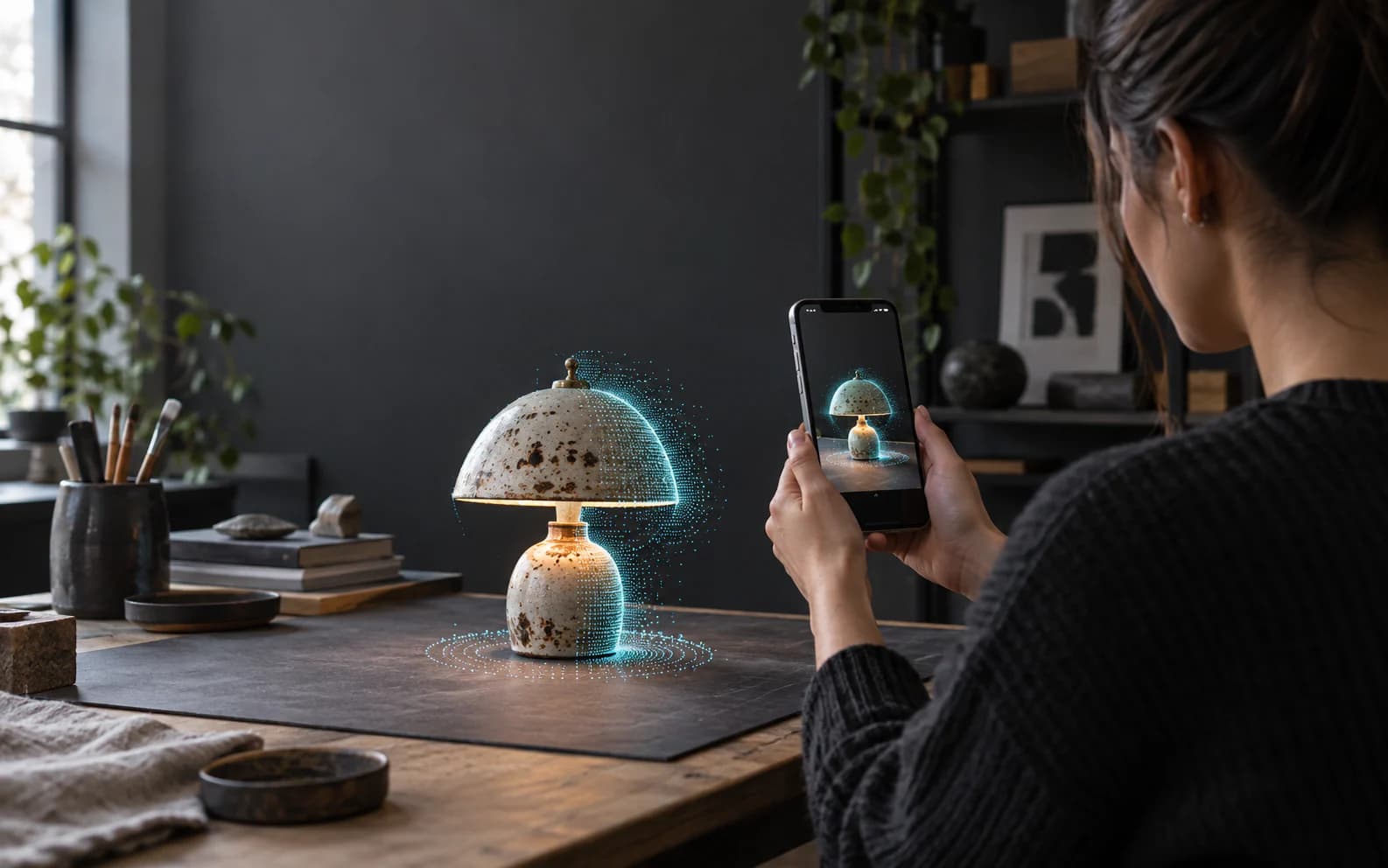
Two capture modes
Choose for what is in front of you.
A shoe and a room need different capture paths. Scan gives each one the method—and the file format—that fits.
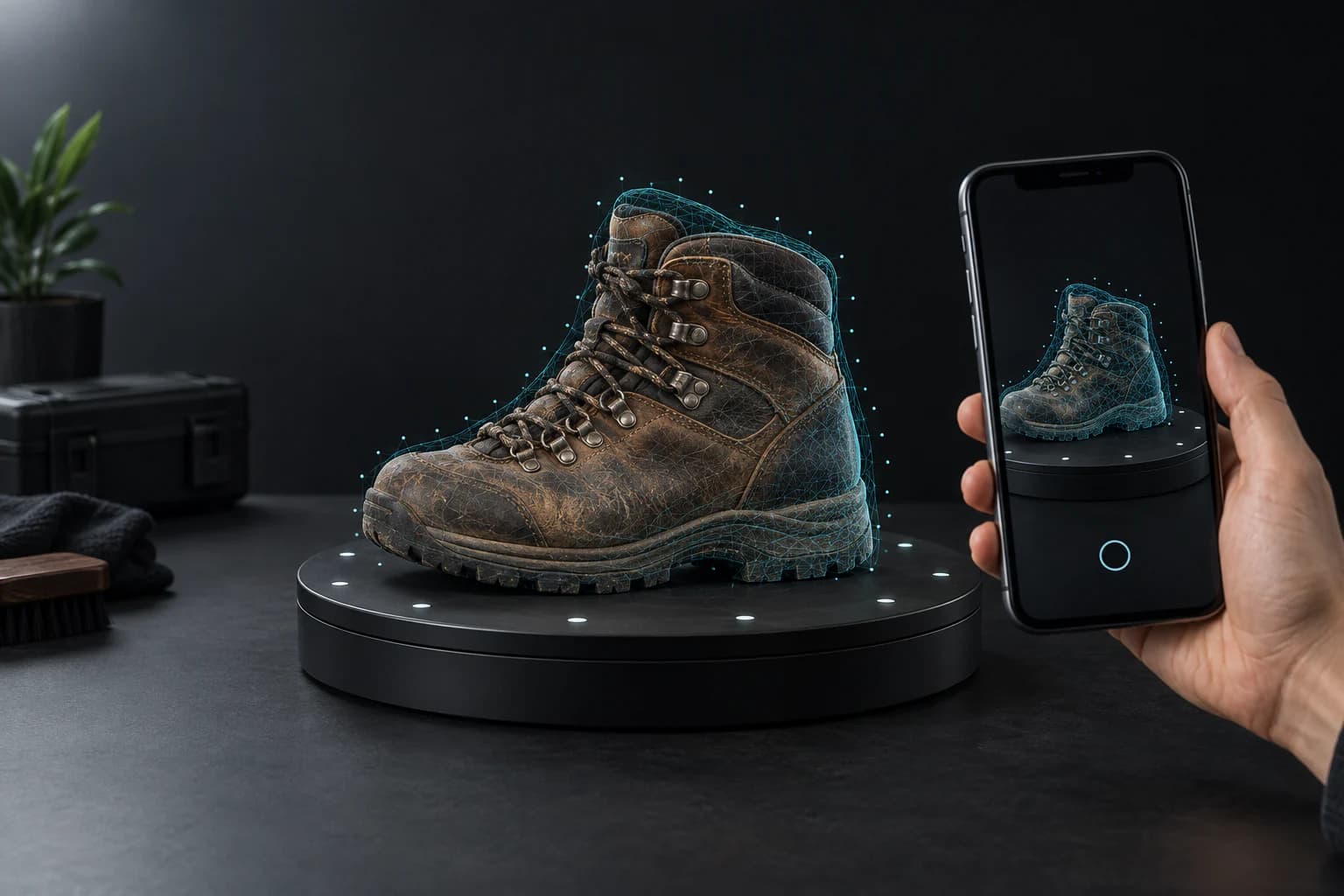
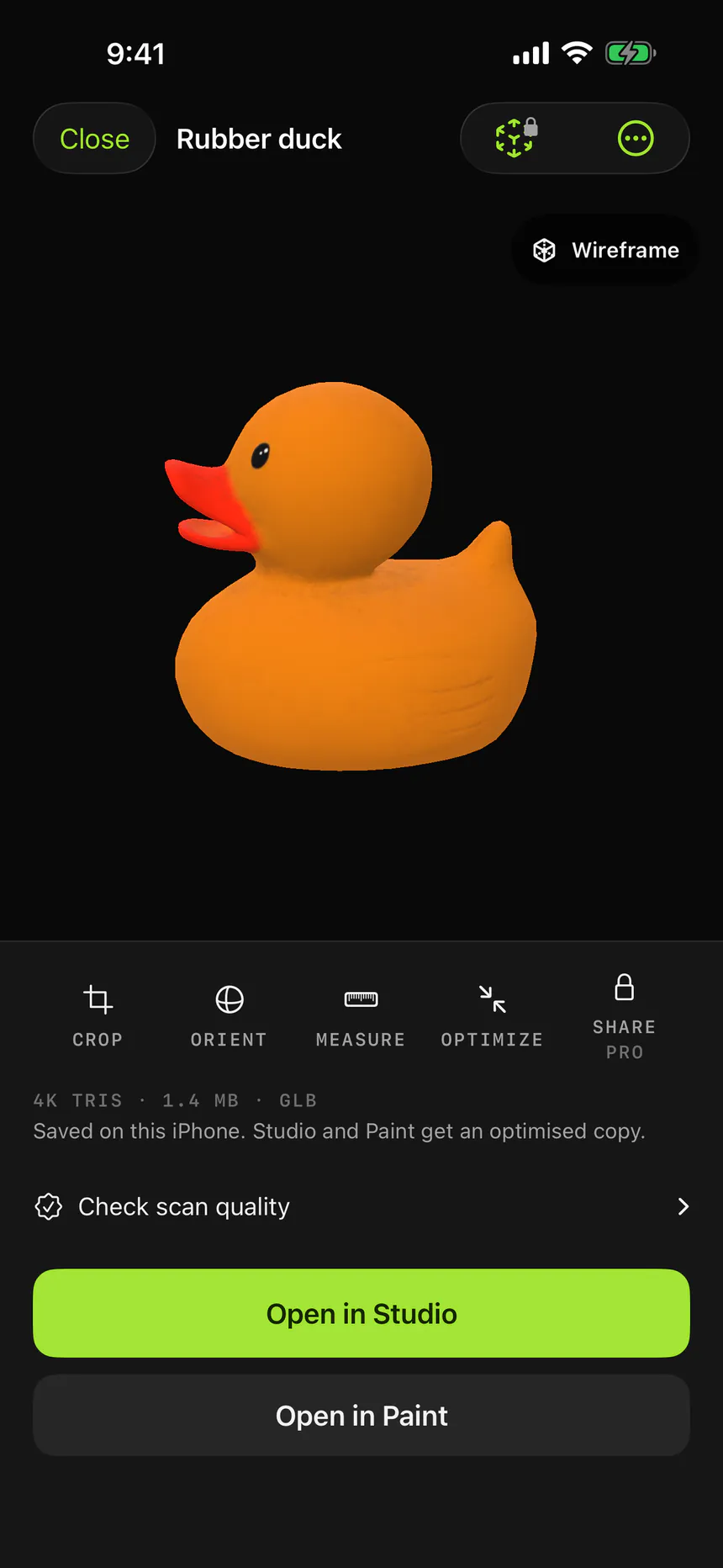
One prop. All the detail.
Follow a guided orbit, add another pass for the underside, and let the iPhone reconstruct a textured model.
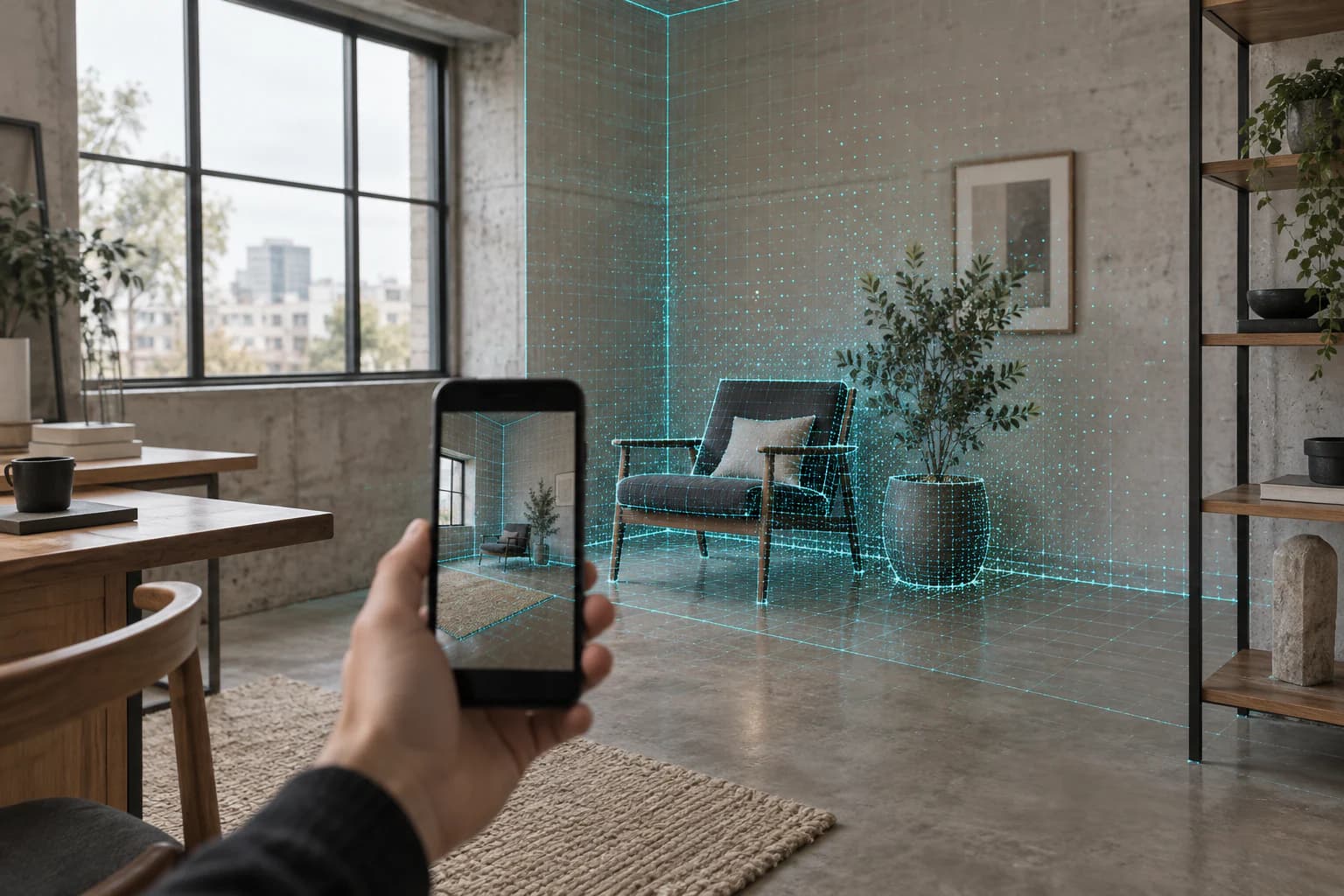
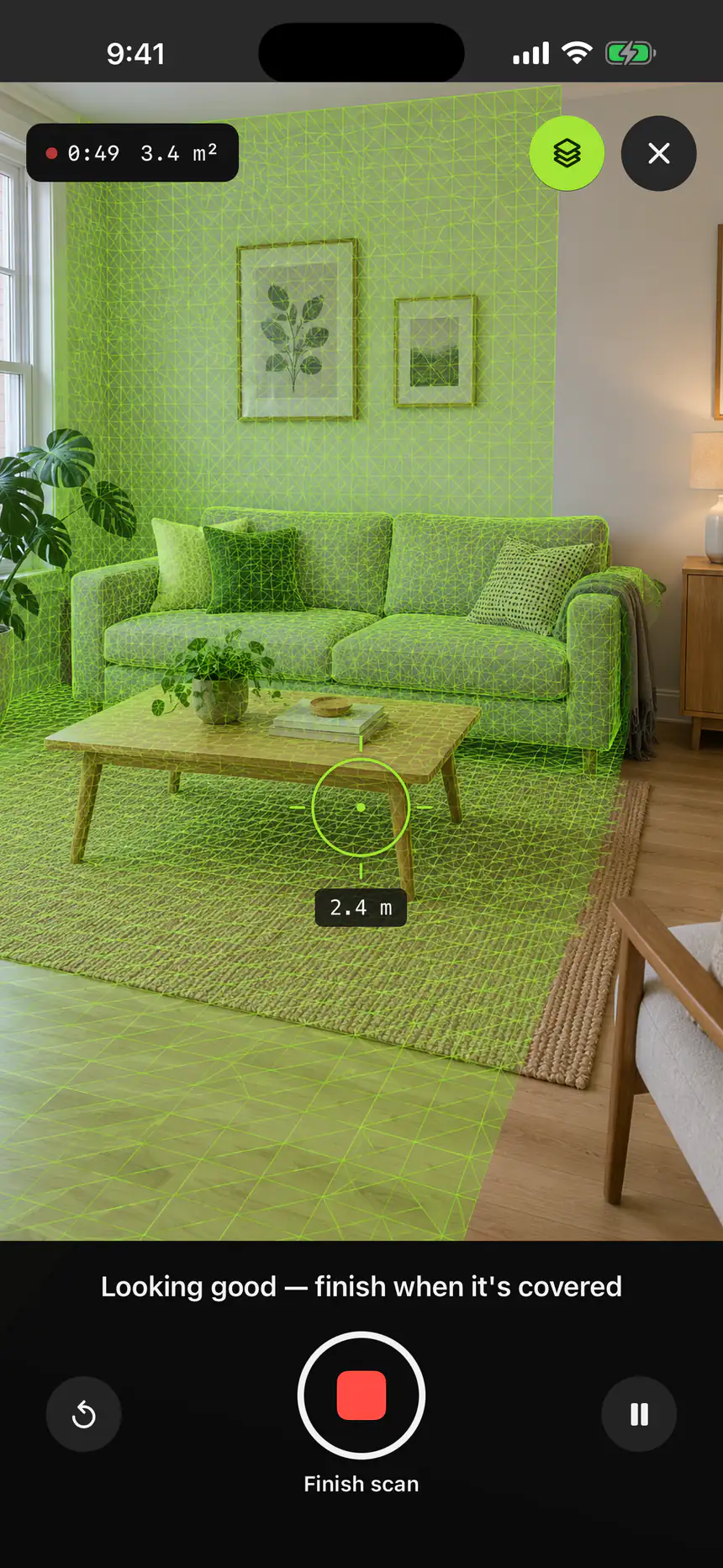
Rooms, walls, and everything bigger.
Watch the mesh grow live as you walk. The result keeps the real-world scale LiDAR measured.
Capture to canvas
Scan it. Open it. Change it.
Frame it
Choose Object or Space. Mixos shows what the sensor can see and guides the capture.
Move around it
Walk a steady path. For objects, finish a full orbit; for spaces, cover the surfaces you need.
Keep working
Preview the result, save it to Scans, then send the same file straight into Studio or Paint.
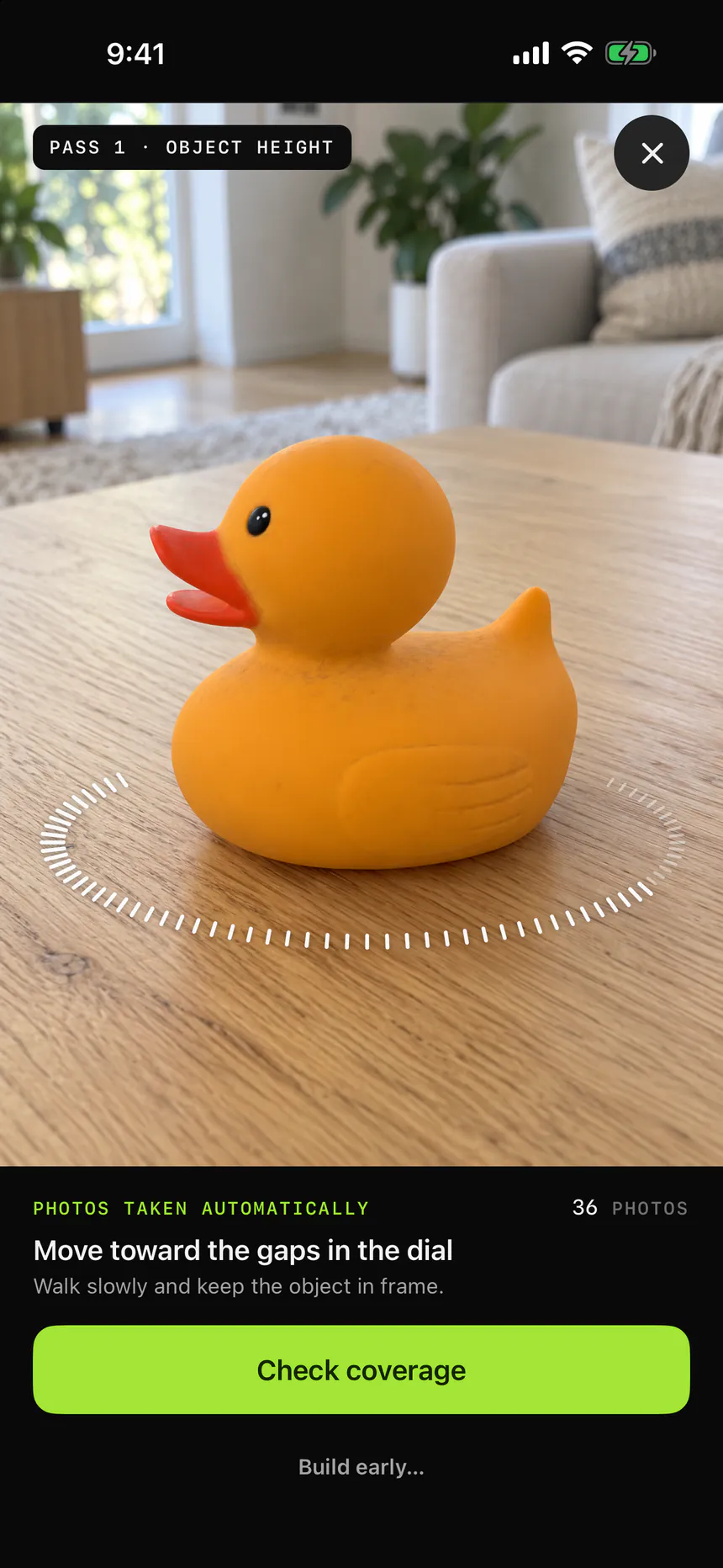
Built on your device
Capture and reconstruction stay on your iPhone. No upload queue between you and the model.
A real file, not a demo
Object mode produces GLB. Space mode produces PLY. Both travel into the same Mixos import path.
Made for the next step
Scans are reduced before handoff so they open comfortably instead of ending in an optimization prompt.
Your next model may already be in the room.
Download Mixos on a supported iPhone or iPad Pro and open Scan from the app home screen.