Mixos Scan · Object mode
Walk around it. Take the model with you.
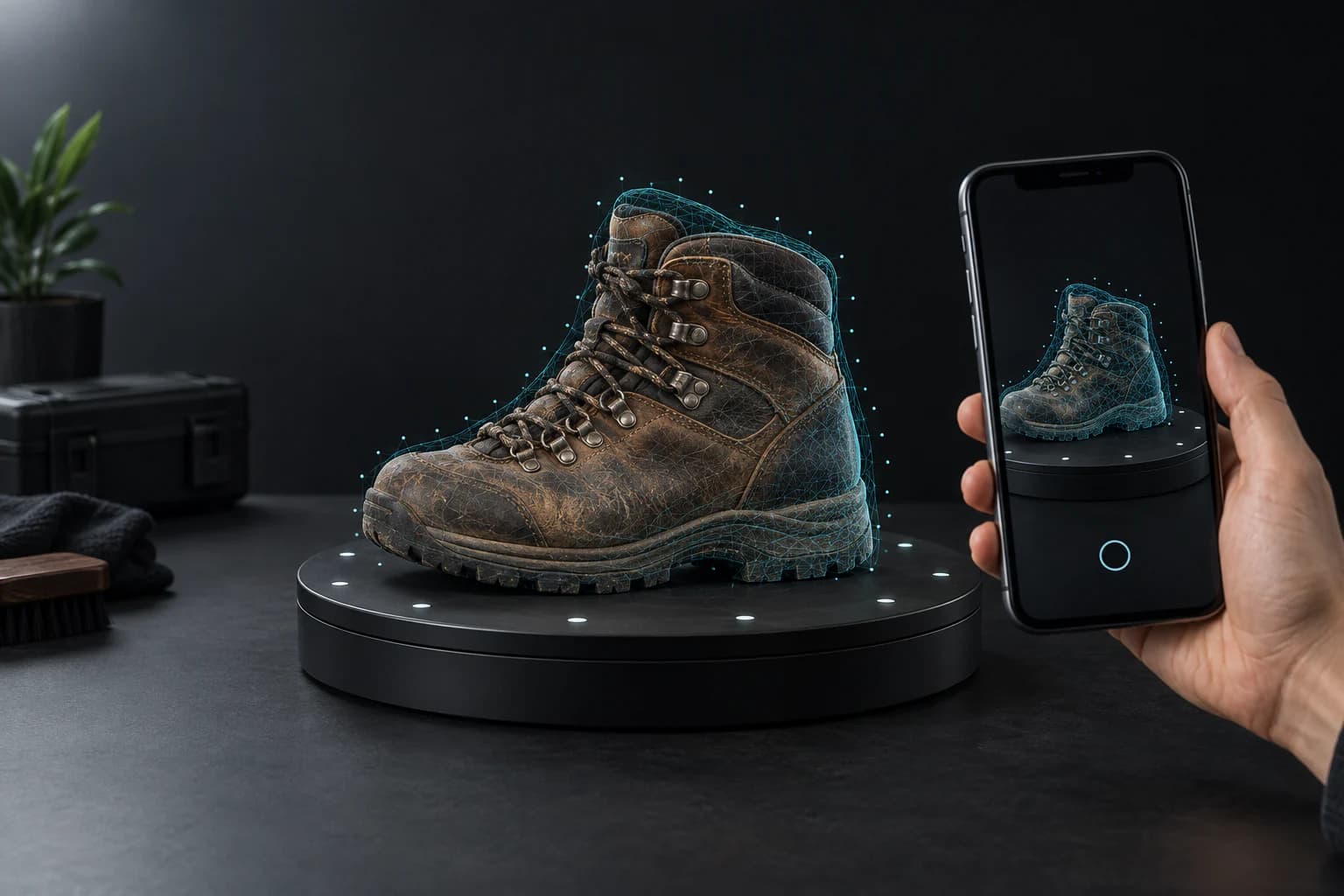
Mixos guides your orbit, captures the details, and reconstructs a textured GLB on your iPhone—ready to light, animate, or paint.
A model you can use
Texture included. Geometry intact.
Object mode combines Apple’s guided capture with on-device reconstruction, then packages the mesh and its texture into one GLB that Mixos already knows how to edit.
GLB
Portable output
Textured
Colour captured
On-device
Reconstruction
Find the object
Place it on a plain surface with enough room to walk all the way around.
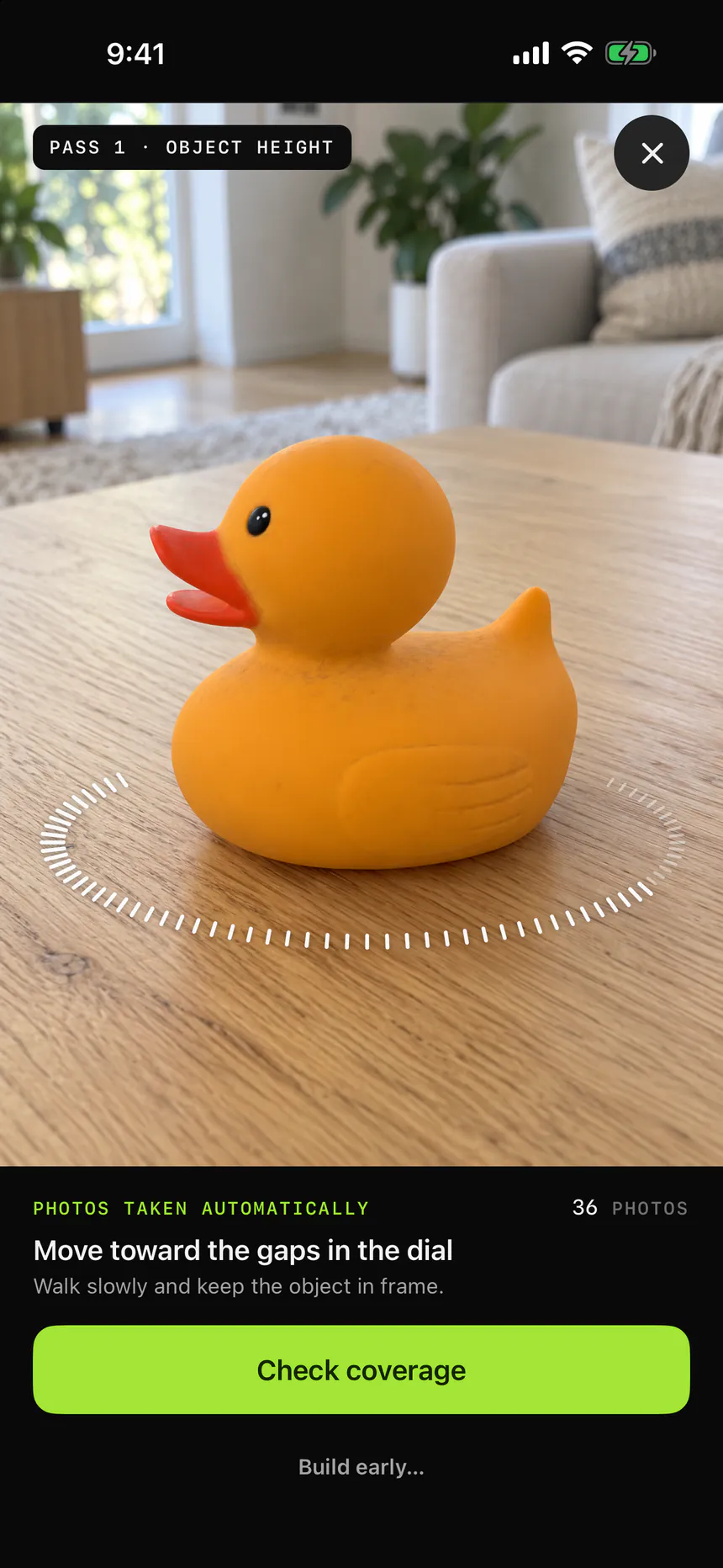
Follow the orbit
Mixos guides the first pass and offers another for the underside before you finish.
Let iPhone build it
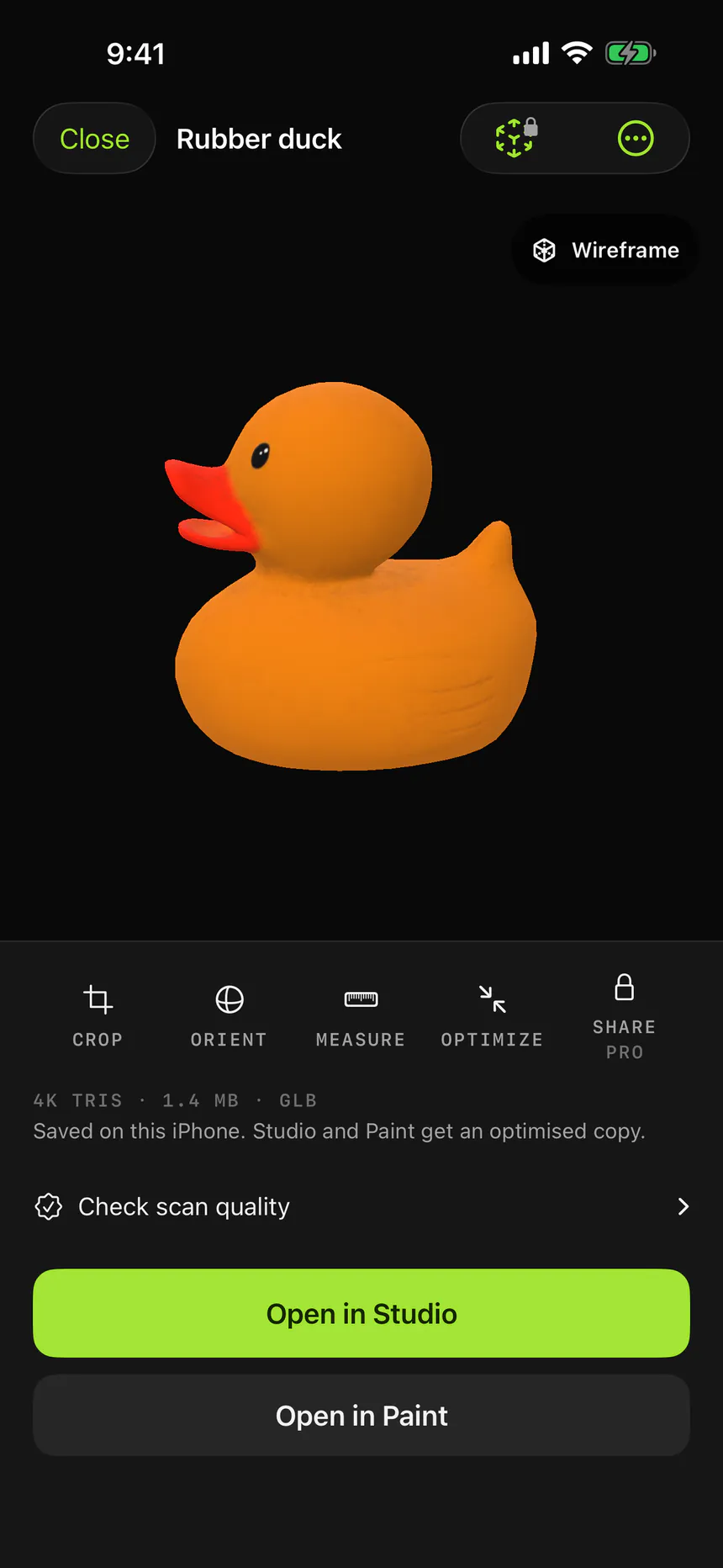
Reconstruction takes a few minutes and runs on the device. The finished model lands in Scans.
Good to know
Before you start scanning.
- What makes a good object?
- A single, still object with visible surface detail and room around it. Transparent, reflective, or very thin subjects are harder for camera-based reconstruction.
- Does it include a texture?
- When Object Capture supplies one, Mixos embeds it in the GLB. The result screen says clearly whether a model is textured or untextured.
- Why does it take a few minutes?
- Object mode reconstructs a textured mesh from a photo set on your iPhone. Space mode is the faster choice when you need live geometry instead.
Built on your device
Capture and reconstruction stay on your iPhone. No upload queue between you and the model.
A real file, not a demo
Object mode produces GLB. Space mode produces PLY. Both travel into the same Mixos import path.
Made for the next step
Scans are reduced before handoff so they open comfortably instead of ending in an optimization prompt.
Your next model may already be in the room.
Download Mixos on a supported iPhone or iPad Pro and open Scan from the app home screen.