The desk layout, in landscape
At 1024px and up an iPad keeps the real rails, with the outliner and inspector on screen beside the model. Turn it upright and the panels fold into sheets from a dock built for fingers.
3D modeling on iPad
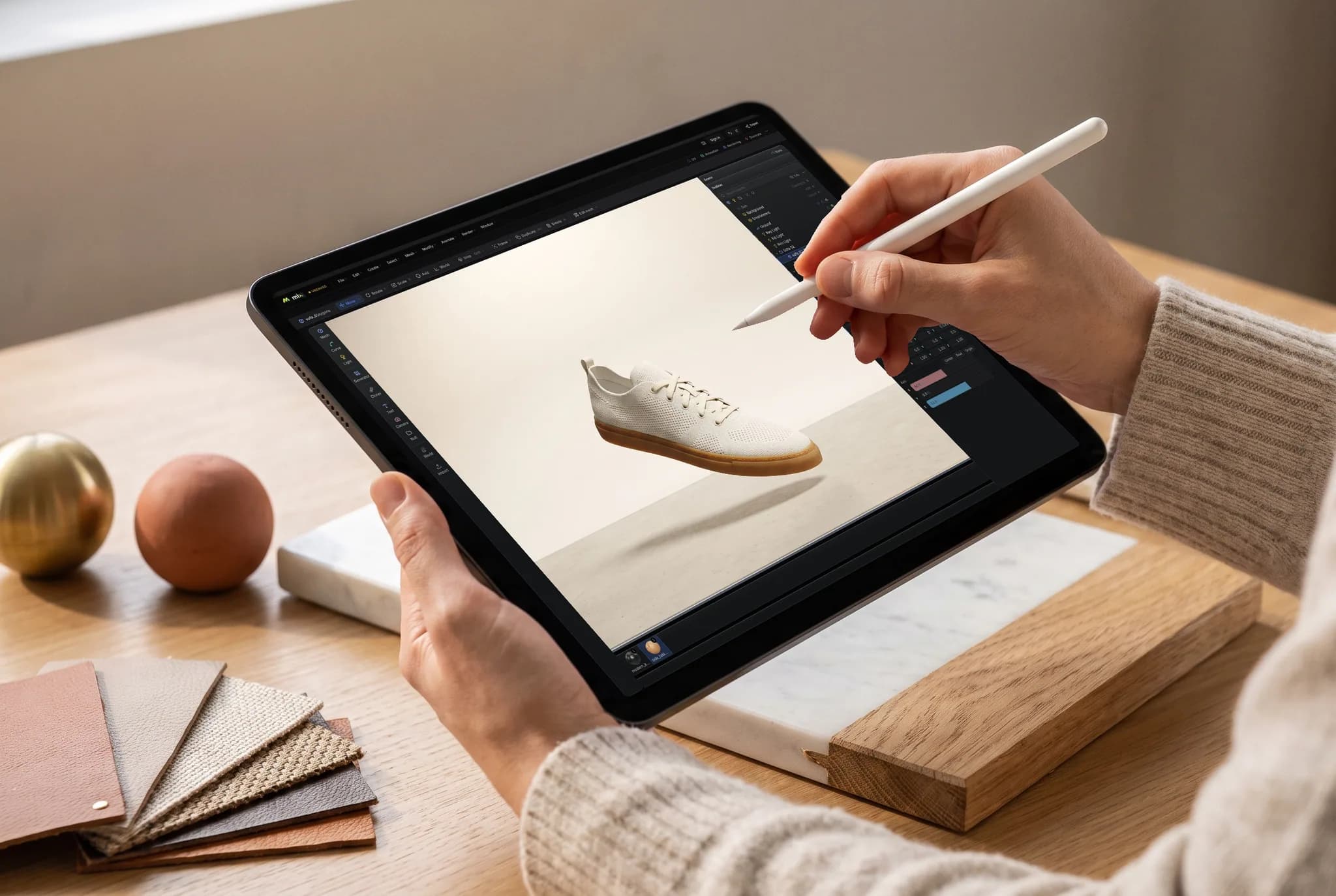
Work directly on points, edges and polygons: extrude, inset and bevel with touch or an Apple Pencil, then arrange, light and render the scene on the iPad's own GPU. Use the free App Store app or open a tab in Safari.
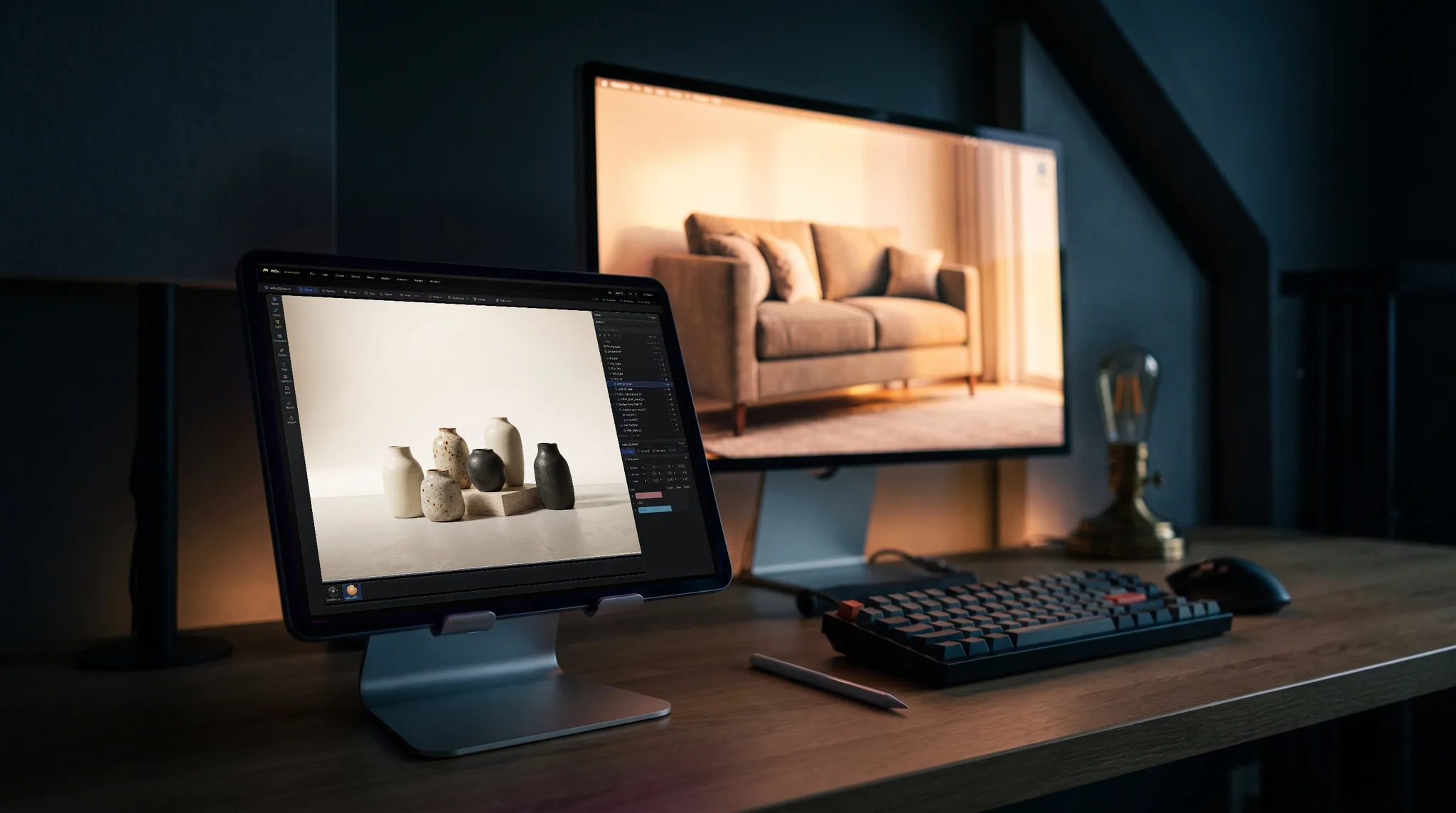
At 1024px and up an iPad keeps the real rails, with the outliner and inspector on screen beside the model. Turn it upright and the panels fold into sheets from a dock built for fingers.
Extrude faces, inset detail and bevel edges, from a simple blockout to a detailed prop. A pen makes picking one edge out of a dense area far easier than a fingertip.
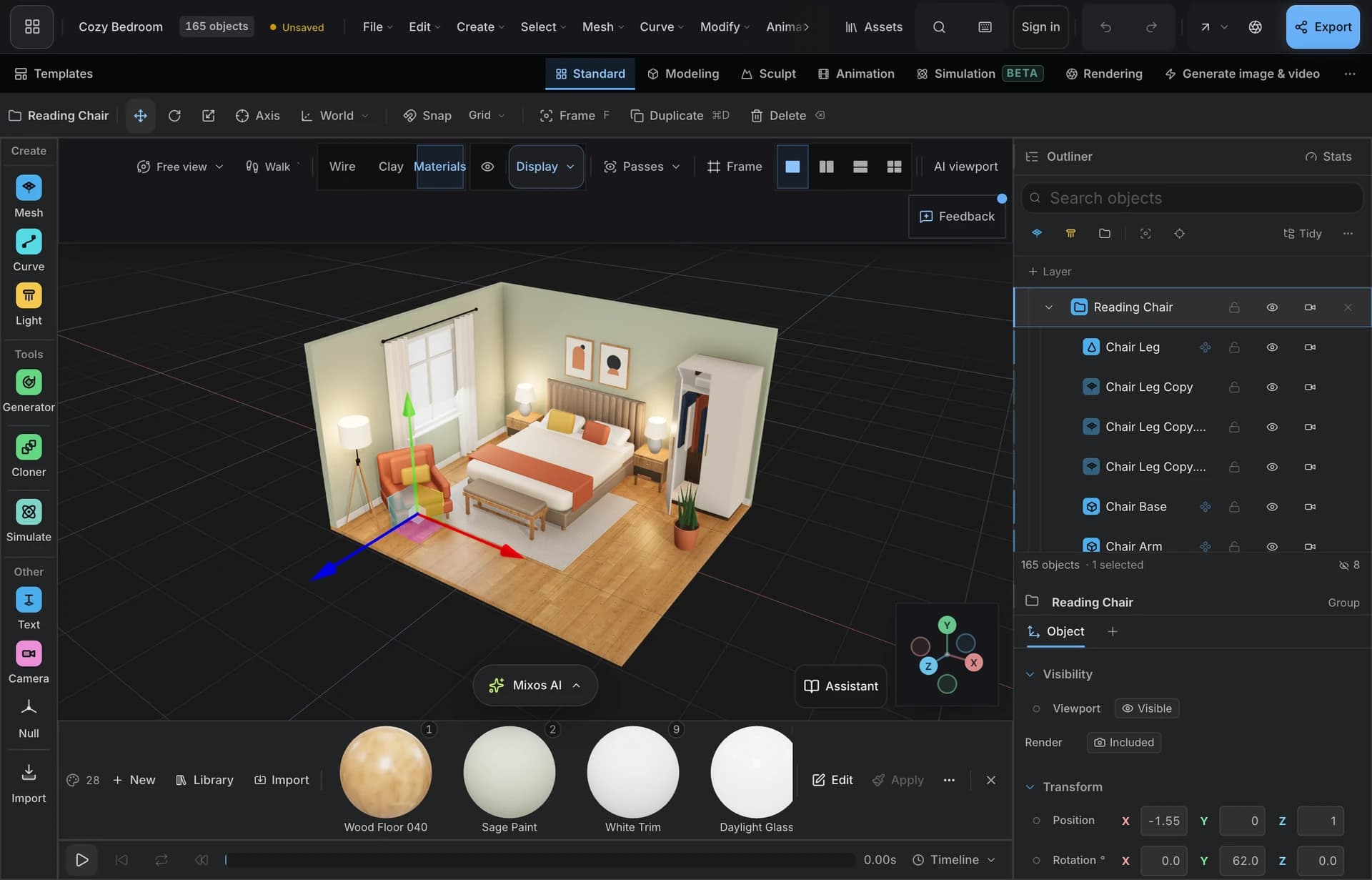
Keep parts in a hierarchy, adjust materials and lights in the same workspace, keyframe the result on a timeline and path-trace a render on the tablet.
Scenes save to your account rather than the tablet, so the same file opens on a Mac, PC or Chromebook. It also imports GLB, glTF, FBX, OBJ and STL.
Why Mixos
The iPad apps people find first do different jobs, and picking the wrong kind is the usual mistake. Shapr3D is CAD: precise solids for parts that have to be manufactured. Nomad Sculpt is digital clay for organic forms. Studio is polygon modeling and scene building, closer to what Blender does on a desktop, and Blender itself does not have an iPad release to compare against.
So if you are dimensioning a bracket for a machine shop, use a CAD app. If you are sculpting a creature, a sculpting app feels better, and Mold, in the same mixos app, does that job. If you are building a prop, a room or a scene that needs materials, light and motion, polygon tools are the right fit.
Studio is the same application on the iPad as on a desktop, rendering through WebGPU, so the tools are not a reduced set redrawn for touch. The App Store app requires iPadOS 26 or later; any iPad whose browser provides WebGPU can also run it in Safari. A faster chip mainly helps heavy scenes and path-traced frames resolve sooner.
Yes. Modeling, assembling, animating and saving scenes are free on every account, with no time limit and no watermark on your work. Taking production files out, such as a model or a clean full-resolution render, requires Pro, Max, Team or a perpetual licence.
No. Studio is polygon modeling for visual work, not parametric CAD. For toleranced parts that go to manufacturing, use a CAD app.
Yes. The Pencil helps most on precision, like picking a single edge or vertex. Fingers do the coarse work of orbiting, panning and zooming.
No. A faster chip helps heavy scenes and rendering, but modeling is comfortable on ordinary hardware that supports WebGPU.
There is no iPad release to install today. See the Blender on iPad page for the options, including running it remotely.
Read next
Vertices, edges and faces — the box-modelling fundamentals.
Which of the two approaches fits the thing you're making.
Which format keeps materials and which throws them away.
Why the same texture reads bigger on one model than another.
Keep exploring

3D animation on iPad
Blender on iPad

Sculpting on iPad

3D texturing on iPad
Online 3D modeling