Sharp in the US
USDA NAIP aerial photography at around 0.6–1 m per pixel — streets, fields and tree lines clearly visible.
Satellite imagery on terrain
Import any area and choose a photographic ground: high-resolution aerial photography across the US, and cloud-free Sentinel-2 satellite imagery everywhere else, draped precisely over the real terrain. Both sources allow commercial use with credit.
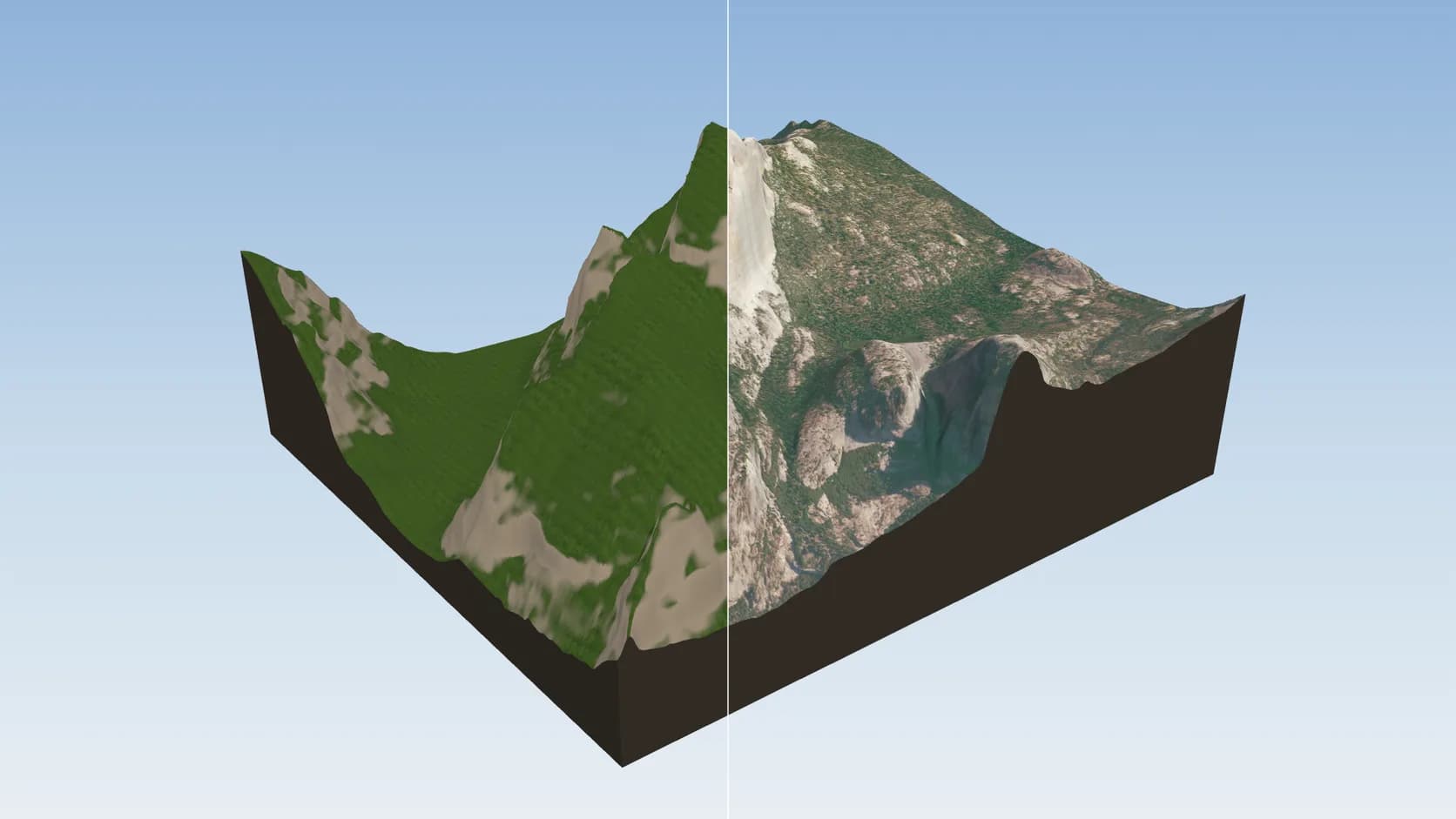
USDA NAIP aerial photography at around 0.6–1 m per pixel — streets, fields and tree lines clearly visible.
Everywhere else, the cloud-free Sentinel-2 mosaic at about 10 m per pixel gives a convincing landscape from mountains to coastlines.
Imagery is fetched for exactly your box and projected into the same frame as the terrain, so rivers sit in their valleys.
No imagery from map services whose terms forbid using their photos in 3D models — only sources that allow commercial use with credit.
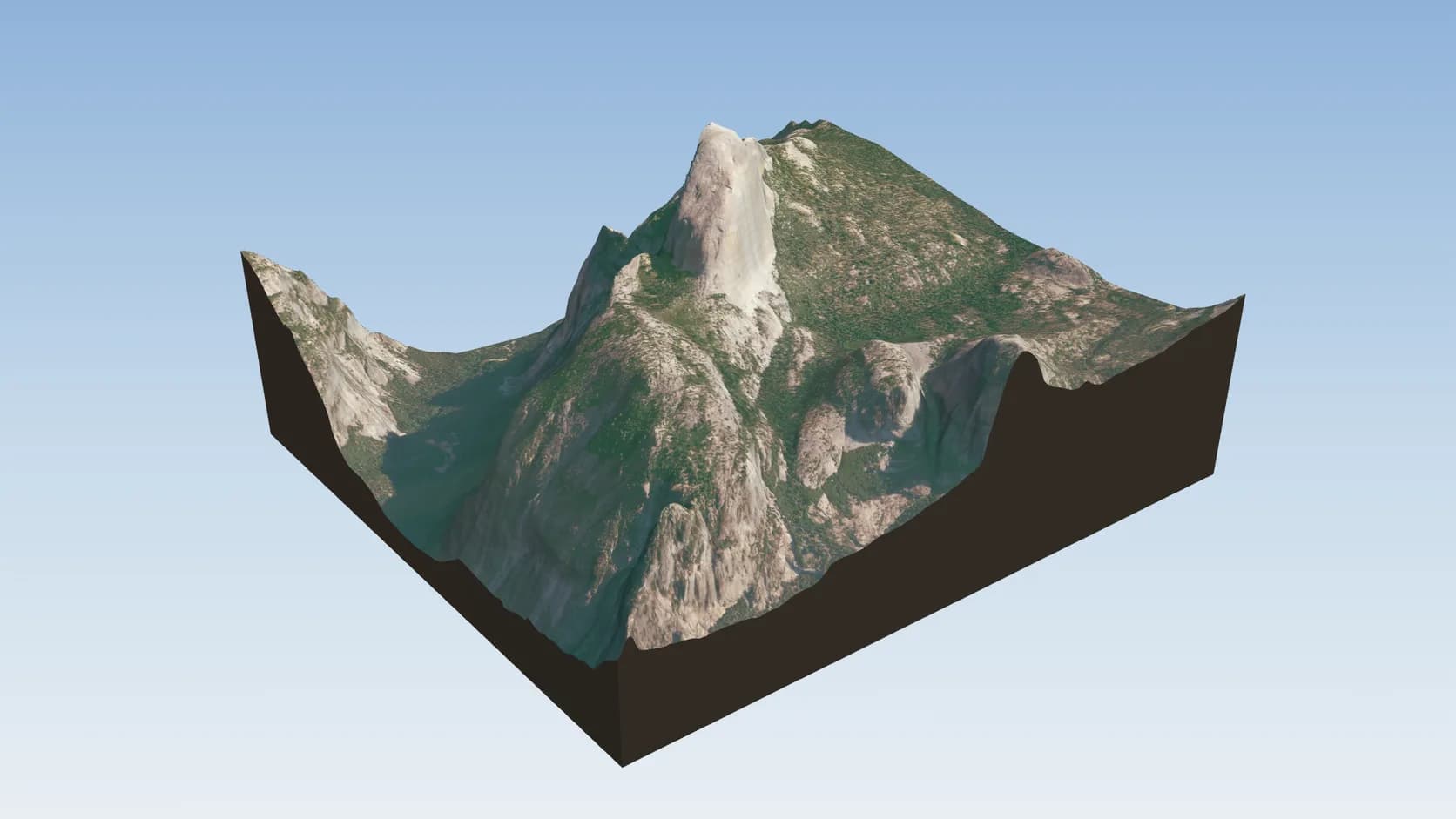
NAIP aerial photography at about 0.6–1 m per pixel, draped over the real terrain.
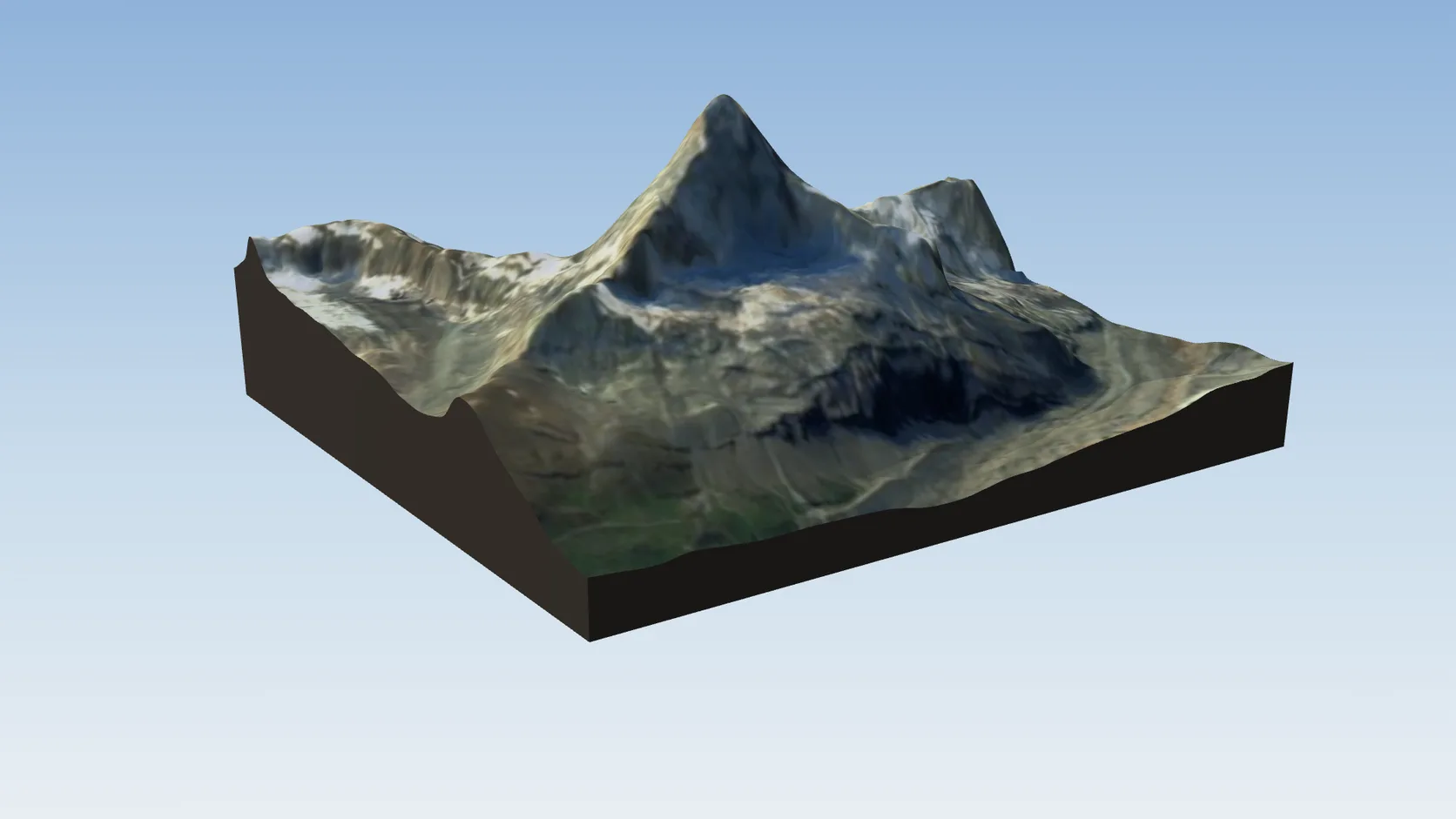
The 2016 Sentinel-2 cloudless mosaic at about 10 m per pixel, licensed CC BY 4.0.
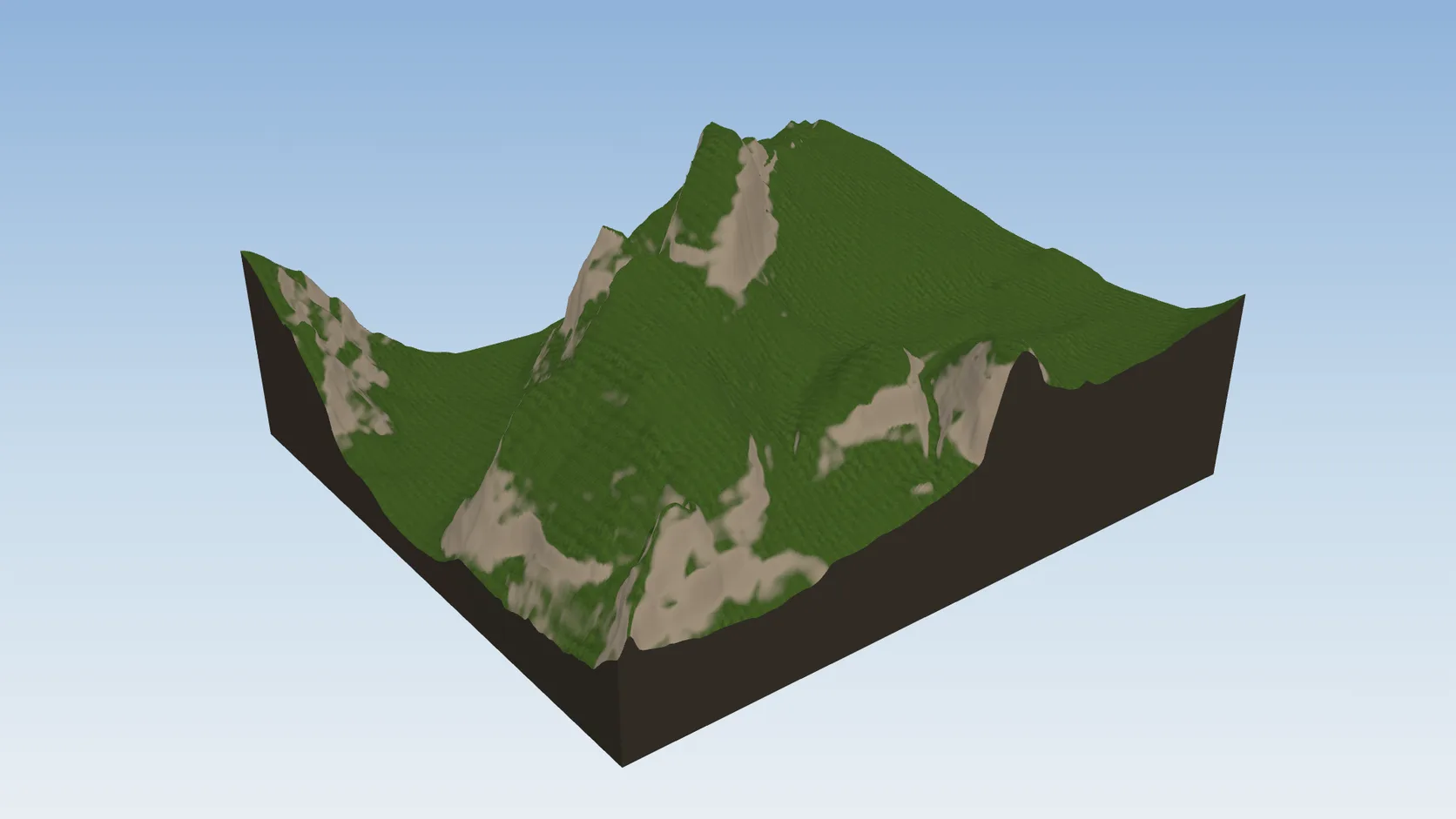
Photographic or library-material ground is one choice, and buildings and roads keep their own materials either way.
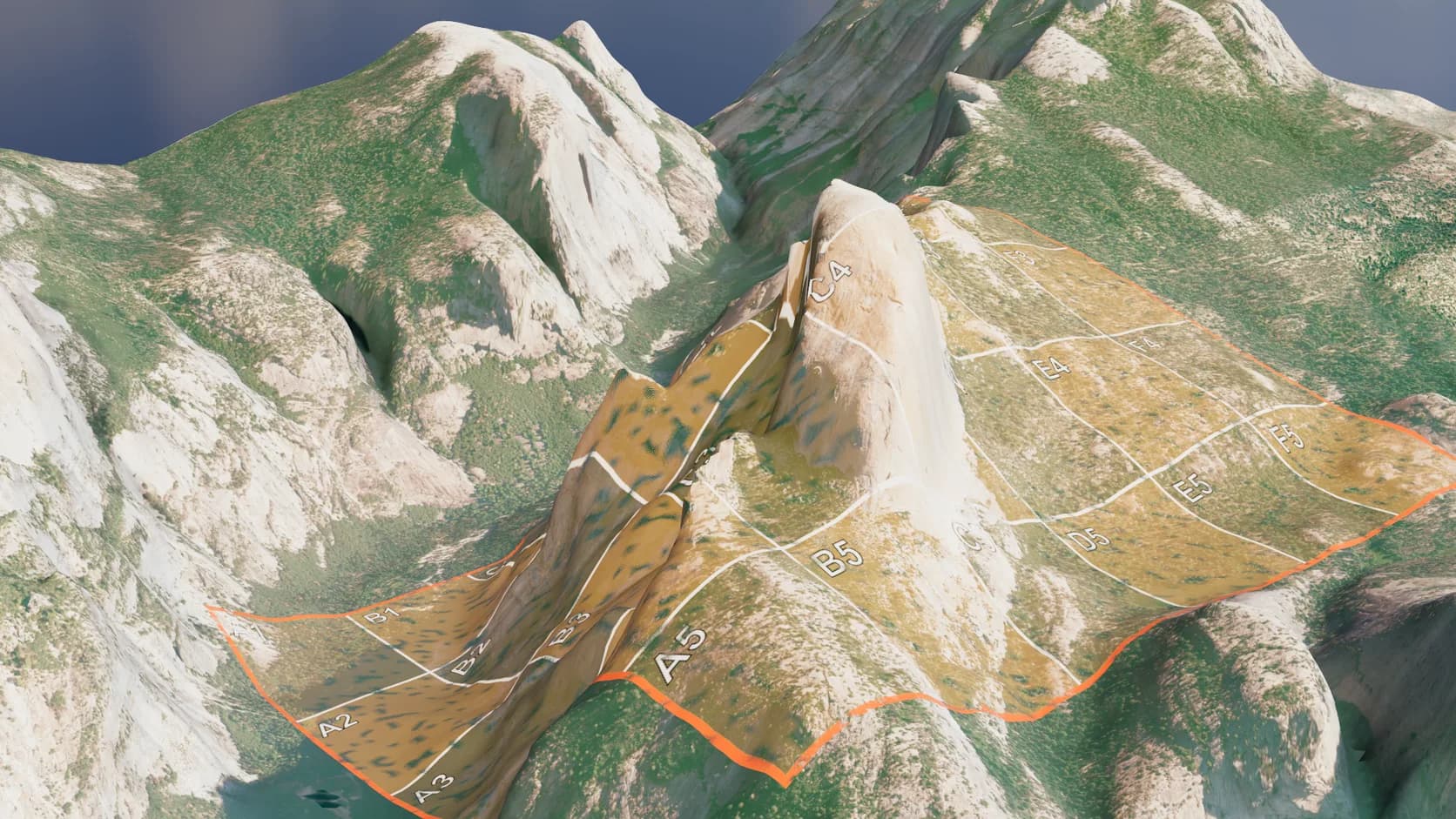
A PNG, JPEG or WebP with its world file, or an RGB GeoTIFF, is cut from the terrain's own triangles so it hugs the ground.
Why Mixos
Draping a satellite photo over terrain is easy. Using one you are allowed to use is not. The popular web map services' terms generally forbid extracting their imagery into other products, and some satellite mosaics are free only for non-commercial work. A render made from those can be fine on your desktop and a problem the moment it is in a client video or on a product page.
Mixos only drapes imagery whose licence allows commercial use. In the United States that is NAIP, aerial photography flown for the US Department of Agriculture and published as public-domain data with attribution, at about 0.6–1 m per pixel. Elsewhere it is the 2016 edition of EOX's Sentinel-2 cloudless mosaic, built from European Copernicus satellite data and licensed CC BY 4.0, at about 10 m per pixel. Later editions of that mosaic are non-commercial, so they are not used.
The imagery is fetched for exactly the area you imported, projected into the same metre-based frame as the terrain, and applied as the ground texture. The credit for whichever source was used is stored with the scene next to the OpenStreetMap and elevation credits.
Photographic ground is not always what you want. Shadows are baked into aerial photos, colour varies between flights, and 10 m satellite pixels blur up close. For a clean designed look, the material-based ground — grass, paving and water from the library — is still one click away.
Yes. NAIP is public domain with attribution, and the 2016 Sentinel-2 cloudless mosaic is CC BY 4.0. Keep the credit that mixos stores with the scene in your published work.
Yes. Import a PNG, JPEG or WebP with its world file, or an RGB GeoTIFF, and it is cut to the terrain's own triangles so it hugs the ground. Geographic, Web Mercator and UTM coordinates are read.
Their terms generally do not allow extracting imagery into 3D models and other products. Mixos only uses sources that do.
About 0.6–1 m per pixel in the US with NAIP, and about 10 m per pixel elsewhere with Sentinel-2. Fine for landscapes and aerial views; soft for street-level close-ups.
Yes. The ground can use photographic imagery, library materials, the OpenFreeMap street map or a topographic map, switched after the import from the Real place panel, and buildings and roads keep their own materials either way.
Read next
Which format keeps materials and which throws them away.
Open the file in the browser — meshes, materials, triangle count.
Watertight remesh, thickened walls, and the checks that stop a bad print.
Key, retime and ease a move, step by step.
Keep exploring
3D terrain generator
DEM Earth alternative
3D map maker
3D city model generator
3D relief map maker
GPX to 3D map