Mixos vs Quixel Mixer
Mixos vs Quixel Mixer, and what to use now.
Quixel Mixer made material mixing free and approachable — but Epic officially discontinued it in February 2026, shipping a final offline build with no further updates or support. If you mixed and painted materials in Mixer, here's how a still-updated, browser-based tool compares.
Feature by feature
Mixos vs Quixel Mixer, line by line.
A lime check marks the tool with the edge on each row. Where it's a wash, neither gets one — including the rows Quixel Mixer wins.
| Feature | Mixos | Quixel Mixer |
|---|---|---|
| Development status | Actively developed and updated | Discontinued — final build Feb 2026, no further updates or support |
| Runs in | Any browser — Mac, Windows, Linux, Chromebook, iPad | Desktop app (Windows, macOS) |
| Install & setup | None — open a URL | Desktop install |
| Pricing | Free to author; Pro from $8.99/mo | Free |
| Mix & layer PBR materials | Yes — layers, masks, height blend | Yes |
| Paint on the 3D model | Yes — real-time WebGPU viewport | Yes |
| Material library | 2,600+ built-in smart materials | Megascans integration (via Fab) |
| AI generation | Built in — materials, textures, masks, decals | None |
| Export PBR maps | Up to 4K map sets + .glb | Yes |
| Ongoing support & updates | Yes | No |
So which should you use?
Quixel Mixer was a free desktop tool for mixing and painting PBR materials, tightly integrated with the Megascans library — officially discontinued by Epic in February 2026 with a final stand-alone build.
Choose Mixos if…
- Mixer is officially discontinued — Mixos is actively maintained and updated.
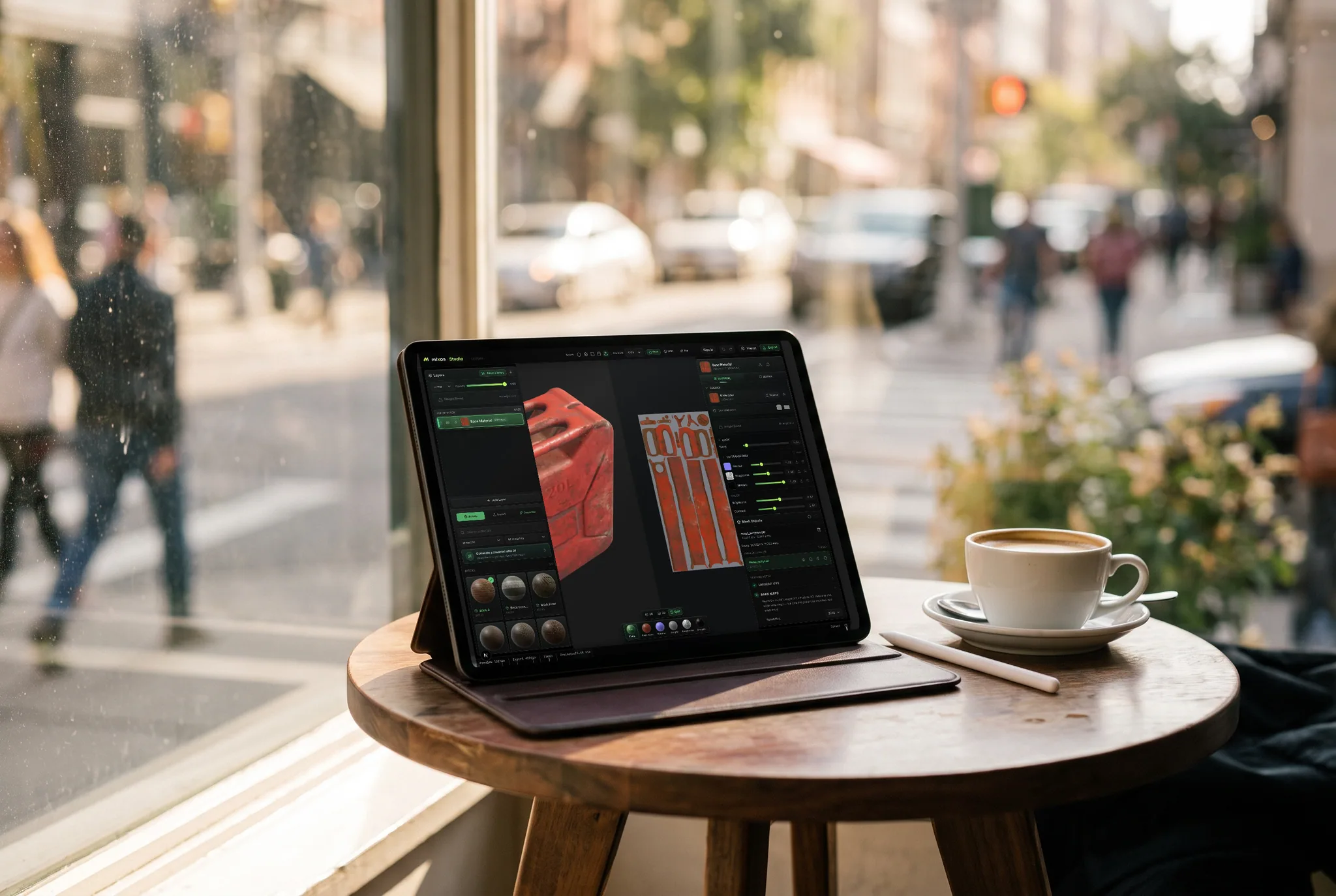
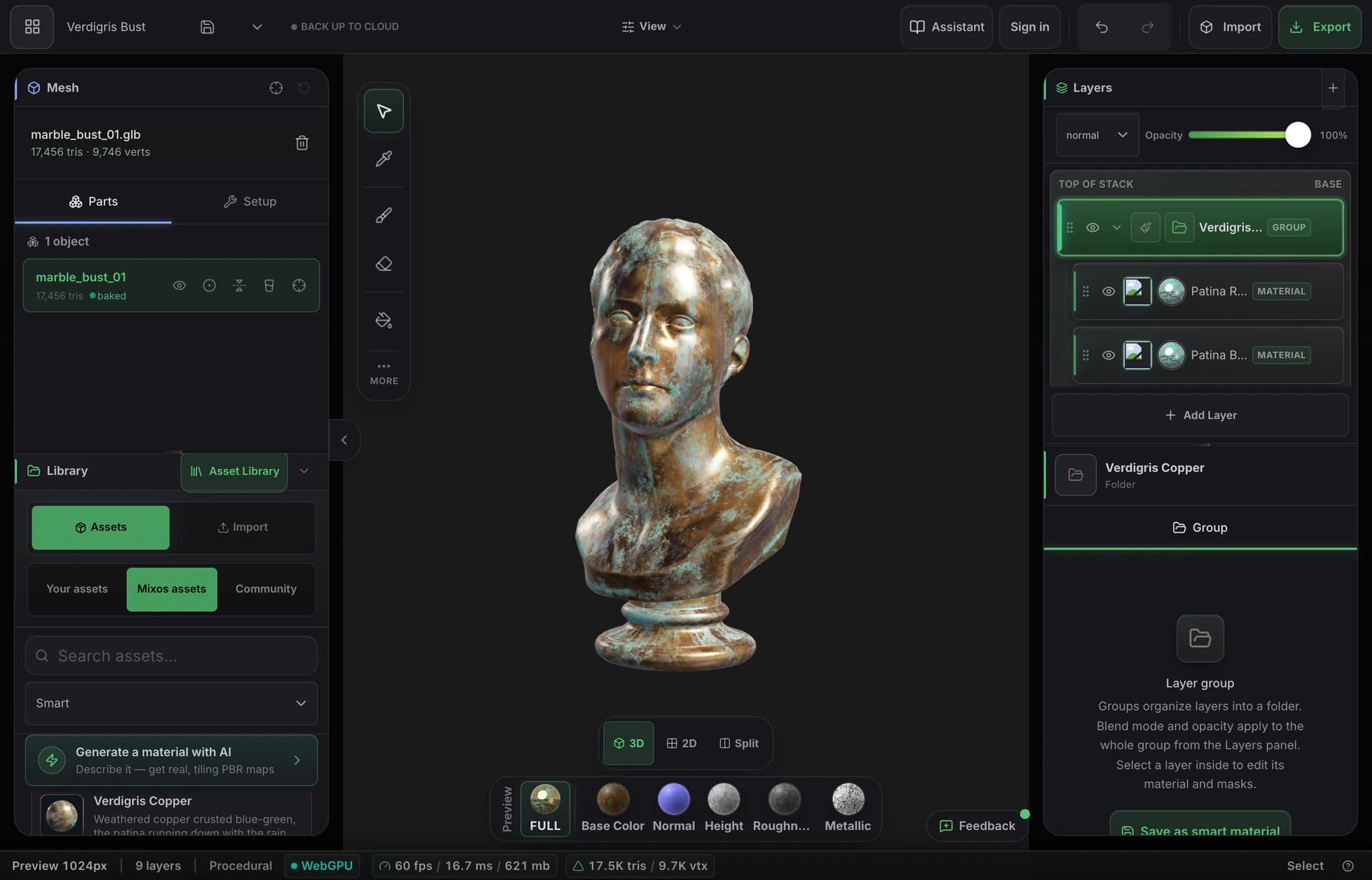
- You want to mix and paint materials in the browser with nothing to install.
- Built-in AI generation gives you a way to create materials from a prompt, which Mixer never had.
Choose Quixel Mixer if…
- You're deep in the Megascans ecosystem and specifically want that scan library (now distributed through Fab).
- You have an existing Mixer setup and projects you'd rather not move yet.
The bottom line
A still-maintained home for material mixing
Quixel Mixer earned its place by making layer-based material mixing free and friendly, backed by the enormous Megascans library. But after years of silence following the move under Epic's Fab marketplace, the end became official in February 2026: Epic released a final offline build and announced there would be no further updates and no support. If you built your workflow on Mixer, the question is no longer whether to move — it's where to.
Mixos covers the same core job — stack and mix PBR materials, mask them, height-blend them, and paint onto the model — and it's actively developed, runs entirely in the browser, and adds prompt-based AI generation that Mixer never had. Blend, the standalone Mixos material mixer, is the most direct match if mixing tileable materials (no mesh required) is what you came to Mixer for.
The honest caveat: Mixer's tight Megascans integration was a big part of its appeal, and Mixos doesn't bundle the Megascans library. If that scan content is the reason you use Mixer, you'll still be reaching for Fab. For everything else — the mixing workflow, painting, export, and now AI — a maintained browser tool is the safer place to build going forward.
Frequently asked questions
Is Quixel Mixer discontinued?
Yes — officially. In February 2026 Epic released a final offline build of Mixer and announced there would be no further updates and no support; online access to its asset library was removed in that build. The app still runs, but it's frozen — which is why many users are looking for a maintained replacement.
What's the closest Mixos equivalent to Mixer?
Blend — the standalone Mixos material mixer — is the most direct match for mixing tileable PBR materials without a mesh. The full Mixos editor adds painting directly on a 3D model, masks, baking, and export on top.
Can I still use Megascans assets with Mixos?
Mixos ships its own library of 2,600+ smart materials and a free CC0 texture library, plus AI generation. It doesn't bundle Megascans, so if you specifically need that scan content you'd still source it from Fab and bring the maps in.
Is Mixos free like Mixer was?
Mixos is free to author in — mix, paint, mask, and preview at full quality without paying. You only need a paid plan ($8.99/mo Pro) to export at production resolution, use more AI credits, and keep a cloud project library.

Try it yourself. No install.
Open a tab and texture a model in minutes — free to author, nothing to download, and you can decide for yourself how it compares.